




Here's how it works



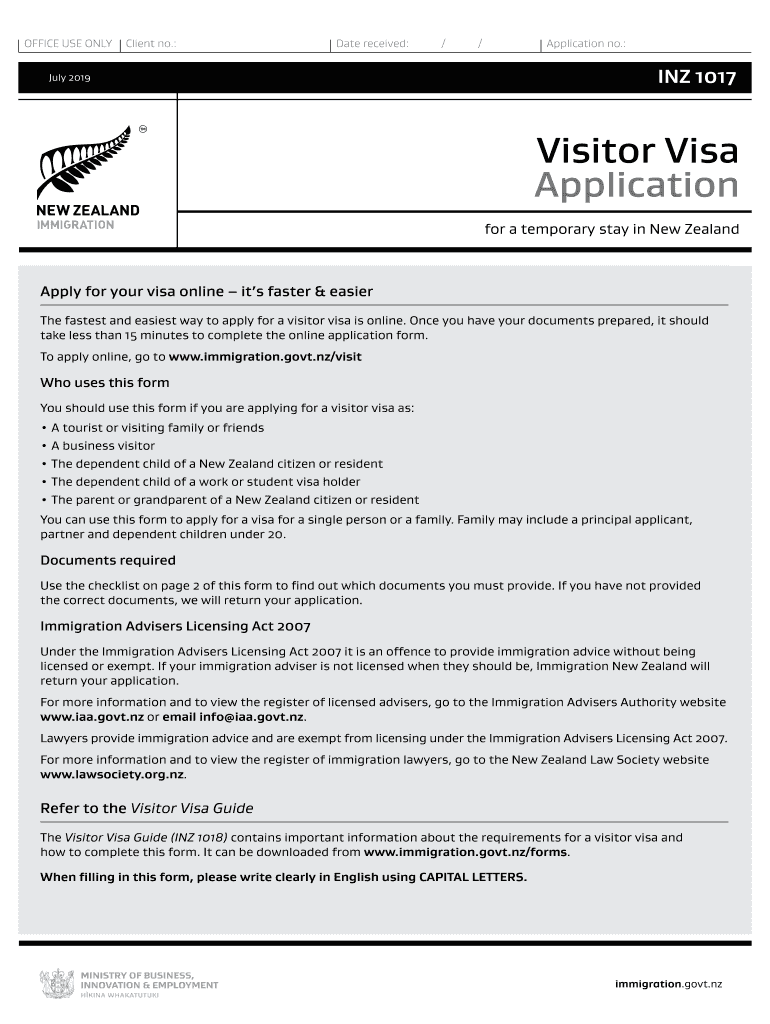
How to use or fill out New Zealand Visitor Visa with our platform

- Click ‘Get Form’ to open the New Zealand Visitor Visa application in the editor.
- Begin by filling out Section A with your personal details. Ensure you write clearly in CAPITAL LETTERS and attach two recent passport-sized photographs.
- In Section B, provide your contact details, including your current residential address and email. This is crucial for communication regarding your application.
- Complete Section C if applicable, detailing your partner’s information. If they are included in the application, attach their photographs as well.
- For dependent children, fill out Section D for each child included in the application, attaching their photographs and providing necessary details.
- Proceed to Section E regarding health. Answer all questions truthfully and provide any required medical certificates if applicable.
- In Section F, answer character-related questions honestly. This section is mandatory for all applicants.
- Finally, review all sections for accuracy before submitting your completed form through our platform.
Start using our platform today to simplify your New Zealand Visitor Visa application process!
It's free
See more new zealand visitor visa versions
| Versions | Form popularity | Fillable & printable |
|---|---|---|
| 2024 | 4.8 Satisfied (27 Votes) | |
| 2021 | 4.8 Satisfied (91 Votes) | |
| 2019 | 4.3 Satisfied (176 Votes) | |
| 2019 | 4.4 Satisfied (208 Votes) | |
| 2018 | 4.3 Satisfied (157 Votes) | |
| 2012 | 4.4 Satisfied (62 Votes) | |
| 2011 | 4 Satisfied (32 Votes) | |
| 2010 | 4 Satisfied (37 Votes) | |
| 2009 | 4 Satisfied (40 Votes) | |
| 2008 | 4.3 Satisfied (48 Votes) |
Got questions?
Can I sign my visitor visa nz form electronically?
As outlined by eSignature laws, forms signed digitally have the same validity as those approved with pen and paper. You can eSign almost any business and private paperwork. Four types of documents still call for handwritten signatures only - wills and testamentary trusts, court orders and other court papers, state statutes governing divorce, adoption, or other family law, and notice of cancellation of utility services. If you follow the rules and use a secure and compliant software solution, like DocHub, you can eSign your visitor visa nz form without printing it.
How do you complete visitor visa form nz online?
You can complete and eSign your visitor visa form nz online, even on a tight deadline. All you need to access high quality editing instruments on any device is a DocHub profile, that you can sign up within a couple of moments. When you register, upload your document or find what you are searching for in our catalog, complete it utilizing the editing instruments you need, and put your electronic signature on it at the end.
Security and compliance
At DocHub, your data security is our priority. We follow HIPAA, SOC2, GDPR, and other standards, so you can work on your documents with confidence.
Learn more


