




01. Edit your tenancy board nova scotia online
Type text, add images, blackout confidential details, add comments, highlights and more.

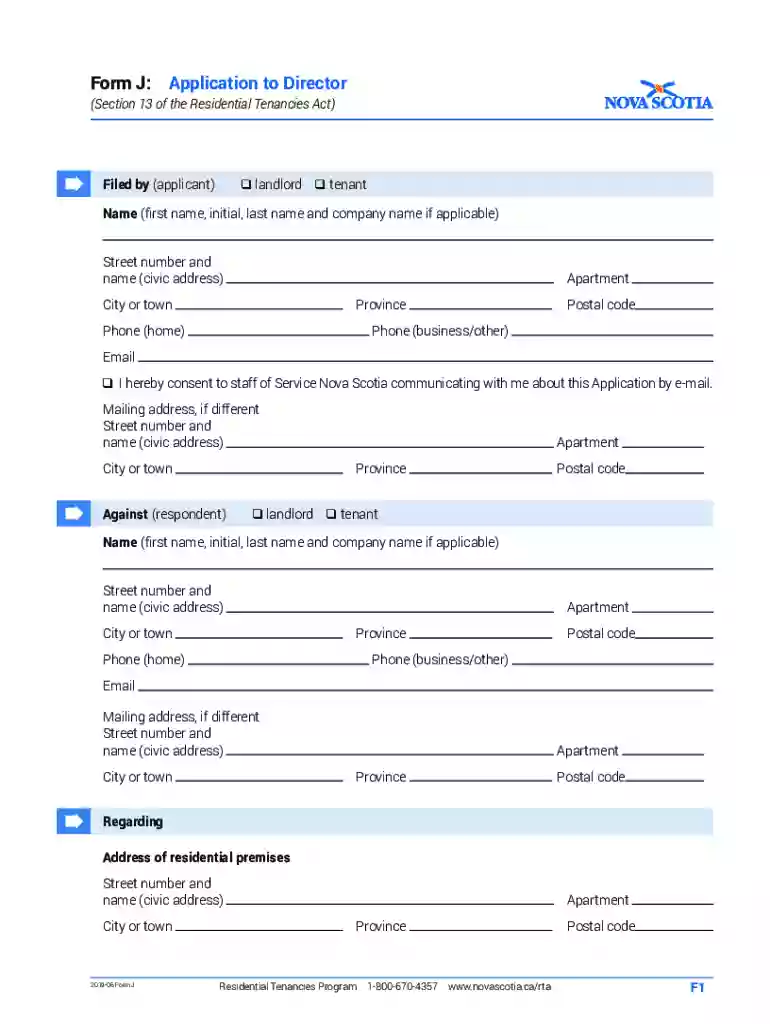
Type text, add images, blackout confidential details, add comments, highlights and more.

Draw your signature, type it, upload its image, or use your mobile device as a signature pad.

Send nova scotia tenancy board via email, link, or fax. You can also download it, export it or print it out.

Start using our platform today for free to streamline your form completion process!
We've got more versions of the tenancy board nova scotia form. Select the right tenancy board nova scotia version from the list and start editing it straight away!
At DocHub, your data security is our priority. We follow HIPAA, SOC2, GDPR, and other standards, so you can work on your documents with confidence.
Feb 1, 2006 Handbook F-66D provides updated guidance concerning major operating expense investments, business initiatives, alliances, and developmental realRead more
Landlord-Tenant Information forms and publications available from this website are intended to assist both residential landlords and tenants to understandRead more
TENANTS REPAIRS AND MAINTENANCE: The Tenant shall: (a) Pay for all repairs, replacements and damages caused by the act or neglect of the Tenant, the TenantsRead more


