



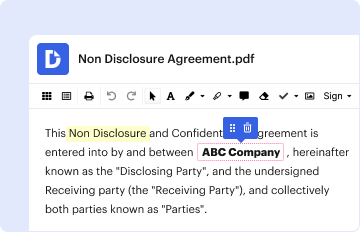
01. Edit your et 133 online
Type text, add images, blackout confidential details, add comments, highlights and more.

Type text, add images, blackout confidential details, add comments, highlights and more.
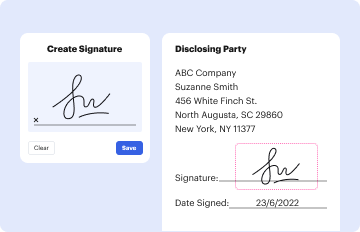
Draw your signature, type it, upload its image, or use your mobile device as a signature pad.
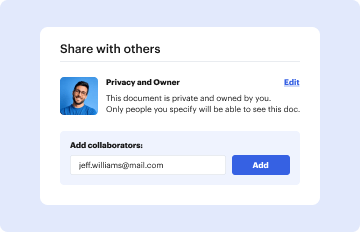
Send it via email, link, or fax. You can also download it, export it or print it out.

Start using our platform today to simplify your document editing and form completion process for free!
We've got more versions of the et 133 form. Select the right et 133 version from the list and start editing it straight away!
Yes, a typed name is recognized as a valid electronic signature when you create it on your form using a compliant solution like DocHub. Simply add your et 133 to our editor, click Sign in the top tool pane → Create your signature → Type your name in the proper tab, and choose how it will appear on your document.
You can complete and eSign your et 133 online, even on a tight deadline. All you need to access high quality editing tools on any device is a DocHub profile, which you can sign up in just a couple of moments. When you register, add your document or find what you are searching for in our catalog, complete it using the editing tools you need, and put your electronic signature on it at the end.
At DocHub, your data security is our priority. We follow HIPAA, SOC2, GDPR, and other standards, so you can work on your documents with confidence.
Feb 11, 2026 1,4-Dioxane (14D) does not readily biodegrade in most environments. However, a variety of microorganisms have been identified that canRead more
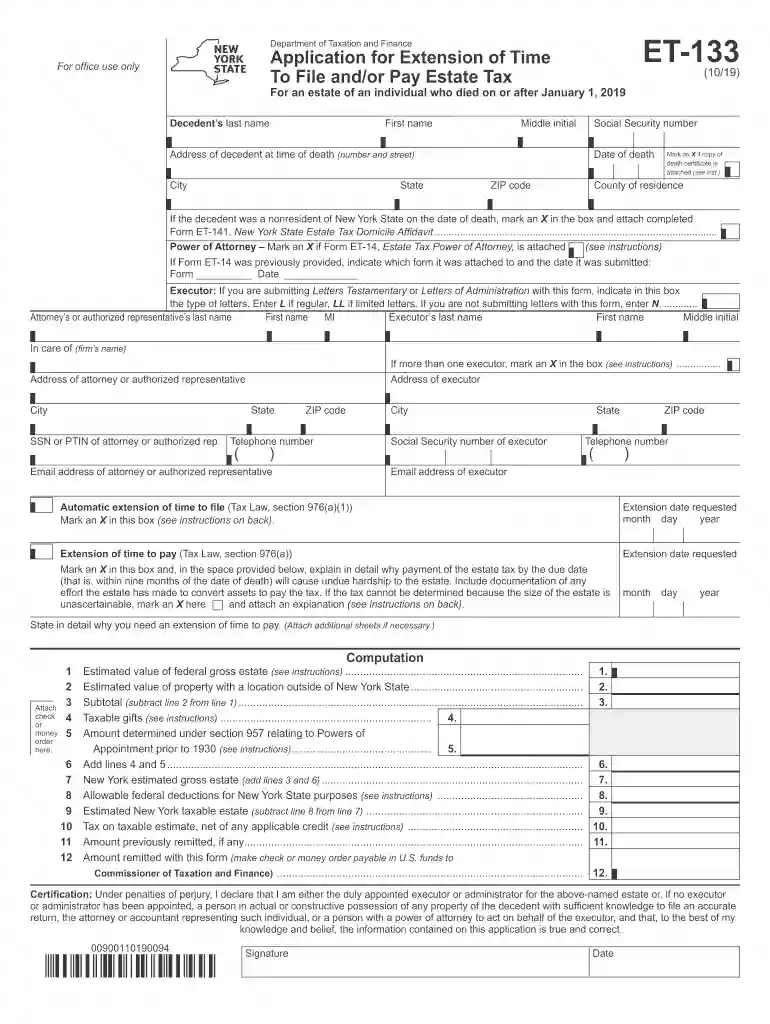
If the decedent was a nonresident of New York State on the date of death, mark an X in the box and attach completed. Form ET‑141, New York State Estate TaxRead more


