




Here's how it works

01. Edit your printable health care directive online
Type text, add images, blackout confidential details, add comments, highlights and more.

02. Sign it in a few clicks
Draw your signature, type it, upload its image, or use your mobile device as a signature pad.

03. Share your form with others
Send health care directive mn short form via email, link, or fax. You can also download it, export it or print it out.
How to use or fill out Minnesota Health Care Directive Printable

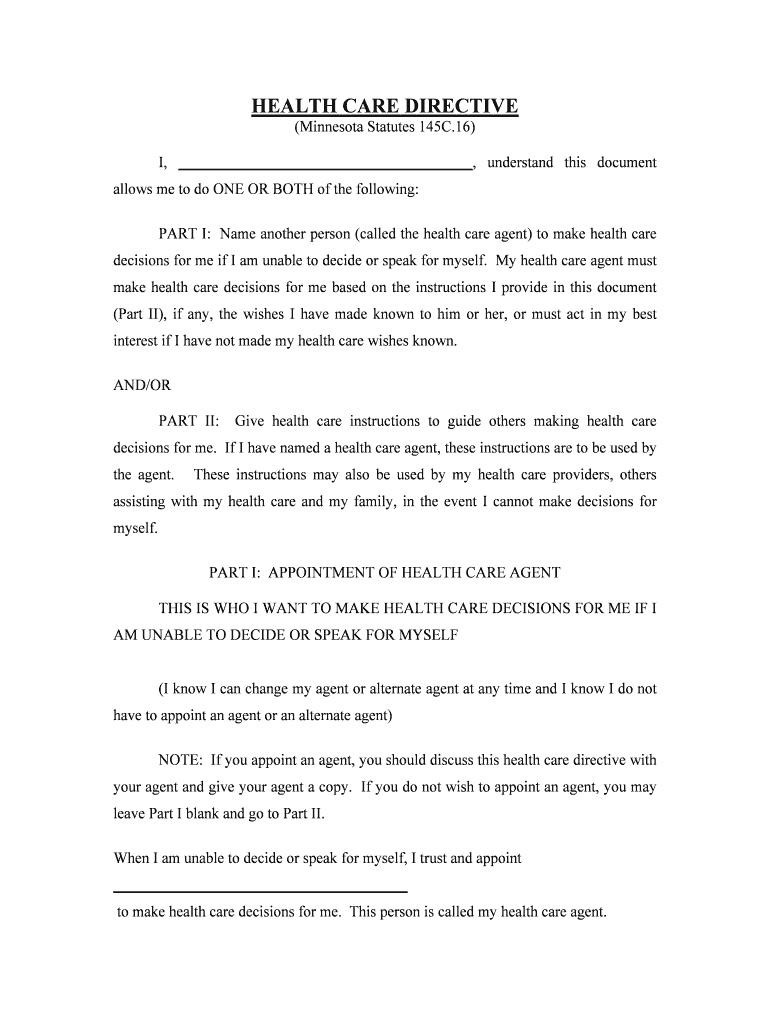
- Click ‘Get Form’ to open the Minnesota Health Care Directive in our editor.
- Begin with Part I, where you will appoint a health care agent. Fill in the name of the person you trust to make decisions on your behalf if you are unable to do so. Include their relationship, phone number, and address.
- If desired, appoint an alternate health care agent by filling in their details in the optional section provided.
- In Part II, provide specific health care instructions. Share your beliefs and values regarding medical treatment and outline what you want or do not want in various scenarios.
- Complete Part III by signing the document. Ensure it is either notarized or witnessed as required for legal validity.
Start using our platform today to easily fill out your Minnesota Health Care Directive for free!
Fill out minnesota health care directive printable online
It's free
It's free
Got questions?
We have answers to the most popular questions from our customers. If you can't find an answer to your question, please contact us.
Contact us
Can I fill out an advance directive online?
A digital advance directive is one that exists entirely online. It is filled out, docHubd if necessary, and stored online. A paper version may or may not exist. Digital advance directives are convenient as they may be downloaded anywhere the internet can be accessed.
What is the difference between a POA and a health care directive?
An advance directive specifies your health care or treatment preferences in the event you cant communicate them yourself. Unlike a POA, an AD doesnt necessarily need to specify an agent to act on your behalf. Instead, its primary purpose is to outline your medical wishes for doctors and practitioners.
How do I create a health care directive in MN?
Its easy! Identify a person, called an agent, to make health decisions for you if you become unable to make or communicate decisions. Write instructions about your health care goals, fears and concerns. Sign and date it to make it legal. Share copies of your directive with your agent and health care providers.
Does a health care directive need to be docHubd in Minnesota?
It must be signed in front of a Notary Public OR witnessed by 2 people. Your Agent or Alternate Agent cant be witnesses or docHub the directive. It must name someone to make decisions for you (Health Care Agent) and/or give health care instructions OR give health care instructions.
Security and compliance
At DocHub, your data security is our priority. We follow HIPAA, SOC2, GDPR, and other standards, so you can work on your documents with confidence.
Learn more




