
Get any PDF form from the DocHub library of ready-made templates - Page 2019
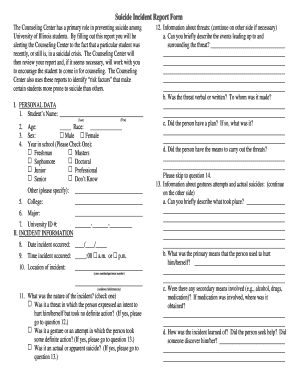
Suicide report form
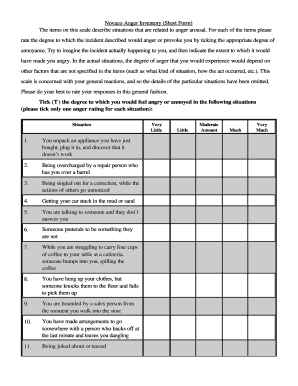
Novaco anger scale pdf
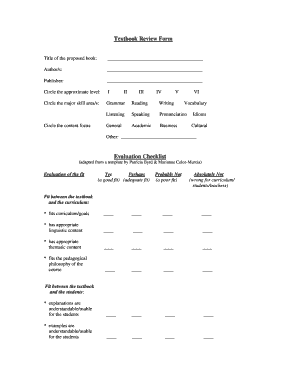
Texas textbook evaluation tool
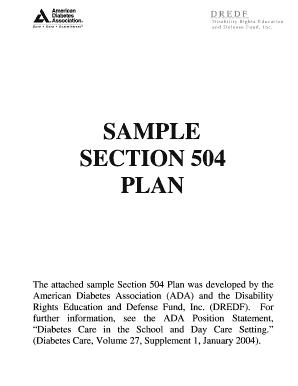
Diabetes association 504 plan
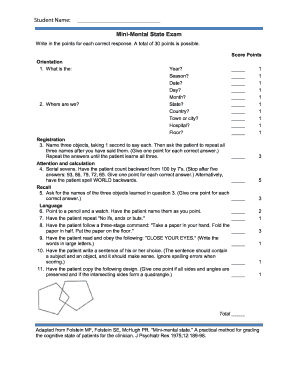
Mmse printable
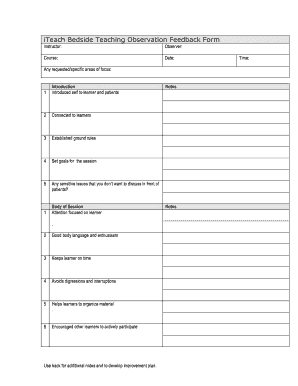
Bedside teaching feedback form

Advice opinion 2010 form
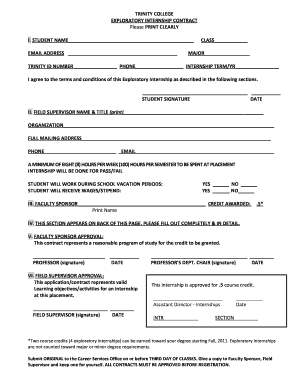
Exploratory Internship Contract - Trinity College - trincoll

Photo and video consent form template
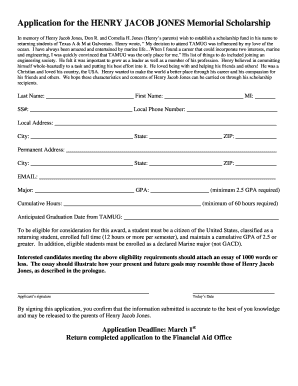
Illuminati join application form
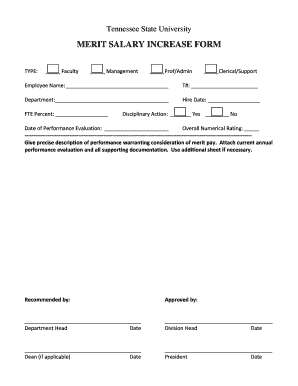
Merit increase form
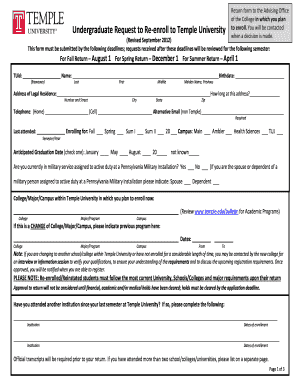
Undergraduate Request to Re-enroll to Temple University - temple

Off campus request
Rowan withdrawal form
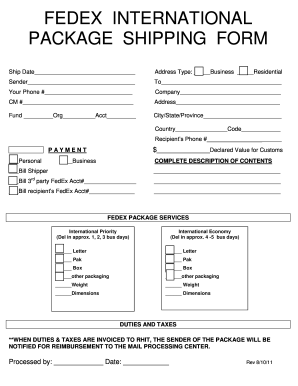
International package form
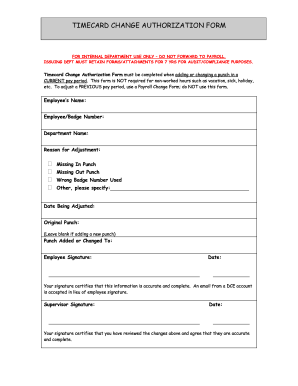
Time card change authorization form

Robert morris university transcript request
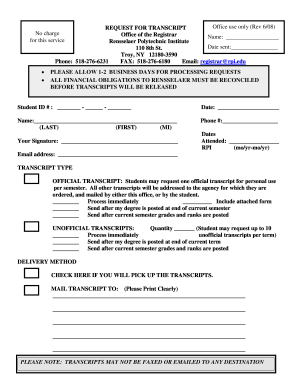
Rpi transcript
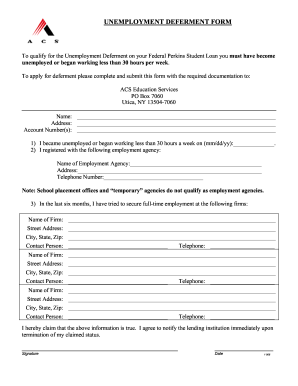
Ohio state unemployment forms
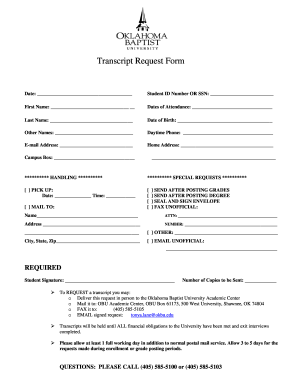
Oklahoma baptist university transcript
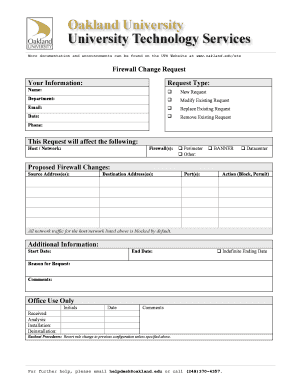
Firewall change request form
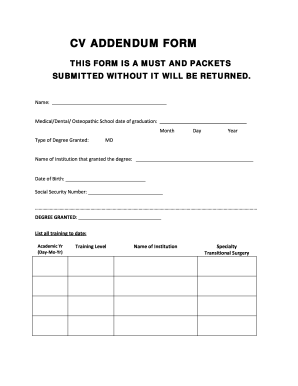
Cv addendum
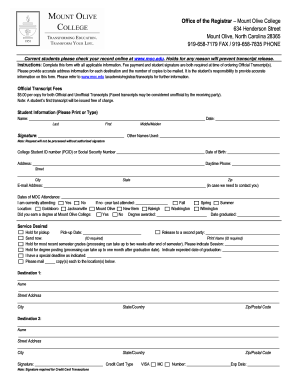
University of mount olive transcripts

Morehouse transcript
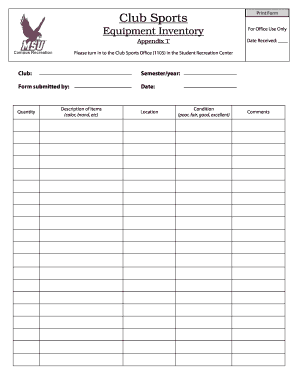
Sports inventory
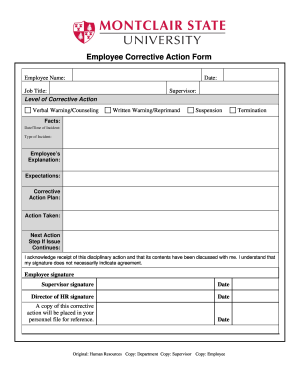
Printable corrective action form

Lost receipt form template word
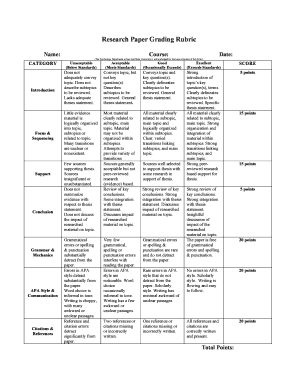
Harding university grading rubric
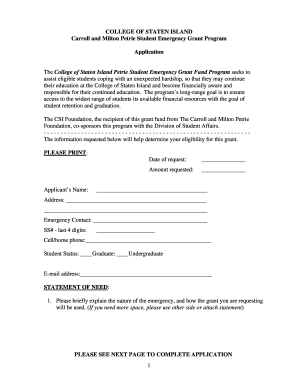
Petrie grant
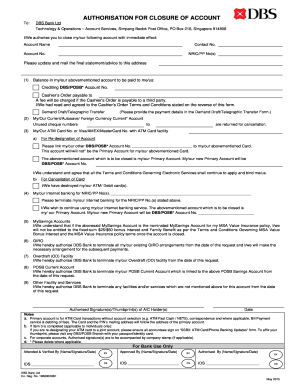
How to close dbs corporate account
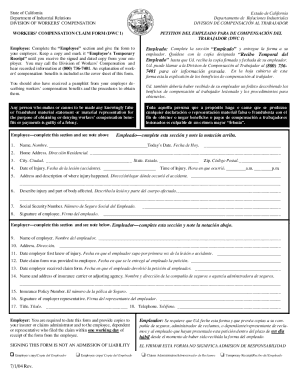
Ca dwc 1 form printable

Tentative form csulb get
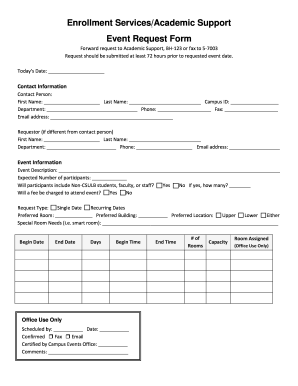
Community outreach and enrollment request form

Csueb health insurance
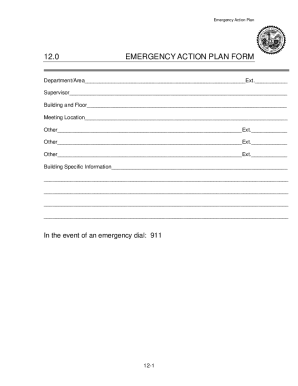
Emergency action plan california
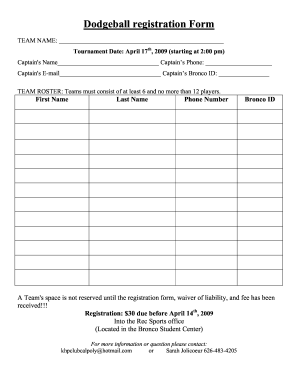
Dodgeball registration form
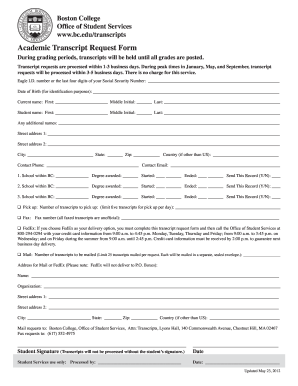
Academic Transcript Request Form - Boston College - bc
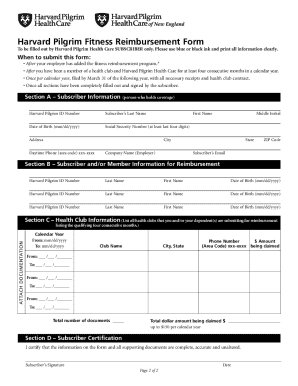
Harvard pilgrim fitness reimbursement form 2020

Missing receipt form
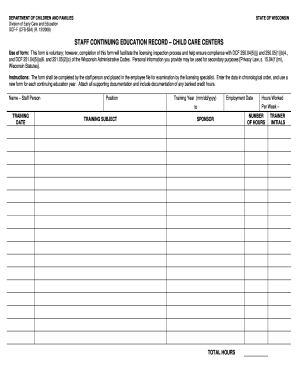
Wisconsin dcf f
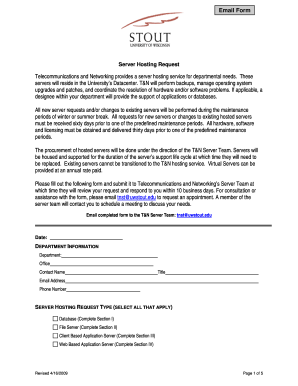
Server request form template excel
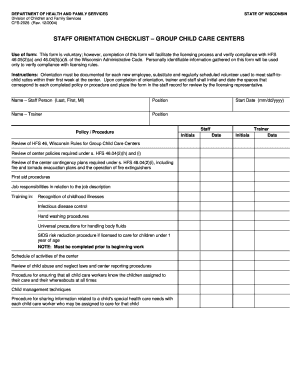
Caregiver orientation checklist
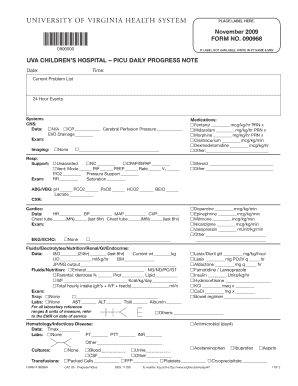
UVA CHILDRENS HOSPITAL -- PICU DAILY PROGRESS NOTE - virginia
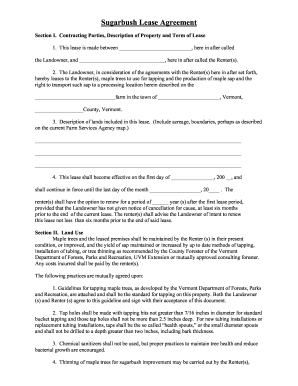
Sugarbush lease
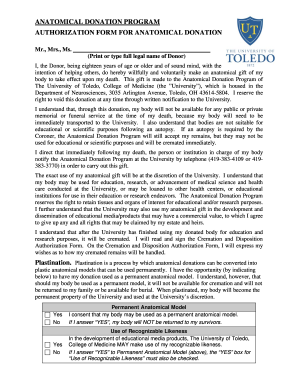
University toledo anatomical donation program
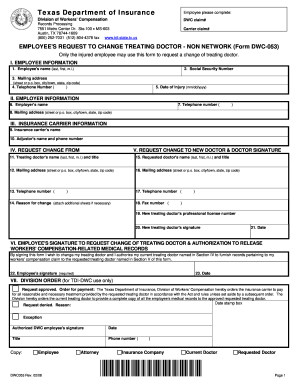
Texas dwc 53 form

Room form

September 15, 2009 Rope-Access Work Plan & Job Hazard Analysis - utexas

Ferpa form university of tampa

University of tampa health forms
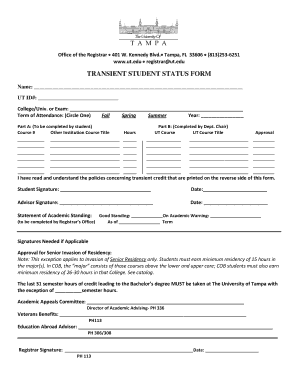
University of tampa transient form
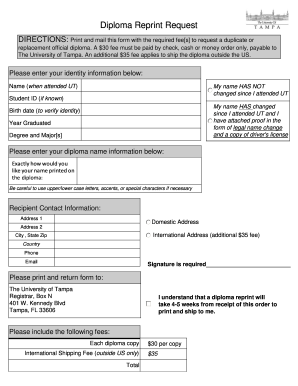
University of tampa diploma

Basic plus test
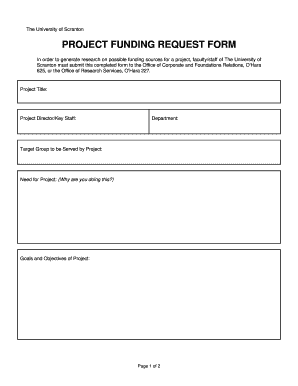
Project funding request form

Usciences drop add form

Francis withdrawal form
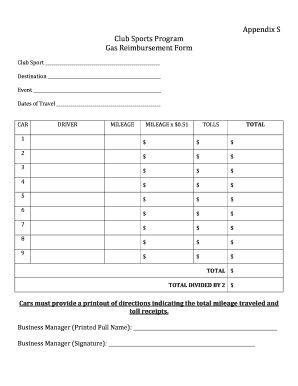
Fuel reimbursement form
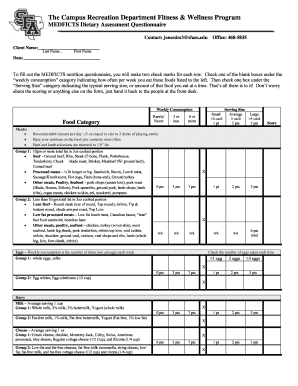
Medficts form pdf
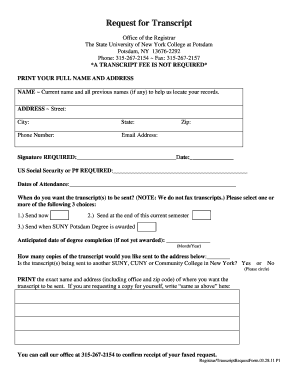
Suny potsdam transcript request 2011 form
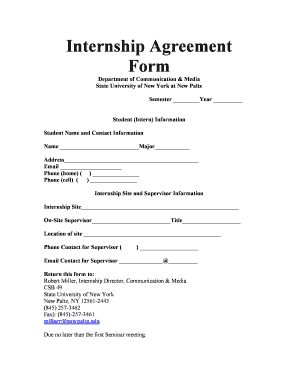
Internship Agreement Form - SUNY New Paltz - newpaltz
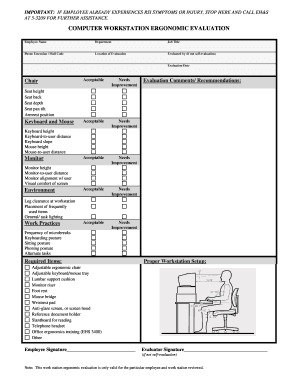
COMPUTER WORKSTATION ERGONOMIC EVALUATION - stanford
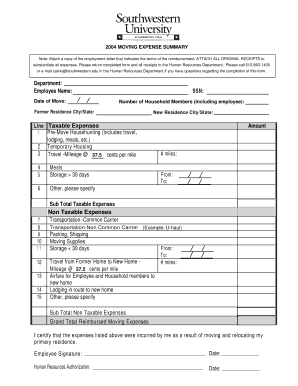
Uhaul receipt pdf

Boon chapman claims address
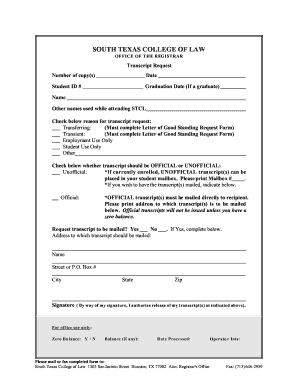
Transcript mailed mailbox get

Statement of condition template
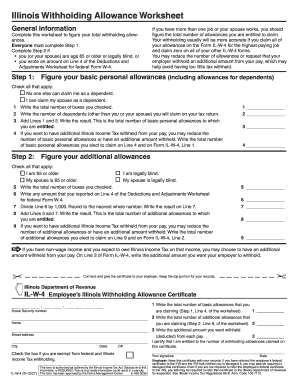
What should i fill on line 4 on il w4 2007 form

Recommendation letter school

Printable texas tax exempt form - shsu
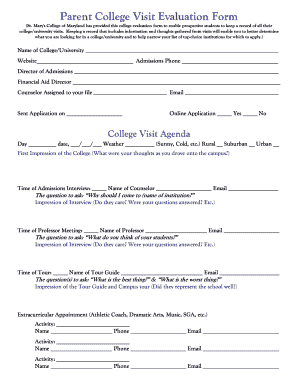
College visit evaluation form

How to fill out a new york member enrollment form oxford

Media request form
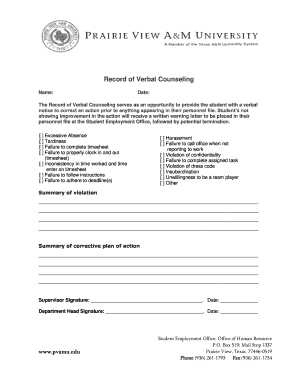
Employee verbal counseling form
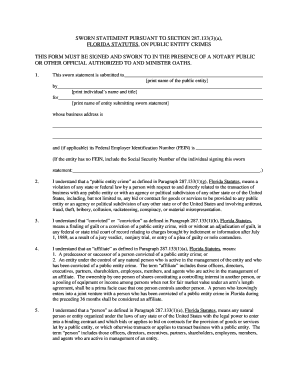
Public entity crimes statement
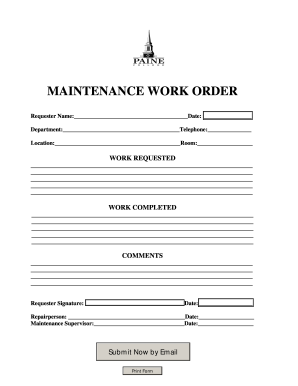
Work order slips

Oaks transcript 2011 form

Chase benefit election form
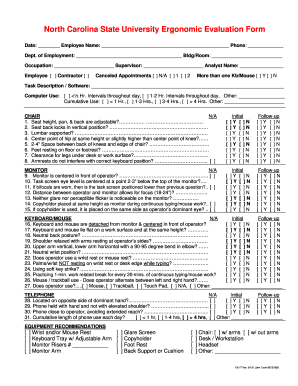
Ergo evaluation form
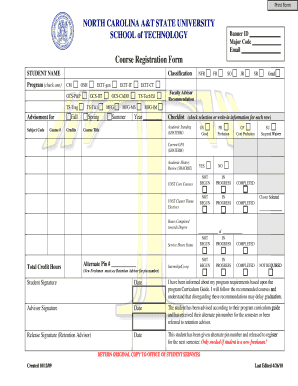
COURSE Registration Form - North Carolina A&T State University - ncat
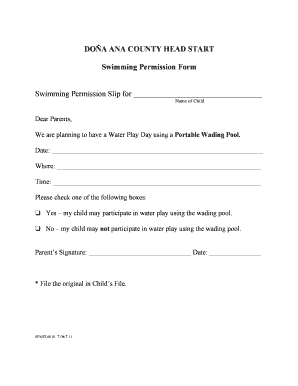
Swimming permission form
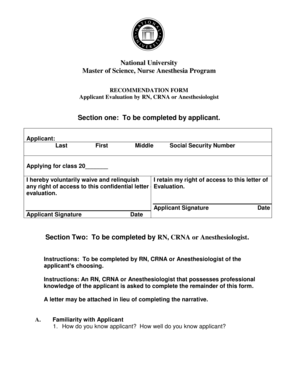
National University Recommendation Form - nu
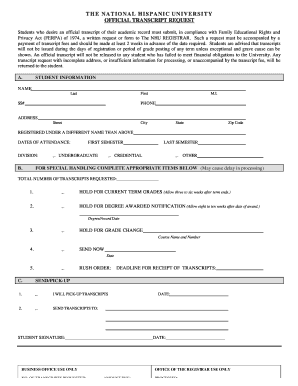
Nhu transcript
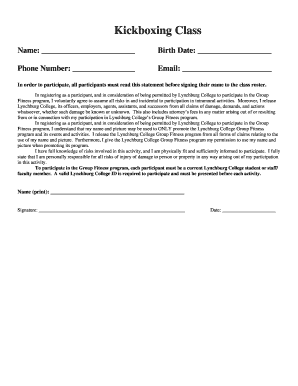
Boxing waiver form template
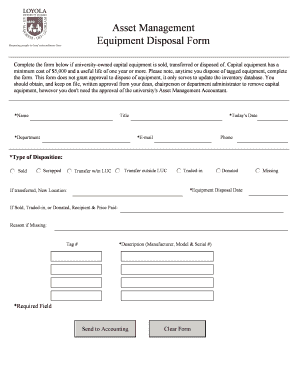
Disposal form template
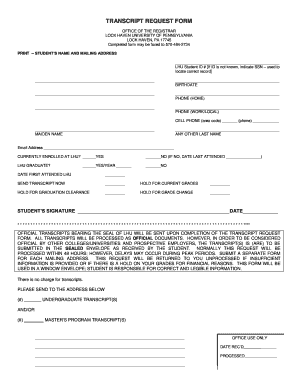
Lhup university pennsylvania transcript
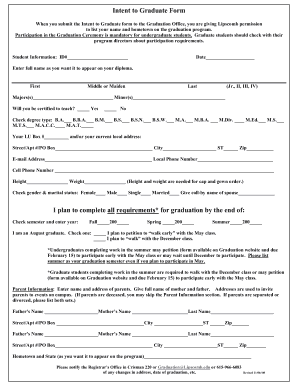
Intent to Graduate Form I plan to complete all requirements* for ... - lipscomb
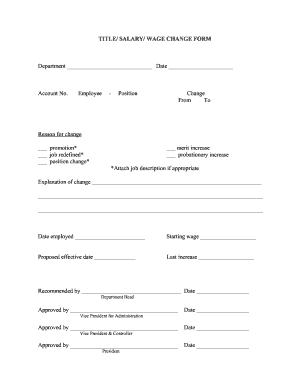
Salary change form
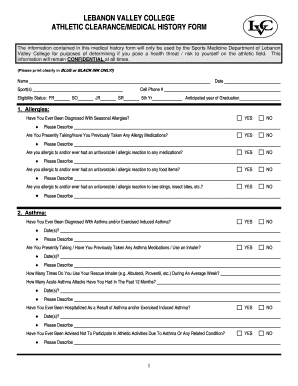
Athletic clearance
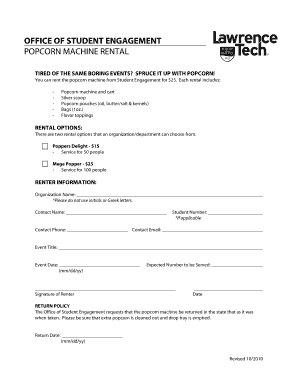
Popcorn Machine Rental Form

Blank bible college transcripts
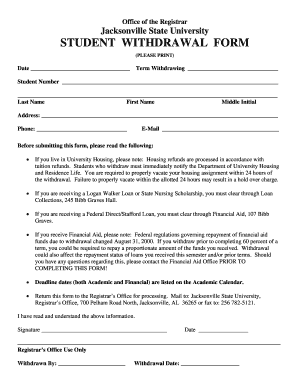
Withdrawal form link
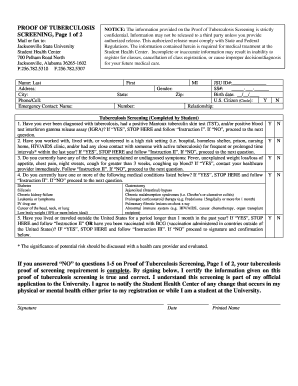
Tb form illinois
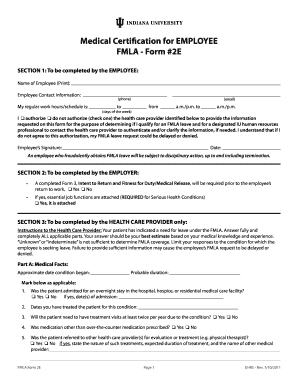
Fmla form 2e
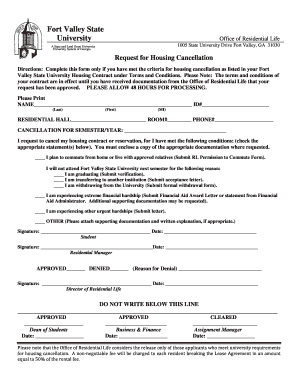
Housing cancellation fvsu form
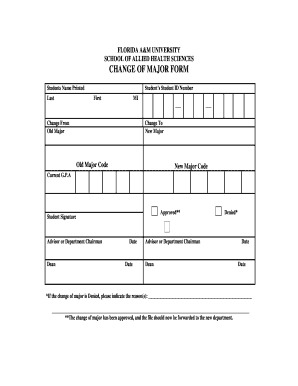
Change major
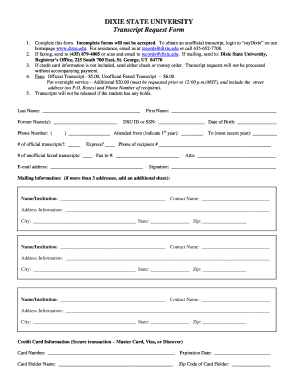
Dixie state university transcripts

Flagler school volunteer

Cleaning requirement checklist pdf
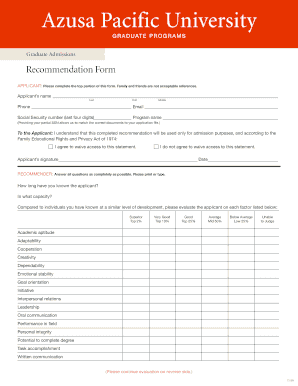
Form recommendation
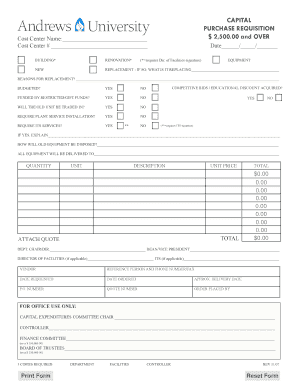
Capital Equipment Requisition Form - andrews
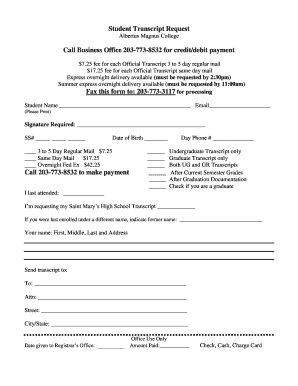
Albertus magnus college official transcript
Benefit from the DocHub online library of fillable PDF forms
Searching the PDF forms doesn't have to be a tedious and time-consuming process. With the DocHub online library, it has become easier to find the fillable PDF forms and modify them in your browser. The service allows you to adjust the document to your needs using powerful editing tools.
You can use online document editing features to modify almost any type of document with ease. You just need to find the template of your choice, open it in the editor, and use the toolbar to make the necessary corrections.
Follow this guide to get your document done with DocHub:
- Find the PDF template you need.
- Click the Get Form button to open the file in the editor.
- Use the toolbar to fill out and edit the document.
- Easily add and highlight text, insert images, checkmarks, and symbols.
- Drop new fillable fields, and rearrange or delete pages from your file.
- Save changes and download your record.
DocHub empowers everyone to streamline document editing, signing, and distribution, and form completion. Create an account and benefit from our well-organized PDF Forms library and comprehensive editor.