



01. Edit your server request form template excel online
Type text, add images, blackout confidential details, add comments, highlights and more.

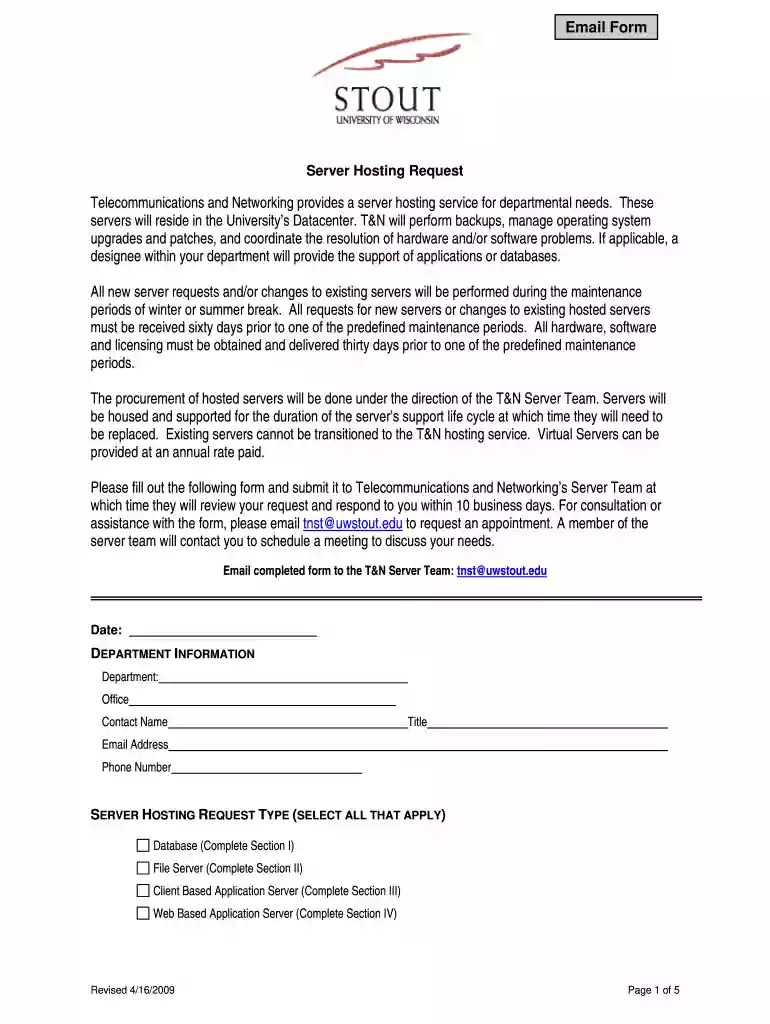
Type text, add images, blackout confidential details, add comments, highlights and more.

Draw your signature, type it, upload its image, or use your mobile device as a signature pad.

Send server request form via email, link, or fax. You can also download it, export it or print it out.

Start using our platform today for free to streamline your server request process!
We've got more versions of the server request form template excel form. Select the right server request form template excel version from the list and start editing it straight away!
| Versions | Form popularity | Fillable & printable |
|---|---|---|
| 2009 | 4.3 Satisfied (35 Votes) |
Yes, a typed name is recognized as a valid electronic signature when you create it on your paperwork using a compliant solution like DocHub. Simply upload your it request form template excel to our editor, click Sign in the top tool pane → Create your signature → Type your name in the appropriate tab, and select how it will appear on your document.
In case your go-to electronic mail service is Gmail, it is simple to incorporate your DocHub editor in your work. Edit your new server request form with DocHub tools and connect it to your drafts in Gmail. See how effortless it is to exchange papers and collaborate with a swift PDF editing solution at hand.
At DocHub, your data security is our priority. We follow HIPAA, SOC2, GDPR, and other standards, so you can work on your documents with confidence.
The purpose of this form is to gather information required for a new server build. Please complete all fields. If you need assistance filling in the formRead more
NOTE: Completed form must be sent to ServiceDesk@watech.wa.gov by identified purchaser/signature authority or designee. Request will be processed ONLY ifRead more
Sep 12, 2023 When sending a Request Acknowledgement, you can optionally specify an email subject and body template that will be used for each attestationRead more


