
Get any PDF form from the DocHub library of ready-made templates - Page 2021
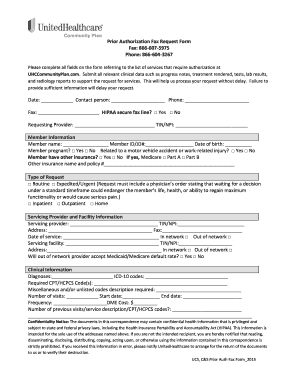
Prior authorization fax request form
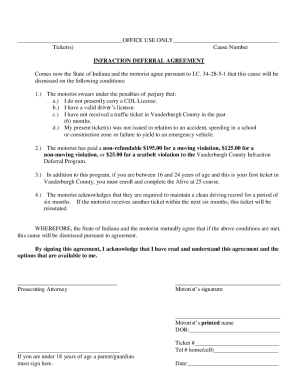
Deferral program

Brattlebrook village

Credit Card Authorization Form - Elite Limo Houston

Lic nominee change form 3750 filling

Spes application form 2022
Tic sheet

Minor Traffic Form - Polk County

Polk healthcare

RHCA & HRA Claim Form - Chrysler Retirees

Alabama change name minor child

2019 rent certificate
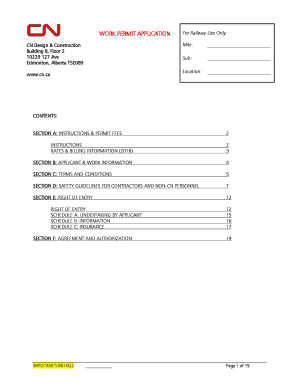
Cn rail work permit application

Barber license ny
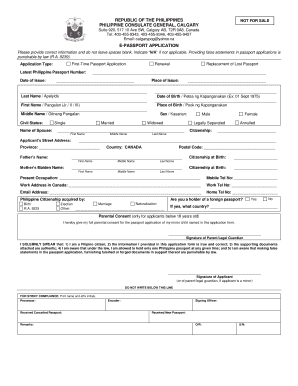
Philippine consulate calgary

Form 499

Involuntary stabilization

Pd542 061

Autism disorder developmental interview
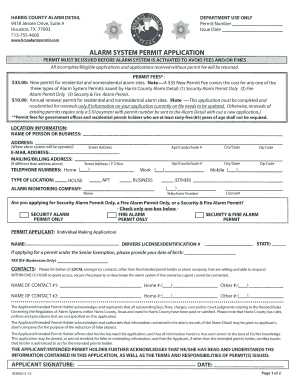
Permit harris county
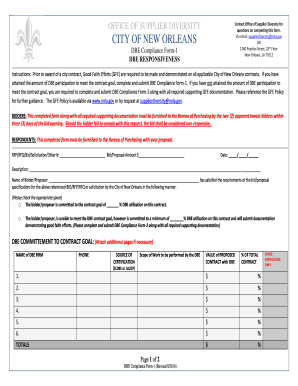
DBE Responsiveness - City of New Orleans - nola
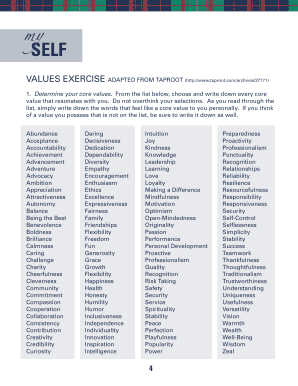
Taproot values

Supported employment form
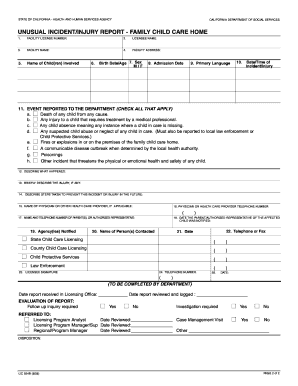
California lic 624b

Account opening purchase of certificate application form for individuals

Standardized recipe template
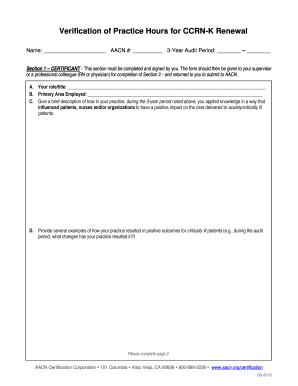
Ccrn verification
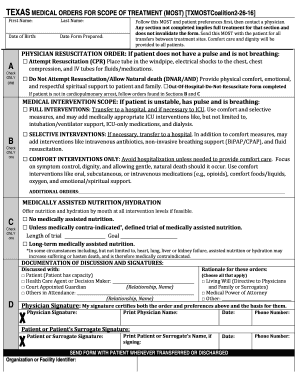
Texas most form

116m form

Treasury 13 form
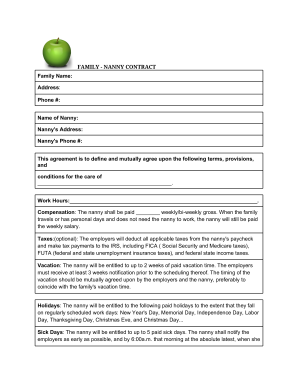
Park nanny contract
Er nurse report sheet

How to get a copy of acknowledgement of paternity in ny
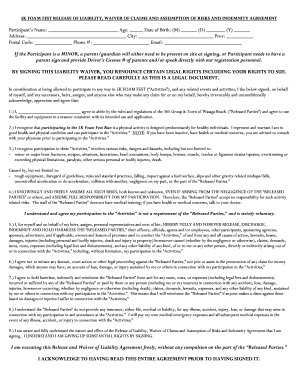
Foam fest waiver
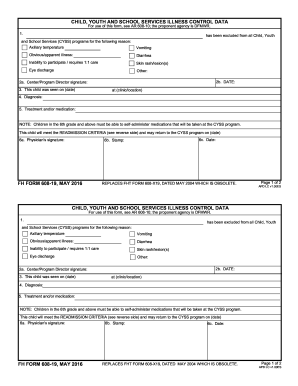
Form 608 19
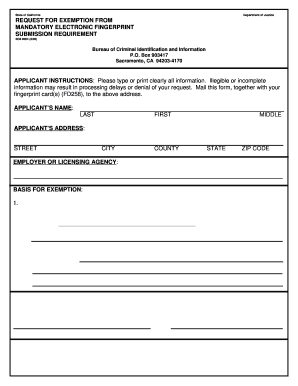
BCII 9004 - REQUEST FOR EXEMPTION FROM MANDATORY ELECTRONIC FINGERPRINT SUBMISSION REQUIREMENT. BCII 9004 - REQUEST FOR EXEMPTION FROM MANDATORY ELECTRONIC FINGERPRINT SUBMISSION REQUIREMENT - ag ca

Psychiatric intake form

Thesis statement graphic organizer
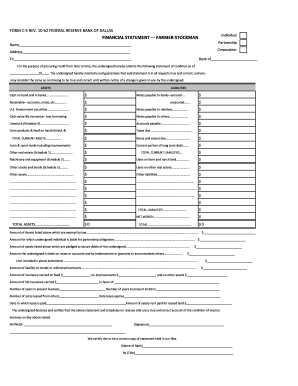
Statement farmer
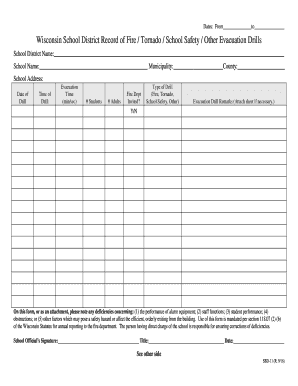
Wisconsin fire drills

Sf330 indesign template
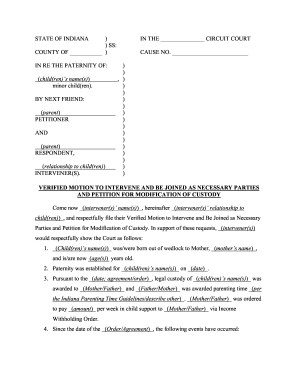
Instructions for Verified Motion to Intervene - Kids' Voice Of Indiana - kidsvoicein
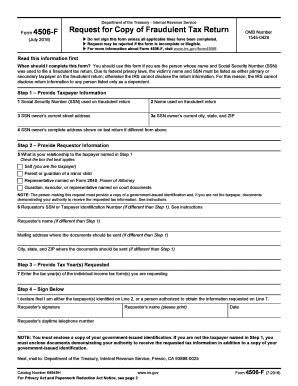
Form 4506 f

New student registration form
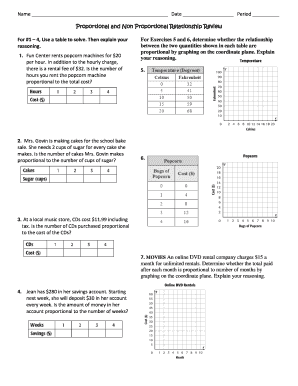
Proportional and Non Proportional Relationship Review.pdf - hms wcusd

Form 801

Secret sister form
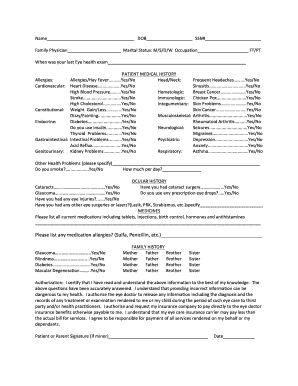
Ssn dob database download

Cara isi security bond imigresen
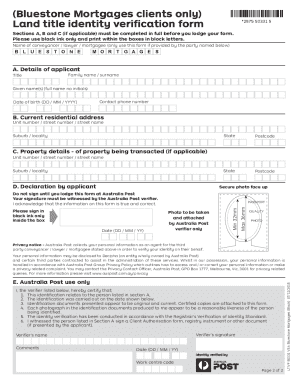
Land title identity verification form victoria pdf
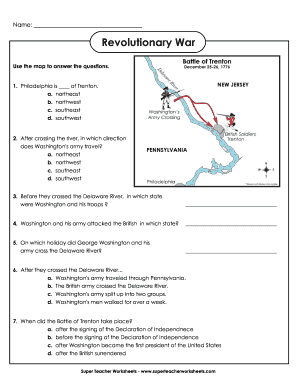
Revolutionary War - Super Teacher Worksheets
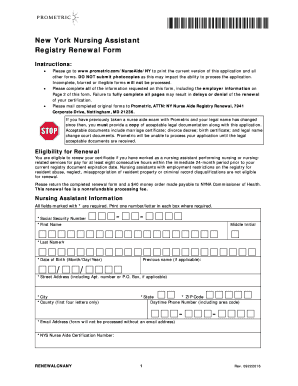
Prometric cna renewal online
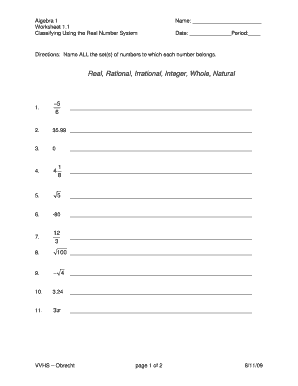
Real number worksheet pdf

Form 45 106f12
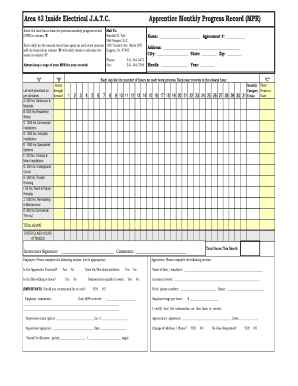
Electrical MPR Blank Manual Month - Mid Oregon - mid-oregon
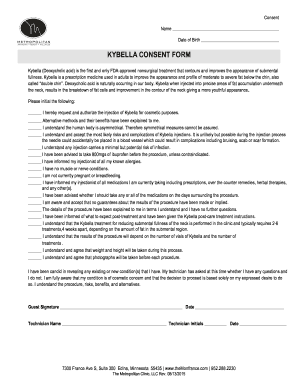
Kybella consent form
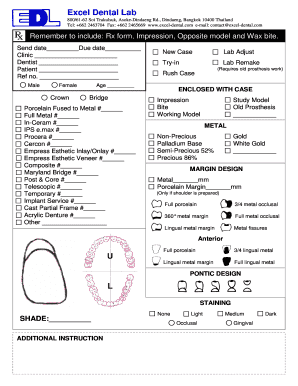
Lab Rx Form (PDF) - Excel Dental Lab Co., Ltd.
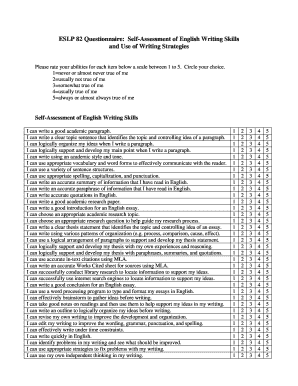
Writing skills questionnaire pdf

150d traffic gov form
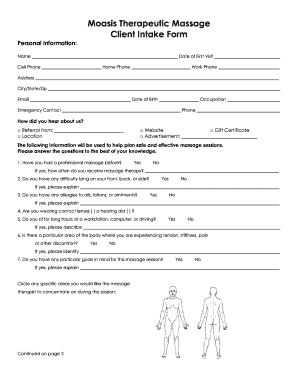
Moasis Therapeutic Massage Client Intake Form

Massage therapy intake form
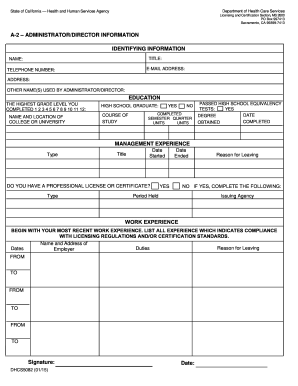
DHCS 5082 - Administrator or Director Information. Administrator or Director Information - dhcs ca
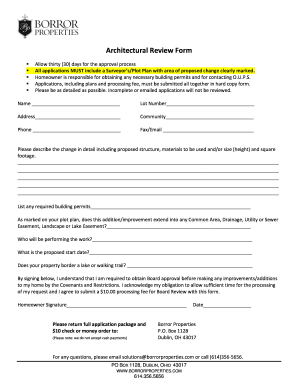
Architectural Review Form - borror.com
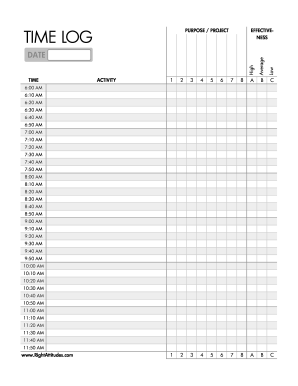
Time log form: full day of 24 hours - Right Attitudes
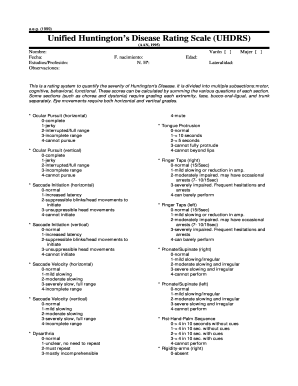
Uhdrs pdf
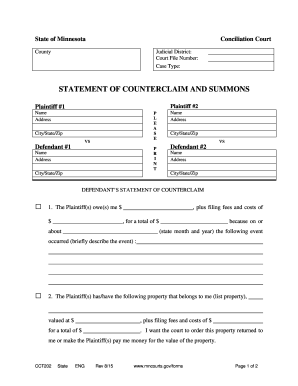
Statement of counterclaim and summons - Minnesota Judicial Branch - mncourts

Voucher wait list request form
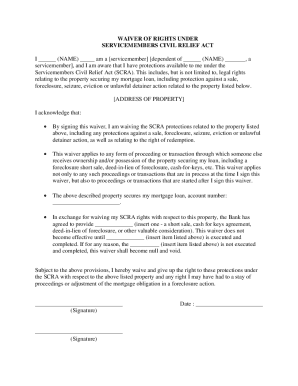
Waiver scra form
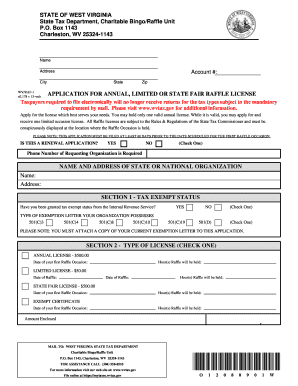
Wv annual limited wv

Denver health doctors note

Walmart donation request form 2022
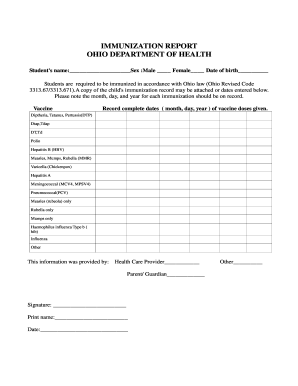
IMMUNIZATION REPORT OHIO DEPARTMENT OF HEALTH
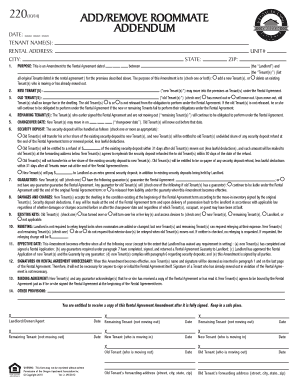
220 ADD/REMOVE ROOMMATE ADDENDUM Y
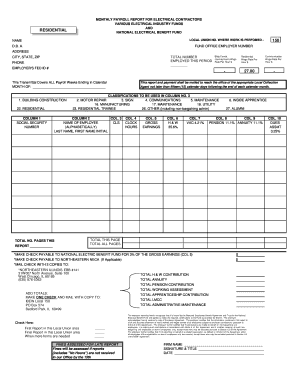
Monthly payroll report
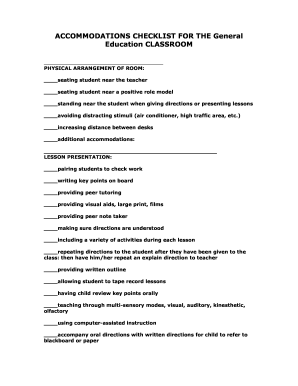
Classroom accommodations checklist

Form CDA 1-2007
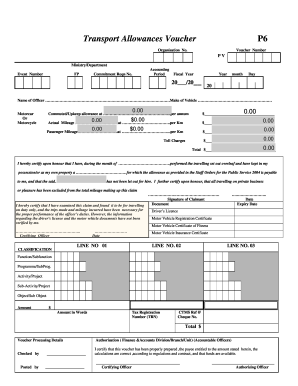
P6 form download
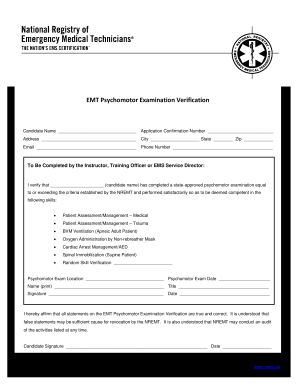
EMR Psychomotor Examination Verification Form - vdh virginia
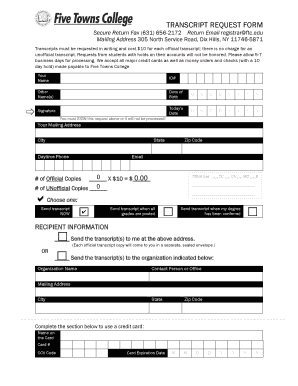
Five towns college transcript request
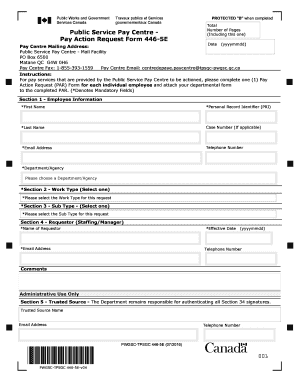
Pay action request form 446 5e
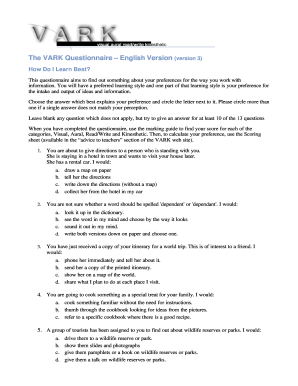
Vark questionnaire pdf

I 392 alien form
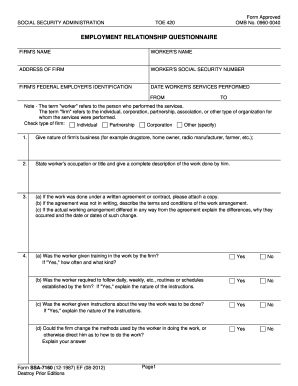
Form ssa 7160

Al roker birthday request
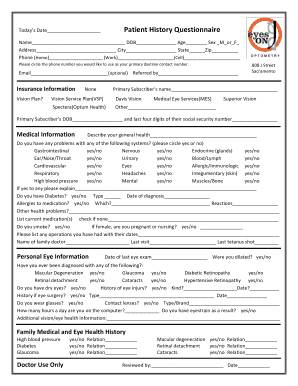
How to take patient history for optometry

Client registration form real estate
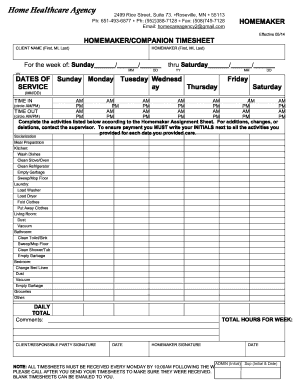
Homemaker Timecard - Home Healthcare Agency
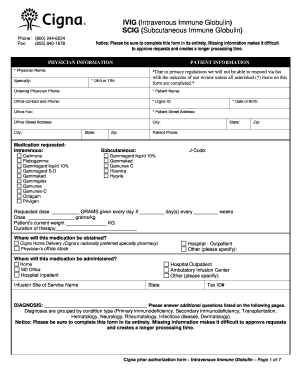
Cigna medicare prior authorization forms

Printable Behavior Contracts - Free Printable Behavior Charts
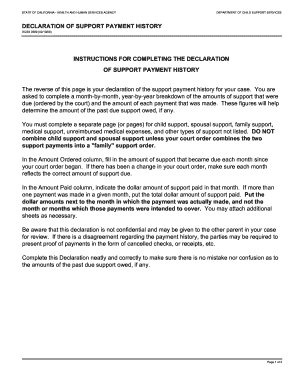
DCSS 0569 web.pdf. DCSS 0569 web.pdf - childsup ca
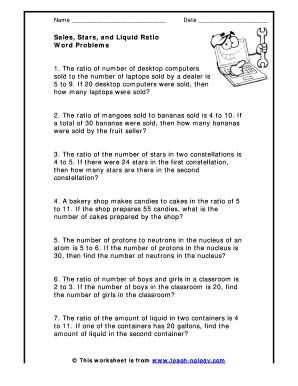
Ratio word problems
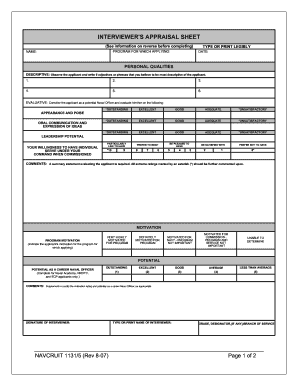
Interview appraisal sheet navy
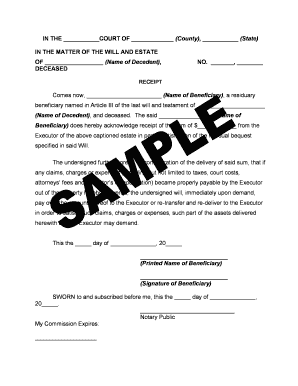
Disbursement of funds to beneficiaries template
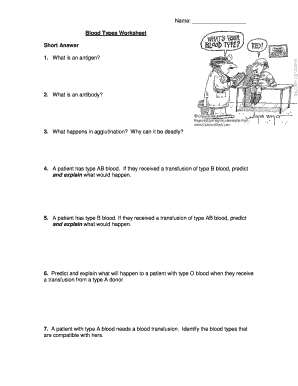
Blood type worksheet
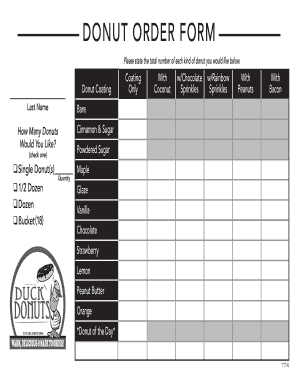
Donuts order form
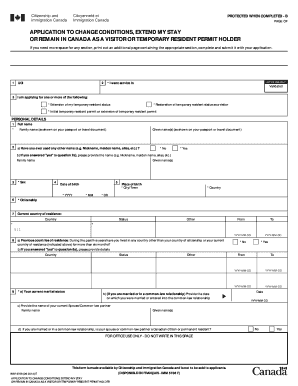
Application to change conditions, extend my stay or remain ...

Texas north competitive form
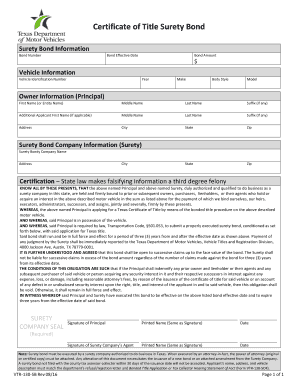
130 vtr
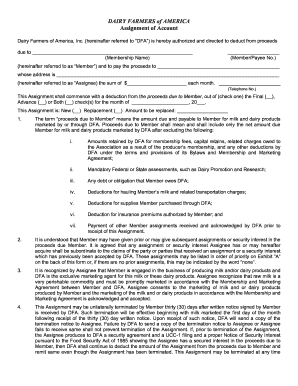
Dairy assignment forms
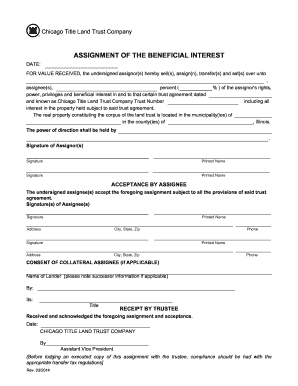
Chicago title land trust forms
Benefit from the DocHub online library of fillable PDF forms
Searching the PDF forms doesn't have to be a tedious and time-consuming process. With the DocHub online library, it has become easier to find the fillable PDF forms and modify them in your browser. The service allows you to adjust the document to your needs using powerful editing tools.
You can use online document editing features to modify almost any type of document with ease. You just need to find the template of your choice, open it in the editor, and use the toolbar to make the necessary corrections.
Follow this guide to get your document done with DocHub:
- Find the PDF template you need.
- Click the Get Form button to open the file in the editor.
- Use the toolbar to fill out and edit the document.
- Easily add and highlight text, insert images, checkmarks, and symbols.
- Drop new fillable fields, and rearrange or delete pages from your file.
- Save changes and download your record.
DocHub empowers everyone to streamline document editing, signing, and distribution, and form completion. Create an account and benefit from our well-organized PDF Forms library and comprehensive editor.