




01. Edit your off campus request online
Type text, add images, blackout confidential details, add comments, highlights and more.

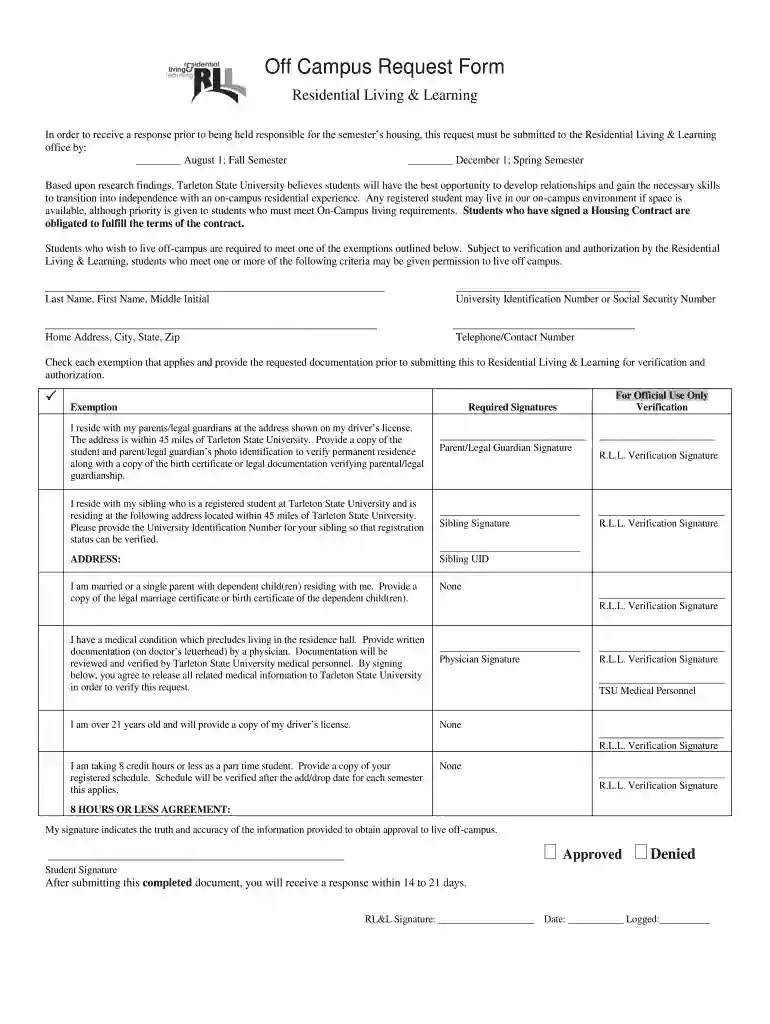
Type text, add images, blackout confidential details, add comments, highlights and more.

Draw your signature, type it, upload its image, or use your mobile device as a signature pad.

Send campus request via email, link, or fax. You can also download it, export it or print it out.

Start using our platform today to easily complete your Off Campus Request form for free!
At DocHub, your data security is our priority. We follow HIPAA, SOC2, GDPR, and other standards, so you can work on your documents with confidence.
Apr 28, 2025 Off-campus employment is a benefit available for some F-1 students who are: The student must then file a Form I-765, Application for EmploymentRead more
If a student is 21 years of age, their off-campus application will be automatically approved. If a student does not meet the age limit of 21, theirRead more
If you have 300 Persuasive, the check on Request help from a University colleague is 100%. The optimal strategy is then to request once and then assert anRead more


