
Get any PDF form from the DocHub library of ready-made templates - Page 2020

Alabama uniform incident offense report form
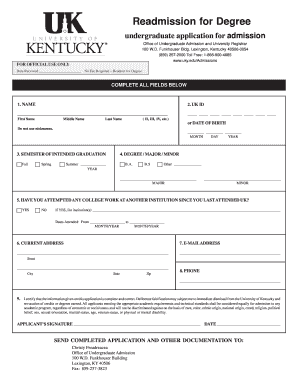
100 funkhouser building

The hartford attending physician statement
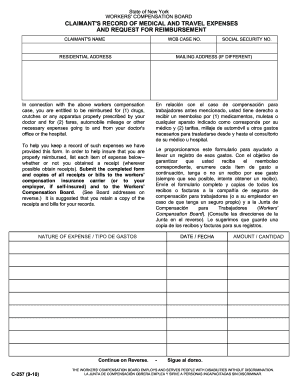
State of New York WORKERS ' COMPENSATION BOARD CLAIMANT 'S RECORD OF MEDICAL AND TRAVEL EXPENSES AND REQUEST FOR REIMBURSEMENT CLAIMANT 'S NAME WCB CASE NO - clarkson

Medgar evers college parking
Cuny job application
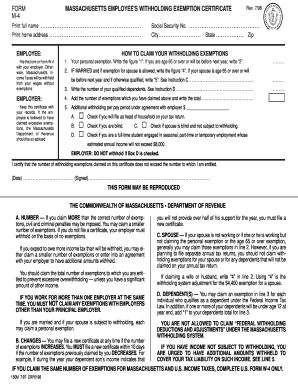
Massachusetts fillable m 4 1998 form
Describing employee performance for staff st thomas university
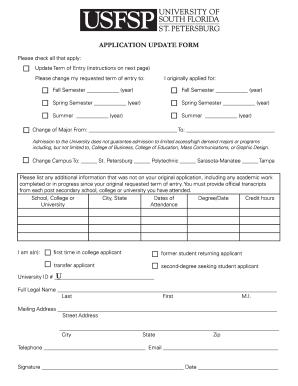
Usfsp application update form 2012
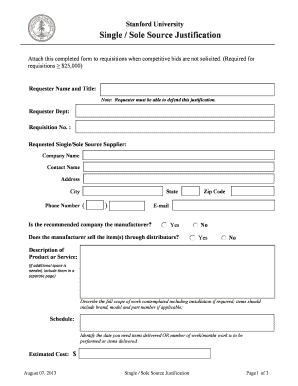
Sole source letter
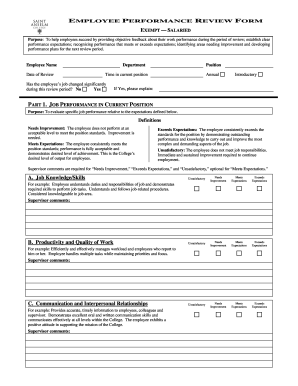
Appraisal appraisaee

Dmv forms
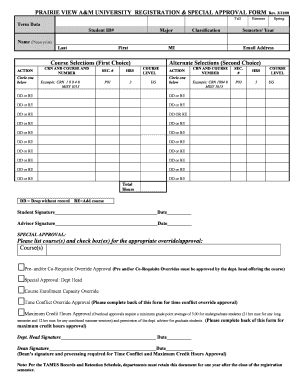
Pvamu registration form
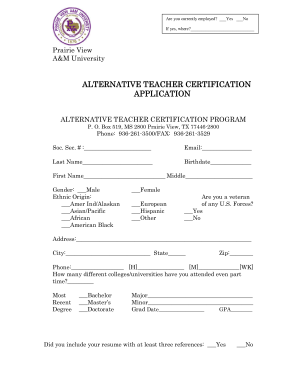
Pvamu university alternative teacher form
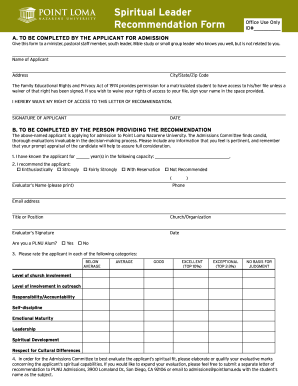
Spiritual recommendation letter
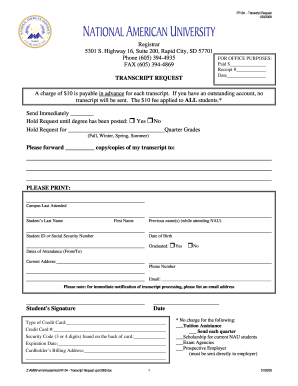
National american university transcript request 2009 form
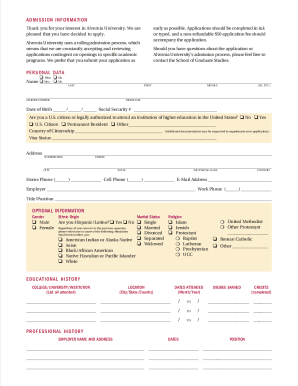
Form m790 c052
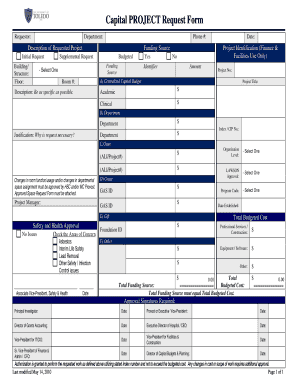
Project request form
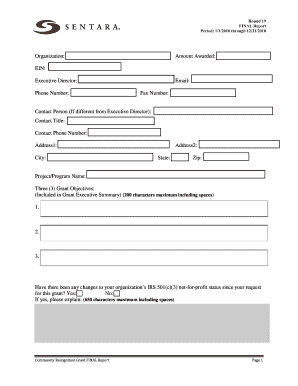
Sentara discharge papers
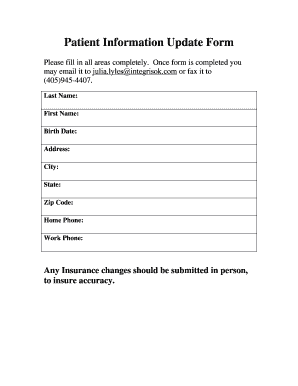
Patient information update form

Duke gastroenterology referral form
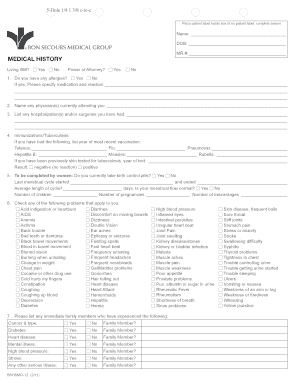
Bon secours doctors note
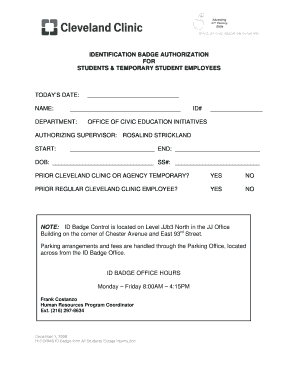
Printable tb test form for employment
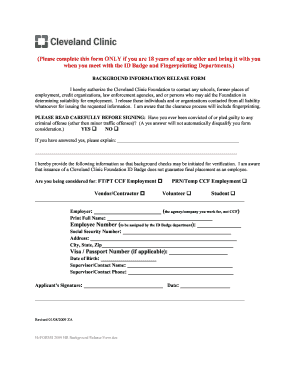
Cleveland clinic background information release form
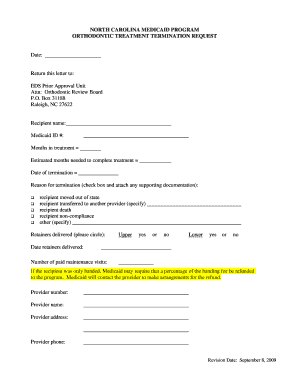
Discontinue orthodontic treatment letter

Family medical history template
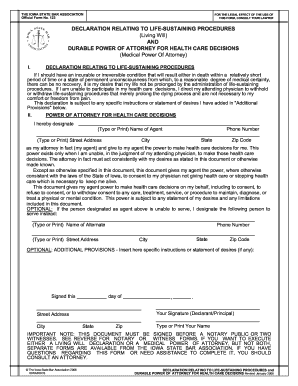
Iowa state bar form 123 2006
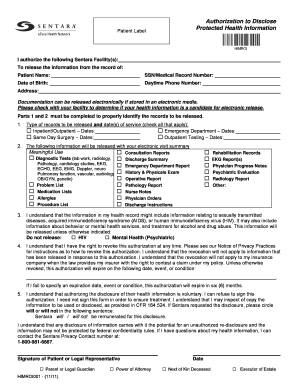
Sentara doctors note template
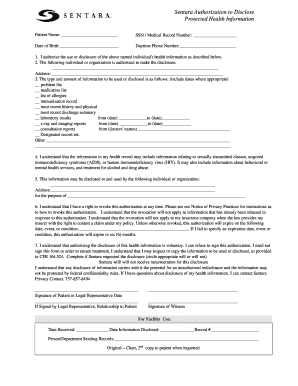
Sentara authorization to disclose form
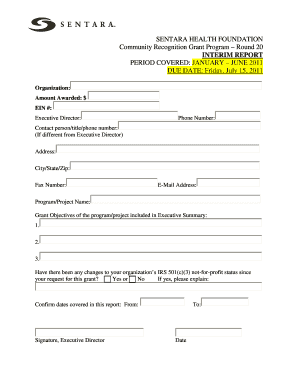
Sentara interim report form

Pers 282 2012 form

Penn patient intake form
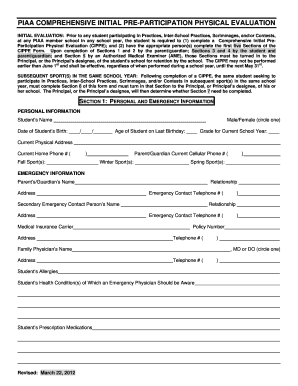
Piaa form 2012
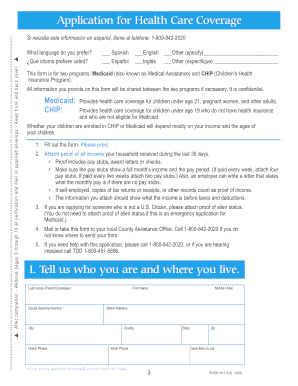
Pa health 600
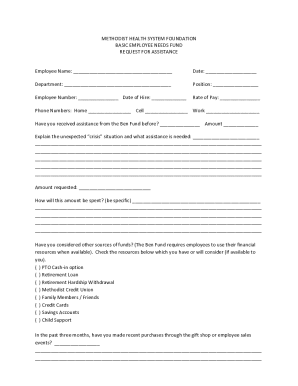
Metholist
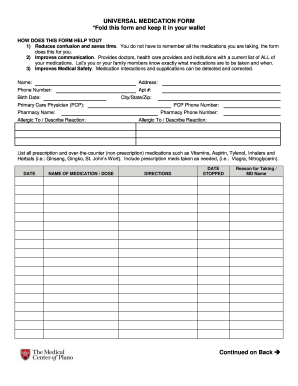
DocHub medication list form

Texas application thap online
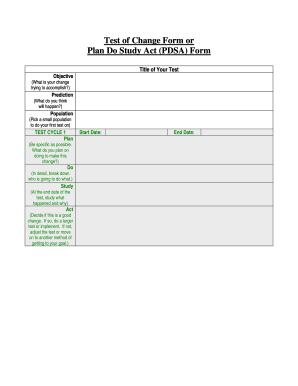
Pdsa template fillable
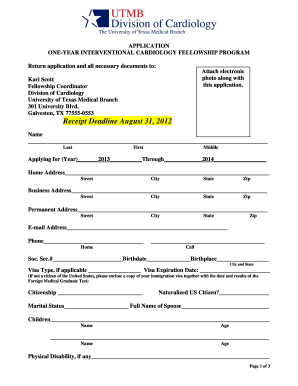
Fillable medical invoice

Cleveland clinic florida authorization to use and disclose protected health information form instructions
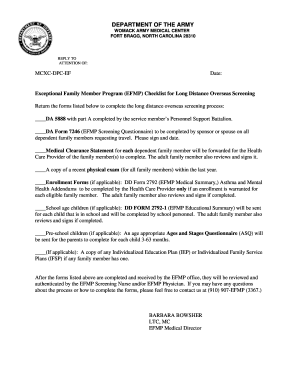
DEPARTMENT OF THE ARMY - Womack Army Medical Center - wamc amedd army
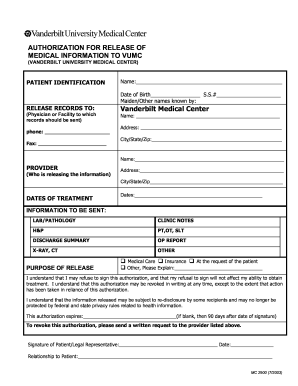
AUTHORIZATION FOR RELEASE OF MEDICAL INFORMATION TO ... - mc vanderbilt

Chkd medical records
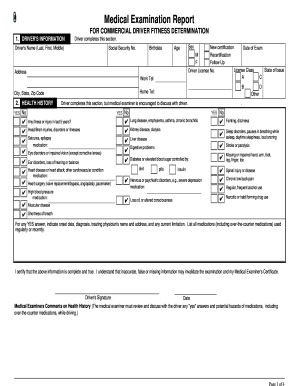
Dotforms
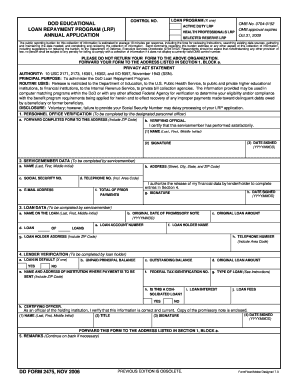
Dd2475
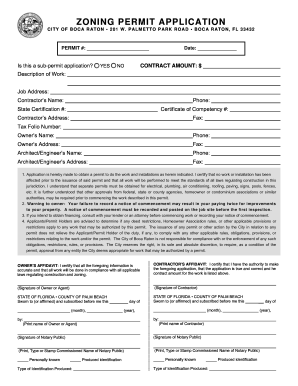
Notice of commencement boca raton
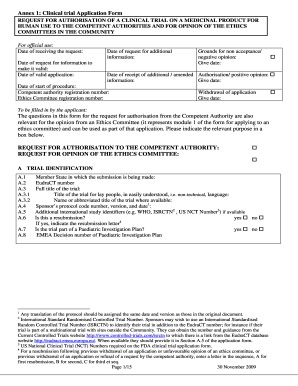
Annex 1 form
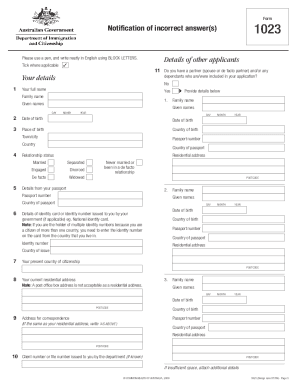
Form 1023 australia download 2009
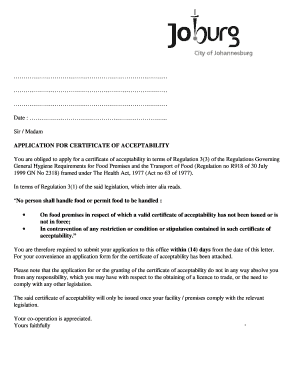
R638 application form johannesburg
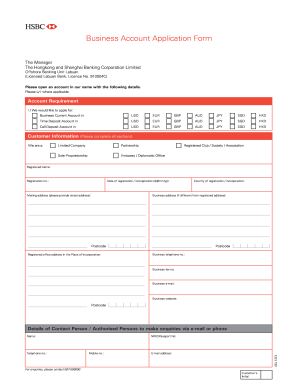
Hsbc account opening form

2202 registration form
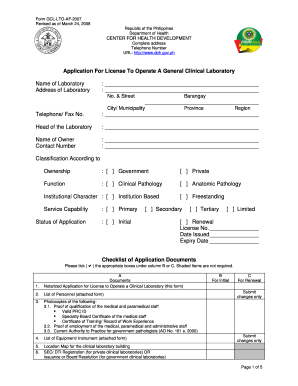
Doh application form for renewal of license to operate 2020
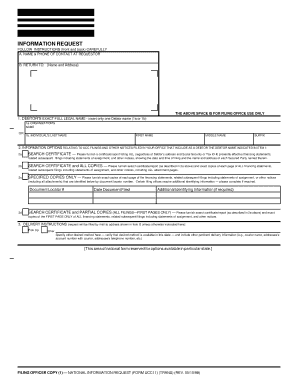
Ucc 11 florida
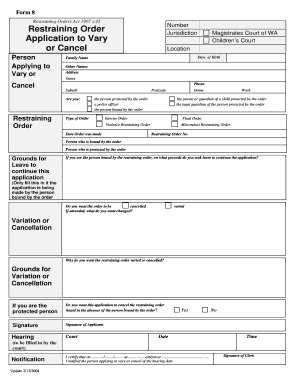
Form 8 application to vary or cancel a restraining order
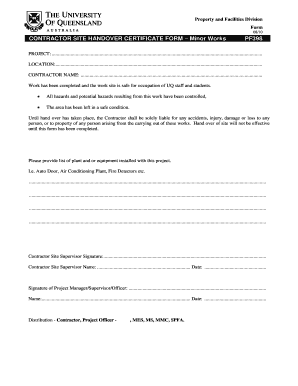
Handing over taking over format ms word
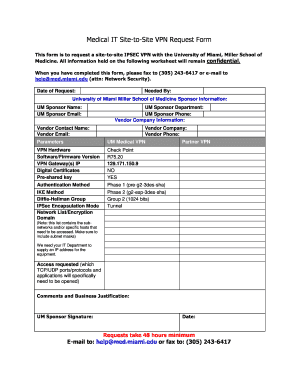
Site to site vpn request form template
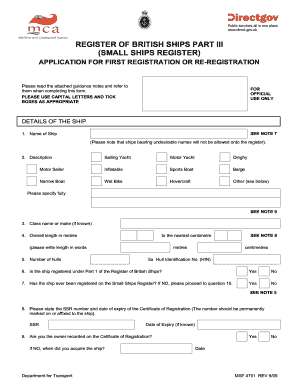
Small ships register

Kenyatta university application form
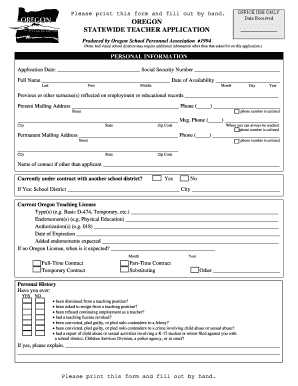
Oregon statewide teacher application fillable

Application seis 2012 form
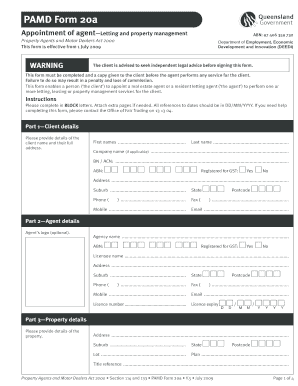
Pamd 20a
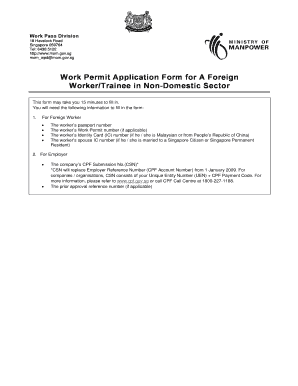
Work permit application form singapore

Age exemption certificate how to apply
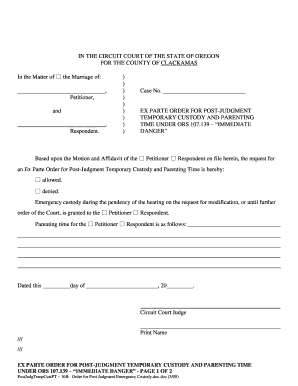
How to get emergency custody of a child in oregon
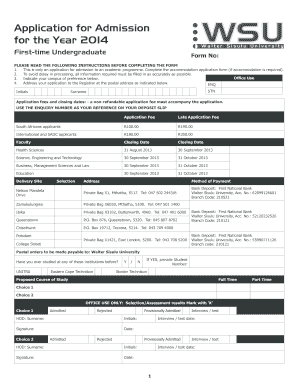
Zamukulungisa online application 2022
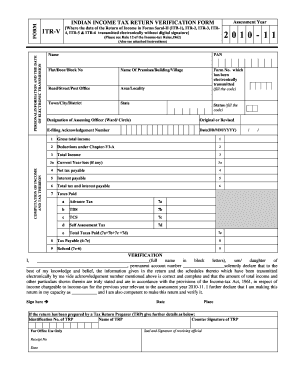
Itr v acknowledgement ay 2020 21 pdf
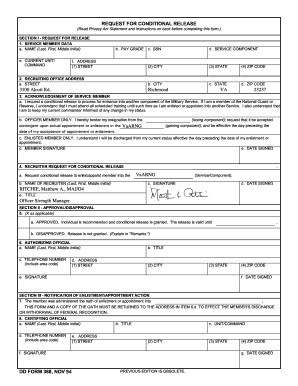
Ngb form 22
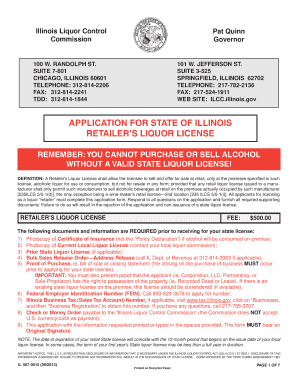
Illinois liquor license

Tahlequah hospital foundation scholarship

Special services at home application pdf
Field level hazard assessment
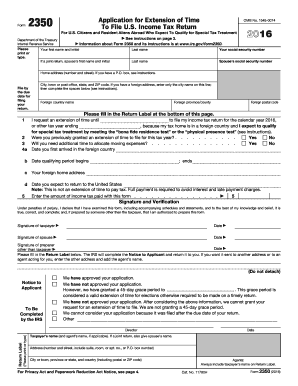
U.S. Citizens and Resident Aliens AbroadInternal Revenue...
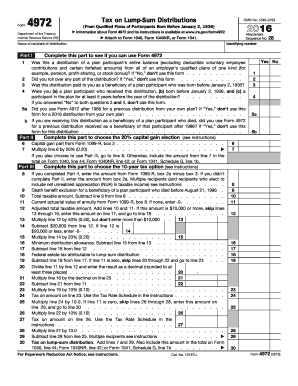
2016 irs form 4972
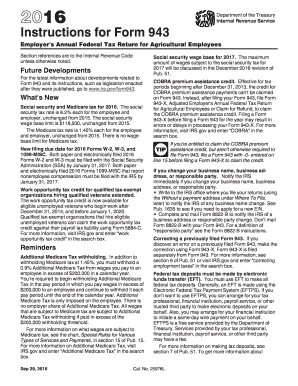
Social security and Medicare tax for 2016
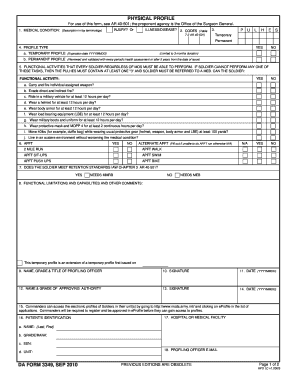
Da form 3349 sg
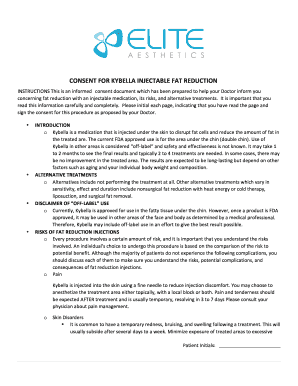
Kybella consent form

Tmmbook
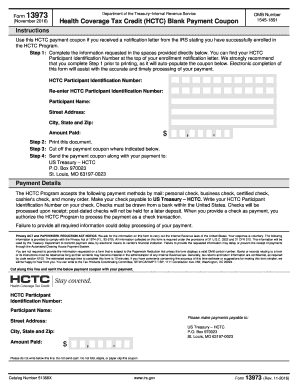
13973
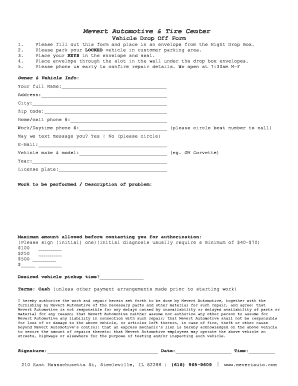
Vehicle drop off form
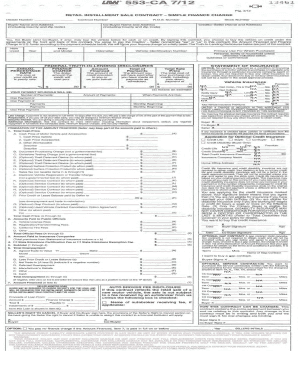
Law 553 contract pdf
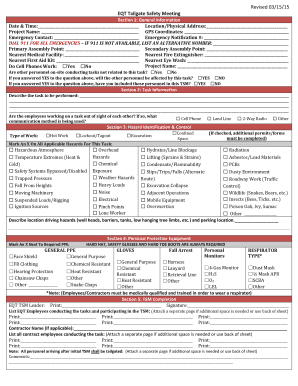
Safety meetings
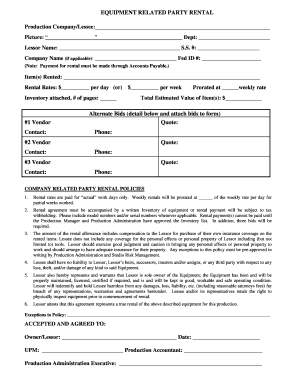
Party rental agreement
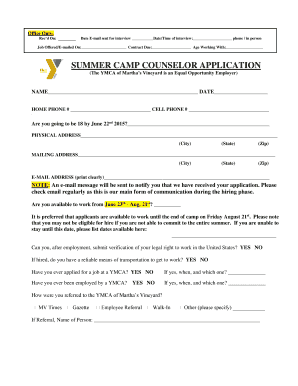
SUMMER CAMP COUNSELOR APPLICATION - ymcamv

Form 888 example
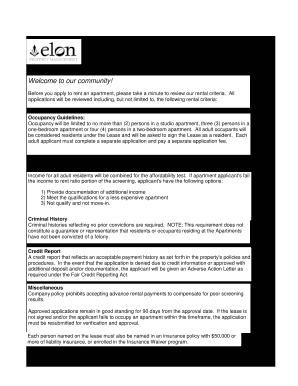
Elon management rental
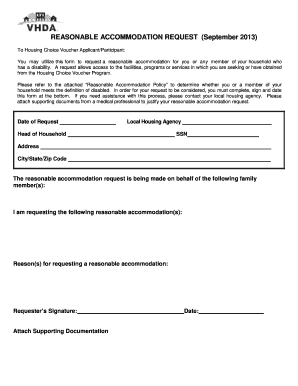
Reasonable accommodation letter from doctor for housing
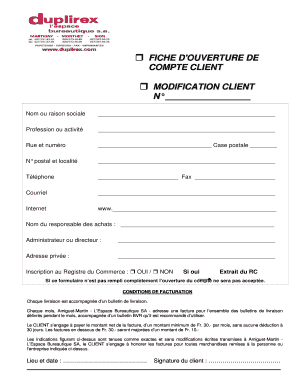
Modele ouverture de compte client
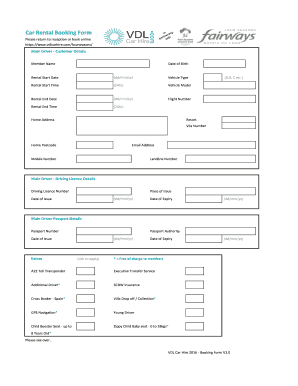
Car hire form
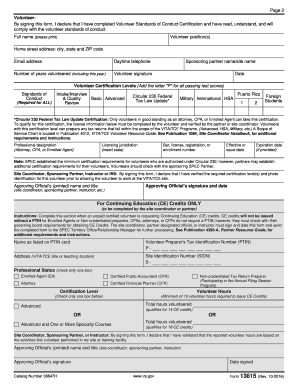
Form 13615 2016
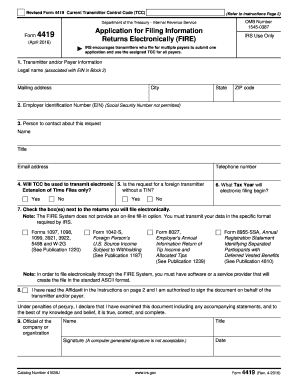
Requirements for filing with FIREInternal Revenue Service - ...
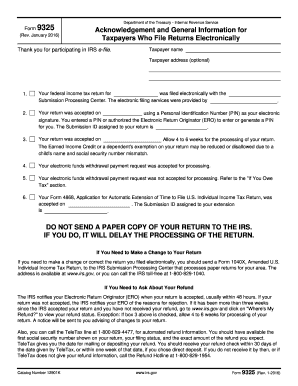
2016 form acknowledgement
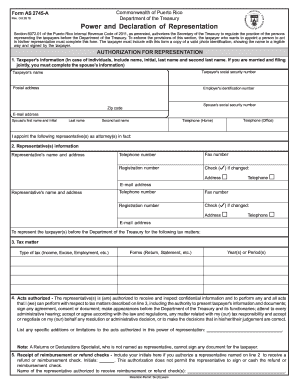
Form as2745a
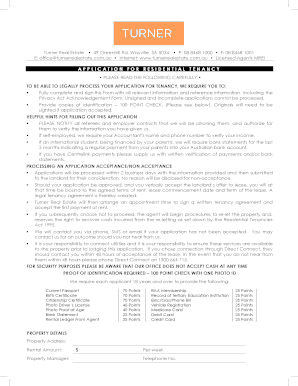
Real estate application residential
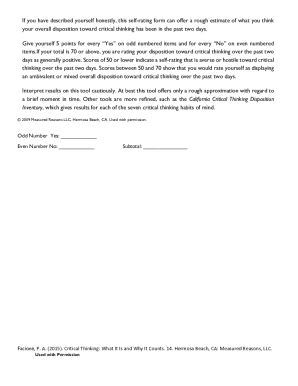
Critical Thinking Mindset Self-Rating Form

Avc petition
Real Estate Title Standards - Nebraska State Bar Association

Build your own country
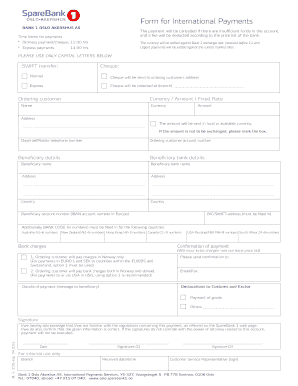
Form for International Payments - SpareBank 1 - sparebank1
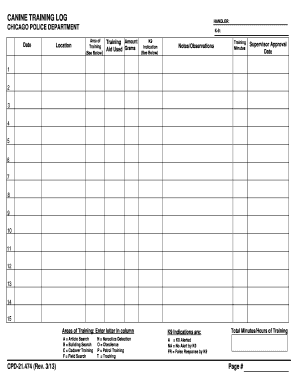
Dog training log pdf
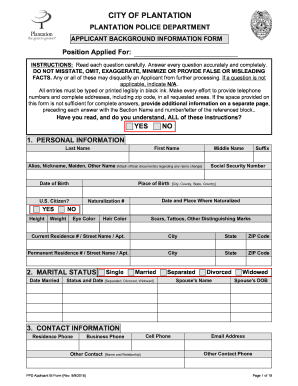
Applicant background form
Benefit from the DocHub online library of fillable PDF forms
Searching the PDF forms doesn't have to be a tedious and time-consuming process. With the DocHub online library, it has become easier to find the fillable PDF forms and modify them in your browser. The service allows you to adjust the document to your needs using powerful editing tools.
You can use online document editing features to modify almost any type of document with ease. You just need to find the template of your choice, open it in the editor, and use the toolbar to make the necessary corrections.
Follow this guide to get your document done with DocHub:
- Find the PDF template you need.
- Click the Get Form button to open the file in the editor.
- Use the toolbar to fill out and edit the document.
- Easily add and highlight text, insert images, checkmarks, and symbols.
- Drop new fillable fields, and rearrange or delete pages from your file.
- Save changes and download your record.
DocHub empowers everyone to streamline document editing, signing, and distribution, and form completion. Create an account and benefit from our well-organized PDF Forms library and comprehensive editor.