
Get any PDF form from the DocHub library of ready-made templates - Page 1958

Sample Rental Agreement - Self Storage Association of Michigan
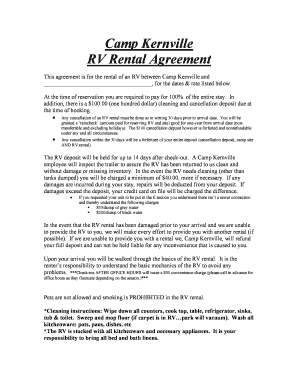
Rv park rental agreement
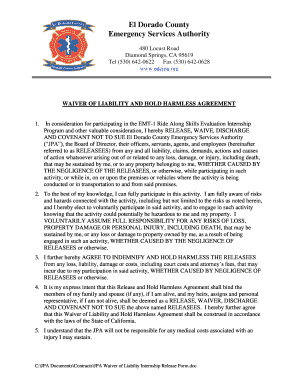
Sample internship waiver letter

Arbonne return policy
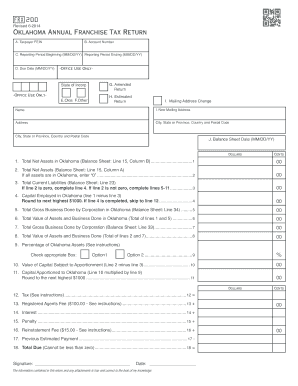
Ok frx 200
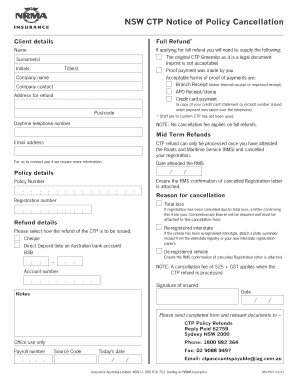
Nrma green slip
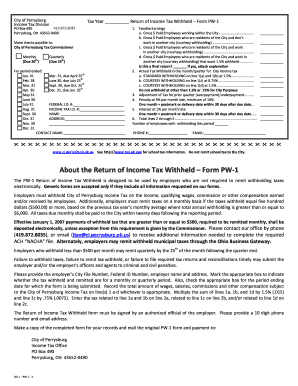
Perrysburg tax form
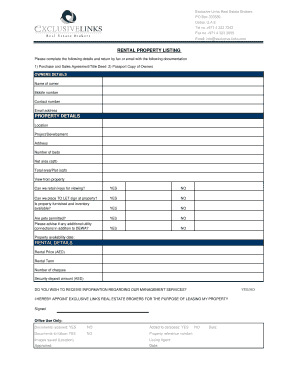
Property viewing form

Exclusive Residential Rental Listing Contract Form 1148 rev 10/97
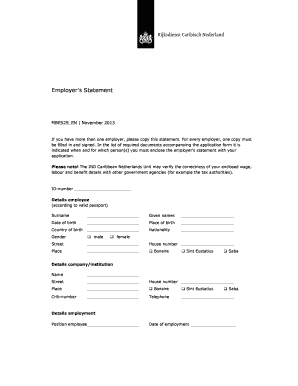
Mbes29

Affidavit of domestic partnership nm
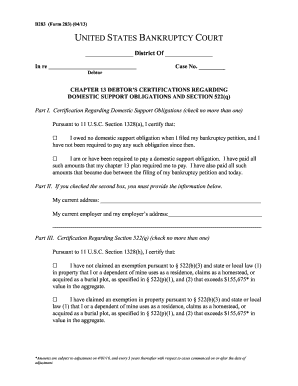
Form b283
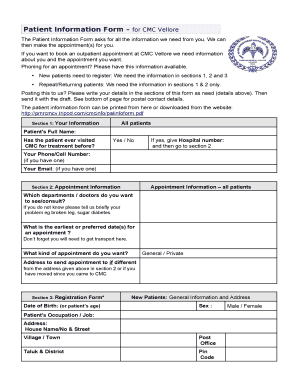
सीएमसी वेल्लोर में नए रोगी नियुक्ति
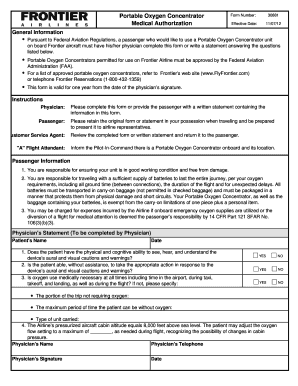
Frontier airlines portable oxygen form
Api svmh
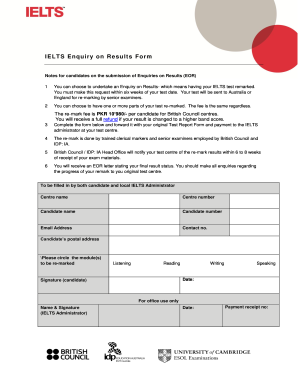
Eor form british council

Indiana entity annual report form e 1
Marriottforms
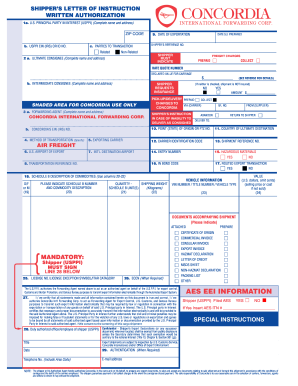
Concordia sli
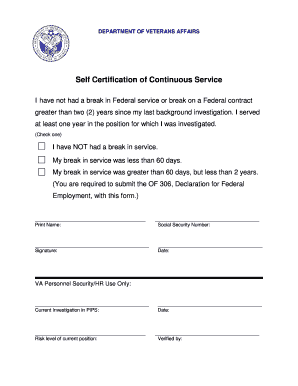
Certification of continuous active duty
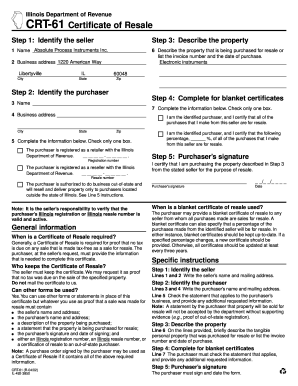
Crt 61

9290
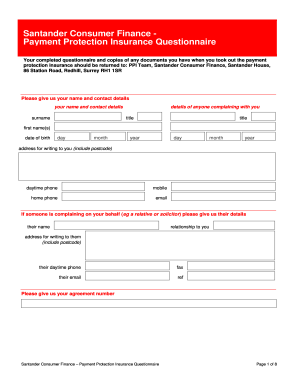
Ppi form
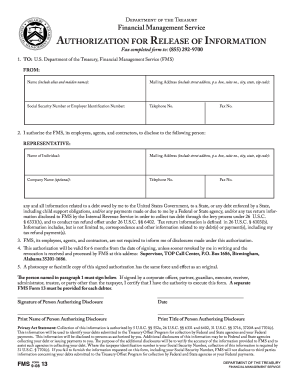
Fms form 13
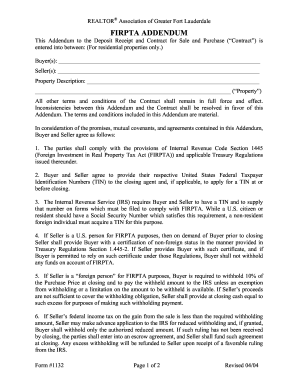
Firpta addendum
Release of Information - RiverBend Medical Group
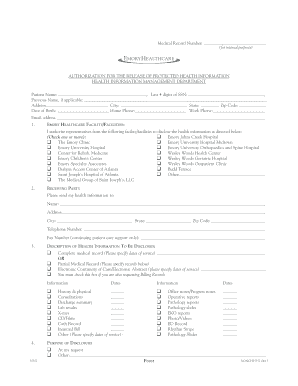
Authorization to Release Medical Information - Emory Healthcare - emoryhealthcare
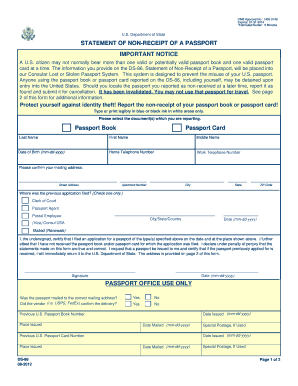
Ds 86 fillable form

Umuc diploma
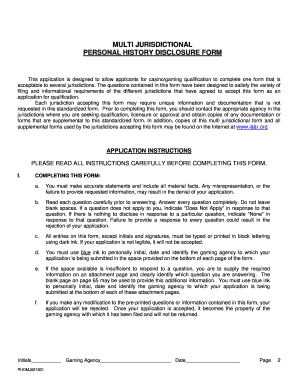
Multi jurisdictional personal history disclosure form
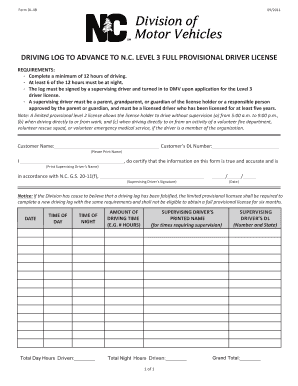
Example 60 hour driving log filled out

Application for Replacement Plate and/or Sticker ( MVR-18 ) - ncdot
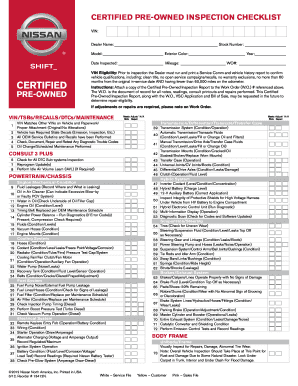
Vehicle Inspection Form - Nissan Extended Warranty

Crossfit power harmless

Cdl forms pdf
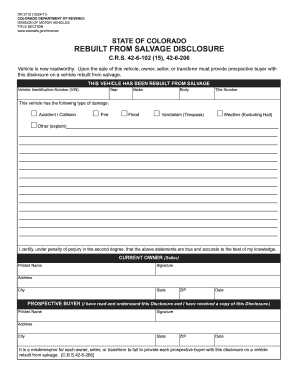
Form dr 2710 2011

Form omb no 1845 0110
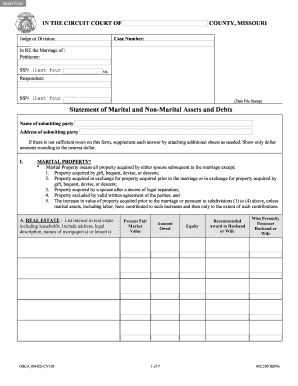
Missouri statement assets debts

Icici lombard form
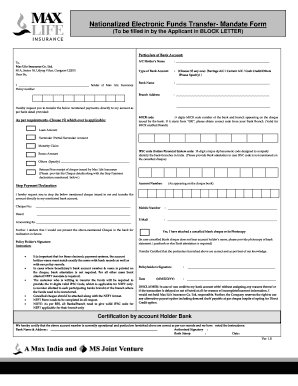
Max life neft form
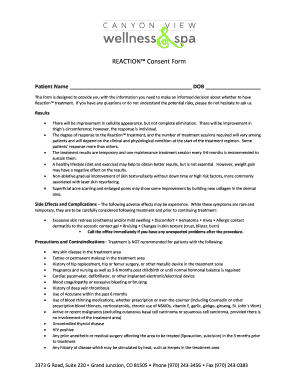
Consent forms for spa services
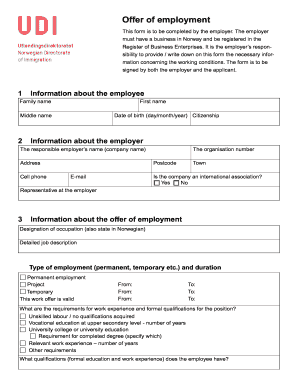
Udi form
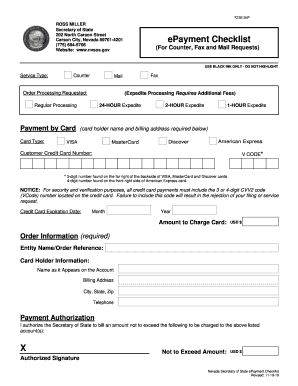
EPayment Checklist - Nevada Secretary of State

Real estate lien note
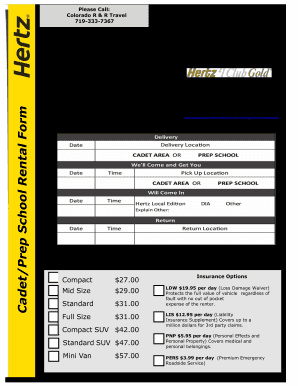
Hertz rental agreement

Cambodia application form
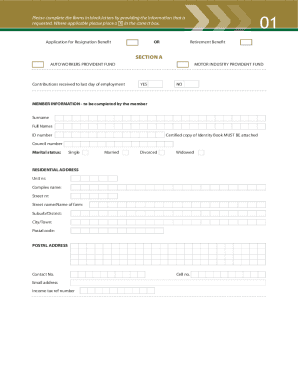
Mibco online app download
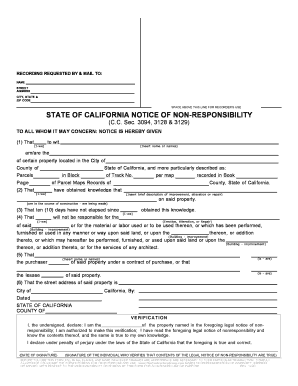
Notice non responsibility cc sec 3094 3128 and 3129
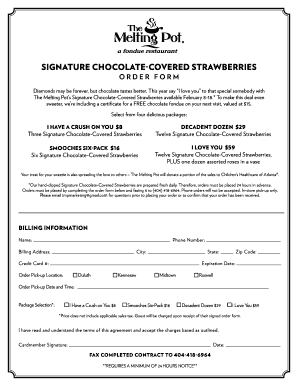
Chocolate covered strawberries order form
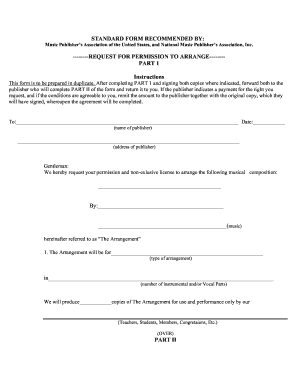
Arrange form permission
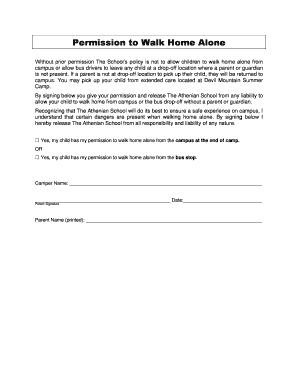
Permission to walk home from school letter
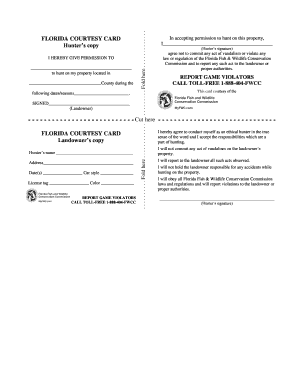
Hunting permission letter pdf
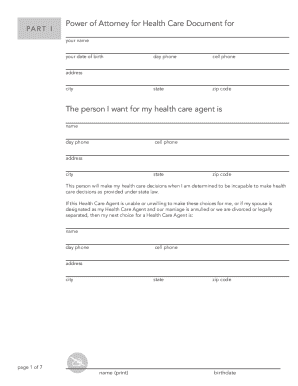
Whatcom health care alliance power of attorney directive form

Rh f 31
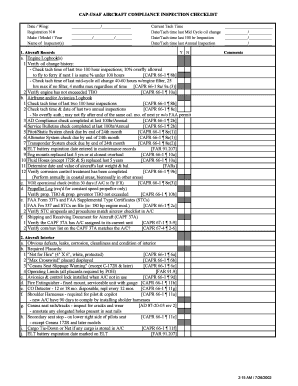
Aircraft checklist template

Instrument loan form
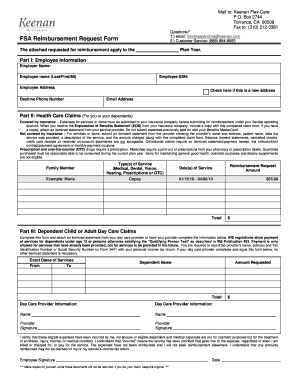
Fsa hhbenefits com get
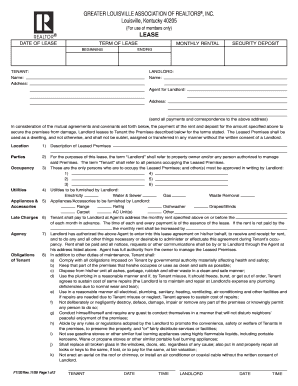
Greater louisville association of realtors form

Capital region housing edmonton application form

Washoe county school district variance

Twin rivers council eagle scout leadership service project summary form
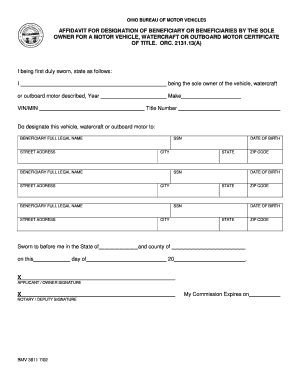
Ohio title inquiry
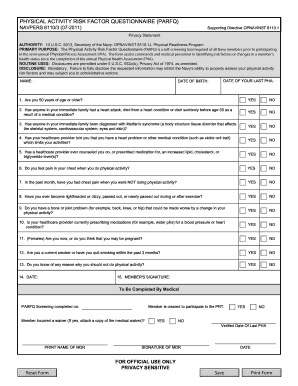
6110 3 2011 form

Pistol permit lee county alabama

Clara maass medical records
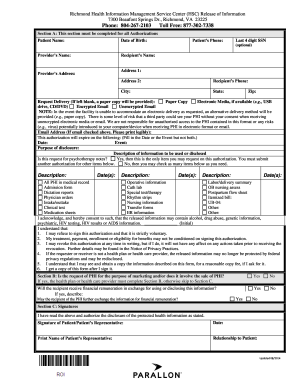
Richmond health information management service center
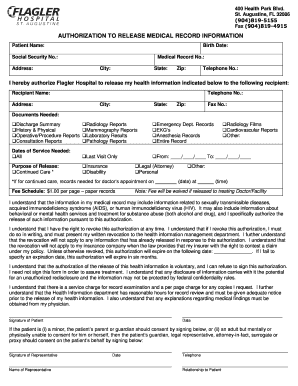
Flagler hospital st augustine medical records
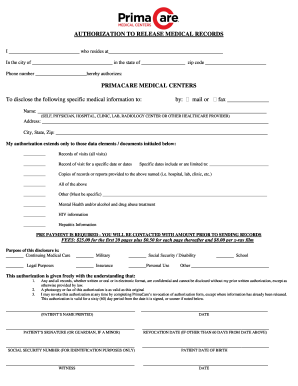
Primacare medical records
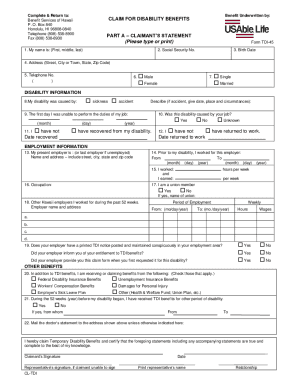
Tdi hawaii
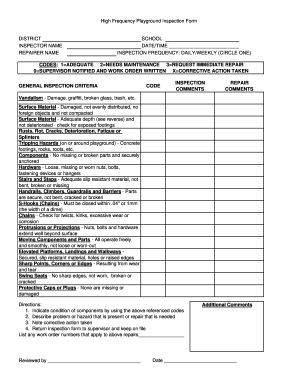
Playground Inspection Form - sipe
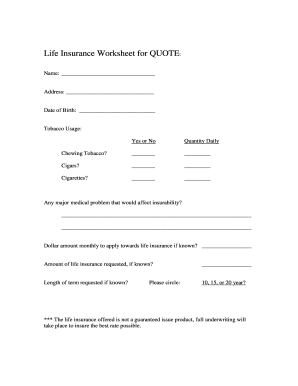
Legal forms regardng life insurance

Au pair application form
Navmc 799

Trec 20 14
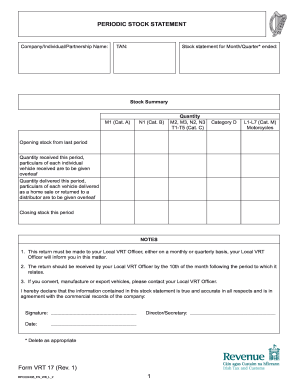
Vrt 17
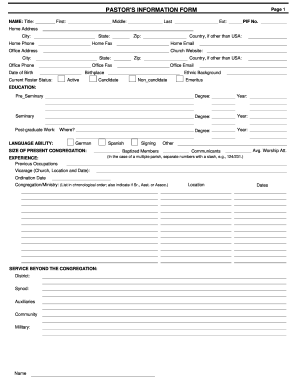
Pastor form pif

Esthetician liability waiver form
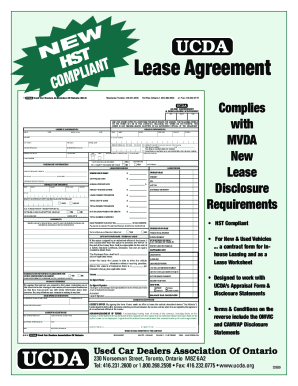
Form lease
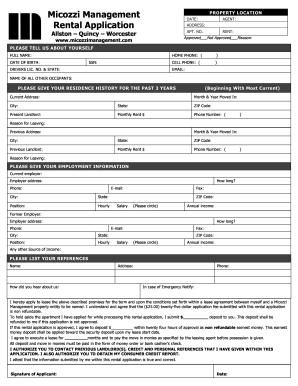
Management rental application
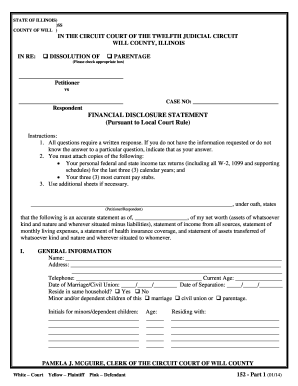
FINANCIAL DISCLOSURE STATEMENT - Will County, Illinois Circuit ...
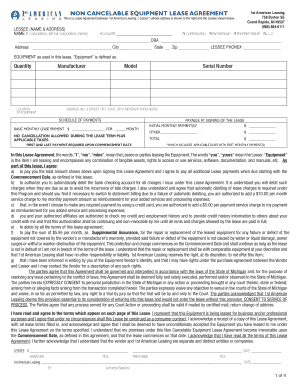
1st american leasing
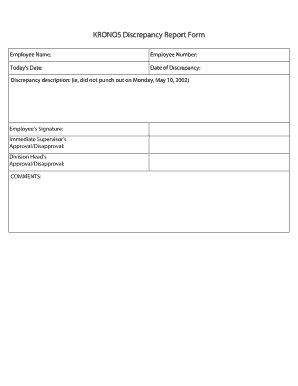
Discrepancy report sample
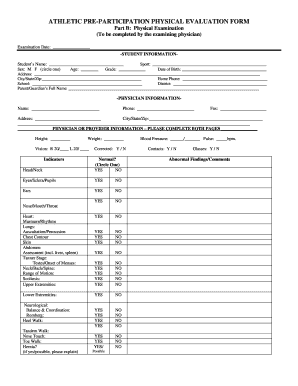
Physical paper
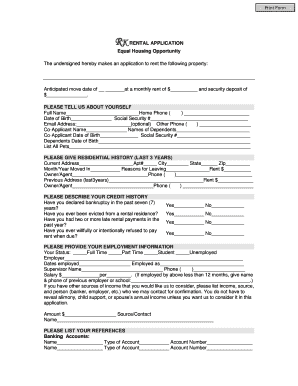
Application for rental housing
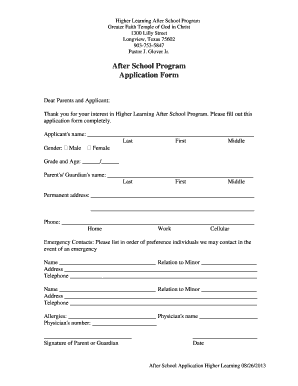
Program form
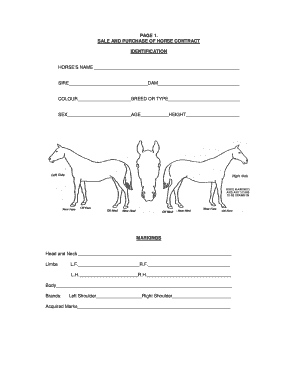
Horse purchase agreement
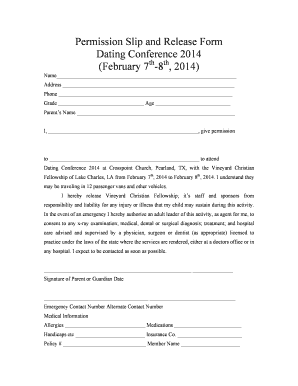
Permission Slip and Release Form Dating Conference 2014 - Clover

Sl1 form
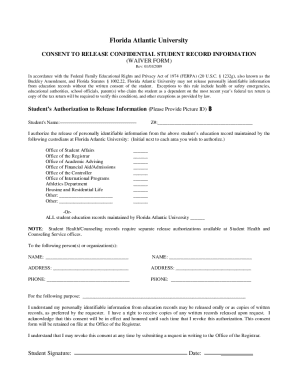
Fau ferpa form

Coles donation request
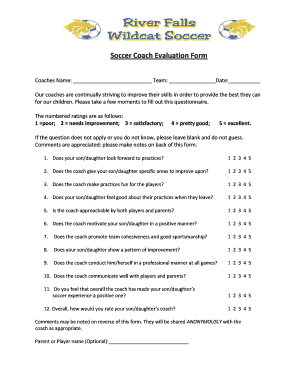
Coaching feedback questionnaire pdf
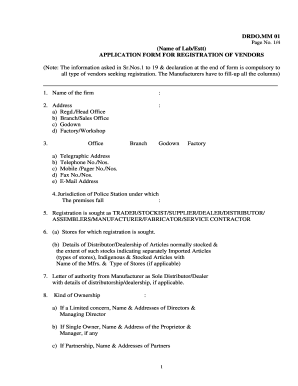
Drdo vendor registration
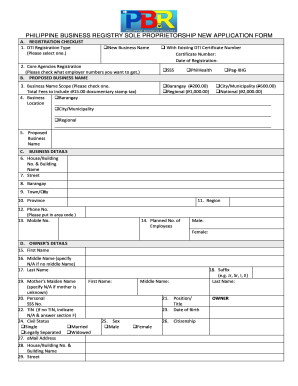
Pbr registration
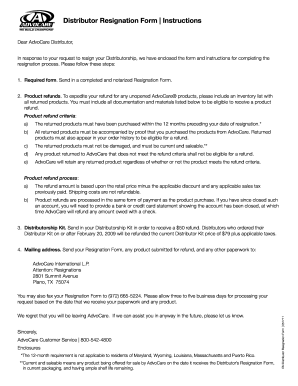
Leaving distributorship letter

Form itd 3153 2013

Golden spoon job application

Musical Instrument Rental Agreement-Current - HornCraft Music - horncraft
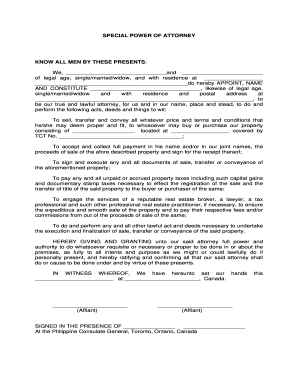
Special bpower of attorneyb - Philippine Consulate General Toronto
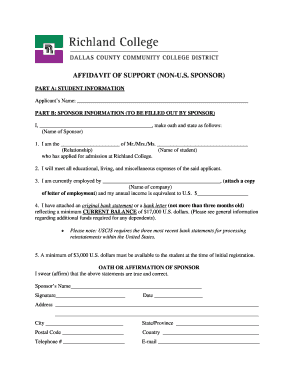
Richland college sponsorshio for international studenys
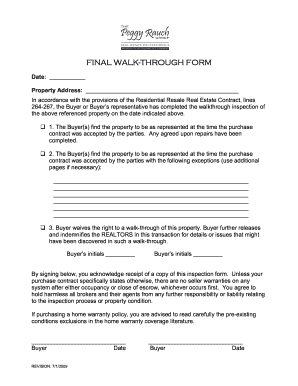
New home punch list template
Benefit from the DocHub online library of fillable PDF forms
Searching the PDF forms doesn't have to be a tedious and time-consuming process. With the DocHub online library, it has become easier to find the fillable PDF forms and modify them in your browser. The service allows you to adjust the document to your needs using powerful editing tools.
You can use online document editing features to modify almost any type of document with ease. You just need to find the template of your choice, open it in the editor, and use the toolbar to make the necessary corrections.
Follow this guide to get your document done with DocHub:
- Find the PDF template you need.
- Click the Get Form button to open the file in the editor.
- Use the toolbar to fill out and edit the document.
- Easily add and highlight text, insert images, checkmarks, and symbols.
- Drop new fillable fields, and rearrange or delete pages from your file.
- Save changes and download your record.
DocHub empowers everyone to streamline document editing, signing, and distribution, and form completion. Create an account and benefit from our well-organized PDF Forms library and comprehensive editor.