
Get any PDF form from the DocHub library of ready-made templates - Page 1957

B4 form canada
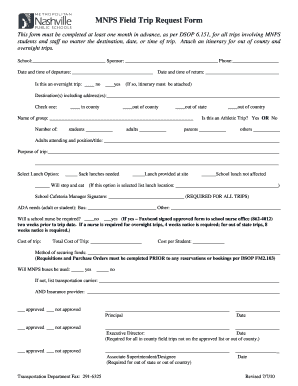
Mnps trip form
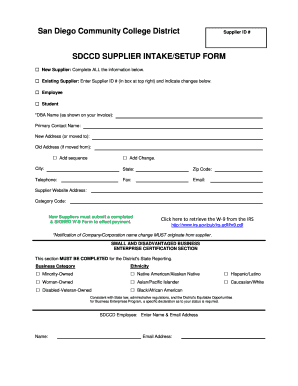
Sdccd san community setup search

Pesticide record keeping template
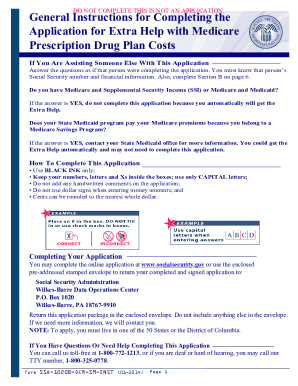
Social security extra help application

Authorization to release medical records form
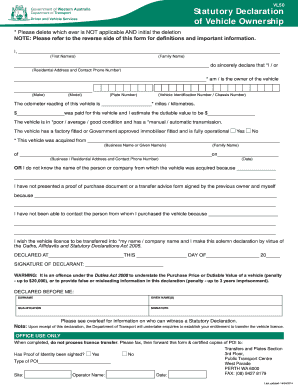
Self declaration form for ownership transfer
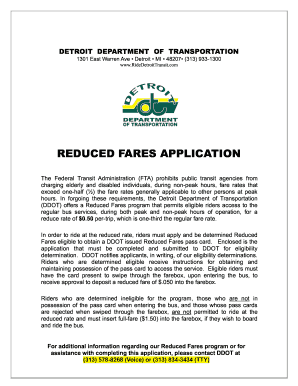
Ddot reduced fare application

Michigan uia 1538 2011 form
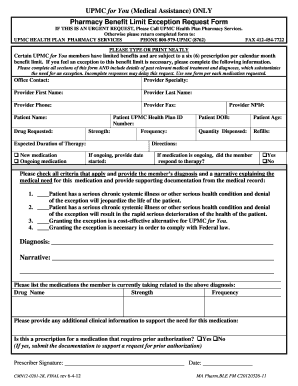
Upmc benefit limit exception form
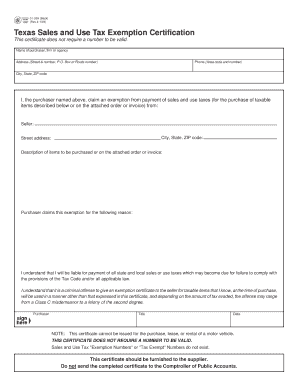
01-339 Sales and Use Tax Resale Certificate / Exemption Certification

Affidavit of non rental
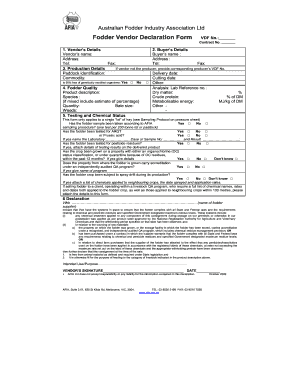
Fodder Vendor Declaration Form VDF No.:

Data correction form
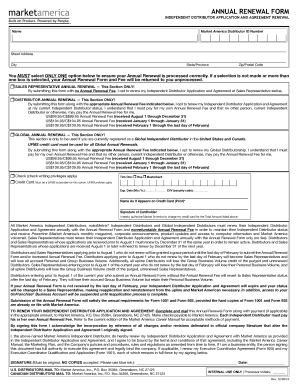
America renewal form
Condominium deed
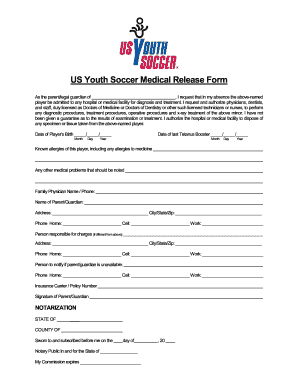
Soccer waiver form
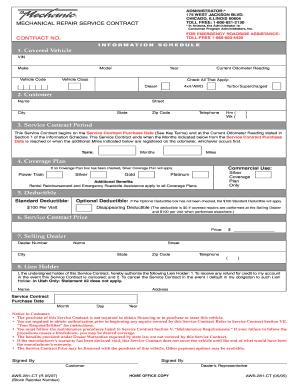
18006212130
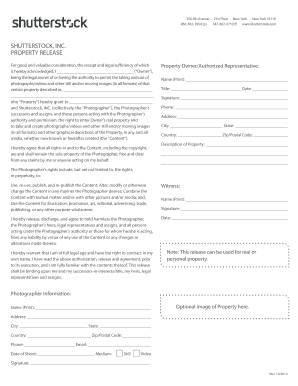
Shutterstock property release form
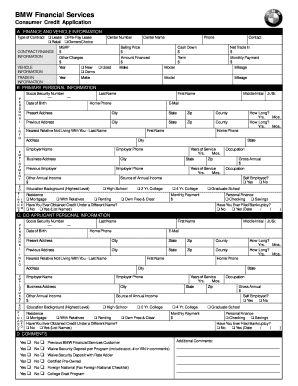
ConsCreditAppl-BMW-NEW-SINGLE.p65
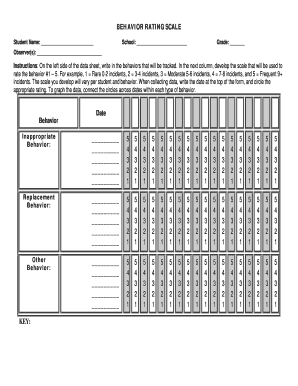
Behaviour rating scale pdf
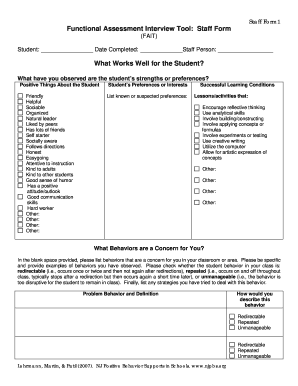
Assessment interview tool template
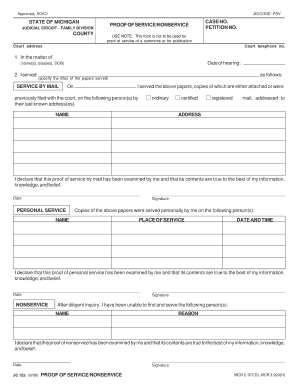
Proof of service form
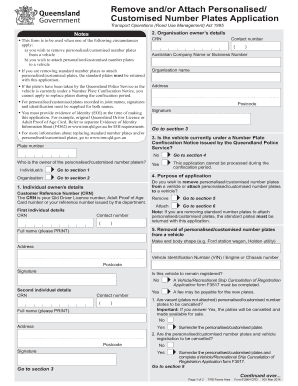
Personalised plates qld form

Hawaii duplicate registration
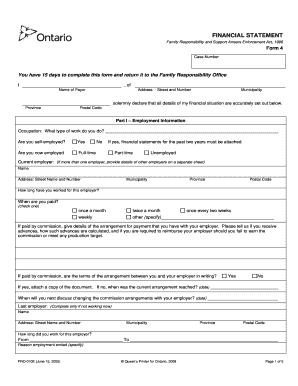
Fro online
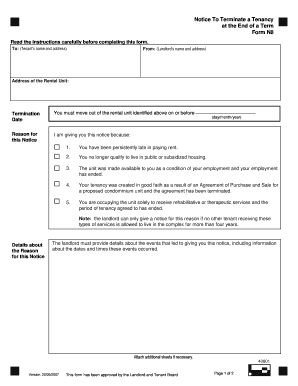
N8 form instructions
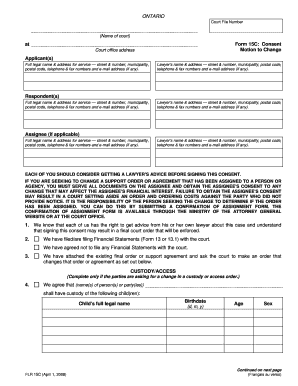
Form 15c

Modified simpson angus scale

Fulton county schools form
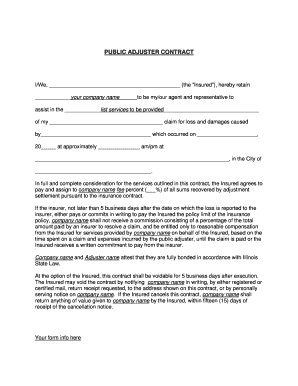
Insurance contract sample pdf
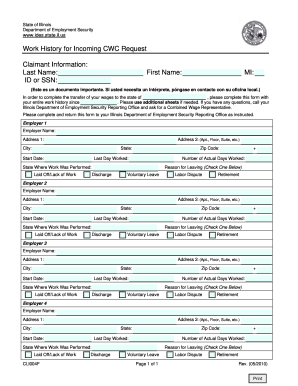
Blank work history template

Dd form 577 july 2014
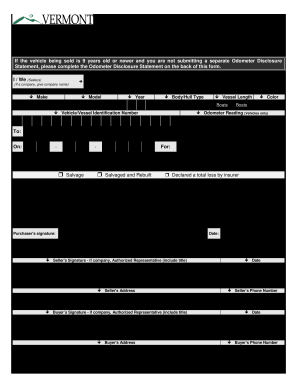
Bill of Sale and Odometer Disclosure Statement - dmv vermont

Standard form 28
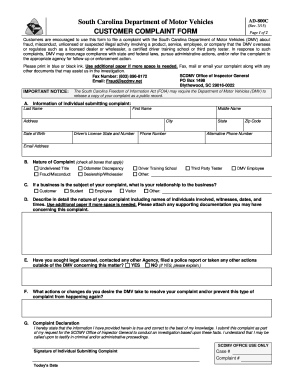
Sc complaint
Cms l564 printable form

Dma 5200 application
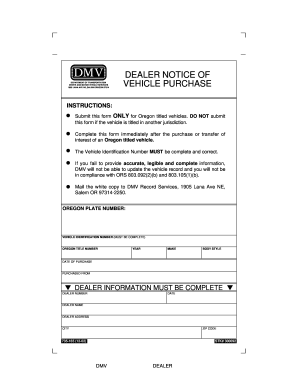
Dealer notice of vehicle purchase online 2002 form
Da form 5440
Form navmc 604
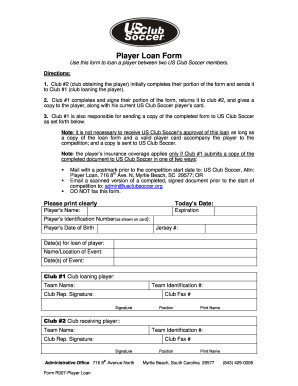
Us club player loan form
Navpers 1331 5

Rd 1924 7
Opnav 4790 34
Da 5690
440 11

Usda form rd 1956 1
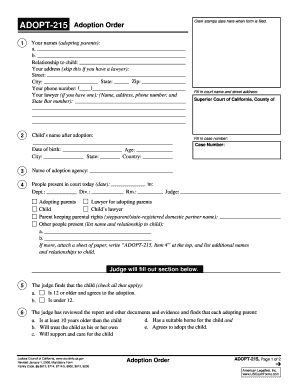
Adoption order

MC-040 Notice of Change of Address. Judicial Council forms - courtinfo ca

ADR-103 Petition to Confirm, Correct, or Vacate Attorney-Client Fee Arbitration Award (Alternative Dispute Resolution). Judicial Council forms - courtinfo ca
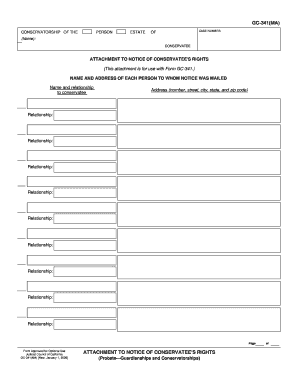
Gc 341
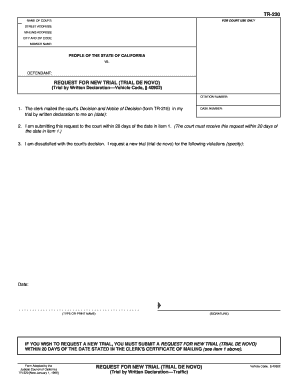
TR-220 REQUEST FOR NEW TRIAL (TRIAL DE NOVO) (Trial by Written Declaration Traffic). Judicial Council forms - courtinfo ca
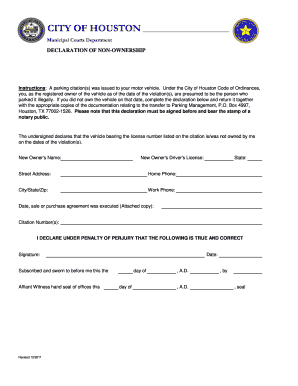
Non ownership of motor vehicle affidavit texas

THIS FORM SHOULD NOT BE FILED WITH THE COURT FL-142 ATTORNEY ...

Ex parte application for restoration of former name

APP-103 Appellant's Notice Designating Record on Appeal. Judicial Council forms - courtinfo ca

Form la 84530l

John byron corbin trust
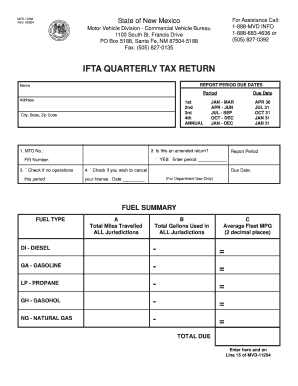
New mexico ifta login
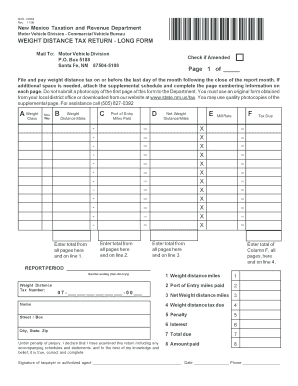
New mexico weight distance quarterly tax return

Form tf0001

Care plan examples for dementia
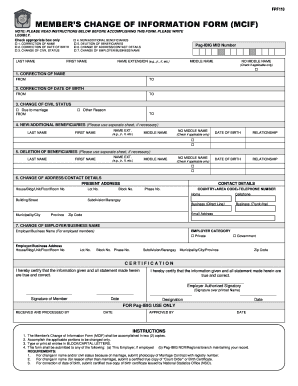
Mcif form
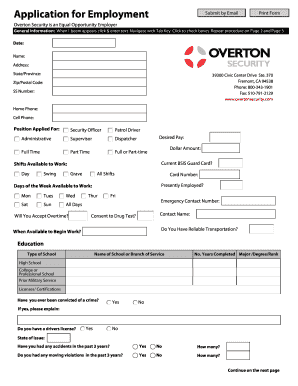
Overton security com
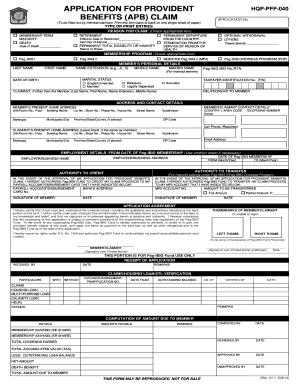
Pag ibig form

Subpoena in an Adversary Proceeding - United States Bankruptcy ...

Sample Receipt Form (PSB-2) - New York State DMV - dmv ny

Supplemental application form

Edexcel gcse mathematics linear 1ma0 standard form answers
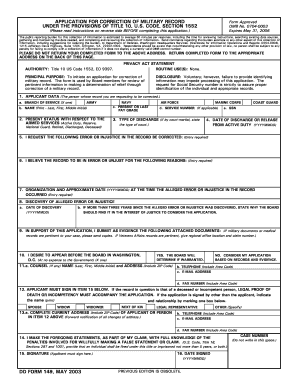
Dd form 149
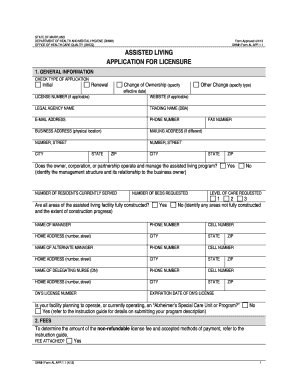
ASSISTED LIVING APPLICATION FOR LICENSURE - DHMH - dhmh maryland

Uspscandidate

And Murphy Homes, Inc. Intake Packet - Fairwinds Group Home

History statement prince county
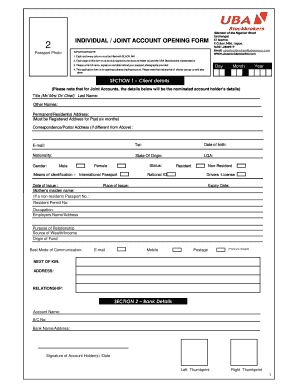
Uba account form

N 649
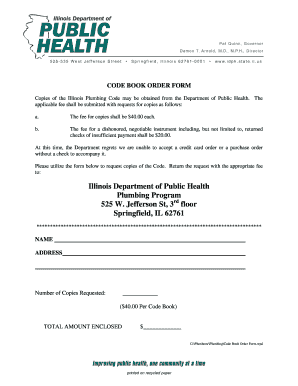
Illinois plumbing code book for sale
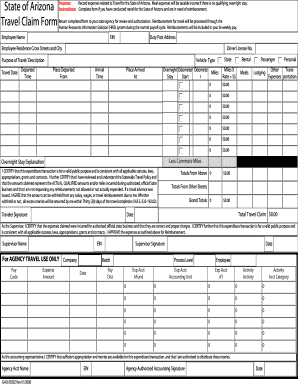
Form gao 503 a ez

Gifted deposit template

Alaska proxy fishing form
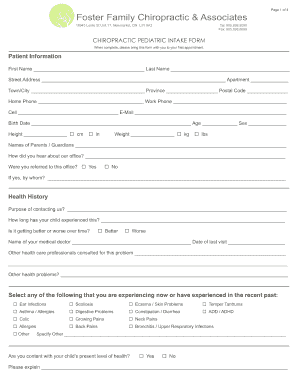
Pediatric intake form template
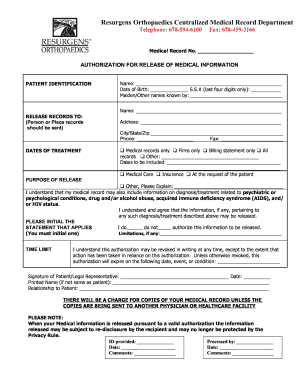
Resurgens orthopaedics medical records

Compton unified records

Ocps medication form
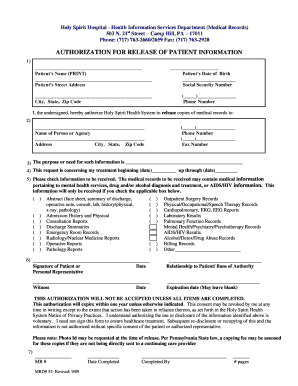
Holy spirit hospital patient information

2502 0496

Option memo lease
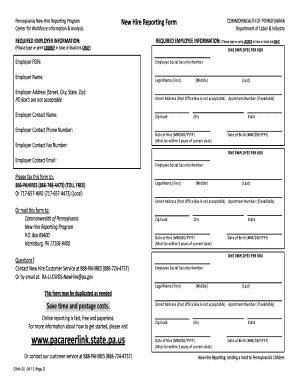
Cwia 25

REBNY Coop Sublease bApplicationb - Douglas Elliman Property bb

Client Tax Information Sheet - Eva Smith & Associates

Peoplesbankdirect

Address change form

Rmv change of address
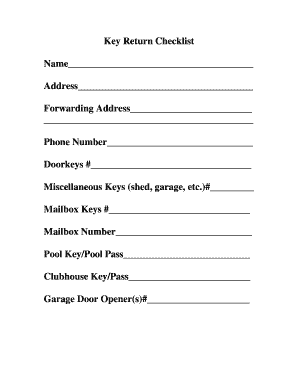
Tenant key return form

2013 sc isp form
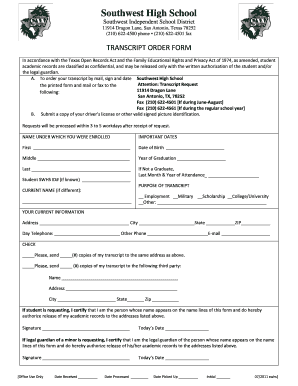
Swisd form

Request bain 705

Fbi application form

Word Pro - sample gross or modified gross lease - DeWitt Londre ...
Benefit from the DocHub online library of fillable PDF forms
Searching the PDF forms doesn't have to be a tedious and time-consuming process. With the DocHub online library, it has become easier to find the fillable PDF forms and modify them in your browser. The service allows you to adjust the document to your needs using powerful editing tools.
You can use online document editing features to modify almost any type of document with ease. You just need to find the template of your choice, open it in the editor, and use the toolbar to make the necessary corrections.
Follow this guide to get your document done with DocHub:
- Find the PDF template you need.
- Click the Get Form button to open the file in the editor.
- Use the toolbar to fill out and edit the document.
- Easily add and highlight text, insert images, checkmarks, and symbols.
- Drop new fillable fields, and rearrange or delete pages from your file.
- Save changes and download your record.
DocHub empowers everyone to streamline document editing, signing, and distribution, and form completion. Create an account and benefit from our well-organized PDF Forms library and comprehensive editor.