
Get any PDF form from the DocHub library of ready-made templates - Page 1959

Nomination form for housing society election

Pet adoption application form
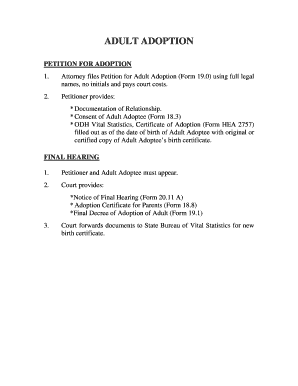
Adult adoption - Lucas County Probate Court - lucas-co-probate-ct
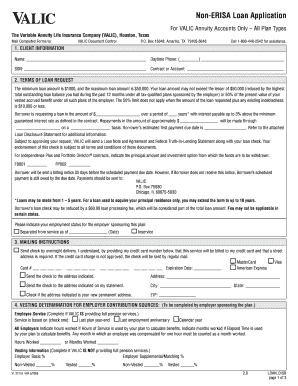
Valic loan application form
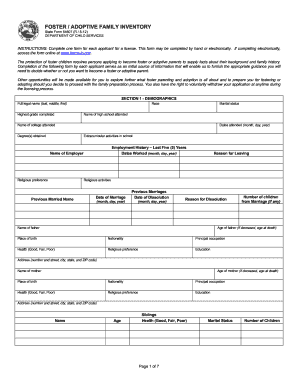
Foster / adoptive family inventory - ICPR: State Forms Online Catalog - benchmarkfamilyservices
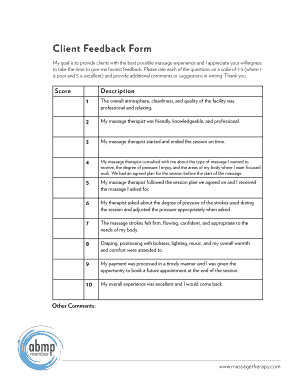
Massage feedback form
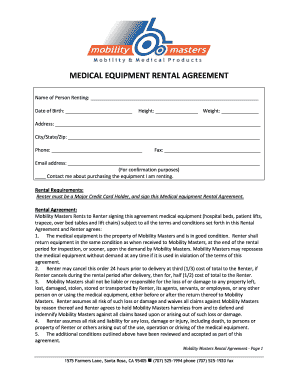
Mobility rental agreement

Inflatable water slide waiver form
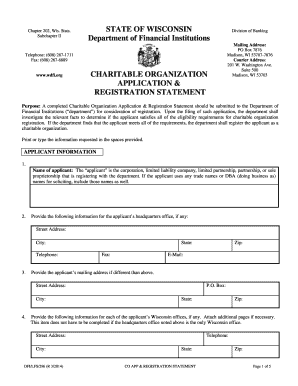
Form 296

Mdot d
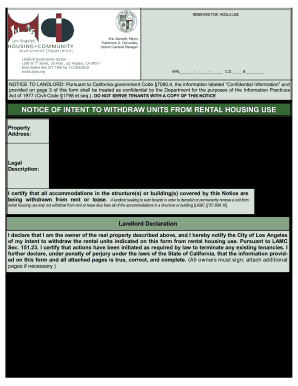
Notice withdraw lacity

Wauseon income tax
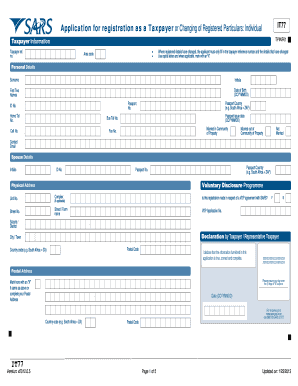
Tax number application form
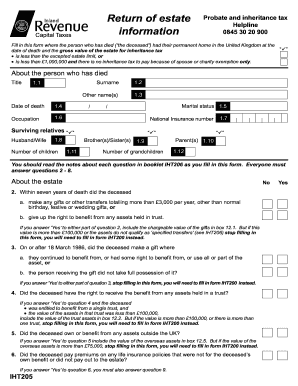
Examples of completed iht205
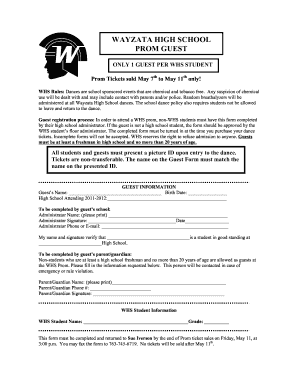
Prom Guest Reg - Wayzata Public Schools
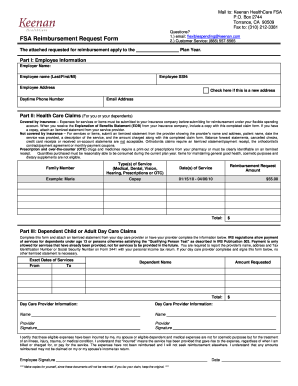
Keenan flexible spending account
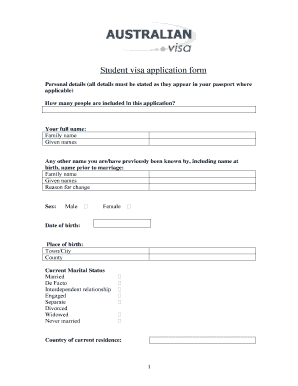
Australia student visa form
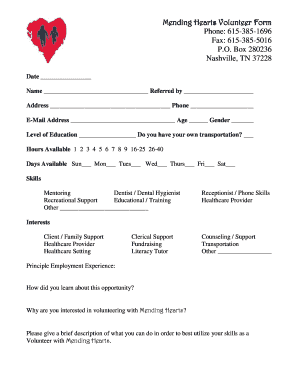
Mending hearts application
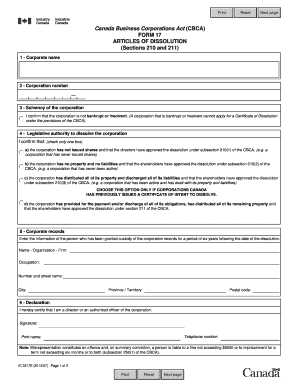
Form 17 articles of dissolution
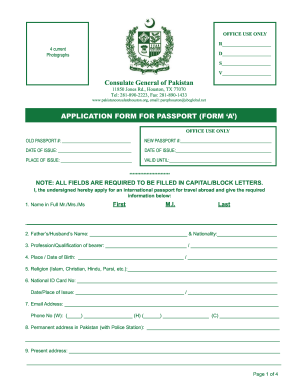
Pakistan embassy houston passport renewal

Equipment and Hauling Agreement - Evans SouthEast.Com

THIS SECTION TO BE COMPLETED BY MANAGEMENT AND EXECUTED BY RESIDENT
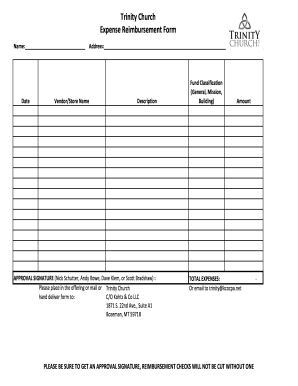
Aaa reimbursement form

Graton win loss statement
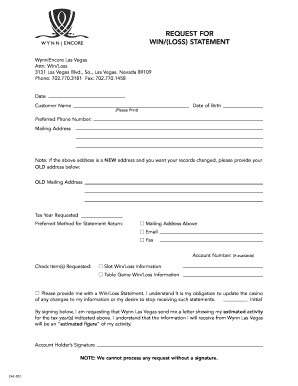
Wynn win loss statement

Prize form
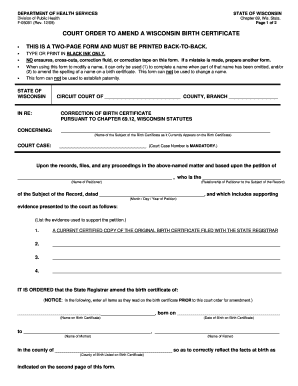
Court order birth

General behavior inventory score sheet
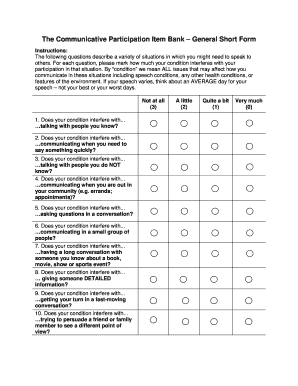
Communicative participation item bank
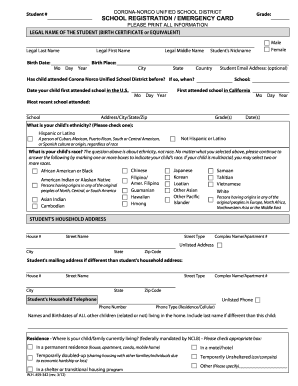
SCHOOL REGISTRATION / EMERGENCY CARD - Corona-Norco ...

The guardian life insurance enrollmentchange form pdf

Morasha form
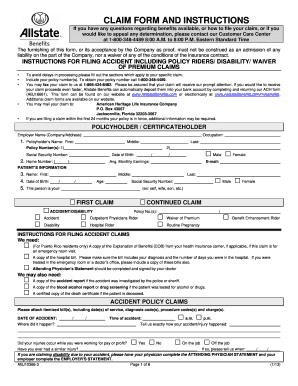
Instructions for Completing the Continued Claim Form - DC DOES
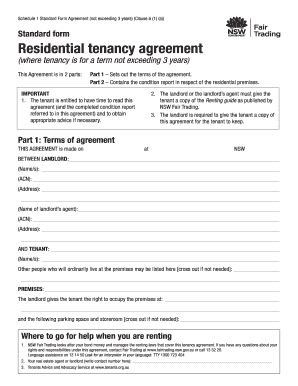
Standard form Residential tenancy agreement
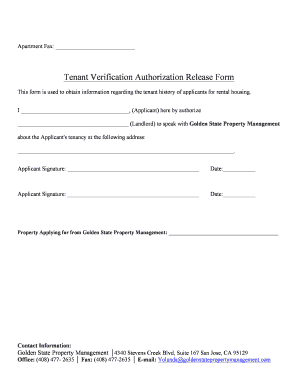
Tenant Verification Authorization Release Form (3) - Golden State ...

Co demand possession
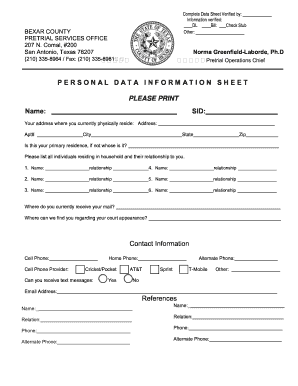
Bexar county medical examiners forms
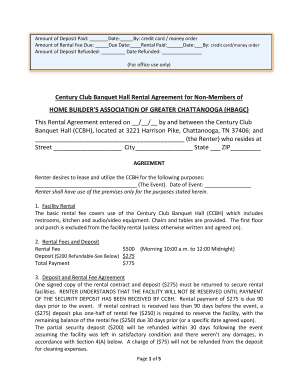
Banquet hall contract template
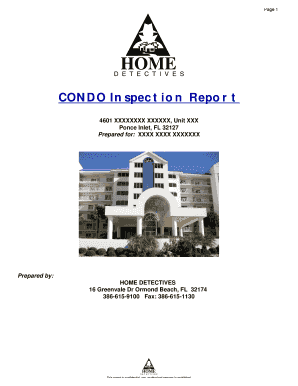
Home condo inspection report pdf

Natural selection gizmo answer key
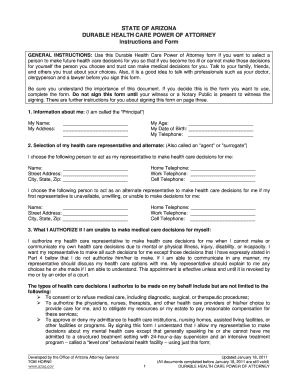
Life Care Planning Packet (Advanced Directives) - Arizona Attorney ... - azag
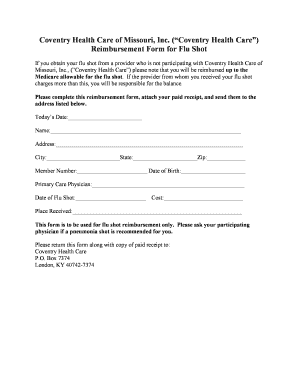
Flu shot documentation

Authorization to access tiaa accounts

Provider administrative
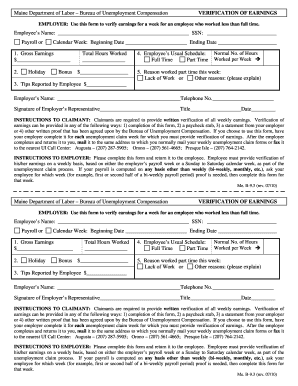
Maine verification earnings
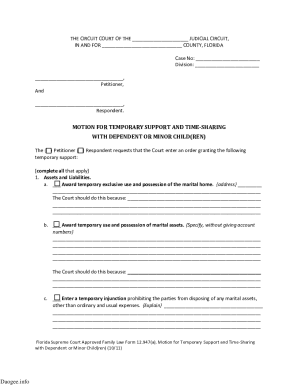
Florida Supreme Court Approved Family Law Form 12.947(a), Motion for Temporary Support and Time-Sharing with Dependent or Minor Child(ren) (02/09). Florida Supreme Court Approved Family Law Form 12.947(a) - daogee

Florida Supreme Court Approved Family Law Form 12.995(a), Parenting Plan (03/09). Florida Supreme Court Approved Family Law Form 12.995(a
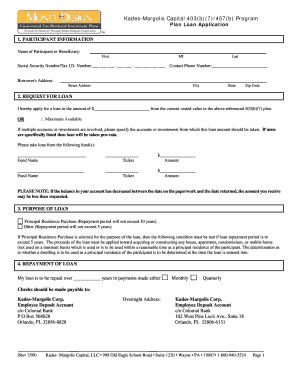
Ameriserv psea
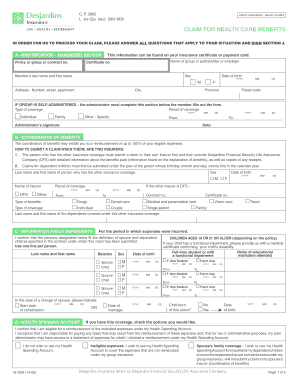
19132a form

Construction draw request template excel

Medical Excuse Form - Yavapai County Courts website

Notice of Injury and Claim Form - Wisconsin Department of Justice - doj state wi

West valley national bank
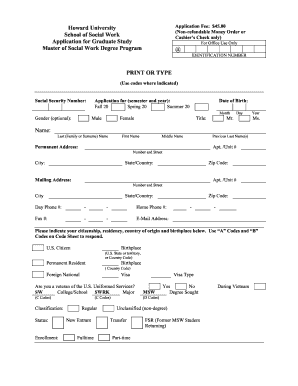
Howard university application pdf
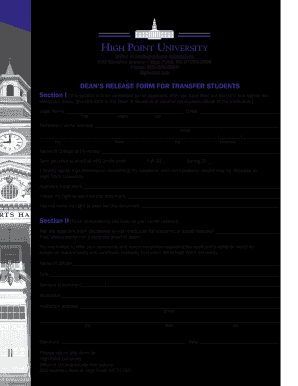
Dean release form
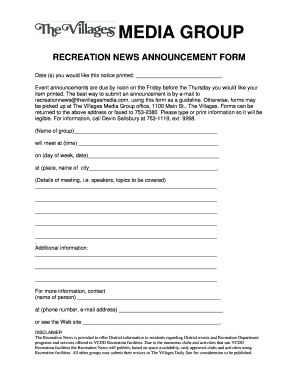
Media recreation form
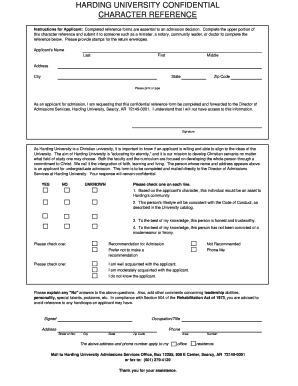
Character court letter
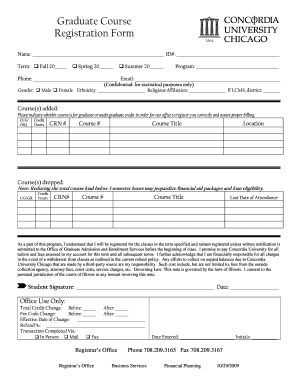
Application form for business courses in divine word university
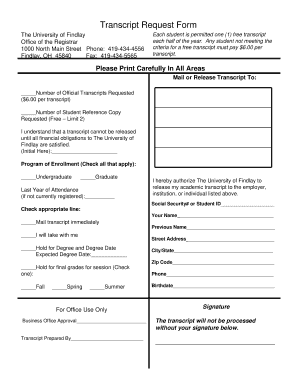
University findlay transcript
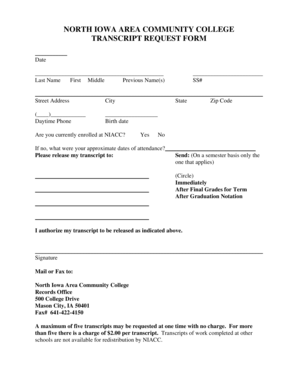
Niacc transcript request
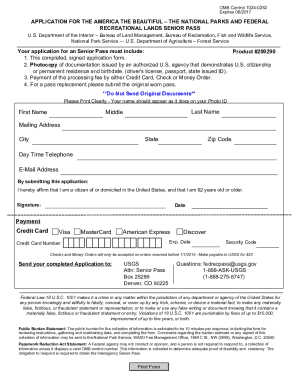
National parks senior pass

H1010 2014 form
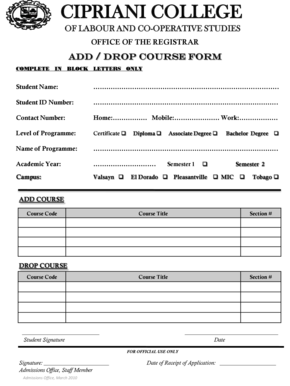
Cclcs
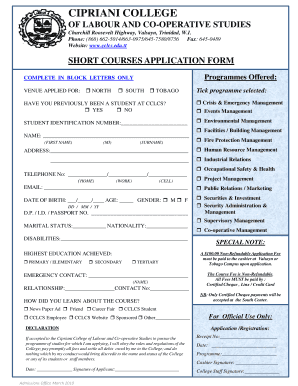
Cipriani labour college registration 2022
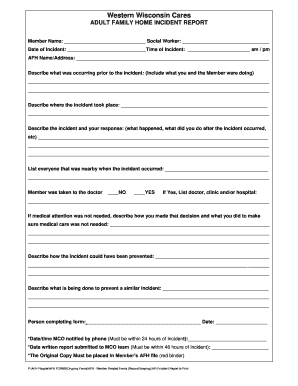
AFH Incident Report - Western Wisconsin Cares

Maritime self service
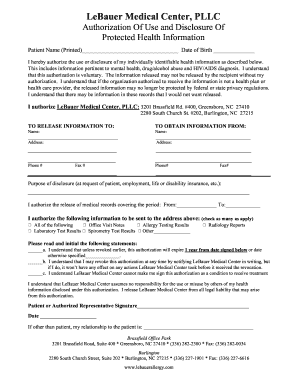
X'xxcom
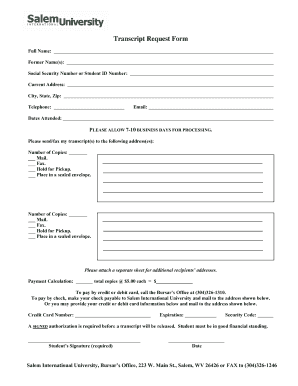
Salem university transcript

Voluntary contribution cpf
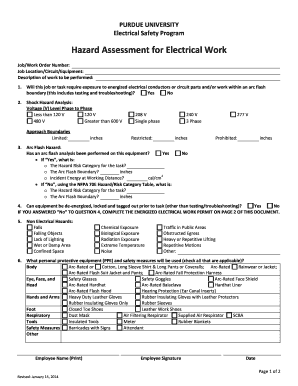
Electrical work permit format

Spiritual reference form
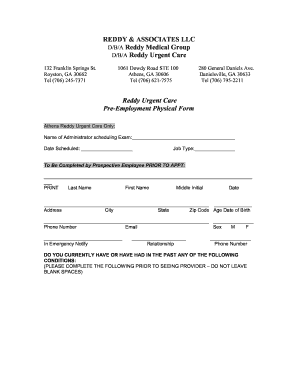
Pre employment physical form for nurses
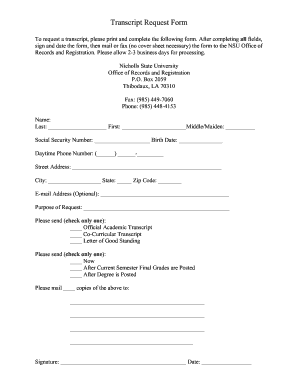
Nicholls state transcript

Lim college transcript request
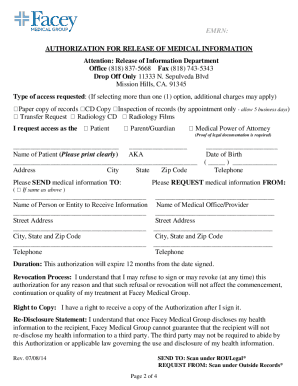
Online doctor notes print
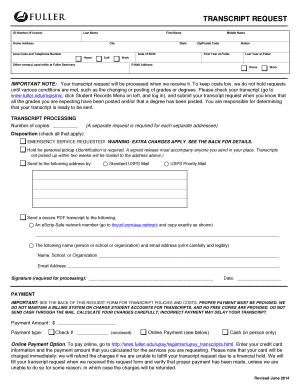
Fuller seminary transcripts
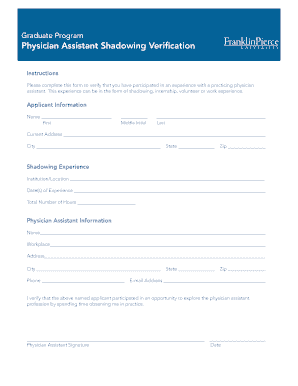
PA Shadowing Verification form - Franklin Pierce University - franklinpierce
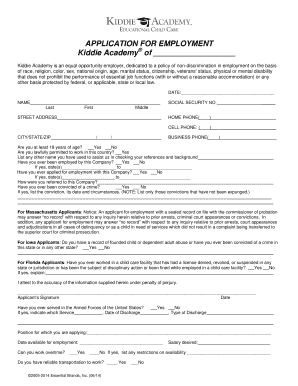
APPLICATION FOR EMPLOYMENT Kiddie Academy of

Pdftax
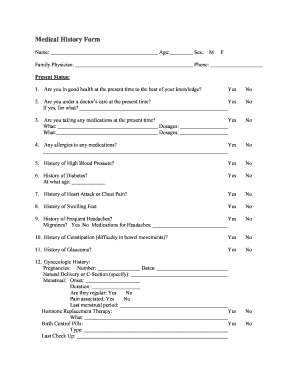
Vivify medical history

Warranty reimbursement form
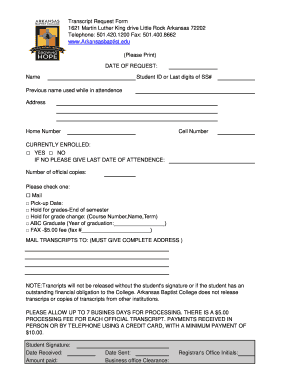
Arkansas baptist college transcript request
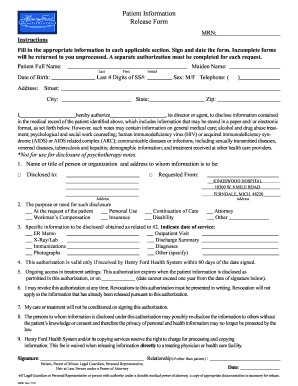
Patient Information Release Form - Henry Ford Health System

Attestation form for police verification punjab

Boi account opening form fill sample pdf
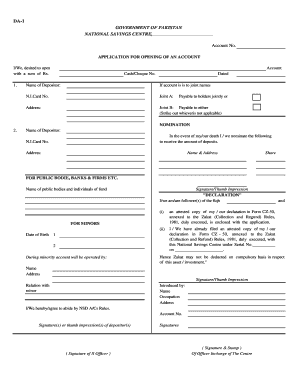
National saving certificate form pdf
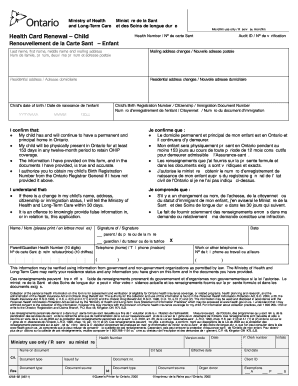
Health card renewal form pdf
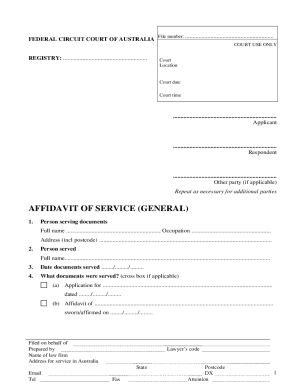
Example of affidavit for divorce australia

Dd2760
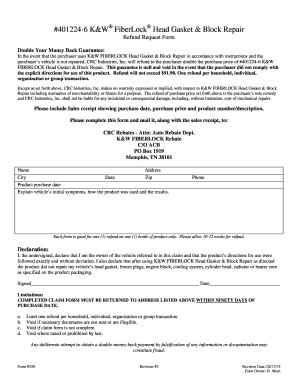
Repair refund request
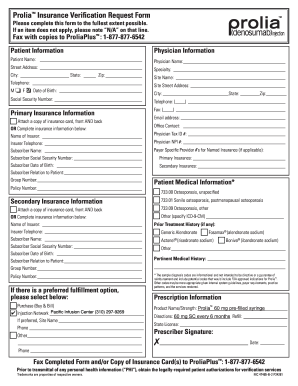
Prolia insurance verification form

Benlysta enrollment form

3600 ez 2014 form

Bc assessment farm classification lease form

Tennessee appointment of health care agent
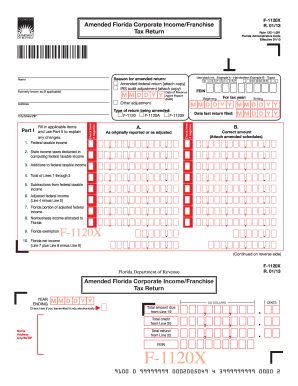
Download Form F-1120X - Florida Department of Revenue

Ballot template word
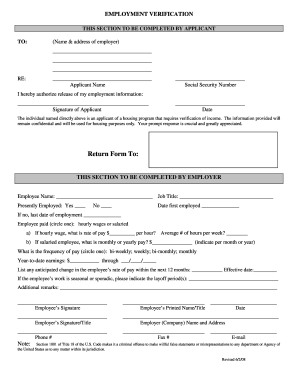
Food stamp verification form

Mississippi withholding form fillable
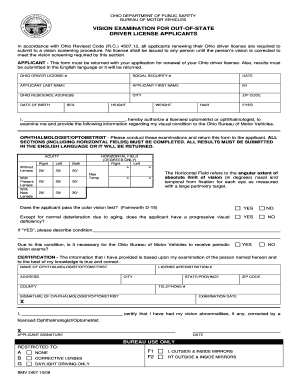
Ohio bmv vision form
Benefit from the DocHub online library of fillable PDF forms
Searching the PDF forms doesn't have to be a tedious and time-consuming process. With the DocHub online library, it has become easier to find the fillable PDF forms and modify them in your browser. The service allows you to adjust the document to your needs using powerful editing tools.
You can use online document editing features to modify almost any type of document with ease. You just need to find the template of your choice, open it in the editor, and use the toolbar to make the necessary corrections.
Follow this guide to get your document done with DocHub:
- Find the PDF template you need.
- Click the Get Form button to open the file in the editor.
- Use the toolbar to fill out and edit the document.
- Easily add and highlight text, insert images, checkmarks, and symbols.
- Drop new fillable fields, and rearrange or delete pages from your file.
- Save changes and download your record.
DocHub empowers everyone to streamline document editing, signing, and distribution, and form completion. Create an account and benefit from our well-organized PDF Forms library and comprehensive editor.