
Get any PDF form from the DocHub library of ready-made templates - Page 1960

Electromagnetic spectrum worksheet pdf with answers

Customer acknowledgement form
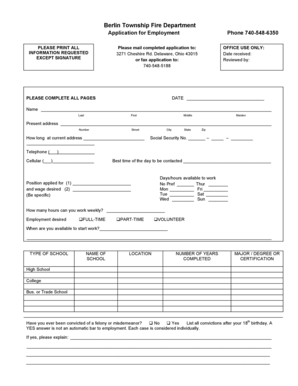
Fire Department Employment Application - Berlin Township

Nycha employment verification form

Background waiver
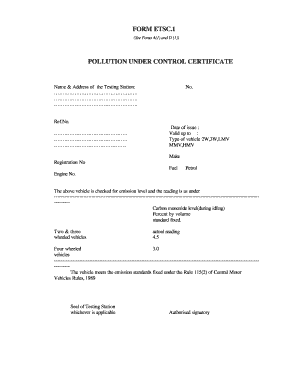
Pollution certificate format pdf
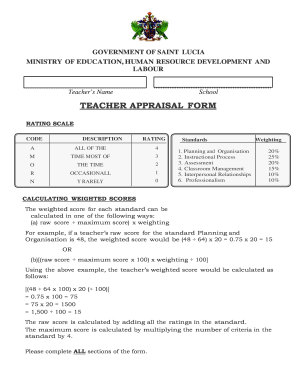
St lucia passport forms pdf
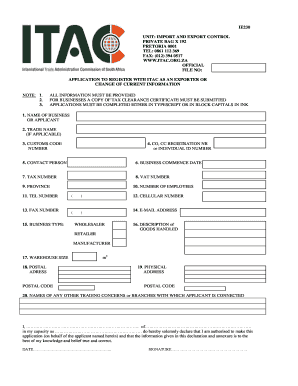
Ie230

Psira app
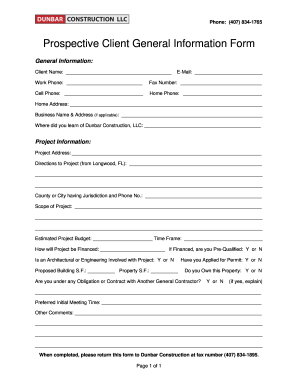
Prospective Client General Information Form - Dunbar Construction

Sunrise powerlink grant
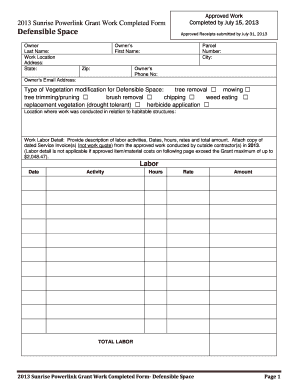
Sunrise powerlink grant

Canada student

Marching band competition score sheet

Formulario cis client information sheet
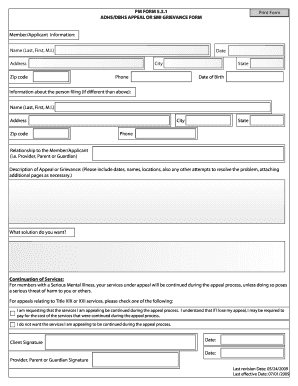
Pm form adhs dbhs
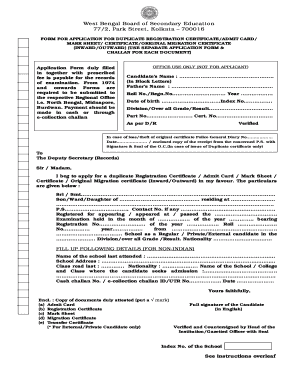
Madhyamik marksheet download
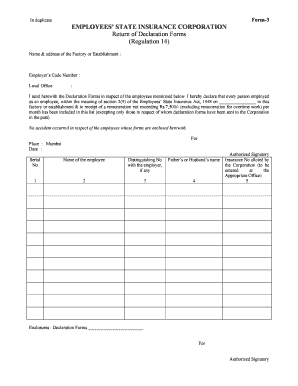
India employees state insurance corporation

2004 track and field registration form

Hhs1 form
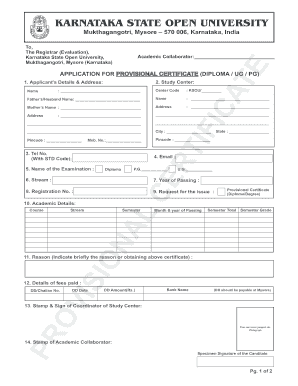
Ksou provisional certificate form pdf
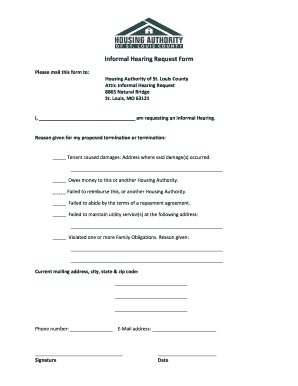
Request for an informal hearing in missouri
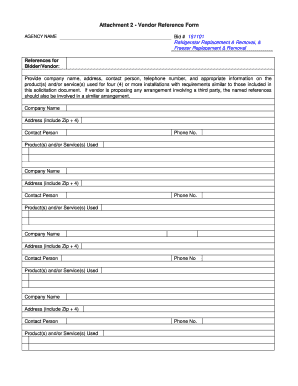
Vendor reference form
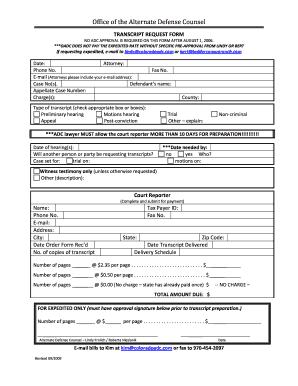
Transcript request alternate defense counsel
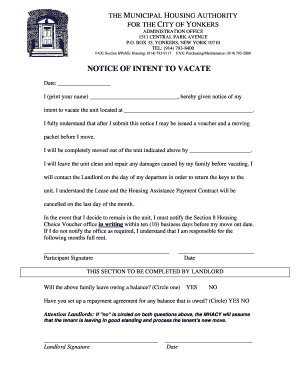
Vacate yonkers form
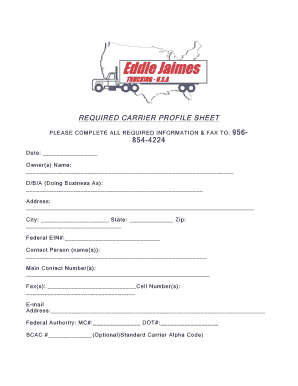
Carrier profile sheet
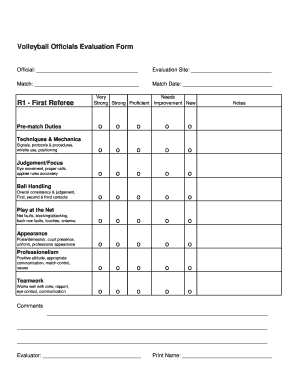
Volleyball evaluation form

Nhvr bfm medical form
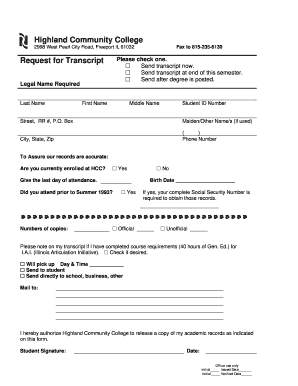
Highland community college transcript
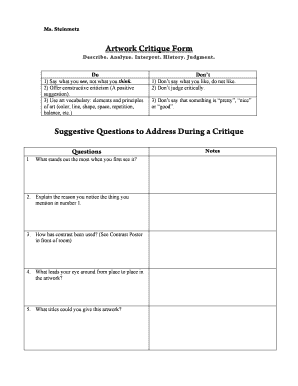
Critique form
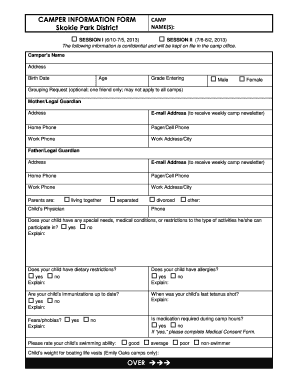
Camper information form skokie
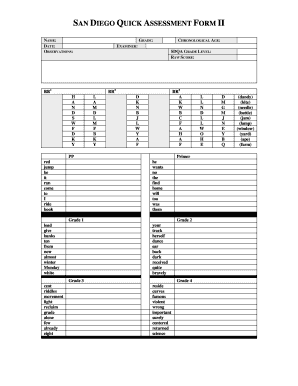
San diego quick assessment student copy

Vehicle appraisal nova scotia

Hess corporation form
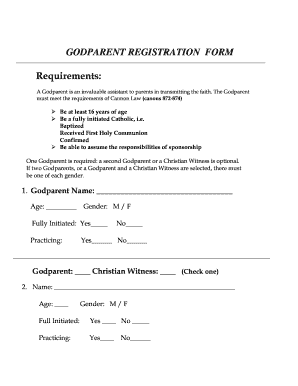
Godparent application form

Pb 22 form pennsylvania sample
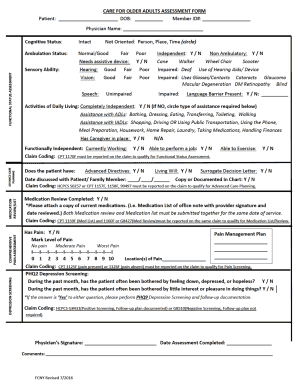
Medicare functional assessment form
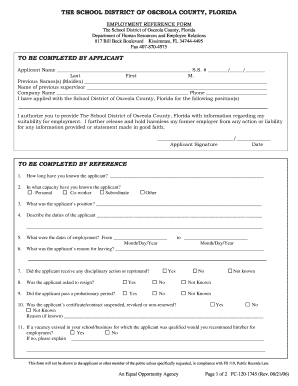
The school district of osceola county, florida to be completed by ... - osceola k12 fl
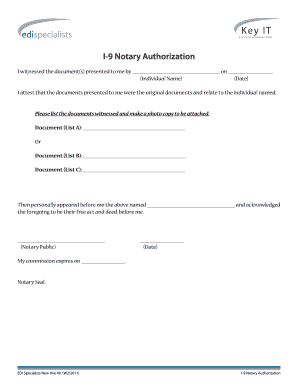
Sample notarized letter of authorization

Ymca liability waiver

Da 2404
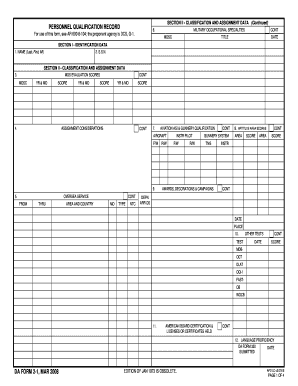
Personnel apd army

Certificate army service
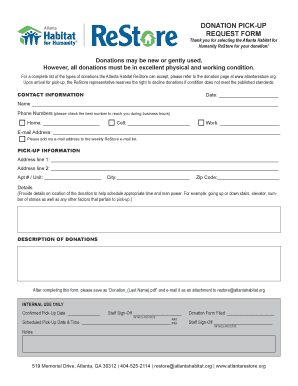
Habitat for humanity receipt

Ce 1048 occupied residences
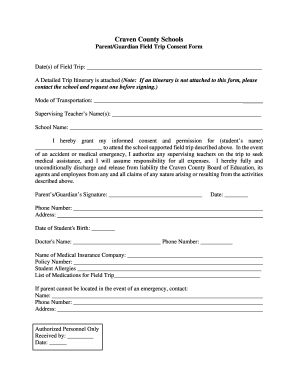
How to fill consent form for school
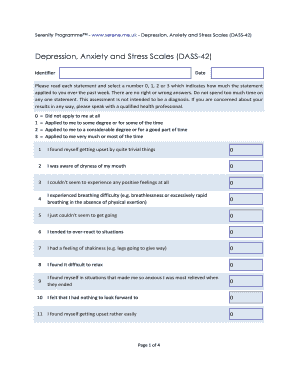
Dass 42 scoring template excel

Png maritime college

Uk chaabi bank

Cuyamaca official information

Masspay authorization
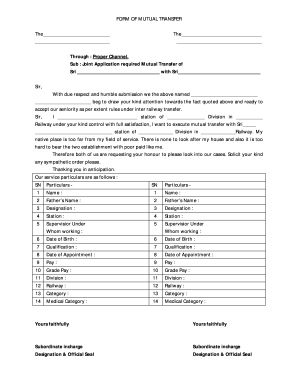
Mutual transfer application
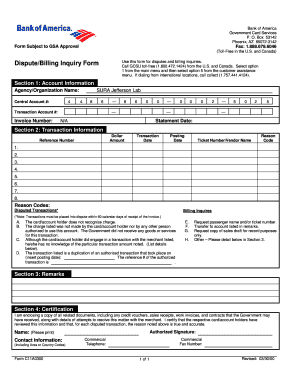
Billing Dispute Notification Form For Centrally Billed ... - Jefferson Lab - jlab

REQUEST FOR CONVICTION HISTORY - LARA - MI Department of ... - dleg state mi

Good faith agreement template

Surrey authorization

Regarding disadvantaged
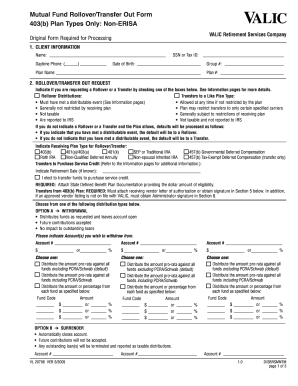
How fill out valic transfer rollover out form 2015 sample
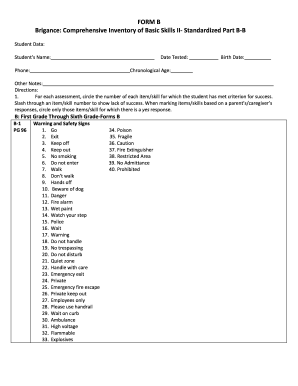
Brigance scoring tool
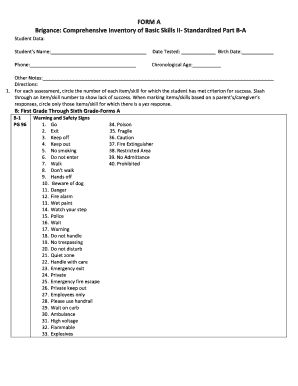
Brigance comprehensive inventory of basic skills pdf
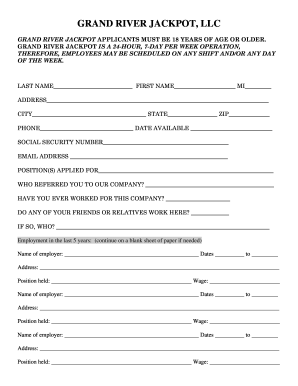
Fishing ate the dame at the grand river
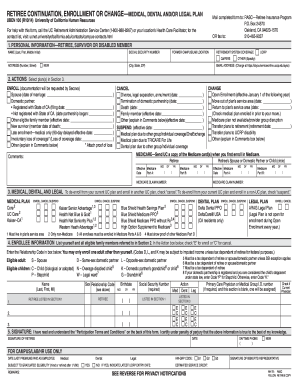
Contact - Fast2K - English

Va new construction forms
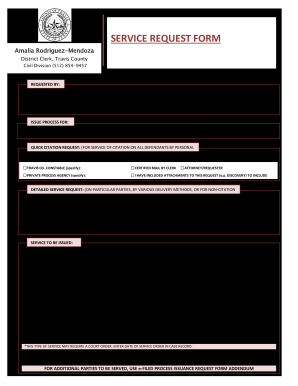
Travis county service request form

Court initiated information online
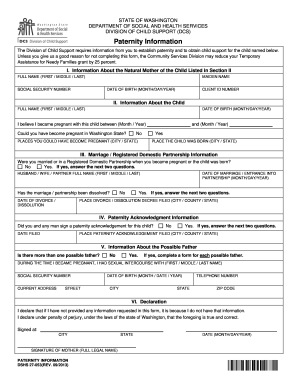
Washington paternity information

Affidavit of authority to sign for a company

Content 2004 form

Pdf form abl po 2000

Xvbeoscom
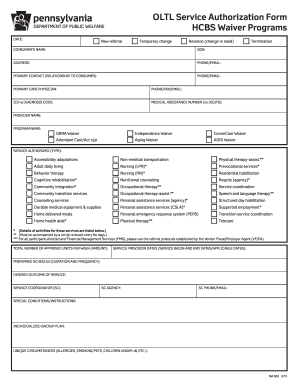
Oltl service authorization form
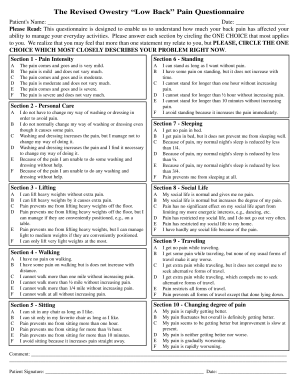
Pain management questionnaire pdf

Vaccine consent form florida
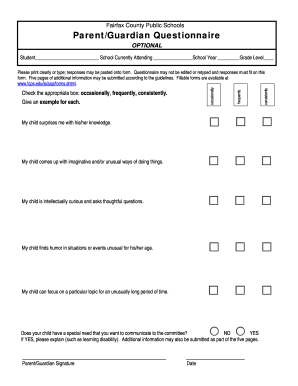
Fairfax schools questionnaire
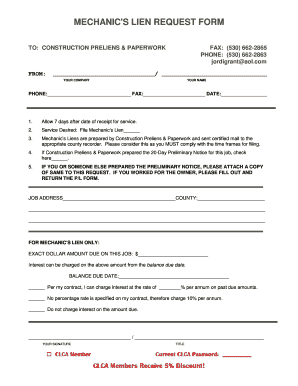
What is a mechanical lien
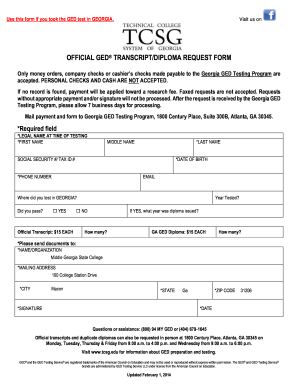
Ged transcripts ga
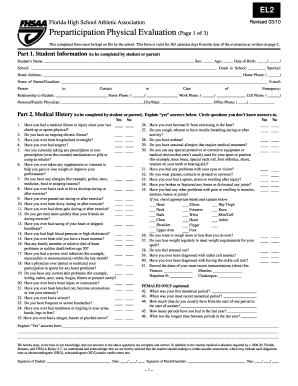
Florida el2 form 2010

Sss loan payment form
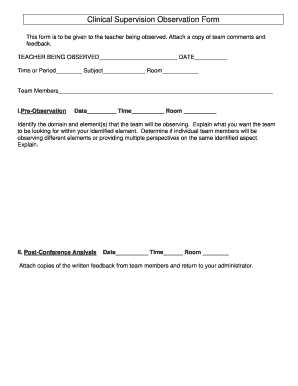
Supervision form
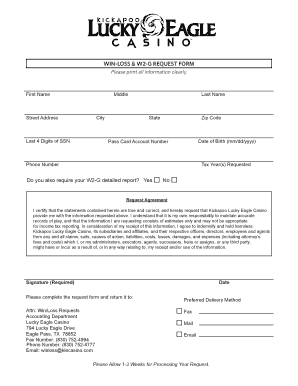
Lucky eagle win loss statement
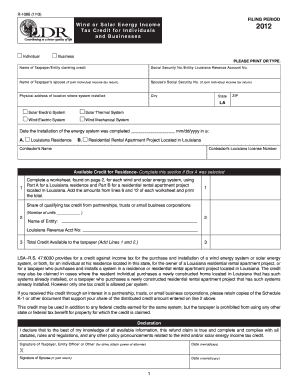
R-1086 - Louisiana Department of Revenue - revenue louisiana
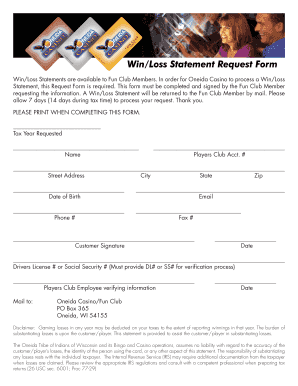
Oneida win loss statement
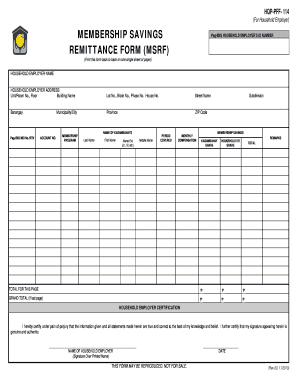
Msrf excel file
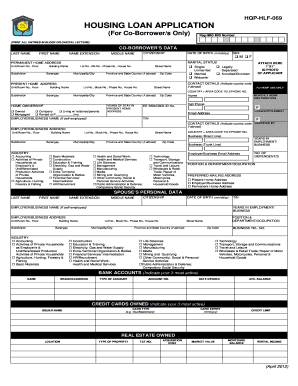
Pag ibig housing loan co borrower form
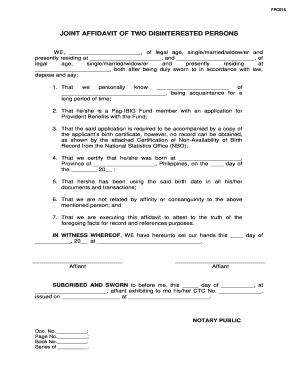
Affidavit of 2 disinterested person
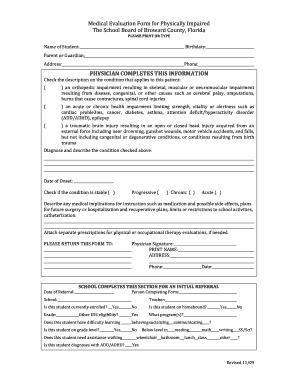
Medical evaluation form impaired
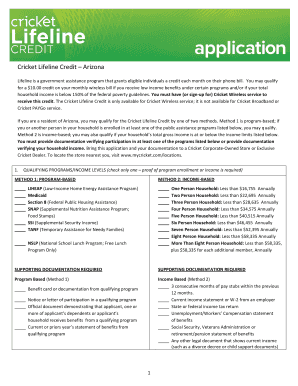
Cricket lifeline program
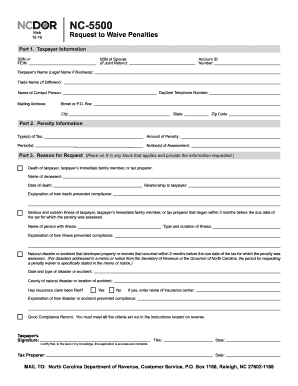
Nc 5500 fillable form

E 585 2009 form

Form 1033 nc irs

Verizon fmla

Voluntary transfer
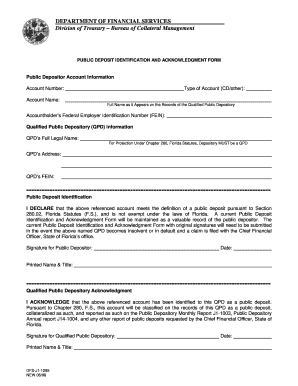
Dfs j1 1295

Authorization for Direct Deposit - Anne Arundel County Public Schools - aacps
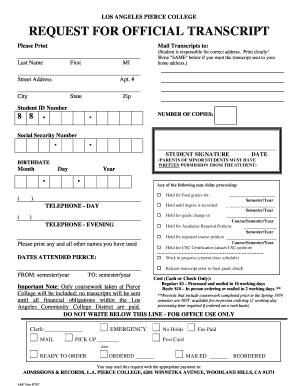
Pierce college trainscrpts

City of new york certification by insurance broker or agent

Navajo nation application pdf
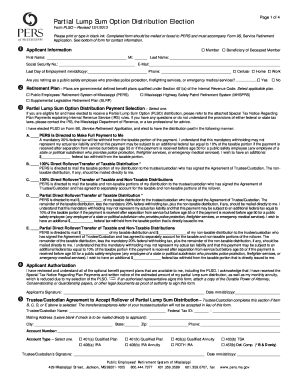
Form PLSO, Partial Lump Sum Option Distribution ... - PERS - MS.gov

Killeen impact aid isd

Invitation letter for business trip
Benefit from the DocHub online library of fillable PDF forms
Searching the PDF forms doesn't have to be a tedious and time-consuming process. With the DocHub online library, it has become easier to find the fillable PDF forms and modify them in your browser. The service allows you to adjust the document to your needs using powerful editing tools.
You can use online document editing features to modify almost any type of document with ease. You just need to find the template of your choice, open it in the editor, and use the toolbar to make the necessary corrections.
Follow this guide to get your document done with DocHub:
- Find the PDF template you need.
- Click the Get Form button to open the file in the editor.
- Use the toolbar to fill out and edit the document.
- Easily add and highlight text, insert images, checkmarks, and symbols.
- Drop new fillable fields, and rearrange or delete pages from your file.
- Save changes and download your record.
DocHub empowers everyone to streamline document editing, signing, and distribution, and form completion. Create an account and benefit from our well-organized PDF Forms library and comprehensive editor.