




01. Edit your pbr application form online
Type text, add images, blackout confidential details, add comments, highlights and more.

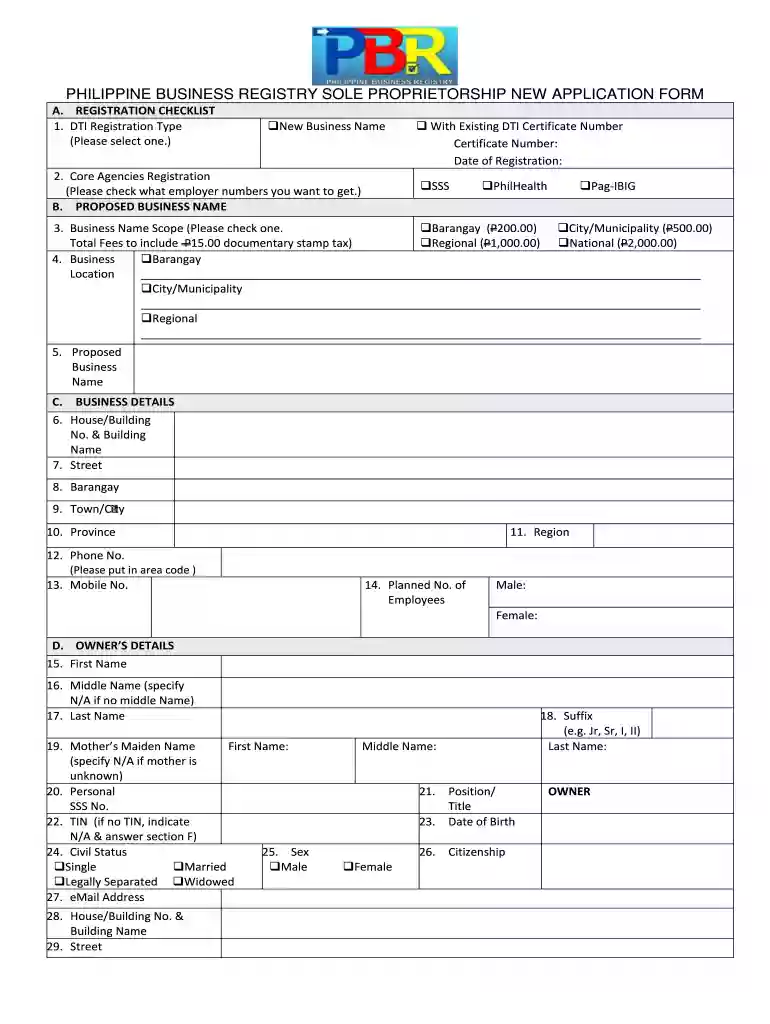
Type text, add images, blackout confidential details, add comments, highlights and more.

Draw your signature, type it, upload its image, or use your mobile device as a signature pad.

Send pbr form via email, link, or fax. You can also download it, export it or print it out.

Start filling out your pbr registration form online for free today!
At DocHub, your data security is our priority. We follow HIPAA, SOC2, GDPR, and other standards, so you can work on your documents with confidence.
Register as Principal Investigator: The PI with final spending authority for the project should use their PennKey to log in via the PROJECT MANAGEMENT: PI linkRead more
There are two cases where facilities registering for a PBR do not have to pay a fee: 1. the registration is solely to establish a federally enforceable emissionRead more
Custom Command registration will create an alias from the command name without the namespace. If the name has already been claimed, then the alias will not beRead more


