




01. Edit your fms form 13 online
Type text, add images, blackout confidential details, add comments, highlights and more.

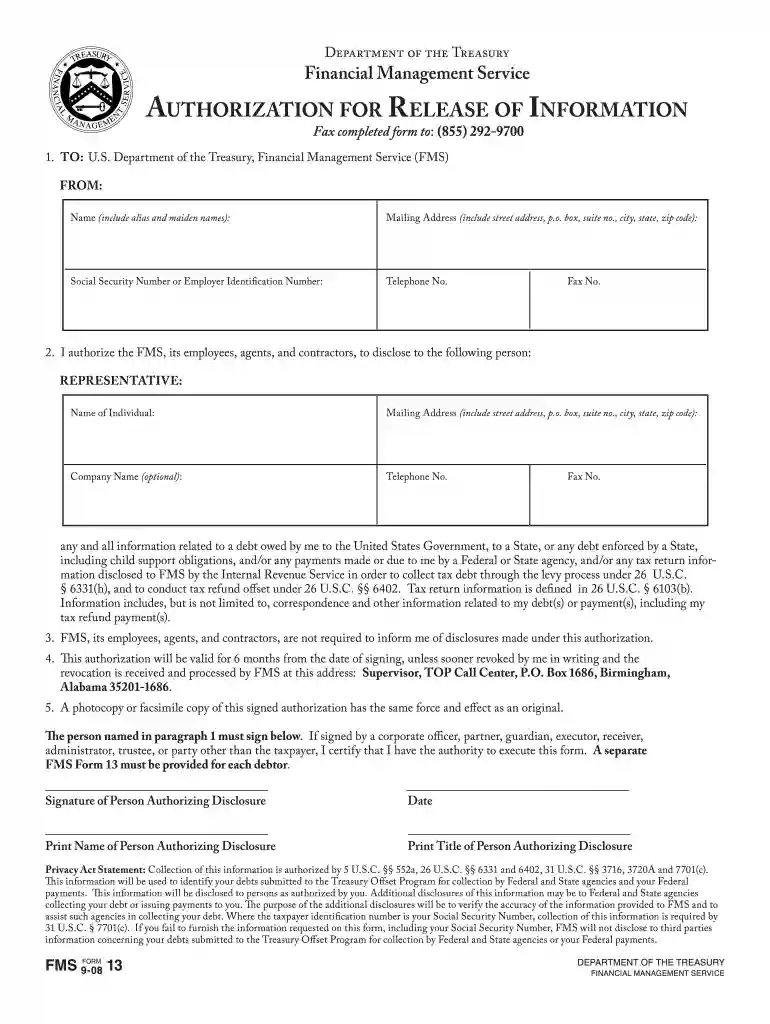
Type text, add images, blackout confidential details, add comments, highlights and more.

Draw your signature, type it, upload its image, or use your mobile device as a signature pad.

Send fms form via email, link, or fax. You can also download it, export it or print it out.

Start filling out fms form 13 online for free today!
At DocHub, your data security is our priority. We follow HIPAA, SOC2, GDPR, and other standards, so you can work on your documents with confidence.
FMS is a part of the Stanford University Business Affairs organization, whose vision is to work together to make administration seamless and efficient.Read more
This information will be used to identify your debts submitted to the Treasury Offset Program for collection by Federal and State agencies and your Federal.Read more


