
Get any PDF form from the DocHub library of ready-made templates - Page 1956
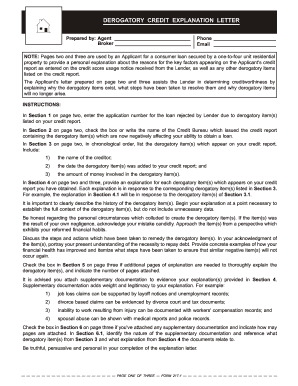
Sample delinquent credit explanation letter
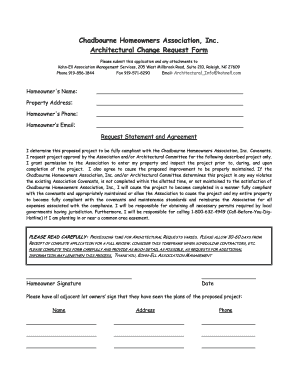
Change request checklist

Shelby county schools shared residence affidavit
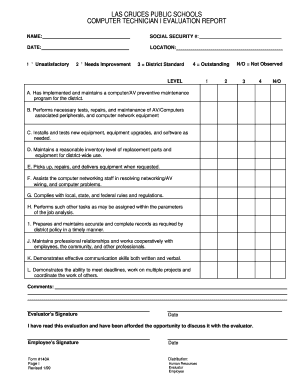
Technician evaluation form

Mn bcbs claim form
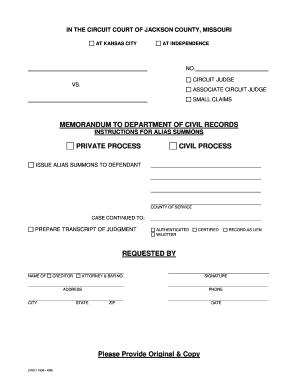
Form 1699 Alias/Transcript of Judgment Request - 16th Circuit ... - 16thcircuit
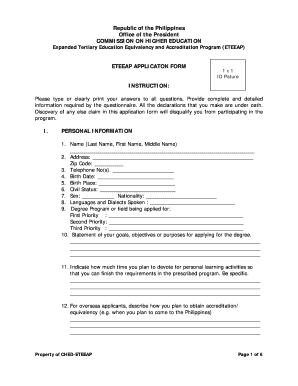
Eteeap application form with answer
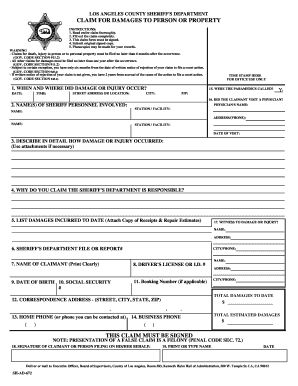
Sheriff department documentation
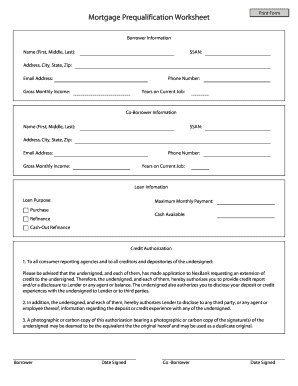
Make your own worksheet

Zoning Verification App Form - City of El Paso
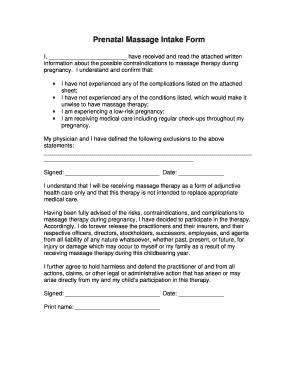
Prenatal massage consent form
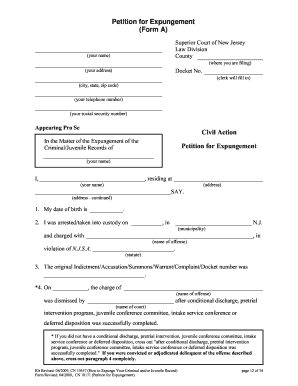
How to Expunge Your Criminal and/or Juvneile Record
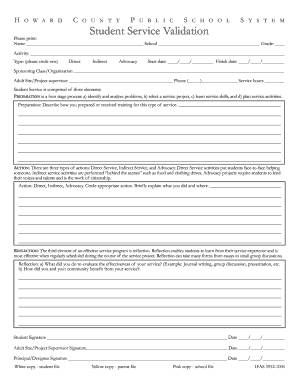
Hcpss service hours form
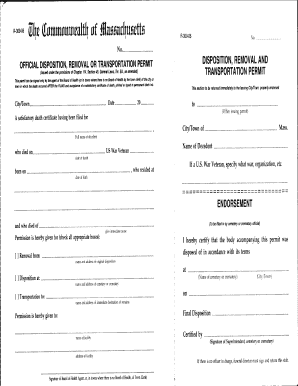
Burial permit kenya pdf

Baseball inventory sheet
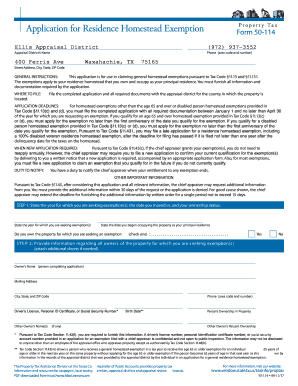
Form 50 114 2011
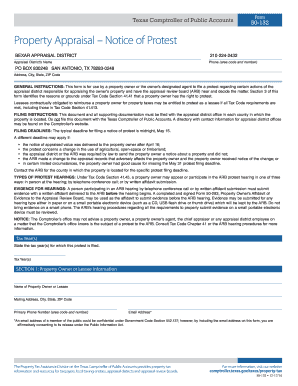
Residence Homestead Exemption Application - Bexar Appraisal District
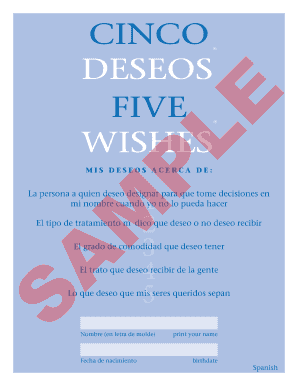
Cinco deseos
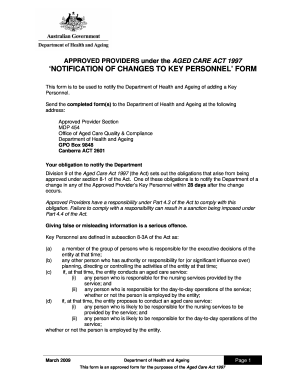
Notification changes personnel form
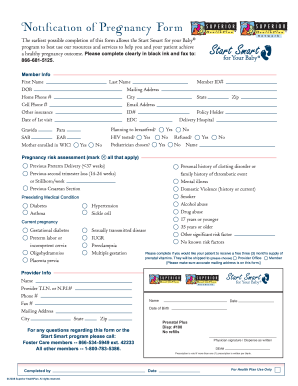
Notification pregnancy
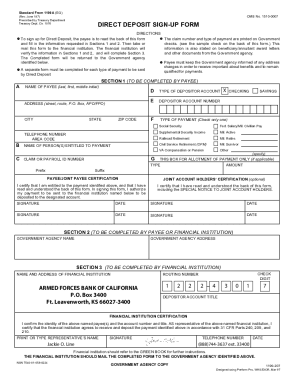
Armed forces bank direct deposit form
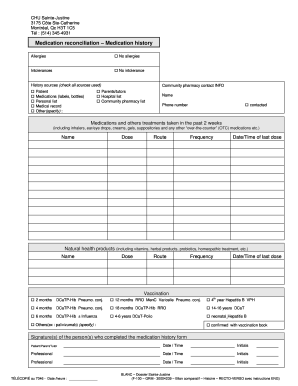
Meniere disease treatment
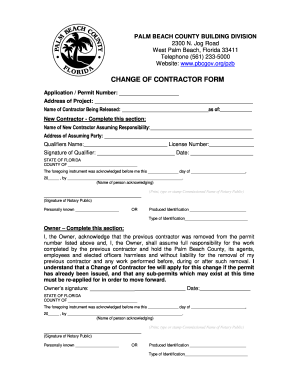
Florida change contractor form
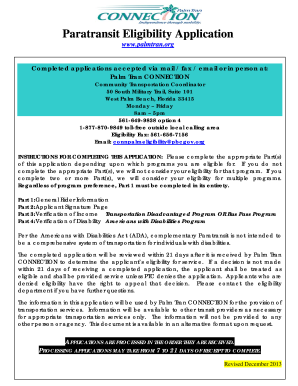
Paratransit Eligibility Application - Palm Beach County, Florida
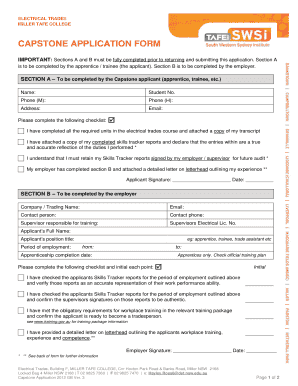
Capstone application form

Parental written form sample

Rcmp grc 5590
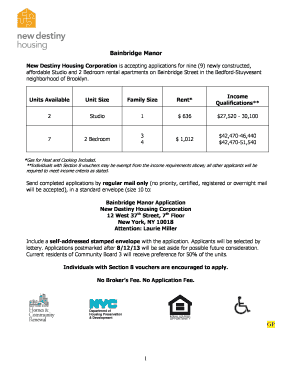
New destiny housing application

Dd form 1610 example

J50 form
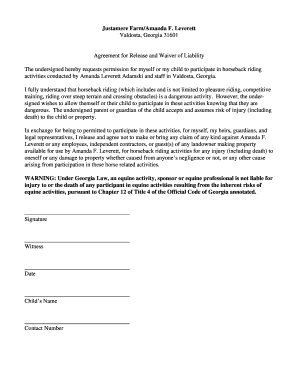
C:Documents and SettingssgiddensMy Documentswp FILES4-HLIVESTOCHorseRelease and Waiver of Liability Form.wpd - caes uga
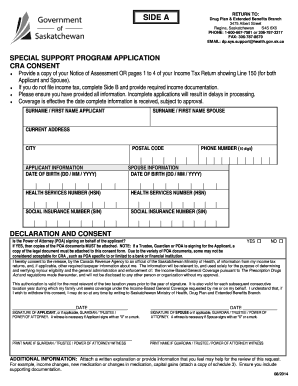
Special support program application
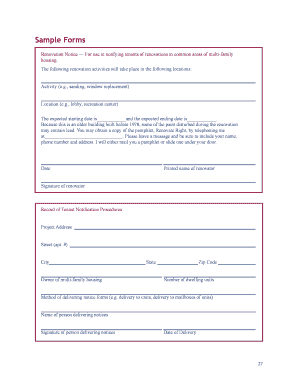
Letter to tenant to vacate due to renovation
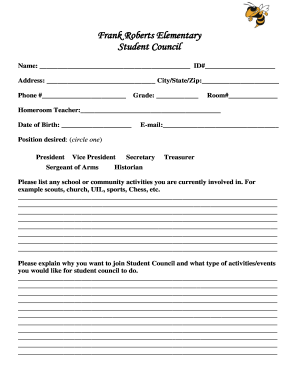
Student council application template
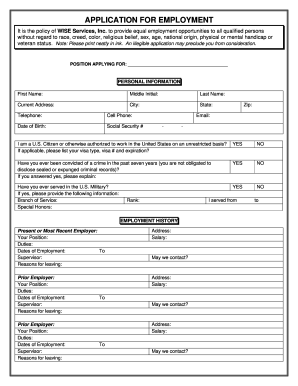
Wise staffing application
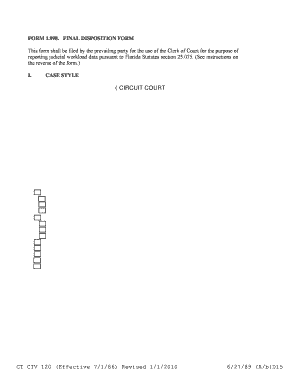
Final disposition form
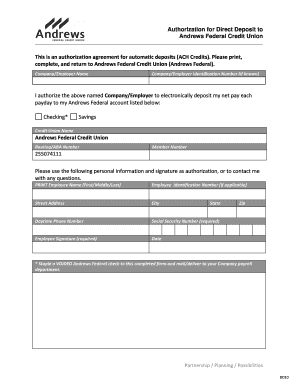
Payroll Direct Deposit - Andrews Federal Credit Union - andrewsfcu

FOIL Request Form - Monroe County - monroecounty
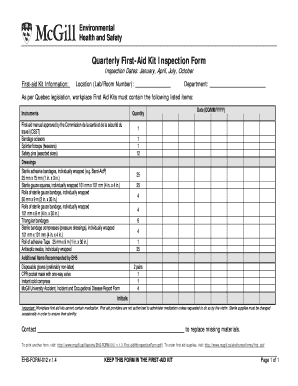
First aid kit inspection form

Jps network application
Private committee report passing of accounts - Public Guardian and ...
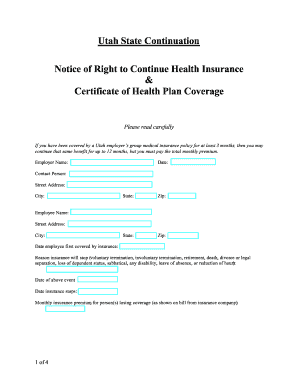
Utah State Continuation
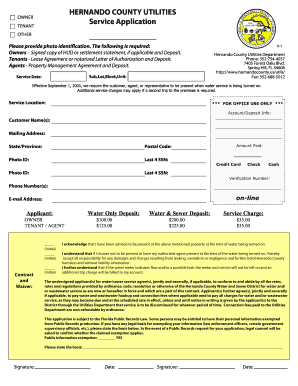
Hernando service application

Lic6 form

Ca lists prl template
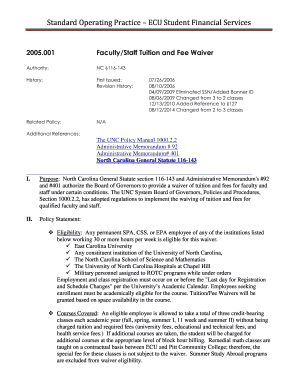
Faculty/Staff Tuition Waiver Form - East Carolina University - ecu
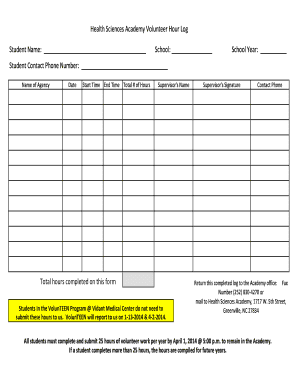
Health science academy volunteer log
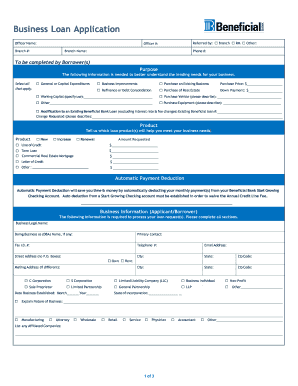
Business loan applications

Social Developmental History - Public Schools of Robeson County - robeson k12 nc
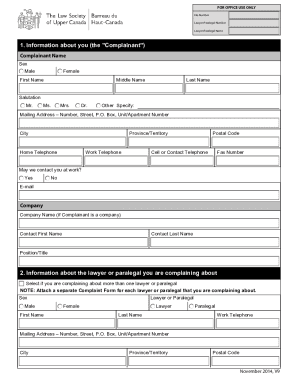
Law society of ontario complaint form

Rtp 8

Poly prep transcript request

Clark county dust control
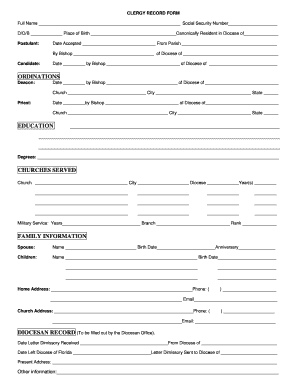
Clergy record template
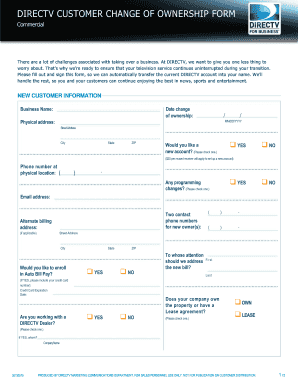
Directv change of ownership form
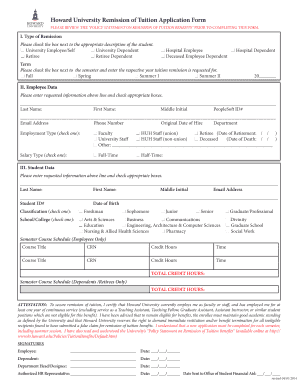
Howard university tuition remission
Form 73a
Humanservices gov au customer enablers centrelink early release superannuation compassionate grounds
Mo016 form
Confirmation and acceptance of relationship
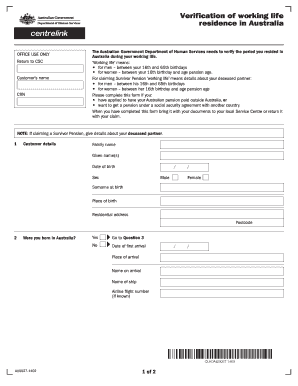
Verification of working life residence in australia
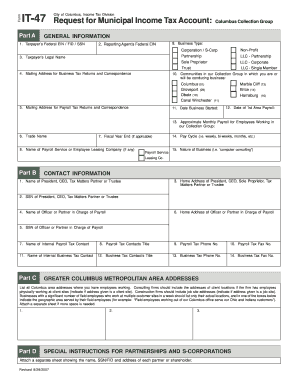
Form IT-47 Request for Municipal Income Tax Account: Columbus ... - incometax columbus
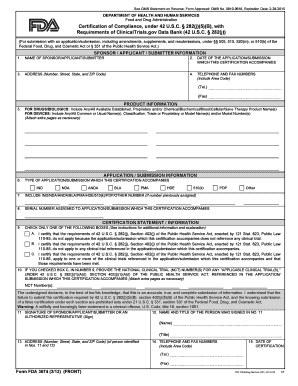
3674 fda form

Myteamcare org

Charlotte-Mecklenburg Police Department Secondary Employment ... - charmeck
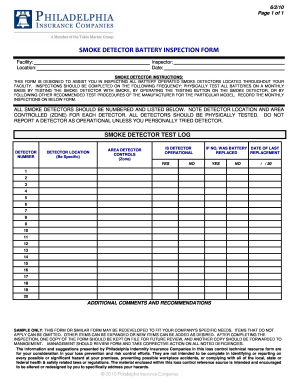
Smoke detector checklist pdf
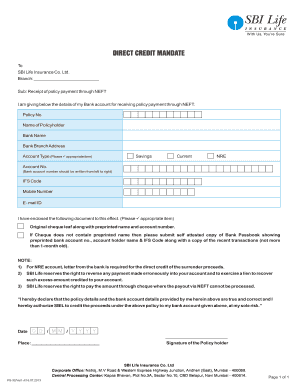
Ecs form sbi
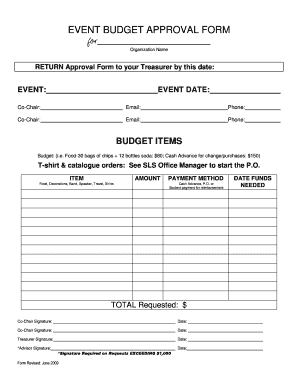
Budget approval form

Car service form
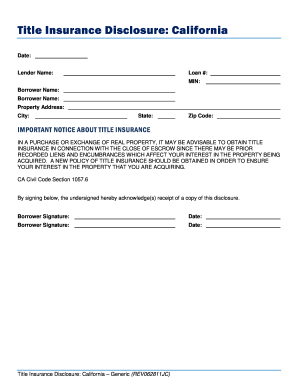
California title insurance disclosure
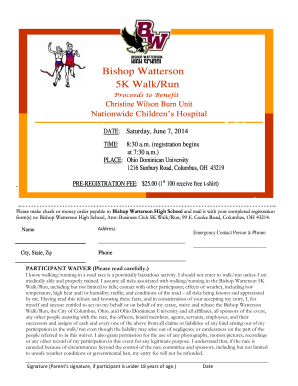
5k flyer template word
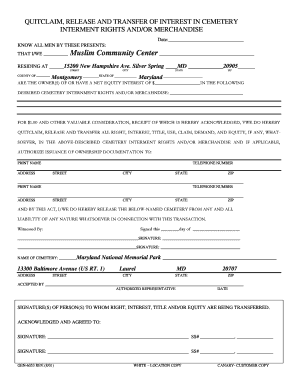
Maryland transfer form
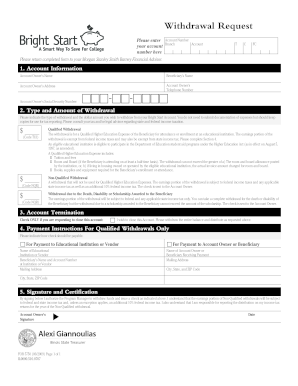
Morgan stanley 529 withdrawal form

Parent portal okaloosa
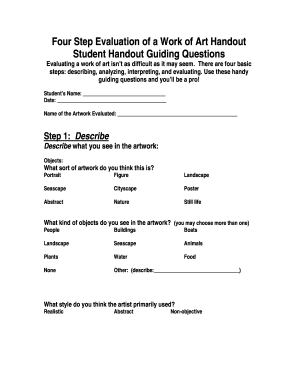
Art handout
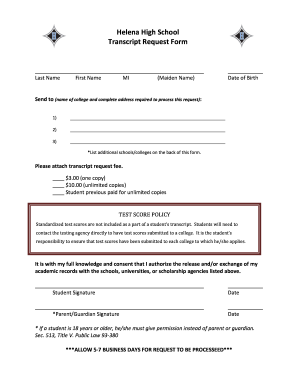
High transcript form
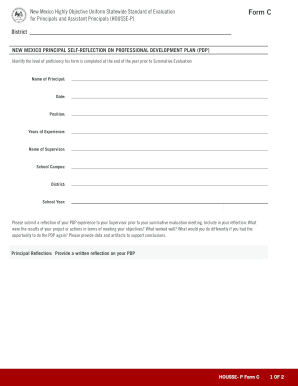
New mexico form c

Nevada dmv duplicate title expedited
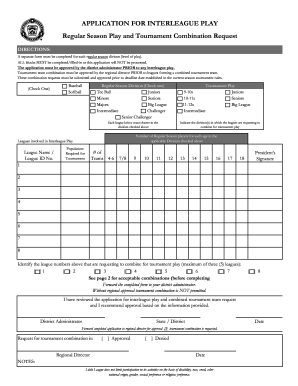
Interleague play
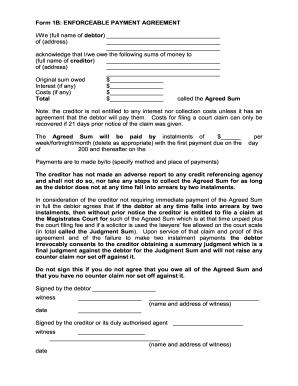
Enforceable payment agreement
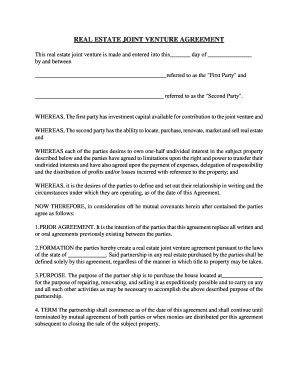
Jv wholesale contract pdf
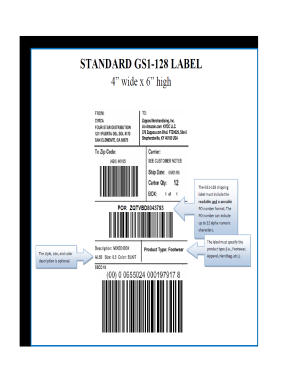
Ucc 128 label template download
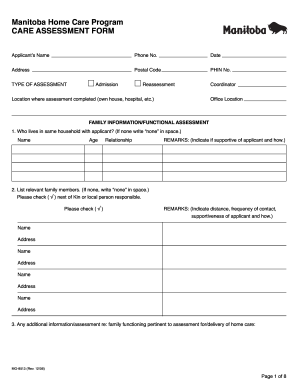
Manitoba home care program care assessment form
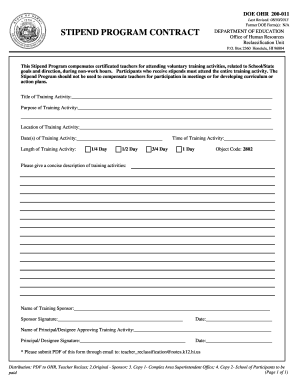
DOE OHR 200-011 -- Stipend Program Contract - Standard Practices
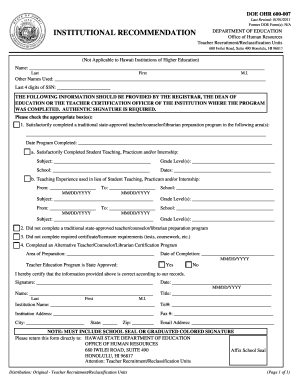
Hawaii doeohr form

Doe sharing form
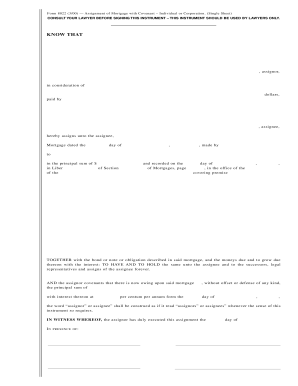
State york acknowledgement form
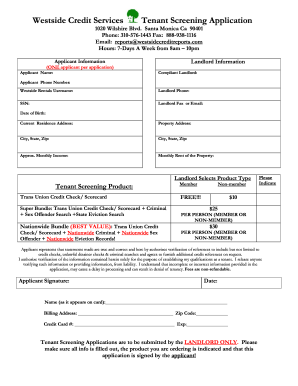
Tenant credit check form pdf
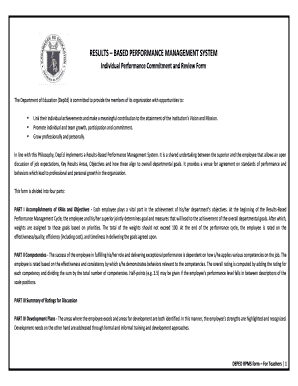
Ipcrf 2021 template download excel

I 864 fillable form 2007

COMMONWEALTH OF KENTUCKY CERTIFICATE OF MEDICAL EXEMPTION

Ymca employment verification
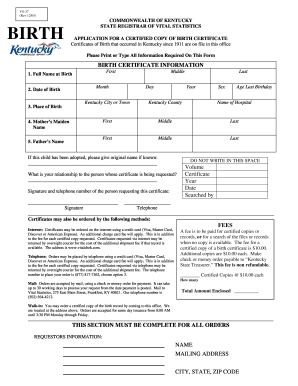
Kentucky birth certificate application pdf 2005 form

Habitual traffic offender washington

Application for issuance of writ san bernardino fillable
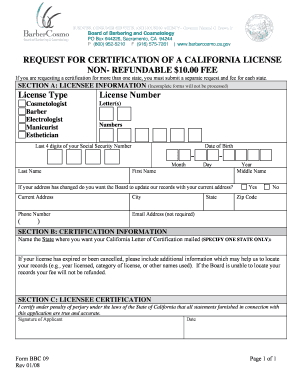
Certification Request - California Board of Barbering and Cosmetology - barbercosmo ca

Request special process
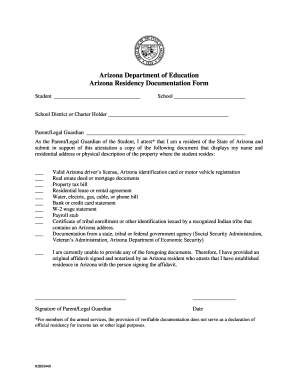
Arizona residency form
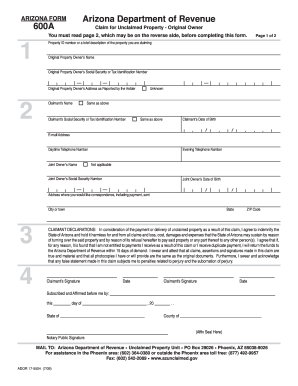
600A Arizona Department of Revenue - Unclaimed Money Search
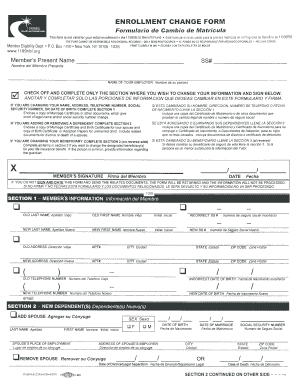
1199seiu enrollment 2006 form
Benefit from the DocHub online library of fillable PDF forms
Searching the PDF forms doesn't have to be a tedious and time-consuming process. With the DocHub online library, it has become easier to find the fillable PDF forms and modify them in your browser. The service allows you to adjust the document to your needs using powerful editing tools.
You can use online document editing features to modify almost any type of document with ease. You just need to find the template of your choice, open it in the editor, and use the toolbar to make the necessary corrections.
Follow this guide to get your document done with DocHub:
- Find the PDF template you need.
- Click the Get Form button to open the file in the editor.
- Use the toolbar to fill out and edit the document.
- Easily add and highlight text, insert images, checkmarks, and symbols.
- Drop new fillable fields, and rearrange or delete pages from your file.
- Save changes and download your record.
DocHub empowers everyone to streamline document editing, signing, and distribution, and form completion. Create an account and benefit from our well-organized PDF Forms library and comprehensive editor.