




01. Edit your multi jurisdictional personal history disclosure form online
Type text, add images, blackout confidential details, add comments, highlights and more.

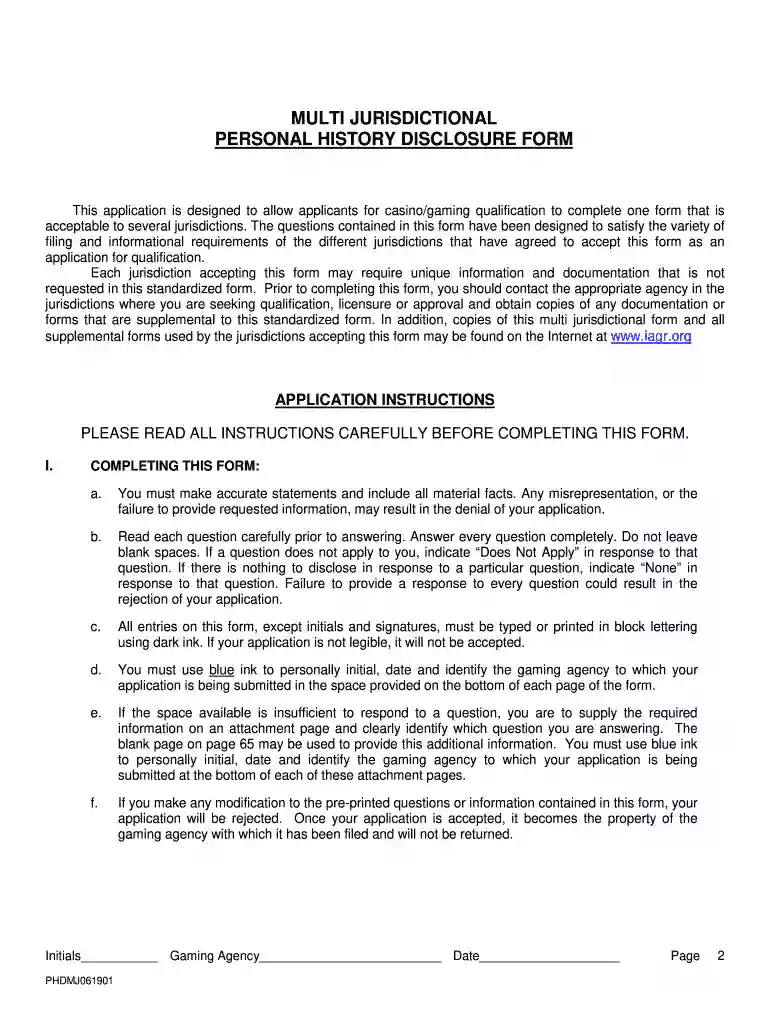
Type text, add images, blackout confidential details, add comments, highlights and more.

Draw your signature, type it, upload its image, or use your mobile device as a signature pad.

Send it via email, link, or fax. You can also download it, export it or print it out.

Start using our platform today for free to streamline your form completion process!
We've got more versions of the multi jurisdictional personal history disclosure form form. Select the right multi jurisdictional personal history disclosure form version from the list and start editing it straight away!
You should use only trustworthy software solutions with strong data protection compliance to approve your documents electronically. DocHub is just the type of editor you need! It stores data on Amazon Web Servers and complies with all essential security criteria and eSignature regulations, so it’s a trusted way to eSign your multi jurisdictional personal history disclosure form or other documents using this tool.
You may quickly complete, edit, and even eSign your multi jurisdictional personal history disclosure form using DocHub. Create a new profile and begin your free trial. After that, you can upload the document with the form and easily make all the necessary edits. No need to print on paper or use a third-party application to sign it, as you can place your electronic signature on your document quicker through DocHub.
At DocHub, your data security is our priority. We follow HIPAA, SOC2, GDPR, and other standards, so you can work on your documents with confidence.
Feb 28, 2026 Indicate by check mark if the registrant is a well-known seasoned issuer, as defined in Rule 405 of the Securities Act. ☒ Yes ☐ No.Read more
A PHD-MA shall be submitted by each category 1 and category 2 qualifier and shall be in a format prescribed by the commission.Read more
This Supplement has been designed to satisfy unique information and documentation that is not requested in the Multi. Jurisdictional Personal HistoryRead more


