
Get any PDF form from the DocHub library of ready-made templates - Page 1408
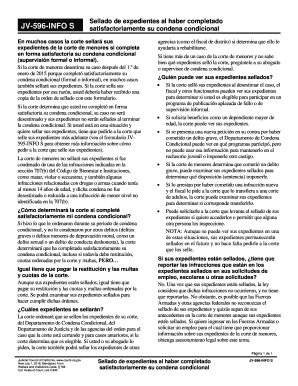
- courts ca
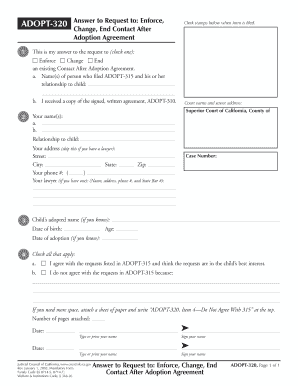
ADOPT-320 Answer to Request to: Enforce, Change, End Contact ... - courts ca
990n irs form 2016
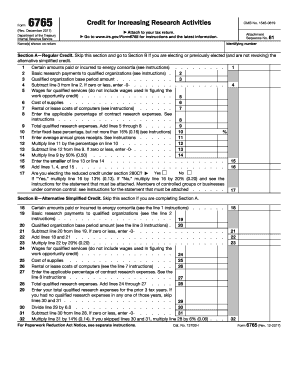
Form 6765 2017
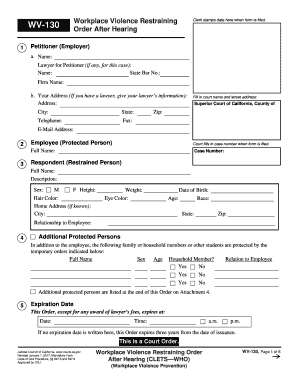
Home Address (if known):
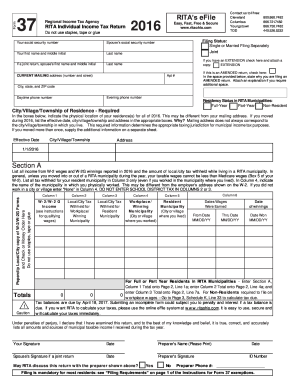
Rita form 37 tax 2016
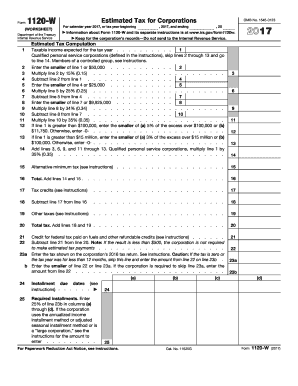
Irs 1120 w 2017 form
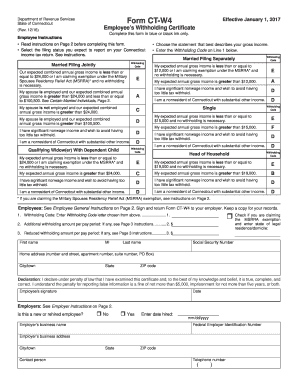
CT-W4,2017 Employee's Withholding Certificate. 2017 Employee's Withholding Certificate
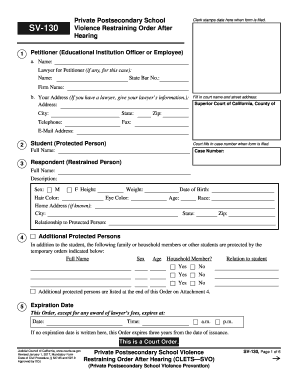
SV-130 Private Postsecondary School Violence ... - California Courts - courts ca
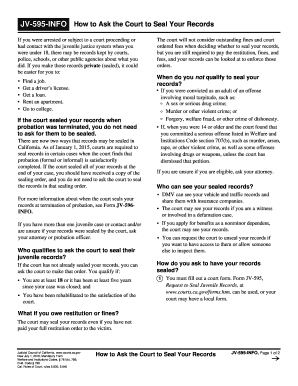
JV-595-InFo How to Ask the Court to Seal Your Records - courts ca

GV-100 Petition for Firearms Restraining Order - courts ca

Motor Carrier Services Manual - Alabama Department of Revenue - revenue alabama

Jv 367 2016 form
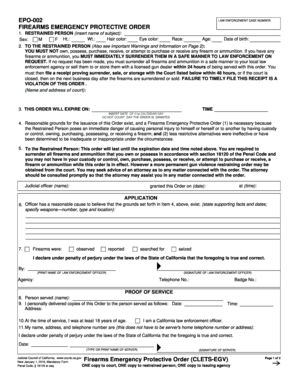
Epo 002 2016 form

GV-120 Response to Petition for Firearms Restraining Order - courts ca

JV-222 S Input on Application for Psychotropic ... - California Courts - courts ca

FL-303 S Declaration Regarding Notice and Service of Request for Temporary Emergency (Ex Parte) Orders (Spanish). Judicial Council forms - courts ca
- courts ca
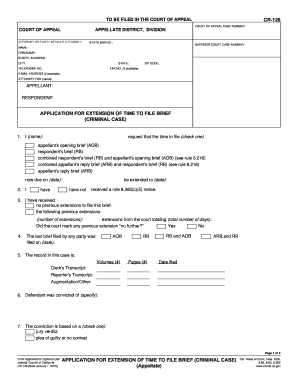
Cr 126 fillable 2015 form
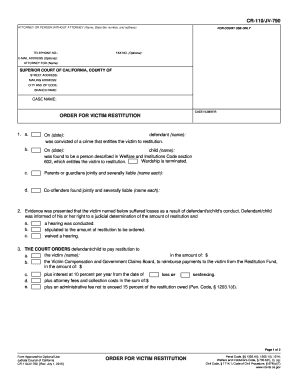
Cr 110 2015 form

JV-250 S Notice of Hearing and Temporary Restraining OrderJuvenile Spanish Judicial Council forms - courts ca
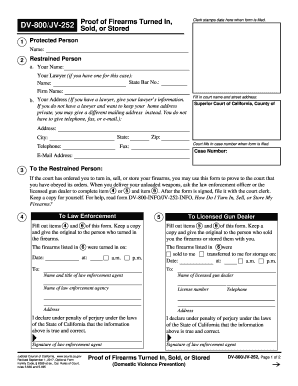
Dv 800 2014 form

SV-120 Response to Petition for Private Postsecondary School ... - courts ca

490 form forms

Ea 200 2012 form

- courts ca
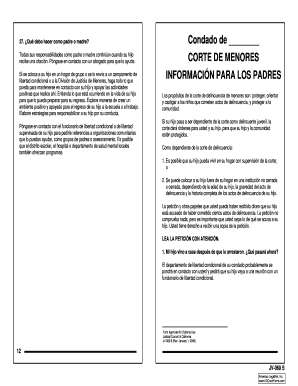
JV-060 S Juvenile Court - Information for Parents ... - California Courts - courts ca

Sitewww placer courts ca gov ej 130 2012 form
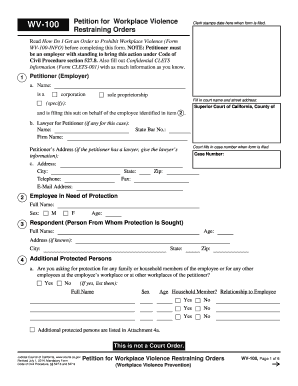
California violence form 2014
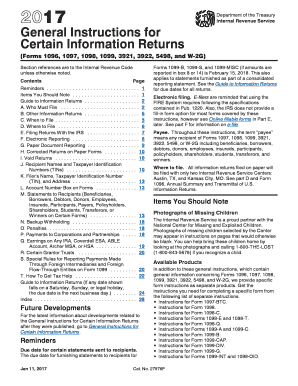
General instructions 2017 form
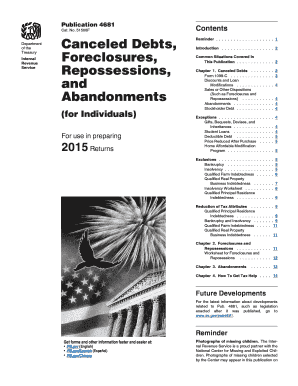
4681 2015 form

Texas form 05 164 2015

2017 md estimated form
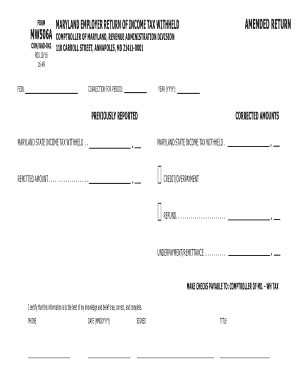
Form mw506a 2016

Form mp 2016
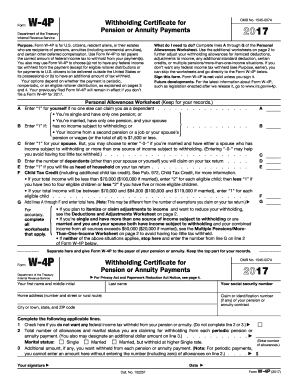
W4p 2017 form
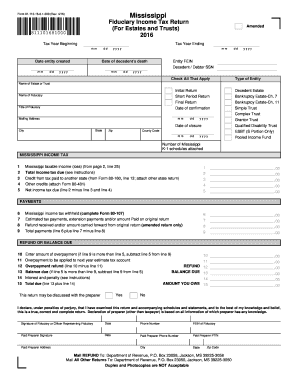
Form 81-110-16-8-1-000 (Rev
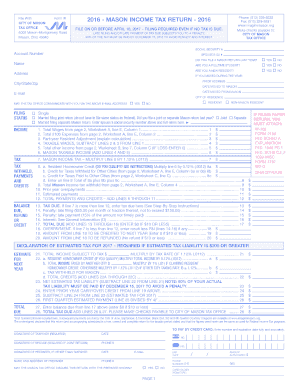
Ohio mason return 2016 form
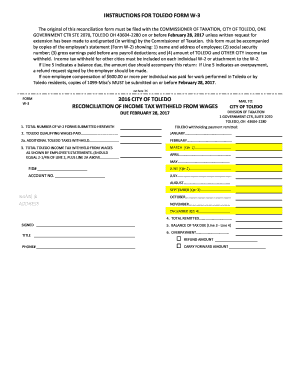
2016 CITY OF TOLEDO RECONCILIATION OF INCOME TAX WITHHELD ...
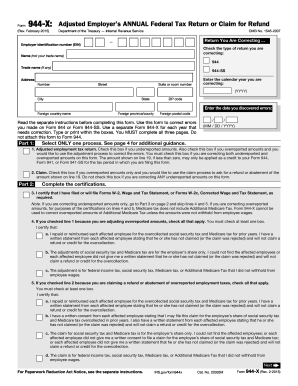
Form 944x for 2015
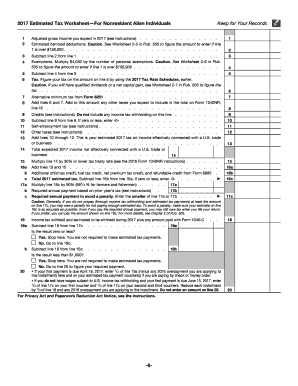
2016 estimated tax forms 2017
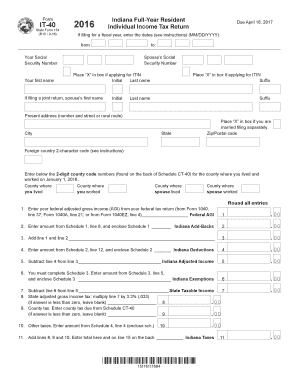
IT-40 (09-12).indd - IN.gov - forms in
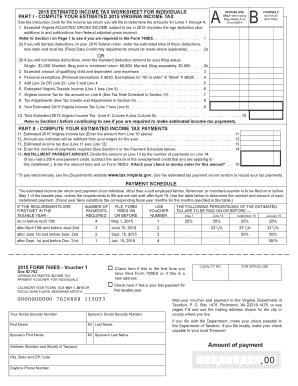
Form 760 es 2015

PERSONNEL SECURITY SYSTEM ACCESS REQUEST (PSSAR)
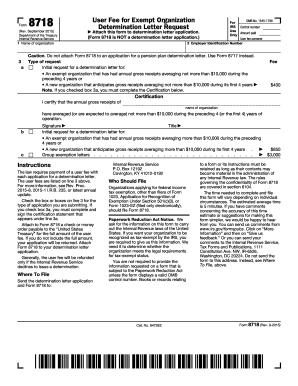
Form 8718 2015

Al rds tobacco tax 2017 form

Form 941 ss 2017
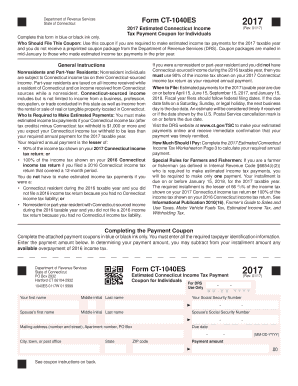
Form CT-1040ES Form CT-1040ES - CT.gov
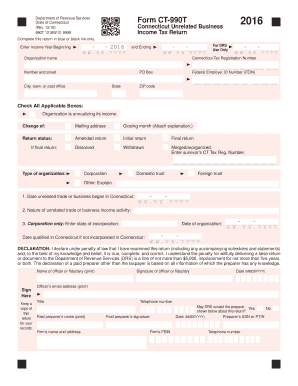
Ct 990t 2016 form
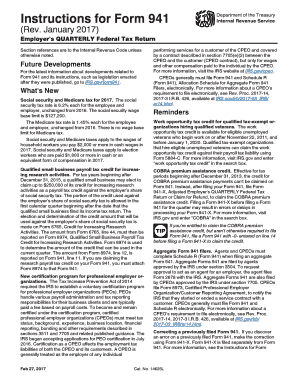
941 instructions 2017 form
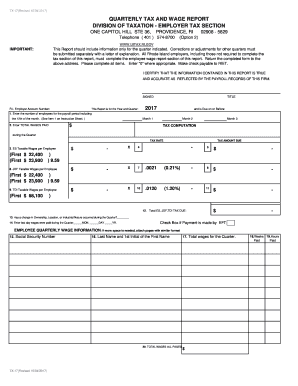
Quarterly tax and wage report division of taxation - Rhode Island ...

Ri tdi refund 2017 form

Bt summary 2016 form

01 114 sales tax 2015 form
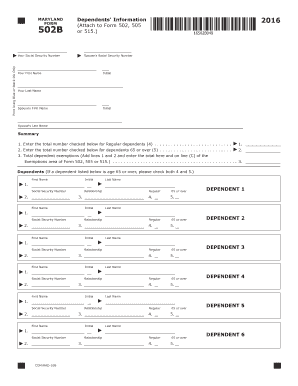
Form 502 b 2016

Htc 60 form 2017

2016 IC-092 Form 9b Miscellaneous Income - Wisconsin ... - revenue wi
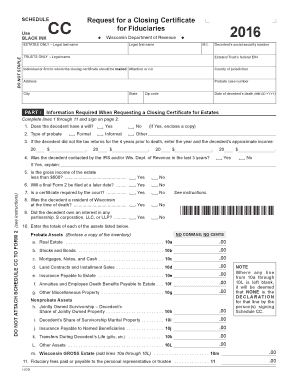
2015 wi certificate form
Schedule wd 2016 form
Tax form wi z 2016
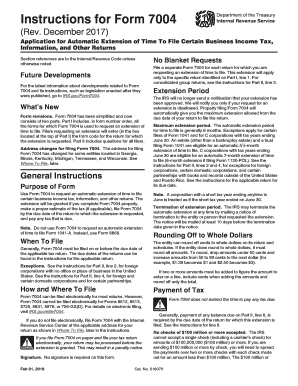
Form 7004 instructionsDocHubcom 2016
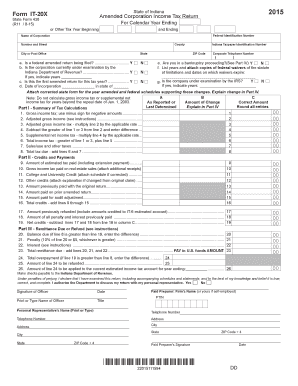
Ass 2015 form
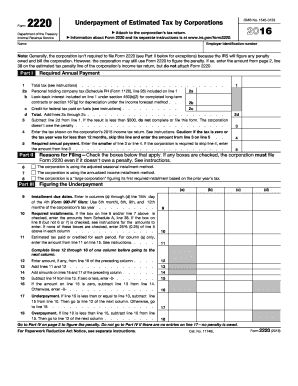
Form 2220 2016
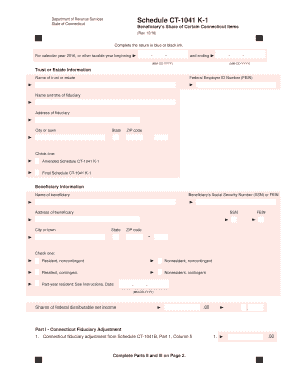
Form ct 1041 k 1t 2016
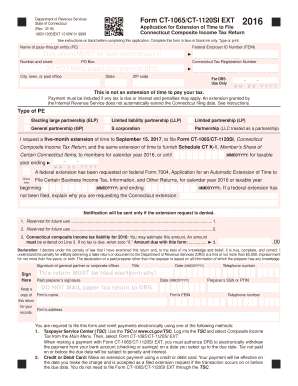
Pass Through Entity Tax Forms - CT.gov
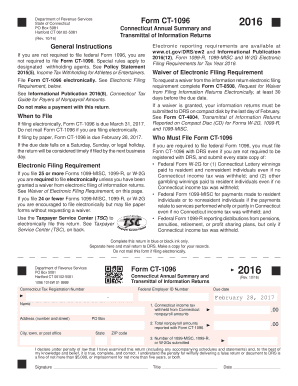
Ct 1096 2016 form
CERT-106 Claim for Refund of Use Tax Paid on Motor Vehicle Purchased from Other than a Motor Vehicle Dealer Claim for Refund of Use Tax Paid on Motor Vehicle Purchased from Other than a Motor Vehicle Dealer - ct

Printable form 40nr 2016
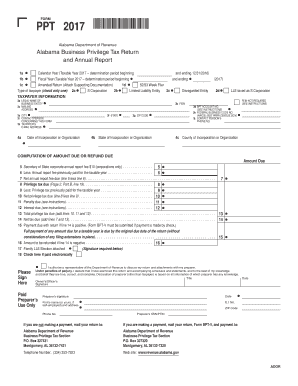
PPT 2017 - Alabama Department of Revenue - Alabama.gov
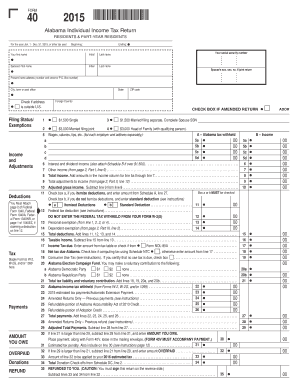
31, 2015, or other tax year:
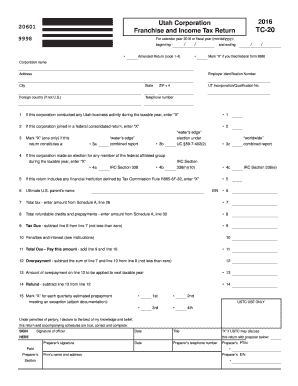
2015 utah form tc 20 2016
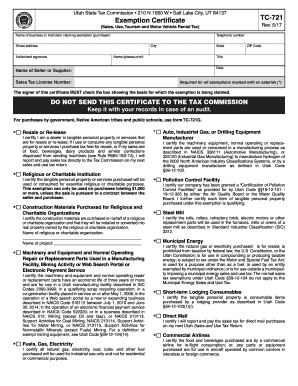
Tc 721 2017 form
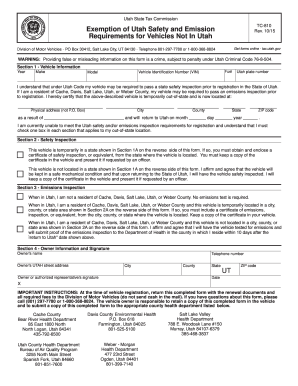
Tc810 2014 form
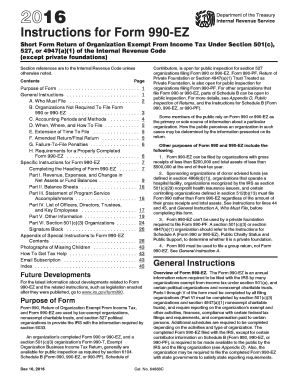
2016 990ez instructions form
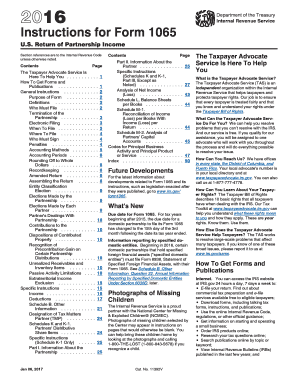
2016 form 1065 instructions
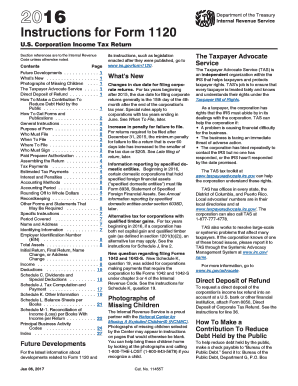
Irs form 1120 instructions 2016
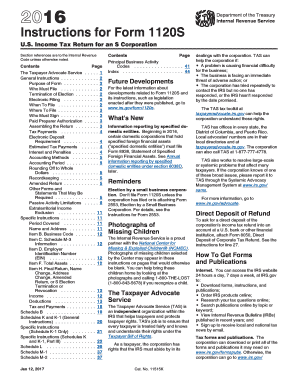
I1120s.pdf - 2018 Department of the Treasury Internal Revenue ...
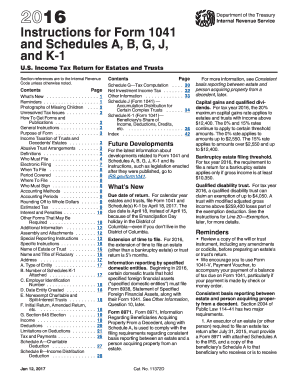
1041 instructions 2016 form
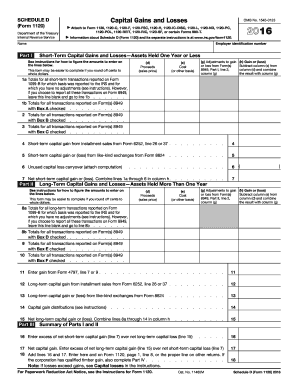
1120 schedule dDocHubcom 2016 form
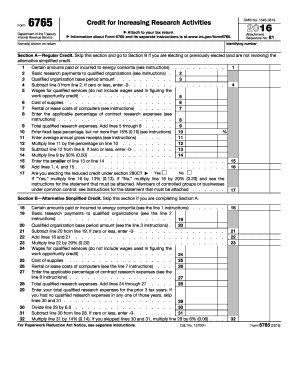
Form 6765 2016
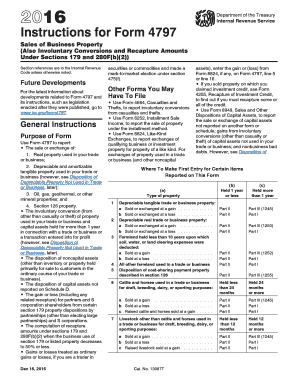
4797 instructions 2016 form
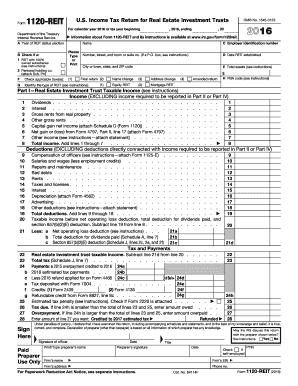
2016 Form 1120-REIT - irs

2016 instructions 4562 form

852 b 4 2016 form
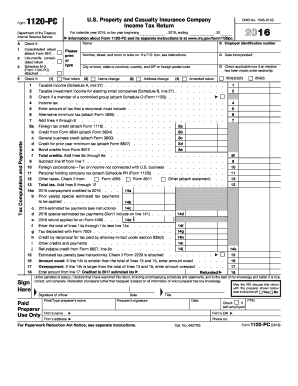
Form 4684 example 2016
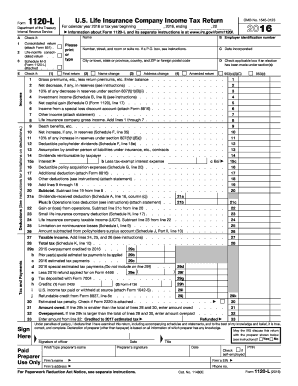
2016 Form 1120-L. U.S. Life Insurance Company Income Tax Return
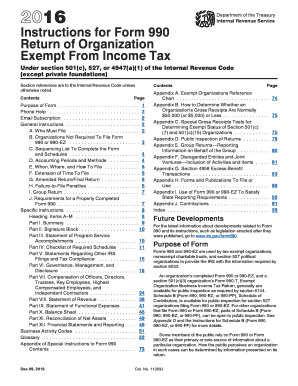
2016 form 990 instructions
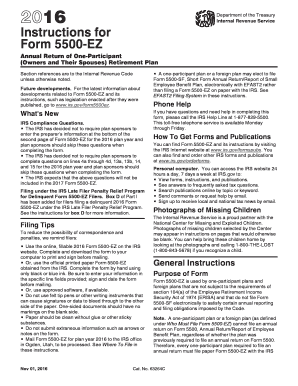
Irs 5500ez instructions 2016 form
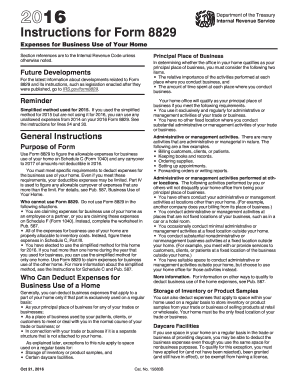
Method for 2015 but are not using it for 2016, you can use any - irs
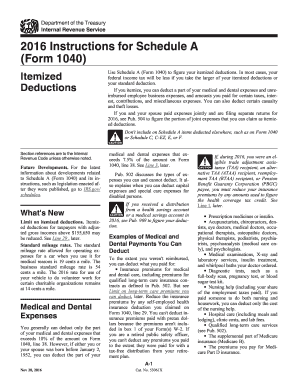
2016 instructions 1040 a form
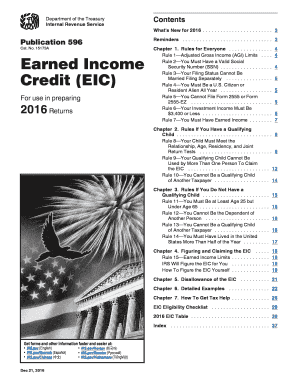
2016 earned credit form

2015 4684 2016 form
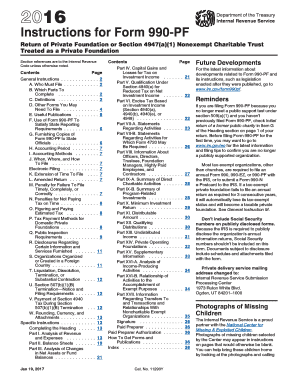
2016 form 990 pf instructions
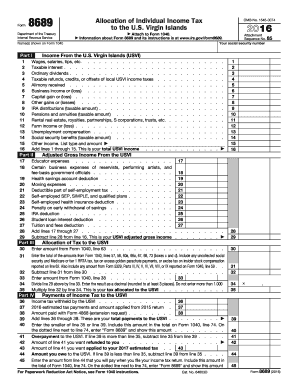
Form 8689DocHubcom 2016
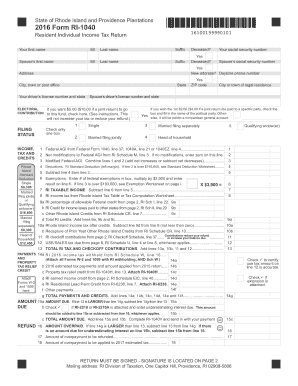
Ri 1040 2015 2016 form
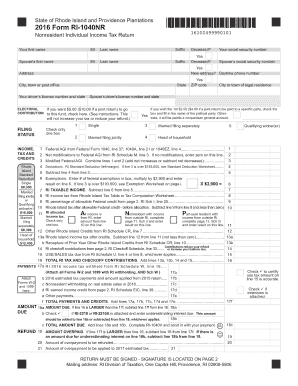
Form ri 1040nrDocHubcom 2016
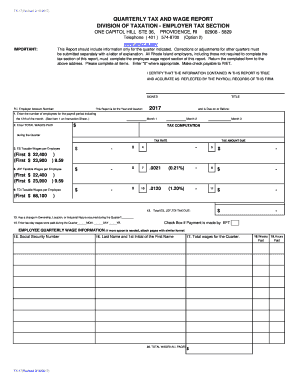
Employer tax section 2017 - Rhode Island Employer Tax Home Page - uitax ri

Ri form 100a 2015
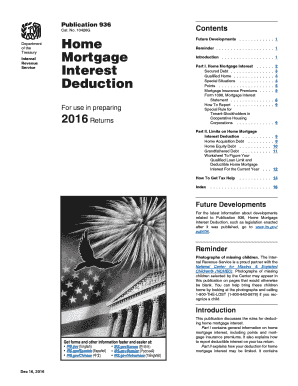
2015 936 2016 form
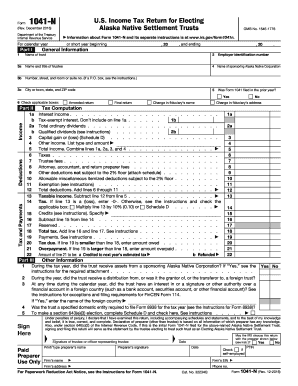
Form 1041-N (Rev. December 2016) - irs
Benefit from the DocHub online library of fillable PDF forms
Searching the PDF forms doesn't have to be a tedious and time-consuming process. With the DocHub online library, it has become easier to find the fillable PDF forms and modify them in your browser. The service allows you to adjust the document to your needs using powerful editing tools.
You can use online document editing features to modify almost any type of document with ease. You just need to find the template of your choice, open it in the editor, and use the toolbar to make the necessary corrections.
Follow this guide to get your document done with DocHub:
- Find the PDF template you need.
- Click the Get Form button to open the file in the editor.
- Use the toolbar to fill out and edit the document.
- Easily add and highlight text, insert images, checkmarks, and symbols.
- Drop new fillable fields, and rearrange or delete pages from your file.
- Save changes and download your record.
DocHub empowers everyone to streamline document editing, signing, and distribution, and form completion. Create an account and benefit from our well-organized PDF Forms library and comprehensive editor.