
Get any PDF form from the DocHub library of ready-made templates - Page 1406

Bof 116 2015 form

121a return 2014 form
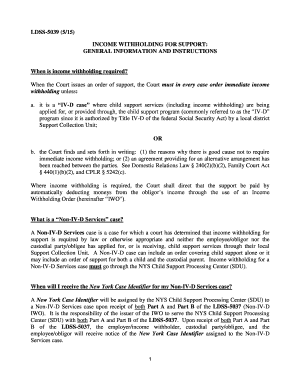
What type of form iwo look like 2015
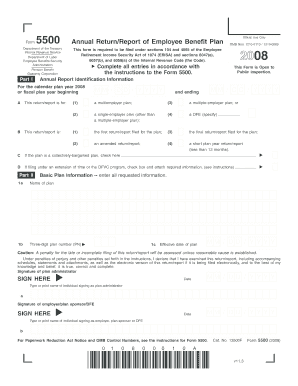
Form5500 Annual Return/Report of Employee Benefit Plan - Kaiser...
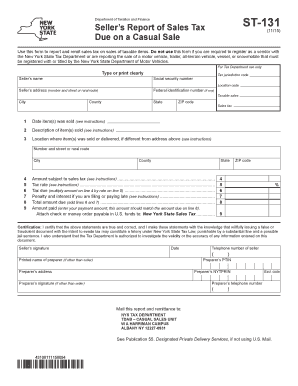
Form st 131 2015
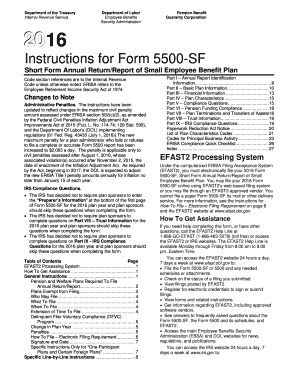
5500 report 2016 form
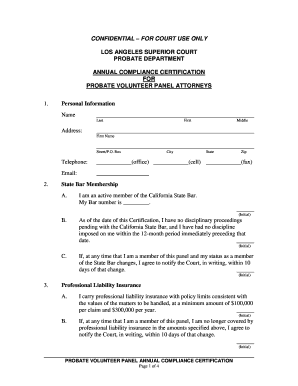
Confidential for court use only - Los Angeles Superior Court
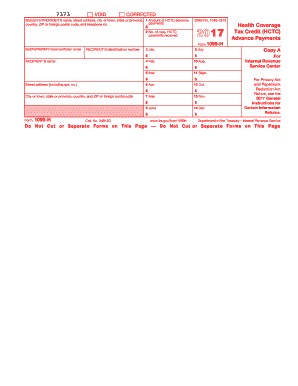
ISSUER'S/PROVIDER'S federal identification number
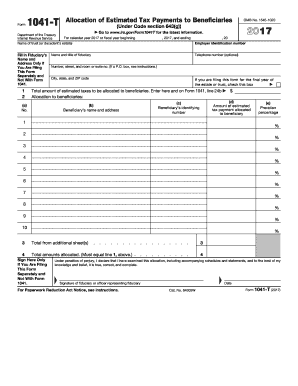
1041 t 2017 form
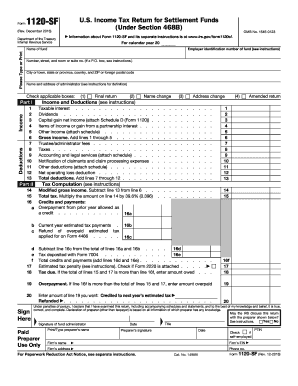
Form 1120-SF (Rev. December 2016) - irs

2017 irs h form
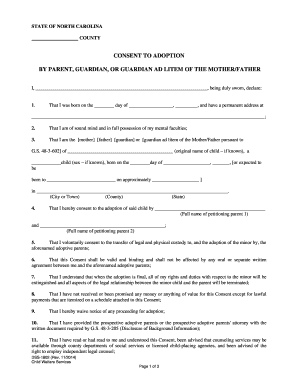
Dss 1802 2014 form
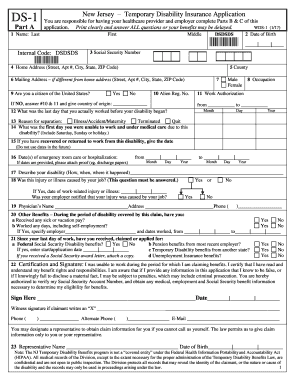
Wds 1 2017 form
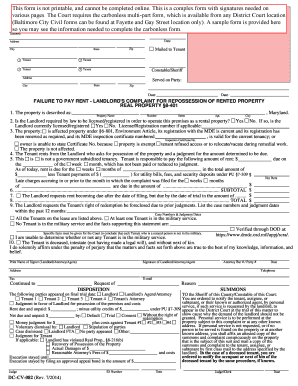
Dc cv 082 2014 form
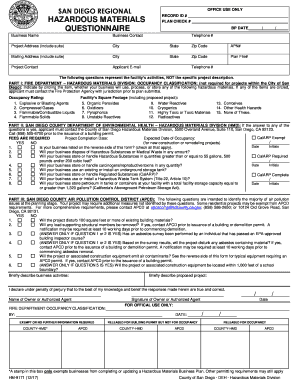
San diego regional hazardous materials questionnaire 2017-2018 form
Property owner guide 2014 form

Early intervention progress 2014 form
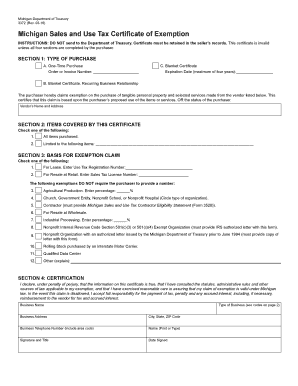
Resale certificate michigan 2016 form

Oklahoma Real Estate Commission - Contract Forms and ... - OK.gov - ok
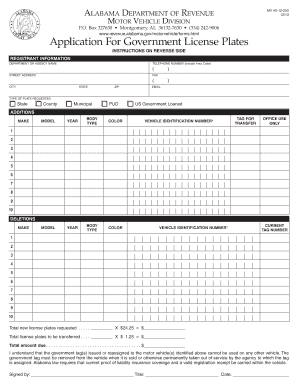
Alabama dept of revenue government plate application 2013 form

Contact Us :: Washington State Department of Health
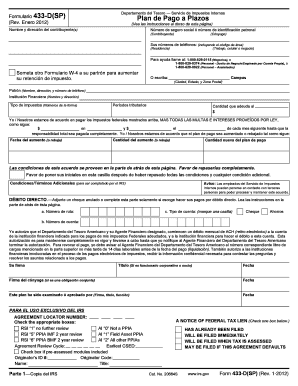
Formulario 433 dsp 2012
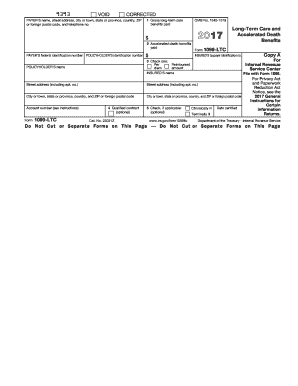
1099 ltc 2017-2018 form
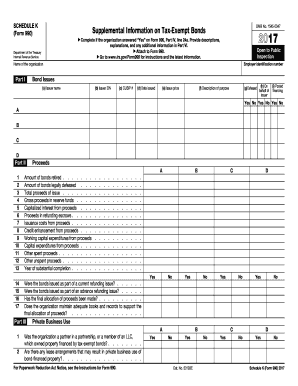
990 k form 2017
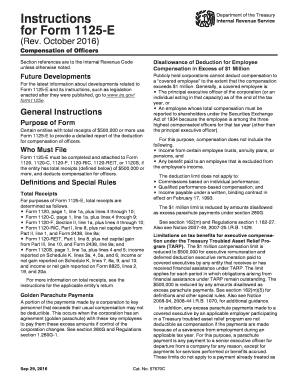
Irs form 1125 e 2016

Wv bill sale 2014 form
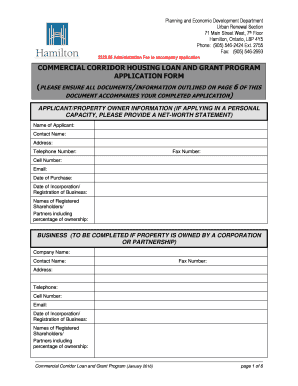
Hamilton Commercial Corridor Housing Loan and Grant Program Application Hamilton Commercial Corridor Housing Loan and Grant Program Application
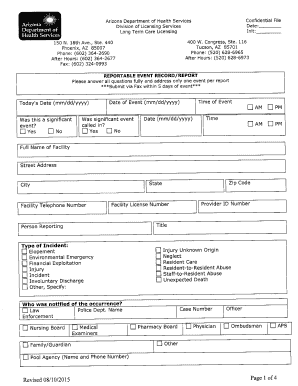
Azdhs reportable event 2015 form

2000 t3ret fillable form 2016

County in which this case is

Instructions 944 2017 form

Form 10-K - WP Carey
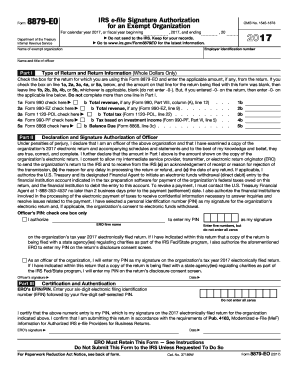
Irs form 8879 eoDocHubcom 2017
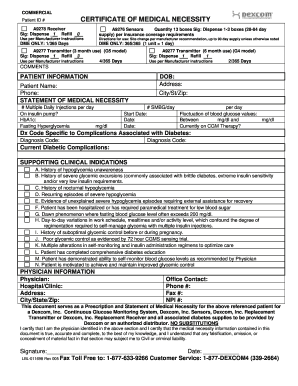
Dexcom medical necessity certificate 2005 form
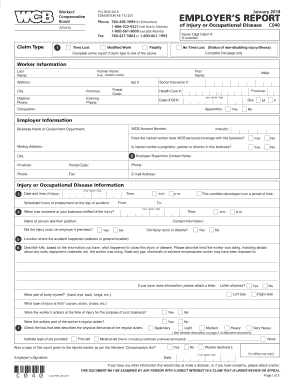
Form c 040 2014

Private career school (pcs) renewal application - Department of ...
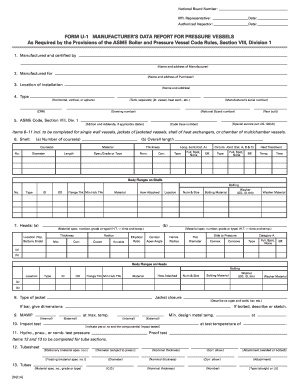
Form u 1 2014

Opg102 form 2013

2018 Corporate Excise tax forms and instructionsMass.gov
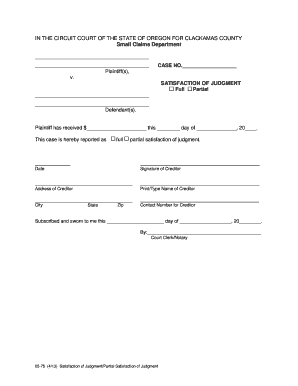
Satisfaction of Judgment - Oregon Judicial Department - courts oregon

Illinois employment application 2016 form
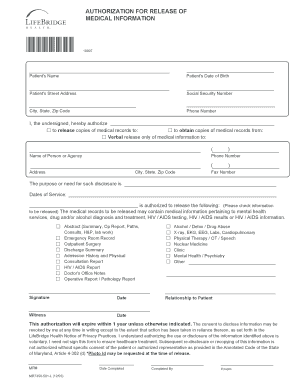
Authorization for release of medical information - LifeBridge Health - lifebridgehealth
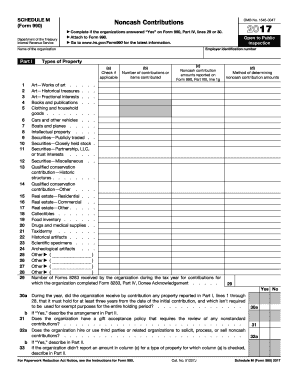
2017 m form
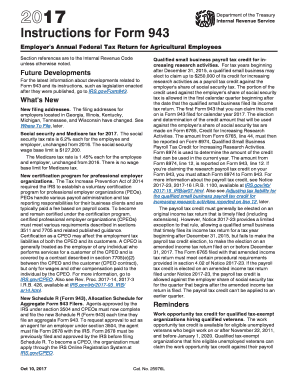
Form 943 2017
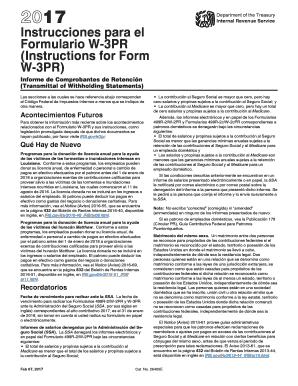
W form 3pr 2017
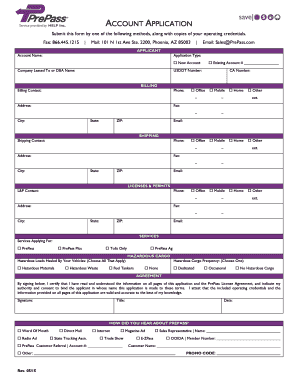
Prepass application 2015 form

Form form american health 2012

Bwc certification 2012 form
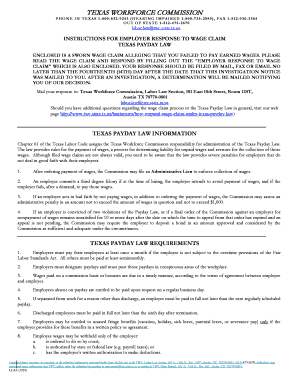
Instructions for Employers Response to Wage Claim Texas Payday ... - twc state tx

Vermont fg 601 pdf 2016 form

22 0803 2016 form
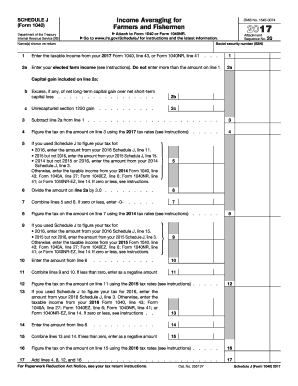
J form fill 2017
Department of Elections Contact Info:
Sc form child 2015

8879 2015 form
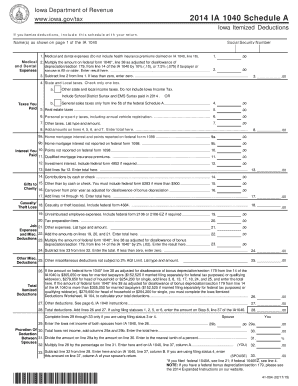
Deduction - Iowa Department of Revenue - Iowa.gov
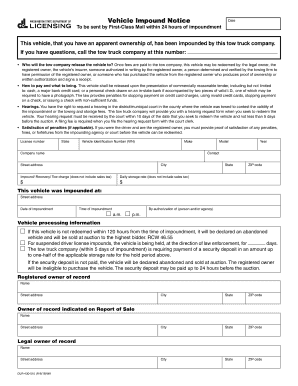
Impound notice 2015 form

COMMONWEALTH OF KENTUCKY 1-07 DEPARTMENT OF REVENUE OFFICE ...
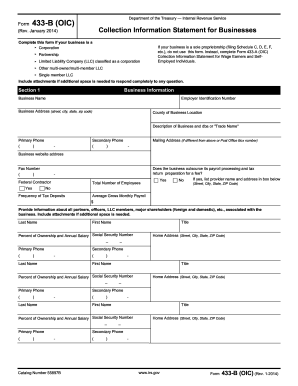
Form 433-B (OIC) - Internal Revenue Service - irs
Irs publication 1167 2017 form

Rebuttal application 2011 form

Wa loss 2014 form

Form pdla 2011
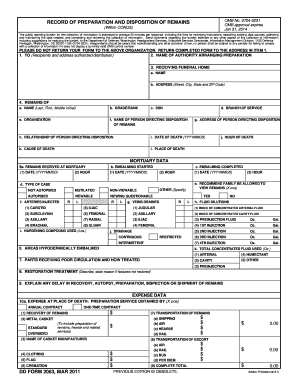
Dd form 2063 2011
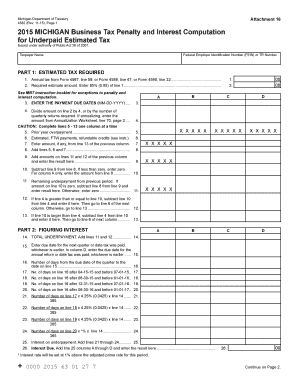
4582 form 2015

Form LL-1: Wage Claim - Texas Workforce Commission

Example of how to fill a form for canadian citizenship 2013
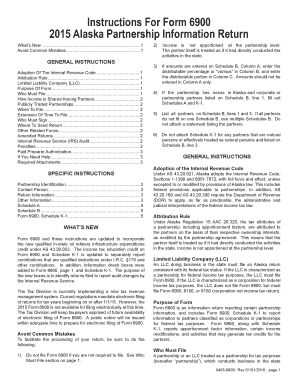
Instructions For Form 69002015 Alaska Partnership
Exemption compensation 2009 form
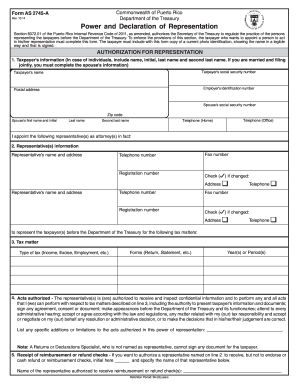
Form as 2745 a 2014

C 4 auth formDocHubcom 2014

Vtr 130 sb 2004 form
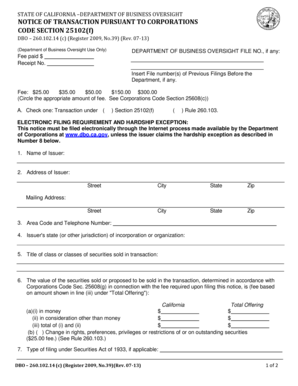
NOTICE OF TRANSACTION PURSUANT TO CORPORATIONS

Form dl 180 2017

Medical assistance for workers with disabilities harrisburg pa 2011 form
Form 62a500 2016

Oklahoma form 512e 2015
Medical report 2017 form

Insurance - Illinois Secretary of State

Estates - Illinois Secretary of State
760 Instructions. 760 Instructions
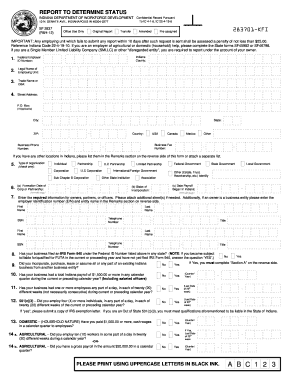
Report to determine status 2012 form
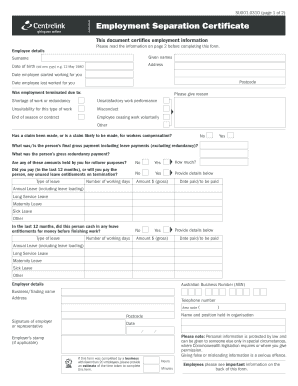
Su001 2010 form

2017 it form
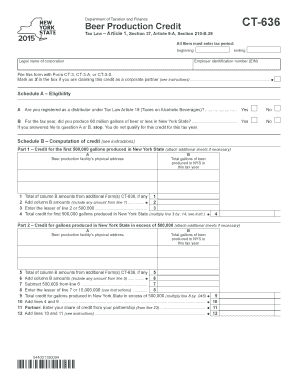
Ct 636 2015 form

Al request 2011 form

Complaint Form Packet - Idaho State Bar - State of Idaho

It 2663 i 2016 form

2012 IL TM/SM-35b
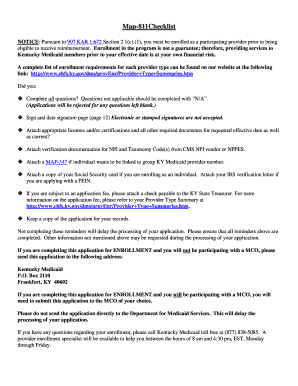
Map 811 2015 form
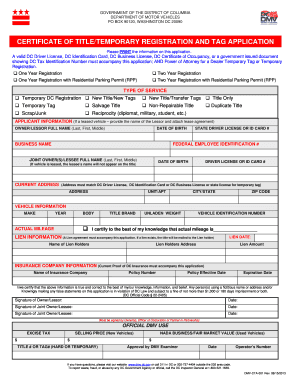
Dc dmv form 2013

2011 form 48020 puerto rico 2017

ExamSoft Registration Form February 2018 - State Bar of Nevada
Irs publication 594 2017 form
1281 irs pub 2017 form
Form 1141 2017

Form 7401

2011 form 48020 puerto rico 2016
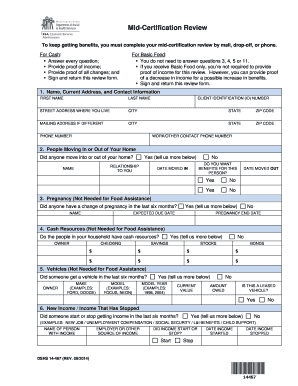
Wa state ebt mid review 2014 form

Cg form 2020c 2010
Benefit from the DocHub online library of fillable PDF forms
Searching the PDF forms doesn't have to be a tedious and time-consuming process. With the DocHub online library, it has become easier to find the fillable PDF forms and modify them in your browser. The service allows you to adjust the document to your needs using powerful editing tools.
You can use online document editing features to modify almost any type of document with ease. You just need to find the template of your choice, open it in the editor, and use the toolbar to make the necessary corrections.
Follow this guide to get your document done with DocHub:
- Find the PDF template you need.
- Click the Get Form button to open the file in the editor.
- Use the toolbar to fill out and edit the document.
- Easily add and highlight text, insert images, checkmarks, and symbols.
- Drop new fillable fields, and rearrange or delete pages from your file.
- Save changes and download your record.
DocHub empowers everyone to streamline document editing, signing, and distribution, and form completion. Create an account and benefit from our well-organized PDF Forms library and comprehensive editor.