




Here's how it works

01. Edit your form online
Type text, add images, blackout confidential details, add comments, highlights and more.

02. Sign it in a few clicks
Draw your signature, type it, upload its image, or use your mobile device as a signature pad.

03. Share your form with others
Send it via email, link, or fax. You can also download it, export it or print it out.
How to use or fill out ohio mason return 2016 form with DocHub

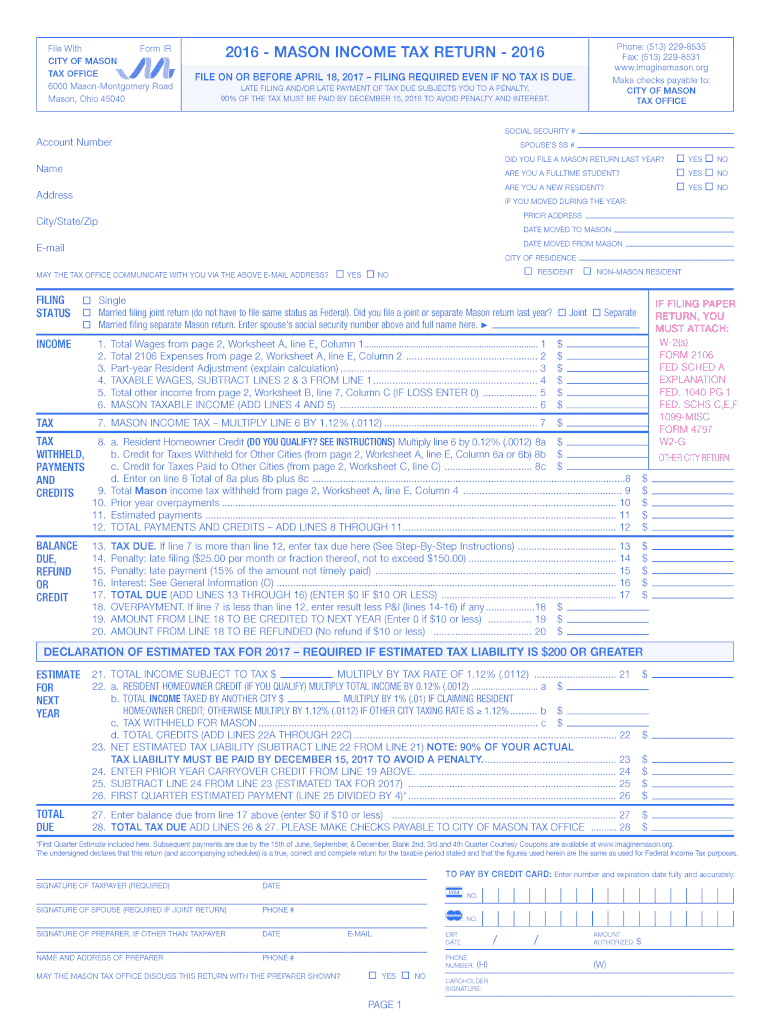
- Click ‘Get Form’ to open the Ohio Mason Return 2016 form in our platform's editor.
- Begin by entering your personal information in the designated fields, including your name, address, and contact details. Ensure accuracy for smooth processing.
- Next, navigate to the financial sections of the form. Here, you will input relevant income figures and deductions. Use our platform’s tools to easily add or modify any necessary calculations.
- Review each section carefully. Utilize the commenting feature if you need to make notes or reminders for yourself before finalizing the document.
- Once all fields are completed, proceed to sign the document electronically. This can be done directly within our editor for a seamless experience.
Start using our platform today to fill out your Ohio Mason Return 2016 form online for free!
Fill out ohio mason return 2016 form online
It's free
See more ohio mason return 2016 form versions
We've got more versions of the ohio mason return 2016 form form. Select the right ohio mason return 2016 form version from the list and start editing it straight away!
| Versions | Form popularity | Fillable & printable |
|---|---|---|
| 2025 | 4.8 Satisfied (39 Votes) | |
| 2024 | 4.2 Satisfied (58 Votes) | |
| 2023 | 4.3 Satisfied (20 Votes) | |
| 2022 | 4.8 Satisfied (110 Votes) | |
| 2021 | 4.3 Satisfied (143 Votes) | |
| 2020 | 4.8 Satisfied (111 Votes) | |
| 2018 | 4 Satisfied (69 Votes) | |
| 2017 | 4.3 Satisfied (130 Votes) | |
| 2016 | 4.3 Satisfied (150 Votes) | |
| 2014 | 4.3 Satisfied (116 Votes) | |
| 2012 | 4 Satisfied (49 Votes) |
Security and compliance
At DocHub, your data security is our priority. We follow HIPAA, SOC2, GDPR, and other standards, so you can work on your documents with confidence.
Learn more


Related forms

Fillable Online dmv state pa PennDOT
The document is an application form for changing, correcting, or replacing an Occupational Limited License (OLL), Probat ...
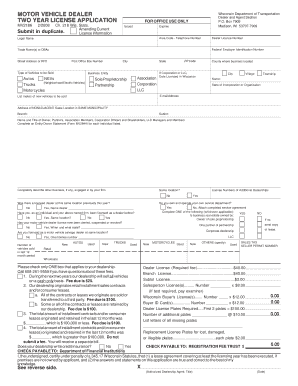
Mv2186
The document is a two-year license application form for motor vehicle dealers in Wisconsin, detailing the necessary info ...
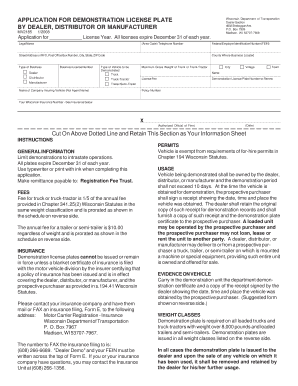
Wisconsin mv2185
The document is an application form for obtaining a demonstration license plate from the Wisconsin Department of Transpo ...

DSS-1514 Fire and Building Safety Inspection Report (Institutional Building) - info dhhs state nc
DSS-1514 Fire and Building Safety Inspection Report (Institutional Building) - info dhhs state nc
The document is a Fire and Building Safety Inspection Report for various child caring institutions, including maternity ...

Care request fingerprinting services form
The document OCFS-4930 outlines the requirements and procedures for obtaining fingerprinting services for individuals in ...
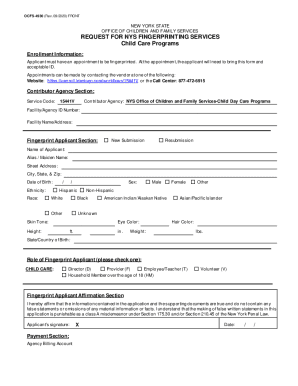
REQUEST FOR NYS FINGERPRINTING SERVICES Child Care
The document OCFS-4930 is a request form for New York State fingerprinting services specifically for child care programs ...

Credentials Verification Fact Sheet - PA
The document is a verification form for medical education required by the Pennsylvania State Board of Osteopathic Medici ...
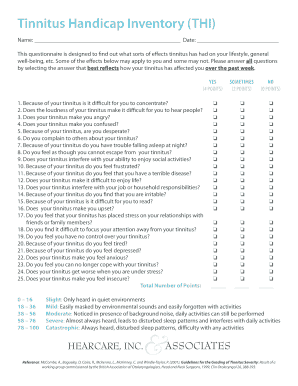
Tinnitus Handicap Inventory (THI) - HearCare, INC and Associates
The Tinnitus Handicap Inventory (THI) is a questionnaire designed to assess the impact of tinnitus on an individual's li ...