
Get any PDF form from the DocHub library of ready-made templates - Page 1410

Indiana form 11274 2015
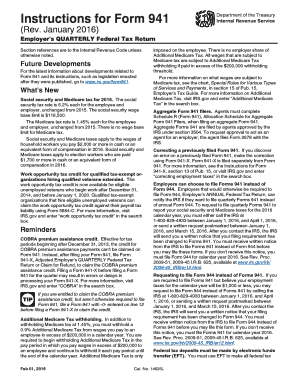
941 instructions 2016 form

Qualified subhapter s subsidiaries form 8869 2013
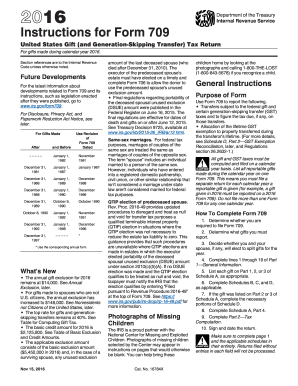
2016 irs form 709 instructions
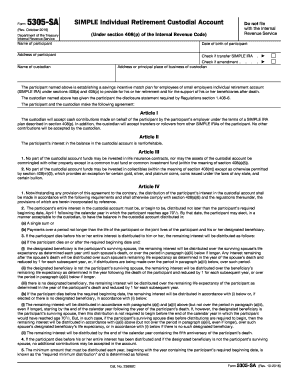
Form 5305-C (Rev. October 2016) - IRS.gov
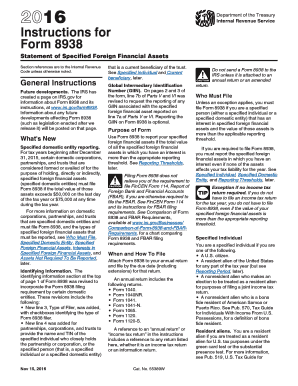
2016 8938 instructions form
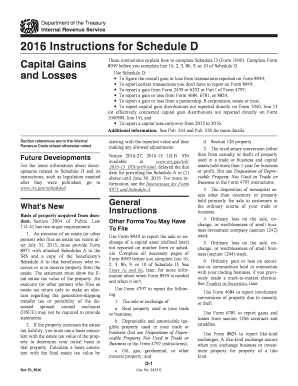
2015 instructions for schedule d 2016 form
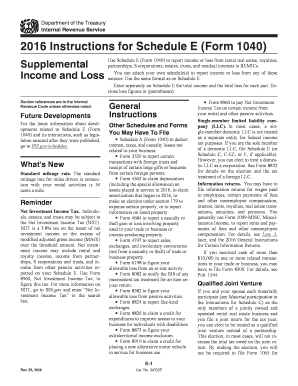
Schedule a 2016 form

2016 Form 990 or 990-EZ (Schedule C). Political Campaign and Lobbying Activities - irs
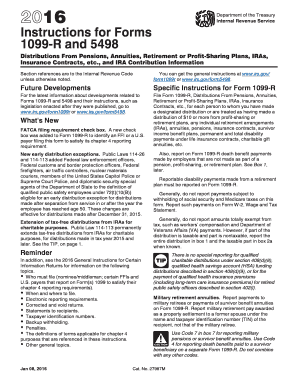
Instruction 1099 r 2016 form
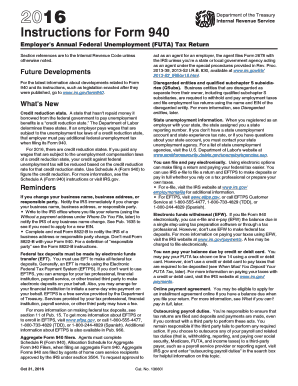
Instruction 940 form 2016

2017 1099 cap form

2016 Schedule M-3 (Form 1065) - IRS.gov - irs
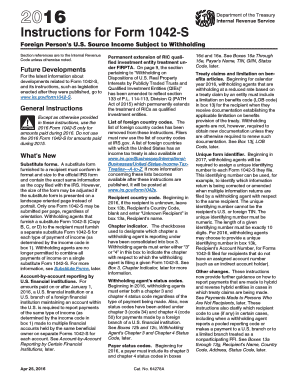
2016 Instructions for Form 1042-S

2016 ny form
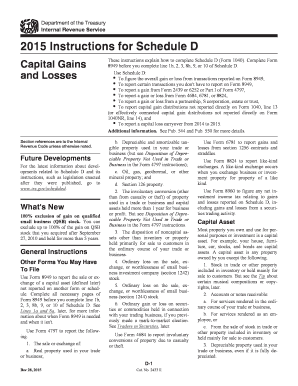
2015 instructions for schedule d form
2015 irs publication 936 form
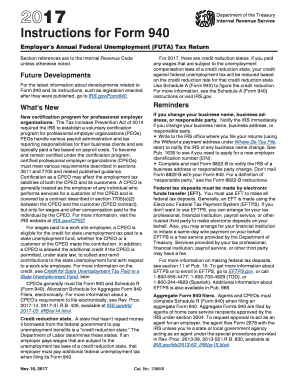
Instruction 940 form 2015
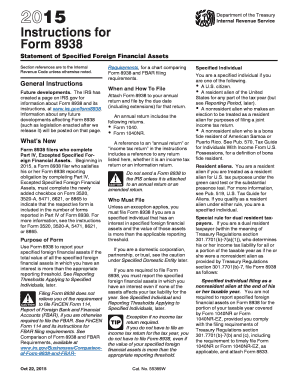
Irs 8938 instructions form 2015
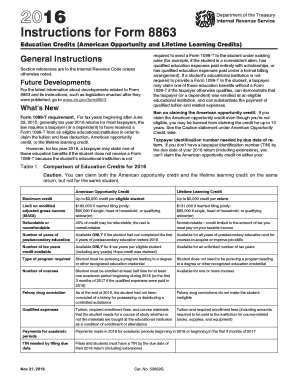
8863 instructions 2015 form
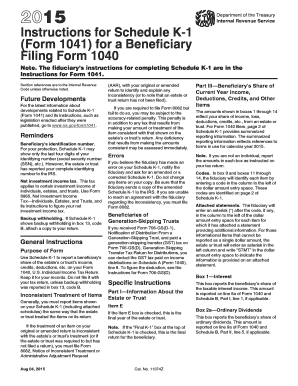
Irs k 1 form instructions 2015
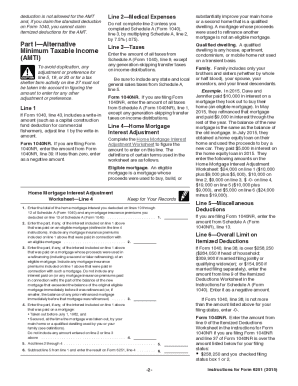
2015 6251 instructions form
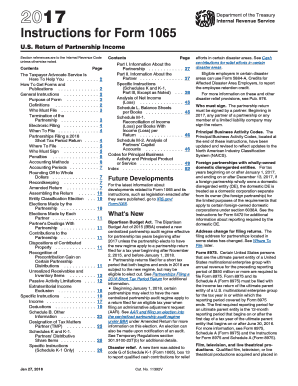
2015 form 1065 instructions
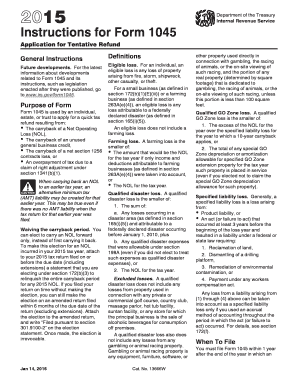
2015 Instructions for Form 1045 - IRS.gov - irs
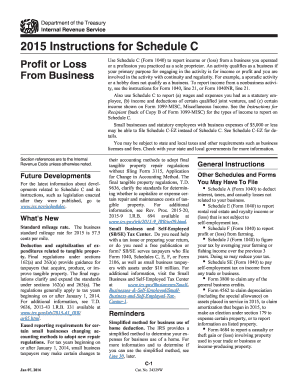
2015 instructions for schedule c 2015 irsgov form
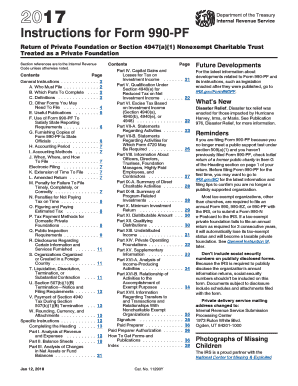
990 pf instruction 2015 form
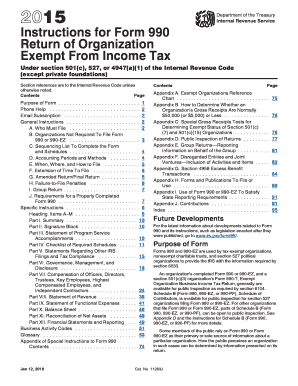
2015 form 990 instructions
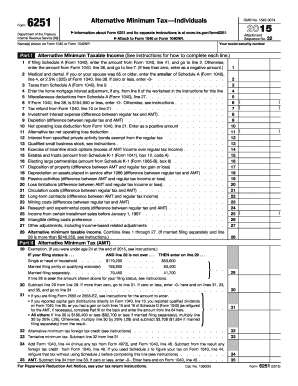
2015 irs form 6251
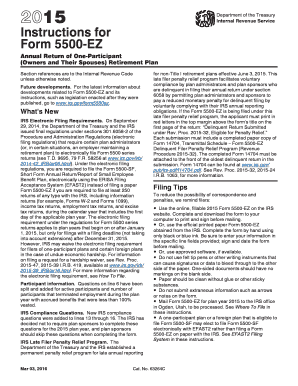
2015 form 5500 ez instructions
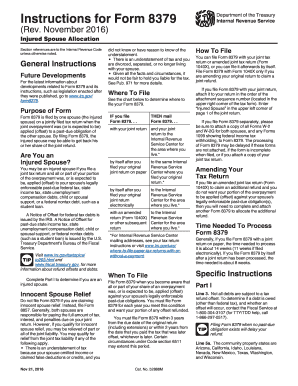
Irs 8379 instructions 2015 form
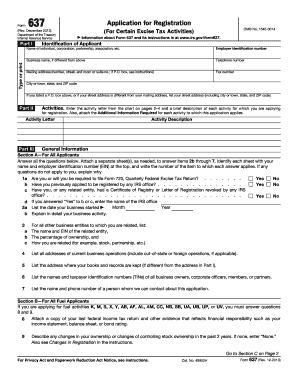
Form 637 2013
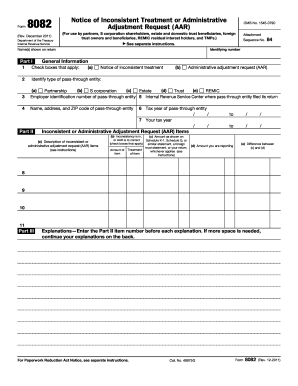
Irs form 8082 2011
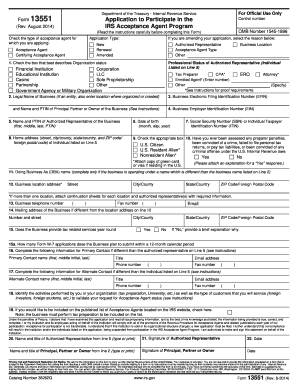
Form 13551DocHubcom 2014

Form 5768 (Rev. August 2013) - IRS.gov - irs
1281 2014 form
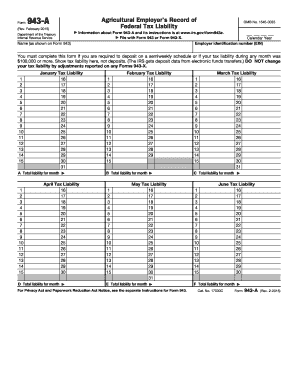
2015 943 fillable form pdf
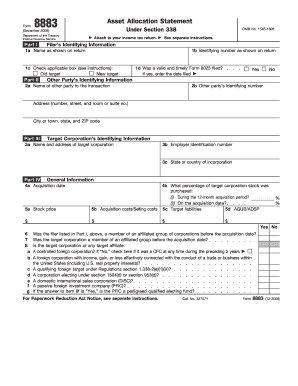
Form 8883
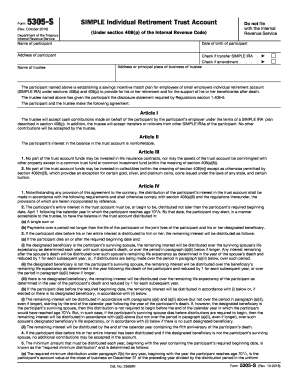
Form 5305 simple 1998 2016
Form 1141 2016
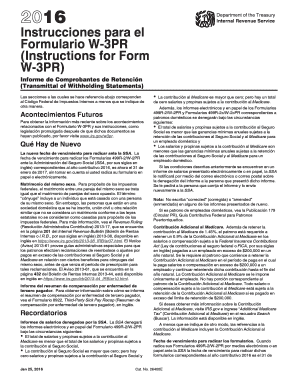
W3pr 2016 form
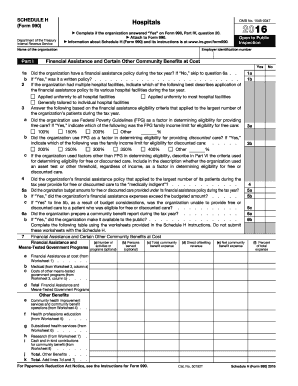
Community Benefit Report - Wayne Memorial Hospital

Gov/form8879pe
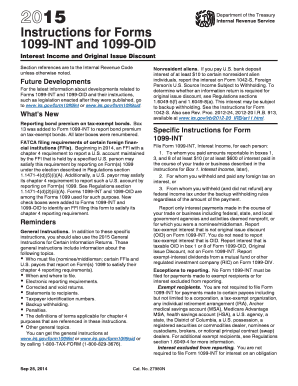
1099 int instructions 2015 form
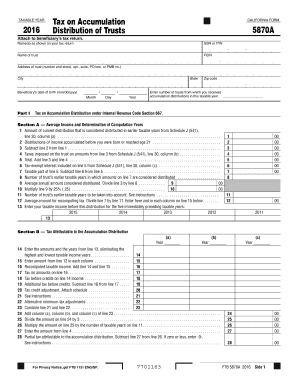
California 5870a 2016 form

California 540nr transcript 2016 form
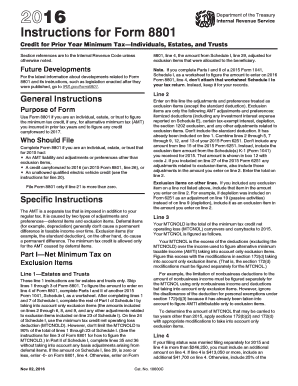
2016 8801 instructions form

1099s 2016 form
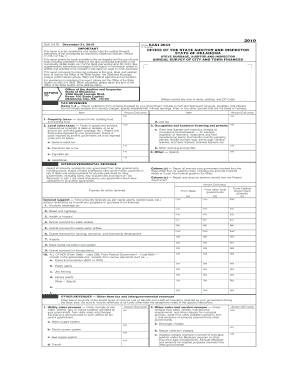
Saandi 2643 fillable 2010 form
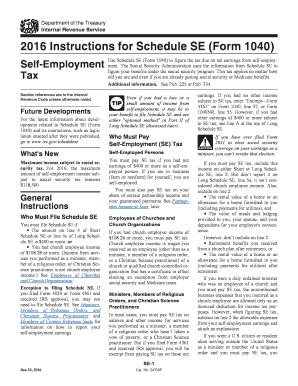
2016 instructions schedule se form
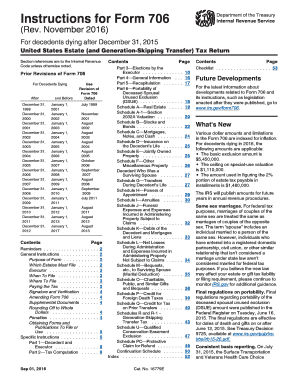
Instructions for Form 706 (Rev. November 2018) - IRS.gov
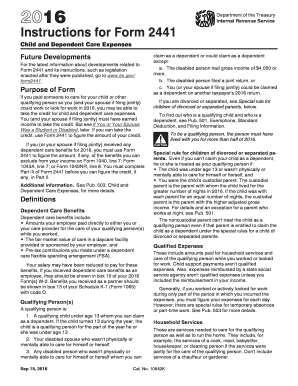
2016 instructions form 2441
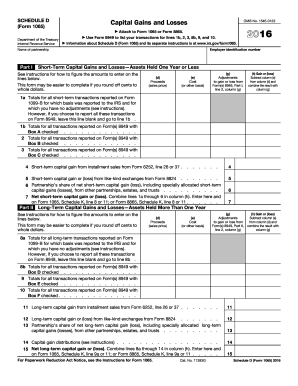
1065 dDocHubcom 2016 form
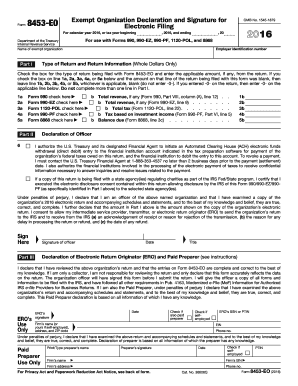
2016 Form 8453-EO. Exempt Organization Declaration and Signature for Electronic Filing
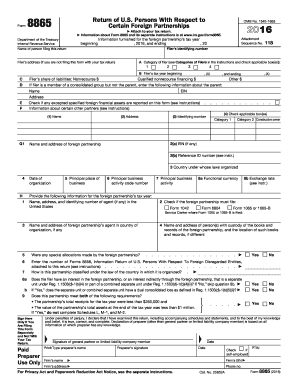
2016 form 8865
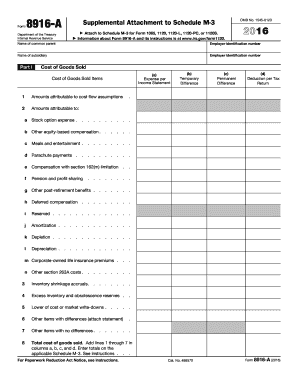
Form schedule m 3DocHubcom 2016

Irs schedule f 2016 form
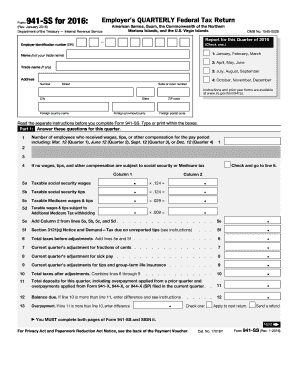
Form 941 ss 2016
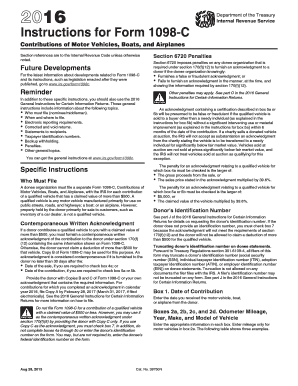
Irs form 1098 c instructions 2016
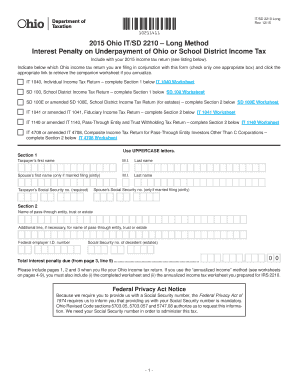
It sd 2210 2015 form

2016 Form 3832 -- Limited Liability Company Nonresident Members' Consent. 2016 Form 3832 -- Limited Liability Company Nonresident Members' Consent - ftb ca
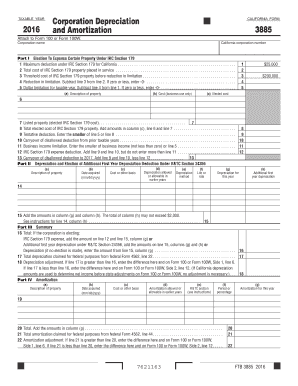
Ca 3885 2016 form
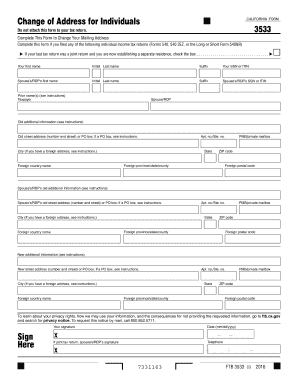
3533 2016 form

Form 3525 2016
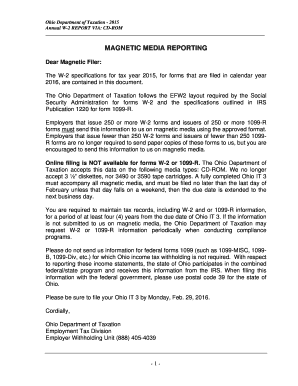
Magnetic media reporting - Ohio Department of Taxation - Ohiogov - tax ohio
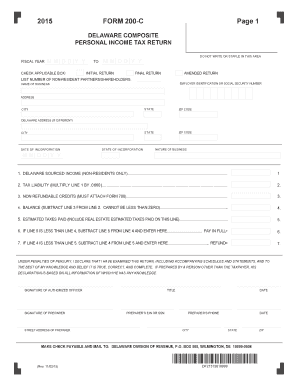
Form 200c 2015
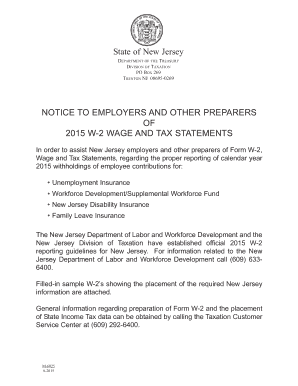
Njxxxxxxxxxxx 2015 form
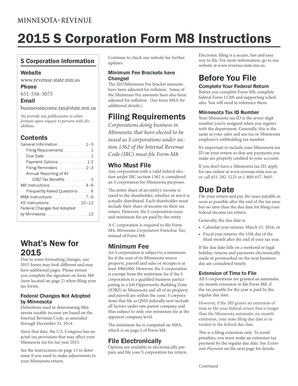
Mn form instructions 2015
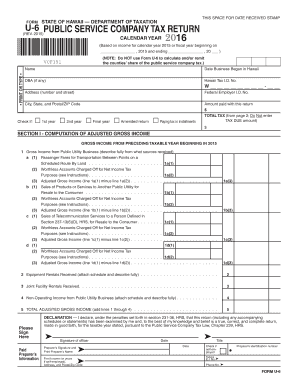
Hawaii u 6 2015 form
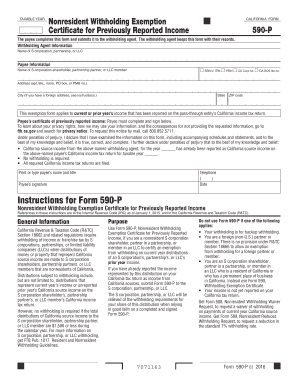
Ca form 590 p 2016
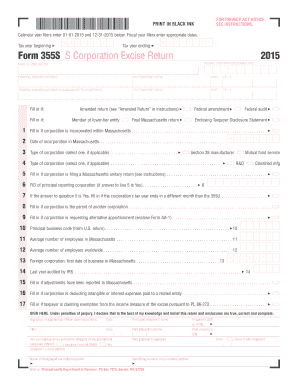
2015 form 355s

1099 hc form 2015
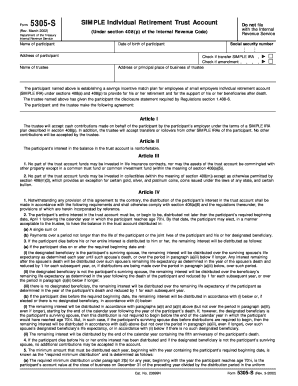
A SIMPLE IRA plan is a retirement plan that uses SIMPLE IRAs for ...
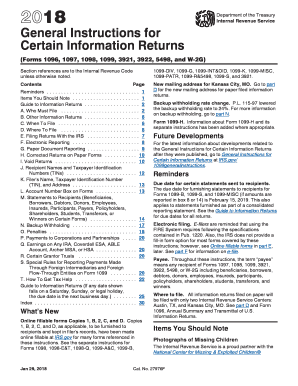
Gen instr for certain info returns 2015 form
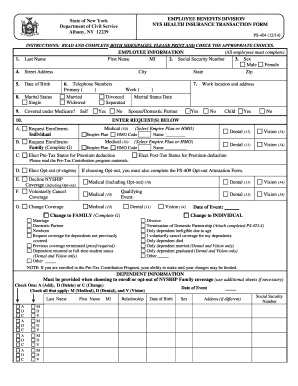
Form ps 404 2014
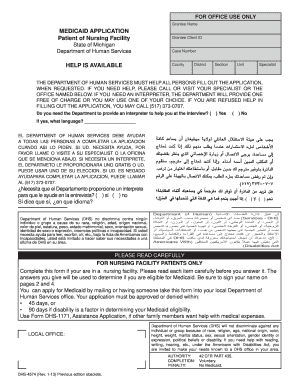
Michigan form medicaid application 2013
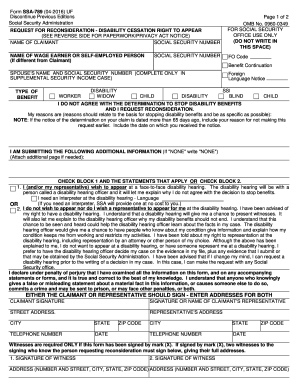
Ssa 789 2012 form

Medical report 2013 form

Hsmv 96020 2015 form
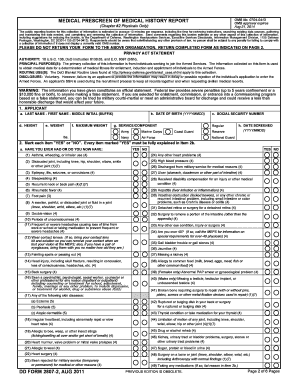
Form 2807 2 2011
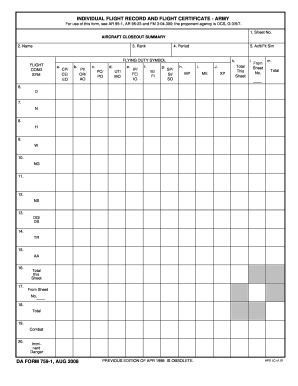
INDIVIDUAL FLIGHT RECORD AND FLIGHT CERTIFICATE--ARMY. DA FORM 759-1, AUG 2008
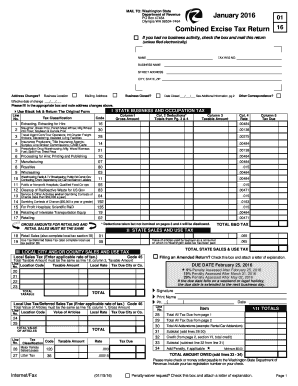
Wa combined excise tax return 2016 form
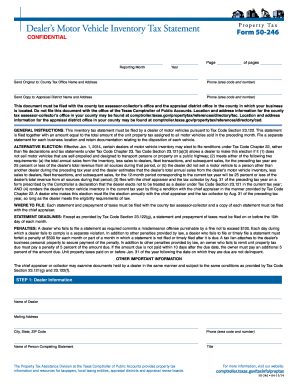
Form 50 246 2014

Unlawful form 2012
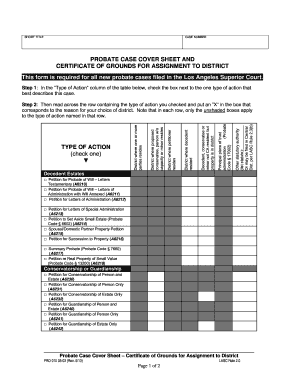
Pro 010 2013 form
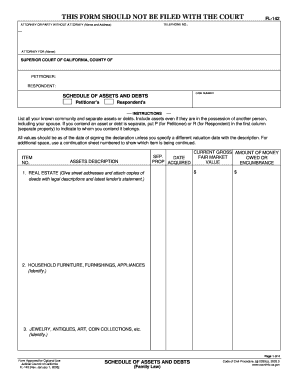
Fl 142 2005 form
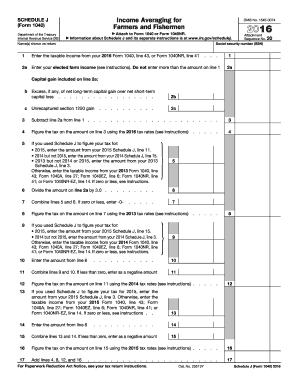
Income Averaging for Farmers and Fishermen - eFile
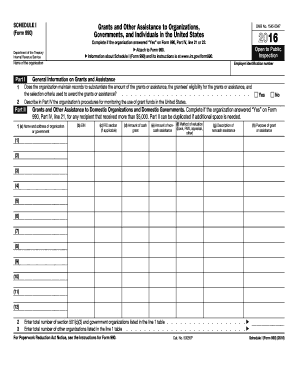
2016 990 schedule form

2016 Form 990 (Schedule J) - IRS.gov
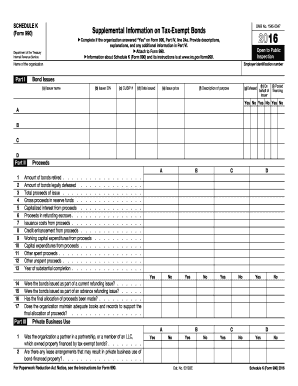
2016 irs schedule k form
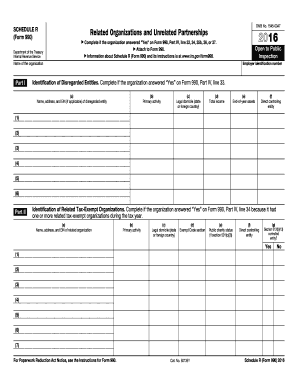
2016 schedule r form
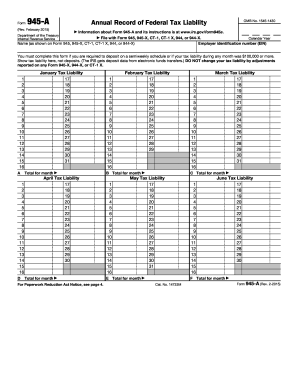
945 a 2015 form

1099 div instructions 2015 form
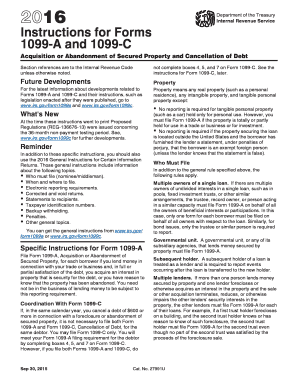
Instructions form 1099 c 2016
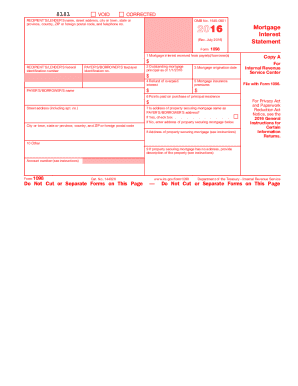
1098 forms 2016
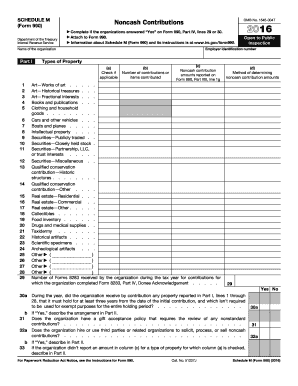
Schedule m 2016 form

Plea form and waiver of rights florida 2011

IMM 1344 E: Application to sponsor, sponsorship agreement and undertaking - imm1344e.pdf

Az joint tax application
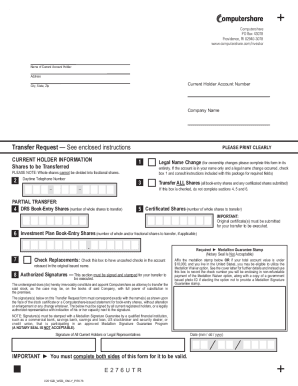
Transfer my stock
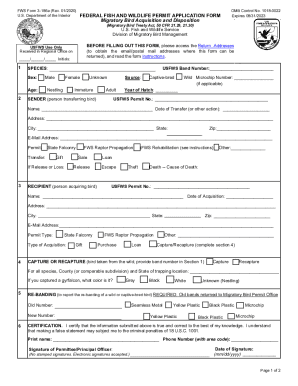
DocHub fill-and-sign-pdf-form107371 3 186a3 186a Form - Fill Out and Sign Printable PDF TemplateDocH
Benefit from the DocHub online library of fillable PDF forms
Searching the PDF forms doesn't have to be a tedious and time-consuming process. With the DocHub online library, it has become easier to find the fillable PDF forms and modify them in your browser. The service allows you to adjust the document to your needs using powerful editing tools.
You can use online document editing features to modify almost any type of document with ease. You just need to find the template of your choice, open it in the editor, and use the toolbar to make the necessary corrections.
Follow this guide to get your document done with DocHub:
- Find the PDF template you need.
- Click the Get Form button to open the file in the editor.
- Use the toolbar to fill out and edit the document.
- Easily add and highlight text, insert images, checkmarks, and symbols.
- Drop new fillable fields, and rearrange or delete pages from your file.
- Save changes and download your record.
DocHub empowers everyone to streamline document editing, signing, and distribution, and form completion. Create an account and benefit from our well-organized PDF Forms library and comprehensive editor.