




01. Edit your form online
Type text, add images, blackout confidential details, add comments, highlights and more.

Type text, add images, blackout confidential details, add comments, highlights and more.

Draw your signature, type it, upload its image, or use your mobile device as a signature pad.

Send it via email, link, or fax. You can also download it, export it or print it out.

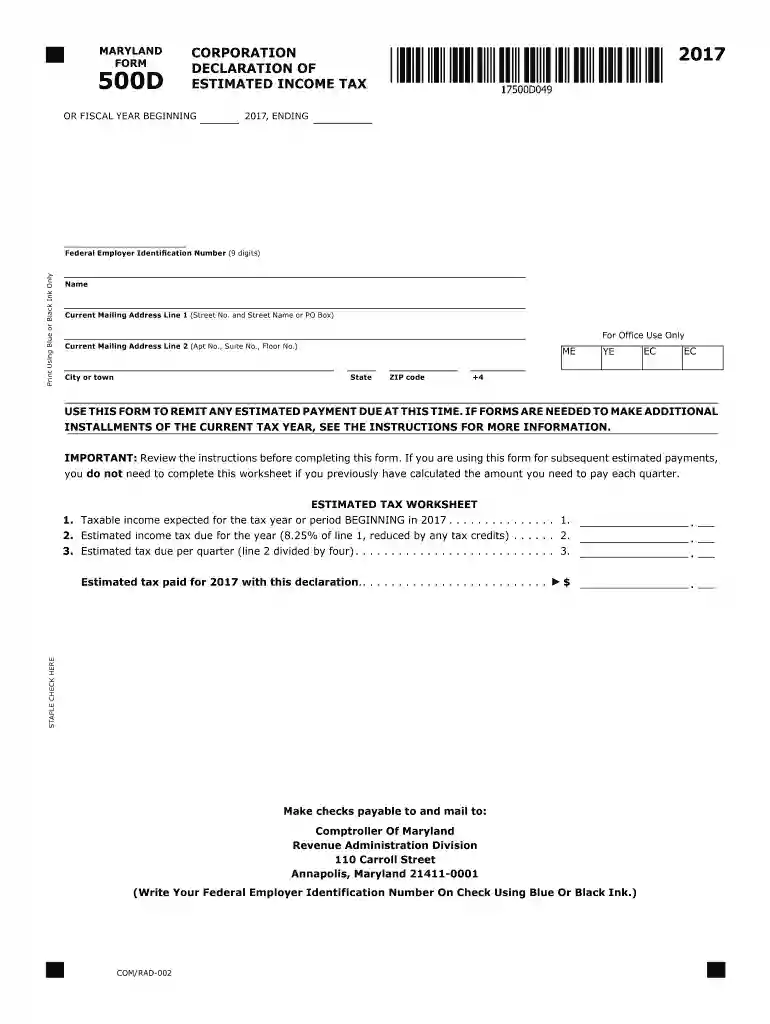
Start using our platform today to easily complete and submit your 2017 MD Estimated Form for free!
We've got more versions of the 2017 md estimated form form. Select the right 2017 md estimated form version from the list and start editing it straight away!
| Versions | Form popularity | Fillable & printable |
|---|---|---|
| 2024 | 4.2 Satisfied (57 Votes) | |
| 2023 | 4.4 Satisfied (20 Votes) | |
| 2022 | 4.8 Satisfied (45 Votes) | |
| 2021 | 4.4 Satisfied (154 Votes) | |
| 2020 | 4.4 Satisfied (350 Votes) | |
| 2019 | 4.2 Satisfied (109 Votes) | |
| 2018 | 4.3 Satisfied (41 Votes) | |
| 2017 | 4.4 Satisfied (179 Votes) | |
| 2016 | 4.4 Satisfied (101 Votes) | |
| 2015 | 4.4 Satisfied (50 Votes) | |
| 2014 | 4 Satisfied (26 Votes) | |
| 1997 | 4.3 Satisfied (40 Votes) |
At DocHub, your data security is our priority. We follow HIPAA, SOC2, GDPR, and other standards, so you can work on your documents with confidence.
A pass-through entity shall file quarterly estimated tax returns using Form 510D is reasonably expected to exceed $1,000 for the taxable year.
Sep 16, 2013 This revenue procedure provides the domestic asset/liability percentages and domestic investment yields needed by for- eign life insuranceRead more
If you are a Maryland resident, file Form 502 and 502B. If you are a Maryland resident and need to amend your return, file Form 502X. If you lived inRead more


