
Get any PDF form from the DocHub library of ready-made templates - Page 1042

Salem School District School District in Salem, AR

Arkansas employer election

- arkansas

Ar notification

Arkansas quarterly wage report instructions

Dws-ark-209b - Arkansas - arkansas
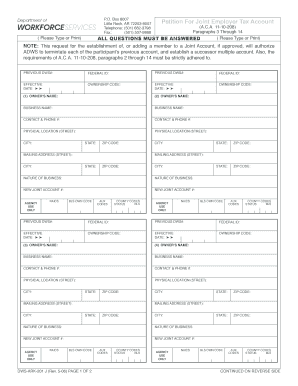
- arkansas
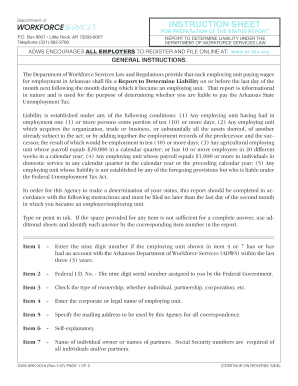
Arkansas status report

Arkansas 209b
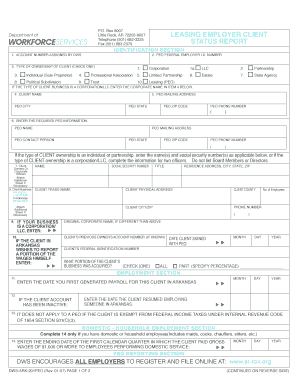
Arkansas employer client status
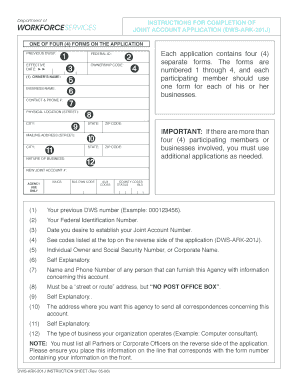
1 Click File a Form 606 (eResponse) 2 Sign in or create a new
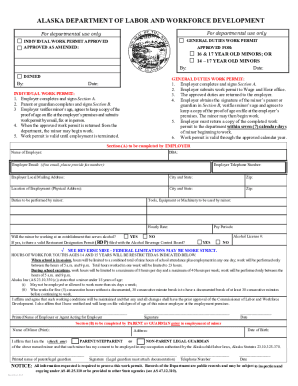
Alaska Department of Labor & Workforce Development Labor Standards & Safety - Work Permit

Paid COVID-19 Leave Request Form
Alaska wage claim form

Ak osh handbook

Alaska work permit industry
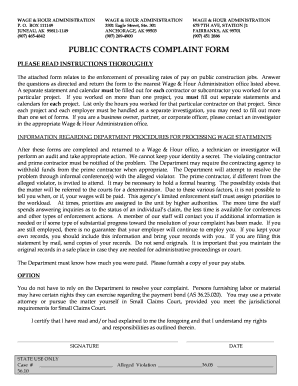
Title 36 Complaint form - Alaska Department of Labor and Workforce - labor alaska
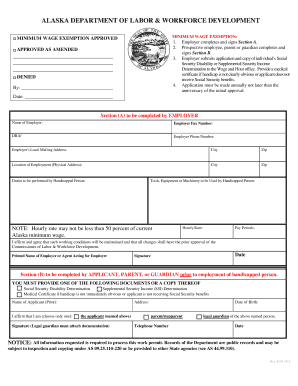
Ak minimum persons

Alaska 300 labor services

How to alaska quarterly report
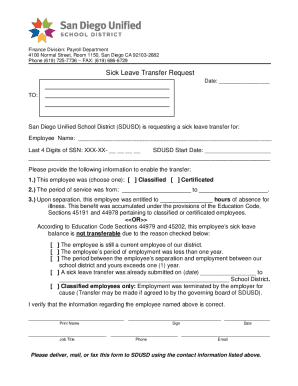
Sick Leave Transfer Request - San Diego Unified School
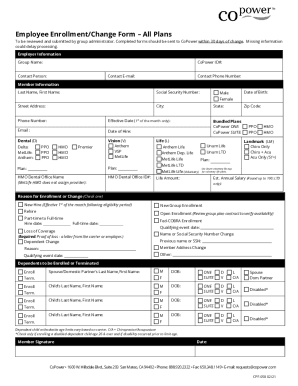
Group-insuranceinc assetsfilesEmployee Enrollment Change Form - Group Insurance Inc
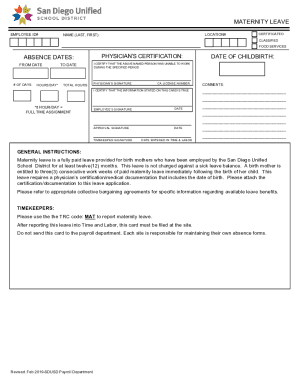
Mat Leave vsd

Kentfield Fire Protection District 1004 Sir Francis Drake

Visio- Training - Absence Request vsd
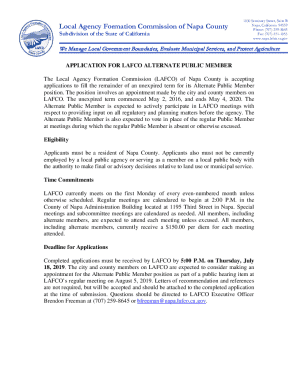
Alternate Public Member Application - California
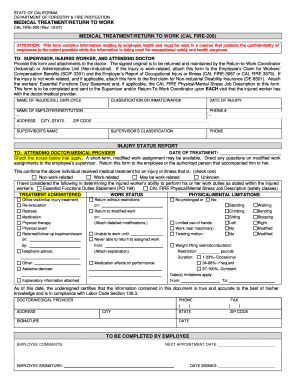
MEDICAL TREATMENT RETURN TO WORK
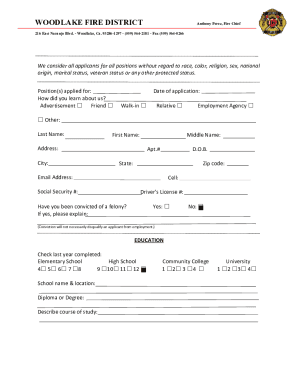
Volunteer Firefighter Application

Human Resource Services Division (REV 032817-AMV) 4100 Normal Street

DA Form 4187 Personnel Action Examples - ArmyWriter

List any and all names, nicknames or aliases you have used in the past:
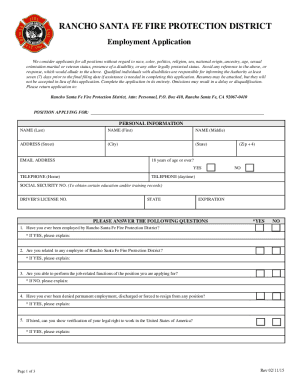
Application packet - Rancho Santa Fe Fire Protection District
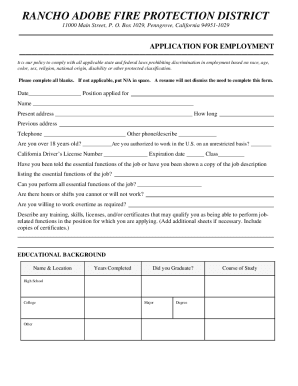
Rancho Adobe Fire Protection District - Rancho Adobe Fire
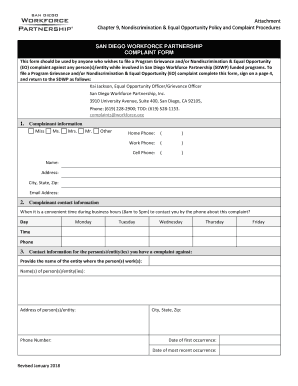
SAN DIEGO WORKFORCE PARTNERSHIP COMPLAINT FORM - Careers
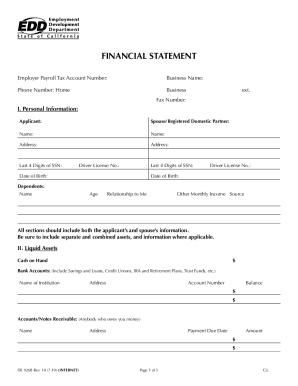
Financial edd form
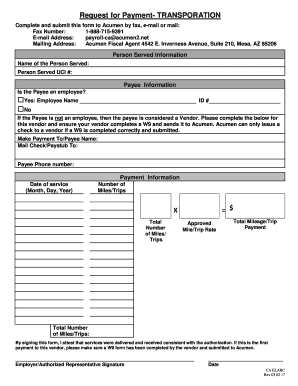
Fillable Online Request for Payment form- Transportation 092616
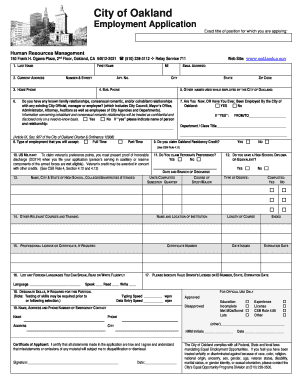
Oakland city application
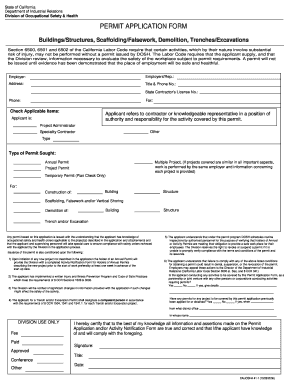
California permit application form
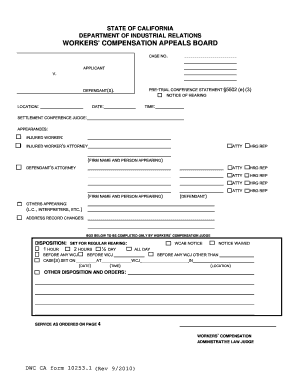
California workers compensation pre

Ca form subpoena duces
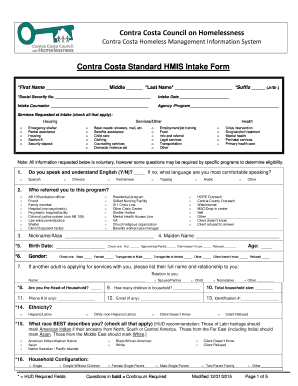
California hmis form
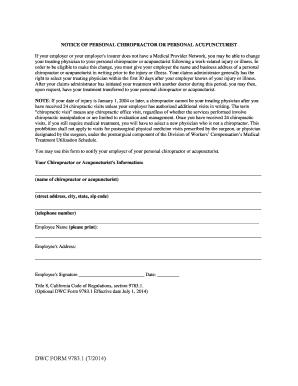
Form chiropractor

California quarterly return report

Guide complete retirement

E3067 fund
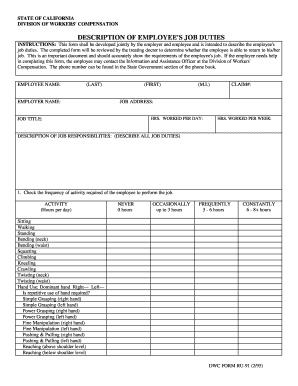
Ru 91
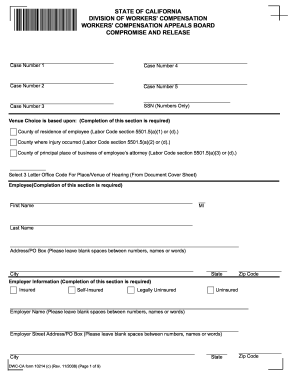
Compromise and release form

Fire Department - Village of Matteson

PHONE: 217-424-2708

Public Comment Form - City of Decatur, IL
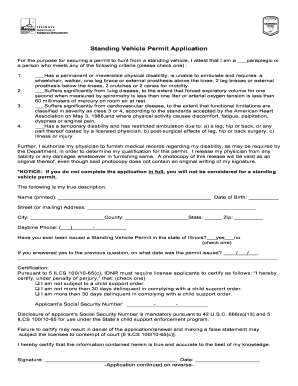
Standing vehicle permit
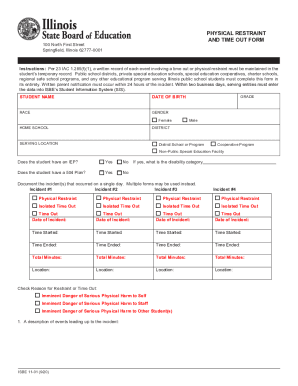
Isbe restraint form
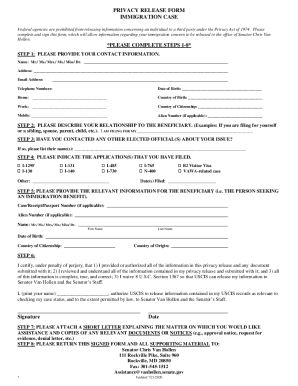
Privacy Release Form - Senator Chris Van Hollen - US Legal Forms

Advice of rights form

OPSB CICS Transaction Form and Instructions (130 KB, PDF) - dhmh maryland

Assessors office - Town of Lynnfield

Candidate Self Assessment Form

Board of Assessors - town lynnfield ma us
TEC Connections Academy Commonwealth Virtual School - A Tuition-Free

Maverick street gate
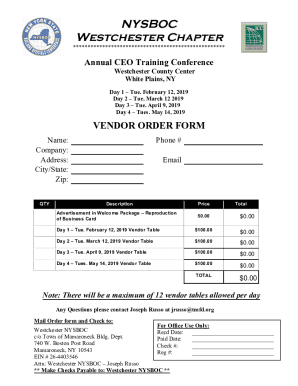
NYSBOC Vendor Order Form 2011

Job Name DVLF Notes Type - lamarlighting

Townofbabylon DocumentCenterViewTown of Babylon Resident requirements for applying for a

New york volunteer fire
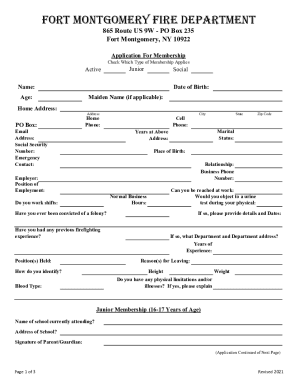
Fort Montgomery Fire Department in Fort Montgomery, NY
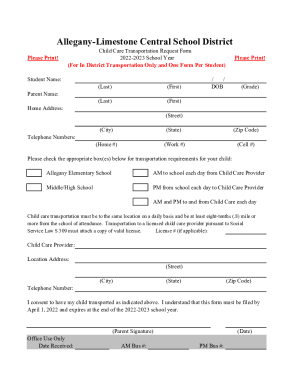
Readbeauty Informacin detallada del sitio web y la empresa
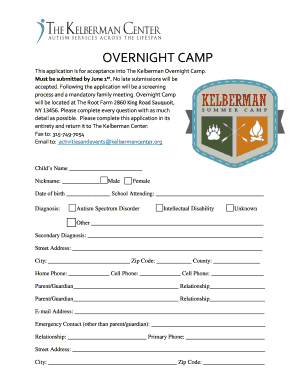
Kelberman center camp

RWIP6: RETAINING WALL INSPECTION REPORT PROGRAM INTAKE FORM
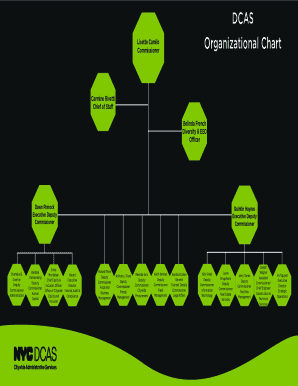
Meet our Leadership TeamMass

Smoke Detector bAffidavitb - Brighton - townofbrighton
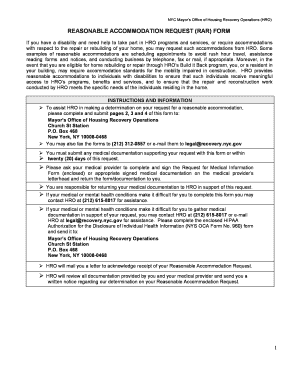
Rar form
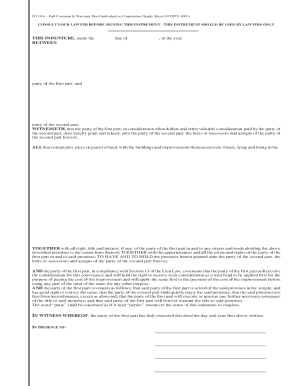
Full Covenant and Warranty Deed - New York - Edit, Fill, Sign
State of new york office of temporary and disability - BidNet
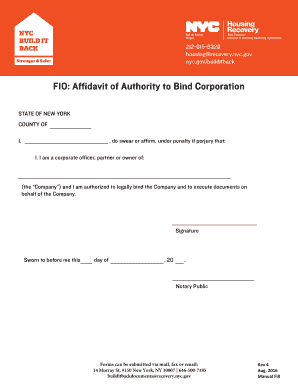
Affidavit corporation form
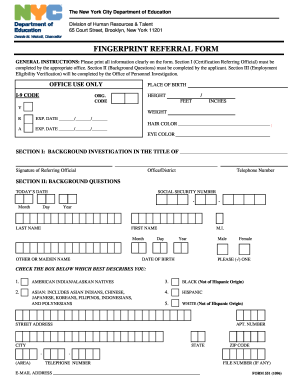
Form 551 fingerprint

Nystrs prs form
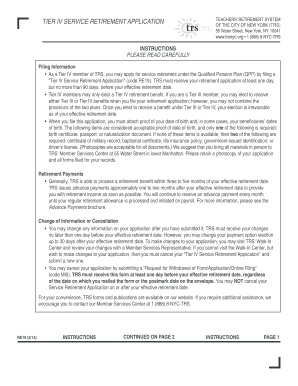
Trs service retirement

North Ridgeville Residency Affidavit

Ohio open burning permit application

Fame form
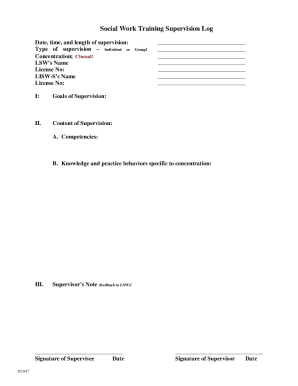
Lisw supervision log
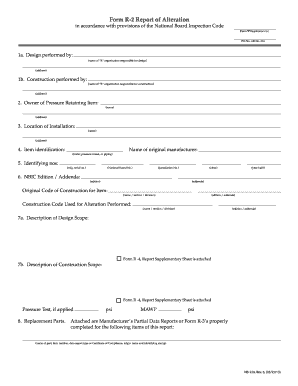
Form r2

Oregon mentored youth
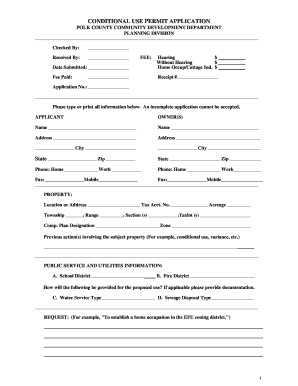
CONDITIONAL USE PERMIT APPLICATION POLK COUNTY COMMUNITY
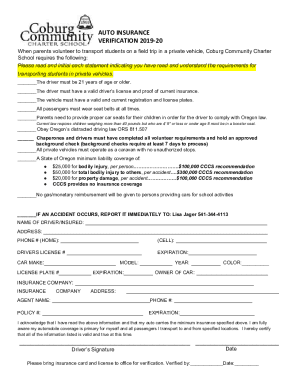
Lakebraddockss fcps sitesdefaultFIELD TRIP DRIVER'S LICENSE AND VEHICLE INSURANCE INFORMATION

Modified barthel index 20
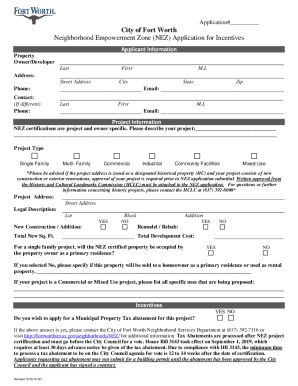
Tx city fort worth
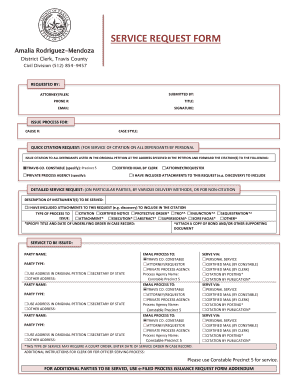
County service request form
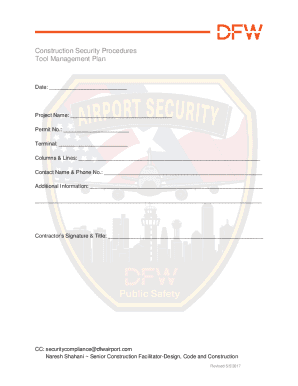
Construction Security Procedures Tool Management Plan

Tbpe online ethics exam answers
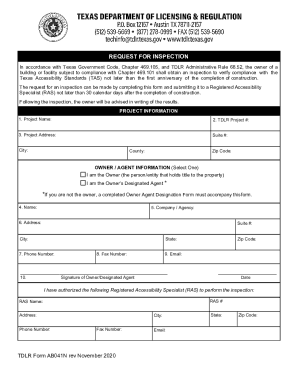
Tdlr inspection form

Kempmillk9care boarding-intake-formBoarding Intake FormKemp Mill K9 Care
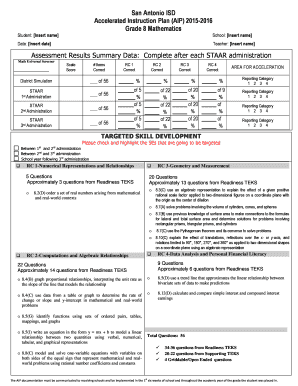
Student: Insert name
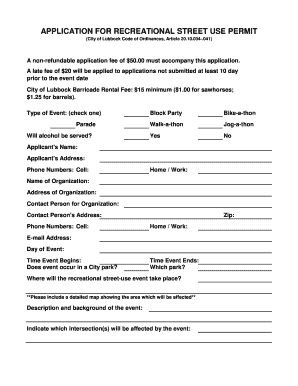
Tx application recreational permit
Contracts disclosure

Missouri temporary license plate
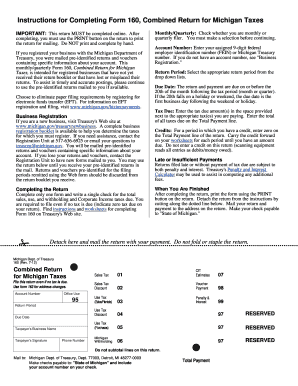
Form 160
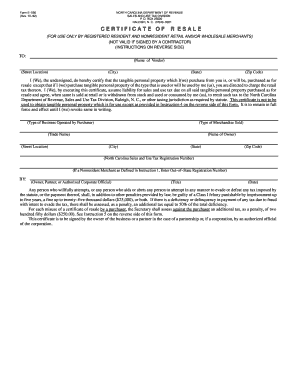
Resale certificate nc
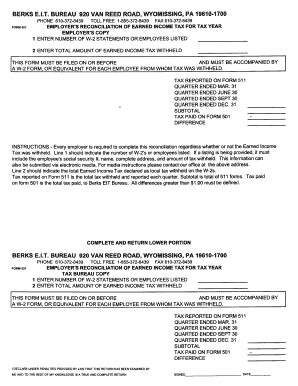
Berks local income tax form

Form ttd online
Benefit from the DocHub online library of fillable PDF forms
Searching the PDF forms doesn't have to be a tedious and time-consuming process. With the DocHub online library, it has become easier to find the fillable PDF forms and modify them in your browser. The service allows you to adjust the document to your needs using powerful editing tools.
You can use online document editing features to modify almost any type of document with ease. You just need to find the template of your choice, open it in the editor, and use the toolbar to make the necessary corrections.
Follow this guide to get your document done with DocHub:
- Find the PDF template you need.
- Click the Get Form button to open the file in the editor.
- Use the toolbar to fill out and edit the document.
- Easily add and highlight text, insert images, checkmarks, and symbols.
- Drop new fillable fields, and rearrange or delete pages from your file.
- Save changes and download your record.
DocHub empowers everyone to streamline document editing, signing, and distribution, and form completion. Create an account and benefit from our well-organized PDF Forms library and comprehensive editor.