



01. Edit your form online
Type text, add images, blackout confidential details, add comments, highlights and more.

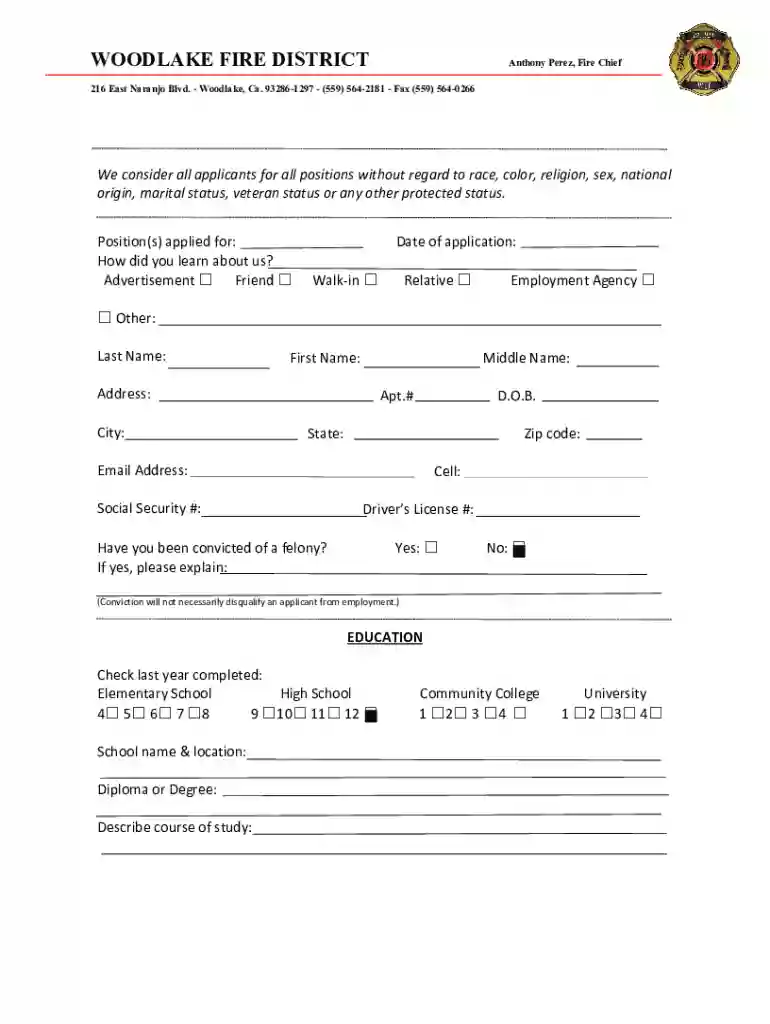
Type text, add images, blackout confidential details, add comments, highlights and more.

Draw your signature, type it, upload its image, or use your mobile device as a signature pad.

Send it via email, link, or fax. You can also download it, export it or print it out.

Start filling out your Volunteer Firefighter Application today using our platform for free!
We've got more versions of the Volunteer Firefighter Application form. Select the right Volunteer Firefighter Application version from the list and start editing it straight away!
| Versions | Form popularity | Fillable & printable |
|---|---|---|
| 2020 | 4.8 Satisfied (125 Votes) |
Most eSignature services require users to have a paid subscription. With DocHub, there are two options for you to create an electronic signature to your Volunteer Firefighter Application at no cost:
The second option, however, has limitations on the number of signatures, sign requests, emails, and forms for adjusting available per month. You can check for full details here.
With DocHub, you have several convenient ways to edit your Volunteer Firefighter Application online. You can drag and drop the form and edit it straight at the DocHub site or use our browser extension to fill out your form right away. Additionally, you can edit your PDF on your smartphone, as DocHub is compatible with all the available mobile platforms.
At DocHub, your data security is our priority. We follow HIPAA, SOC2, GDPR, and other standards, so you can work on your documents with confidence.
Volunteer firefighters must complete a 36-hour State of Ohio Certified Volunteer Firefighter Course. The State Fire Marshals Ohio Fire Academy offers freeRead more
For Coventry Fire Department print application and drop off or stop by Wednesday nights 1900 hrs at 1755 Main Street, Coventry, CT for a tour and to apply.Read more


