
Customizable Order Forms
Simplify your document workflows with Customizable Order Forms templates. Modify, complete, and sign your order templates, and track their status with DocHub.

Create a new Customizable Order Form
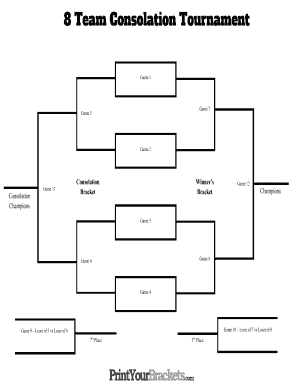
Customizable brackets
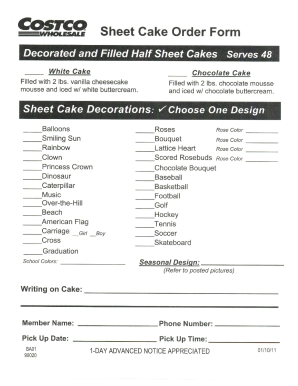
Costco cake order
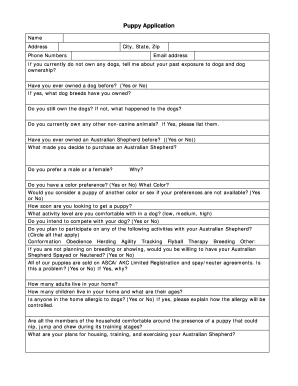
Puppy application
Money order template pdf
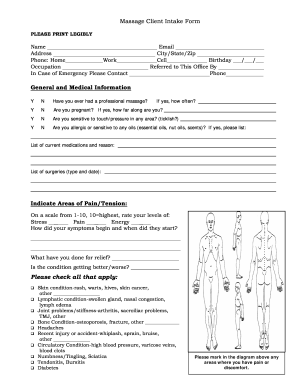
Massage intake form word doc

Kentucky rental forms

Screen printing order form template
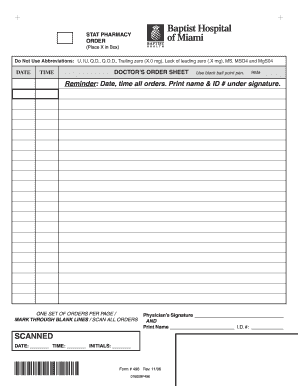
Blank physician order form
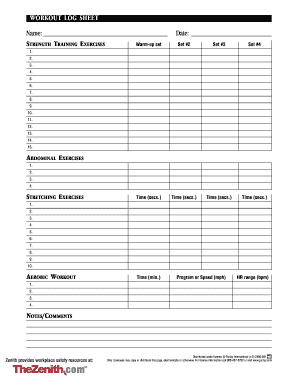
Editable workout template
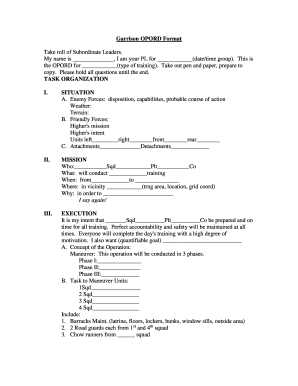
Opord shell fillable
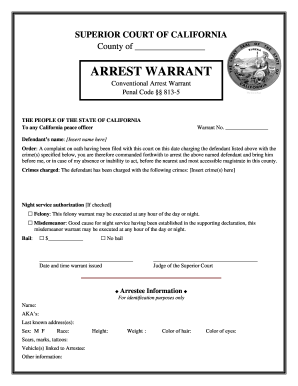
Ca arrest warrant conventional
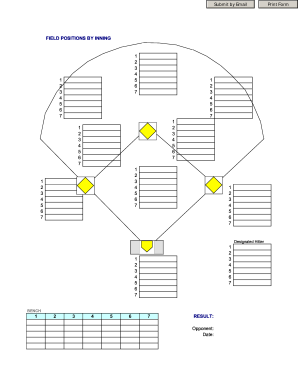
Baseball position chart
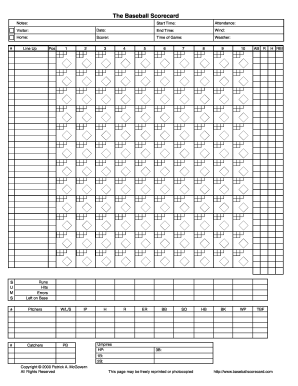
Baseball score sheet pdf
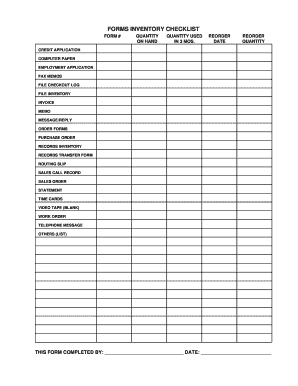
Fillable inventory sheet

Spirit wear order form template

Warehouse order checklist
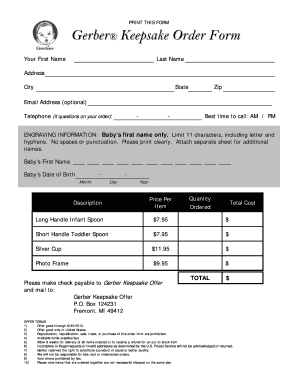
Gerber baby spoon
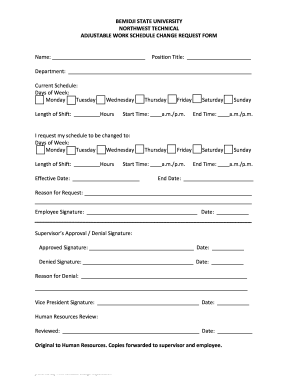
Schedule request form

Services visitation form supervised

Physical therapy intake form
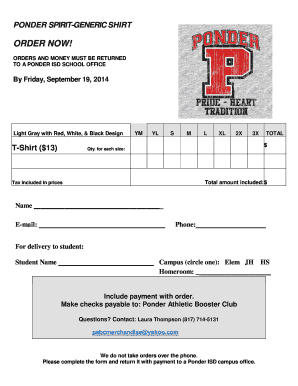
Tshirt order forms templates
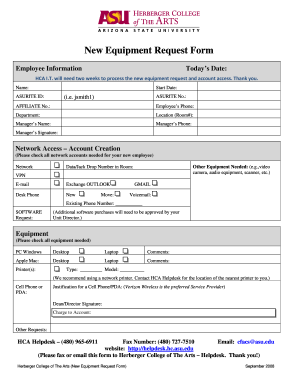
Equipment request form
Proof of delivery form
300 form fillable

Media request form

Laptop request form

Poinsettia Plant Sale Flyer & Order Form.doc
Speaker request form template

Visitorrequestform
Item request form
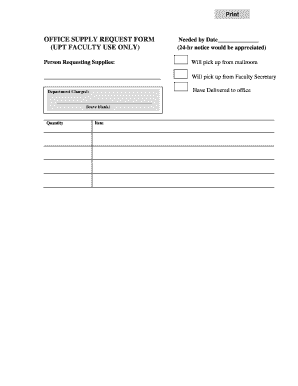
Office supply request form

Hilco vision catalog

AAA eBook order form for website, v 1.doc

Nastc fuel card application
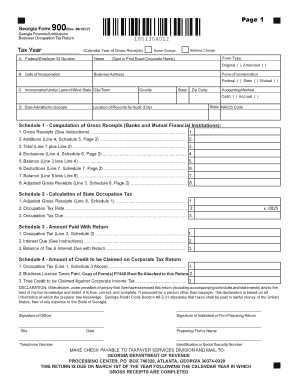
Form 900
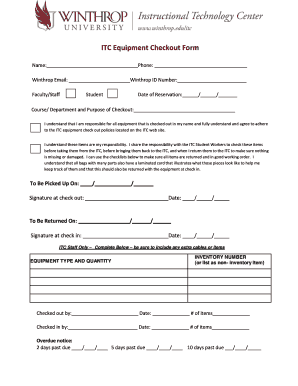
Pager checkout fprm
-
1
- 2
Enhance your document administration with Customizable Order Forms
Your workflows always benefit when you can discover all of the forms and files you need at your fingertips. DocHub gives a wide array of templates to ease your day-to-day pains. Get hold of Customizable Order Forms category and quickly find your form.
Begin working with Customizable Order Forms in a few clicks:
- Browse Customizable Order Forms and find the document you need.
- Click Get Form to open it in the editor.
- Begin changing your form: add more fillable fields, highlight sentences, or blackout sensitive facts.
- The application saves your adjustments automatically, and after you are ready, you are able to download or distribute your file with other contributors.
Enjoy easy form management with DocHub. Check out our Customizable Order Forms online library and locate your form today!
Video Guide on Customizable Order Forms management

Commonly Asked Questions about Customizable Order Forms
What is the best program to make an order form?
Google Forms is a popular tool that allows users to create order forms quickly and easily using pre-made templates or by designing their own forms. PDFs with fillable forms are also an option for creating order forms, which can be filled out and submitted electronically.
What is the purpose of an order form?
An order form is a document buyers use to request merchandise from a wholesaler, manufacturer or retailer. Its mostly used by businesses that buy products in higher amounts.
Is an order form an offer?
However, it is important to know that by itself, an order form does not qualify or create a contractual agreement. The document can only pass as a contract only after the seller accepts the purchase order. This is because there must be an offer and the offer must be accepted before any contract is created.
What is an order form legal?
An order form is a document that records one or more business transactions between a buyer and a seller. It may also be called a business order form, sales order form, online order form, procurement order form, inventory order form, or service order form.
How to use Google Forms as an order form?
How to make a purchase order form in Google Forms Step 1: Create a form. Step 2: Add the relevant purchase order details. Step 3: Download Payable Forms from Google Marketplace. Step 4: Adjust your sharing details. Step 5: Embed and share your form. No dedicated payment field. Fees on every purchase.
Is an order form an agreement?
An order form becomes a legally binding contract when it is accepted by the seller. By signing the order form, the seller agrees to deliver or produce the product specified in the form. In the same vein, the buyer is then legally obligated to submit the agreed payment for the product or service.
What does an order form show?
Order forms are documents that describe requests for products or services. These forms can also be used as service request forms, that signal everything a service needs to be complete. An order form must be informational. It must capture any information that is required for a purchase or service.
How to create custom order forms?
Steps to Create an Order Form Decide what to sell. Choose a form builder tool. Customize the template with proper fields. Add photos of the products. Customize the order form with branding. Set up a payment method. Set up a success message. Share the order form.
Related Templates

Video Tape Transfer Order Form
The document is a Video Transfer Order Form from Midwest Productions, which customers must complete and include with the ...

Form 2307
The document outlines the rights and responsibilities of individuals receiving services from the Texas Department of Agi ...
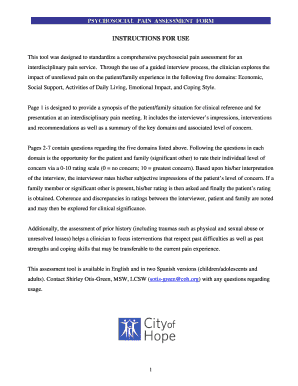
Psychosocial Pain Assessment Form - Pain Resource Center - City - prc coh
The document provides instructions for a standardized psychosocial pain assessment tool designed for interdisciplinary p ...

Mutual Of Omaha Life Insurance - Final Expense Whole Life Insurance
The document is an application form for life insurance from United of Omaha Life Insurance Company, detailing submission ...

AHCA 5000-3008 Referral Cover Sheet
The document is an AHCA 5000-3008 Referral Cover Sheet used to request a Level of Care for individuals applying for the ...

Ambetter - Prior Authorization Request Form for Prescription Drugs Prior Authorization Request Form
Ambetter - Prior Authorization Request Form for Prescription Drugs Prior Authorization Request Form
The document is a Prior Authorization Request Form for Prescription Drugs, which outlines the necessary information and ...

Nutrition Documentation Form
The document is a detailed nutrition assessment and intervention plan for a 29-year-old male patient who underwent surge ...
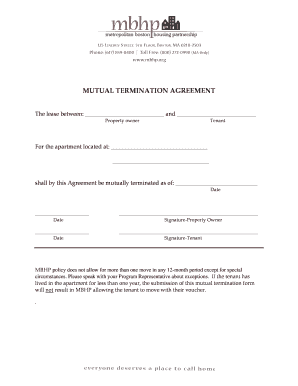
Mutual agreement to end tenancy template
The document is a Mutual Termination Agreement that formally ends the lease between a property owner and a tenant for a ...