
Printable Balance Sheet Templates
Improve your efficiency and business document accuracy with DocHub's Printable Balance Sheet Templates. Remain compliant and complete your financial documents online.

Create a new Printable Balance Sheet Template

Personal financial statement template
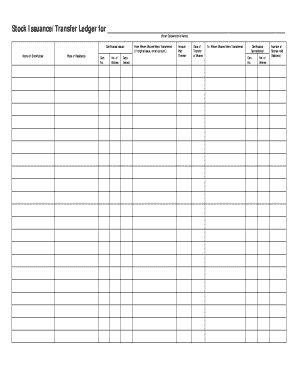
Stock ledger template
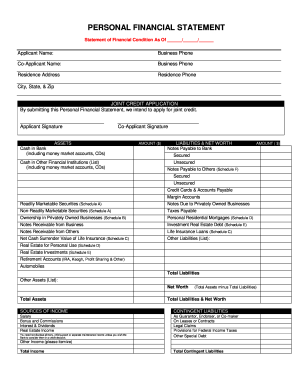
Personal financial statement
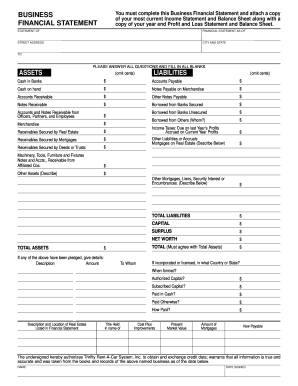
Business financial statement template
Printable ledger sheets pdf
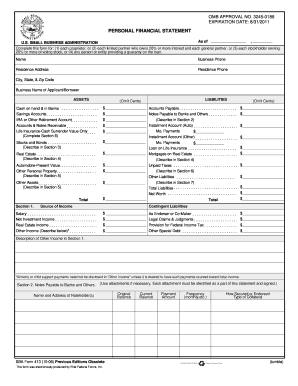
Personal financial statement template 2008 form
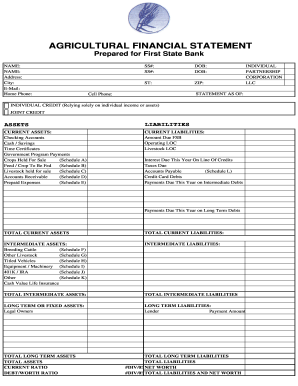
Agriculture financial statement excel
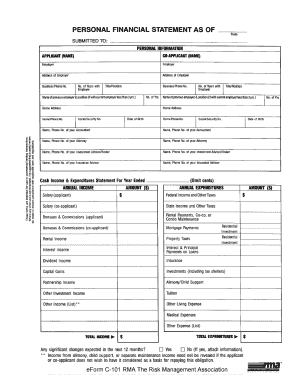
Rma personal financial statement pdf

Hvac air balance report template excel

Business debt schedule template
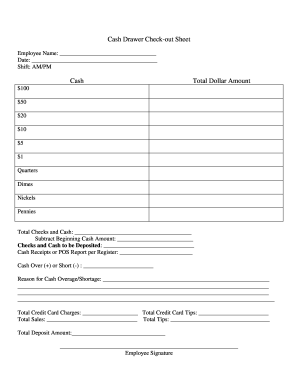
Cash drawer reconciliation template
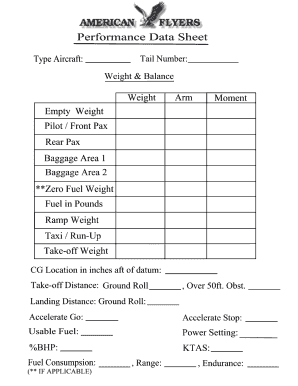
Weight and balance sheet
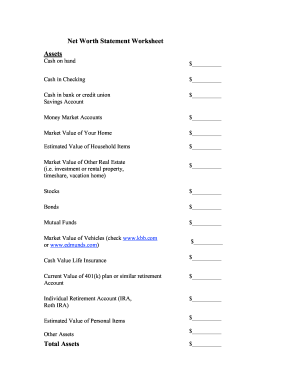
Net worth statement
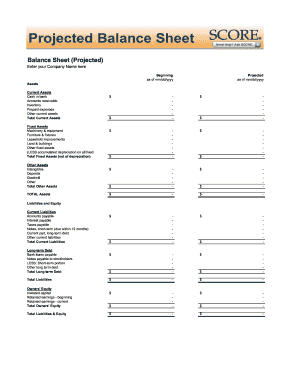
Balance sheet fill in the blank
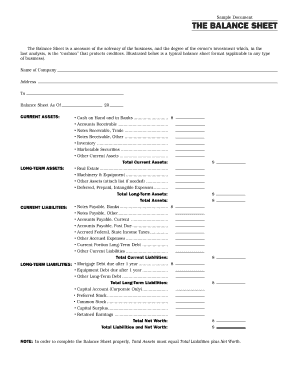
Interim ytd balance sheet pdf

Personal balance sheet pdf
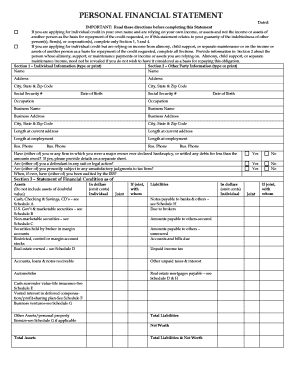
Personal financial statement form
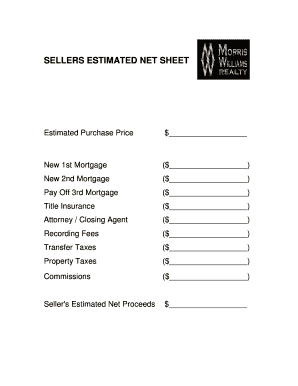
Real estate net sheet printable
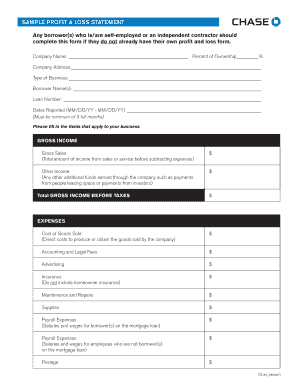
Sample Profit and Loss Statement PDF - Chase
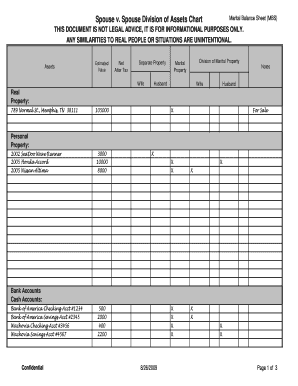
Marital balance sheet
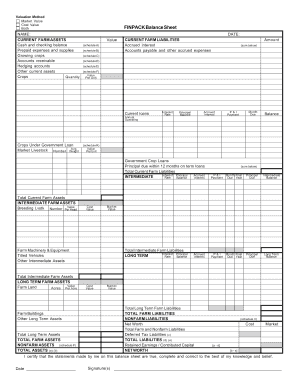
Finpack balance sheet
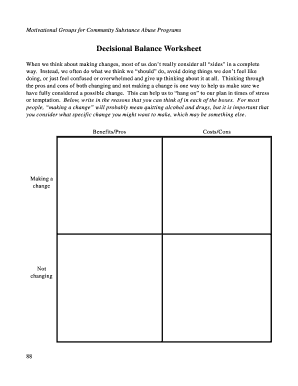
Decisional balance worksheet

Printable financial forms
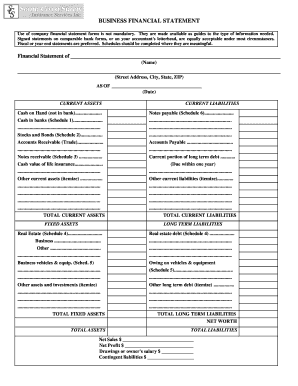
Business financial statement form
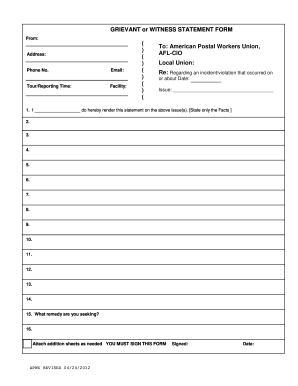
Blank statement form
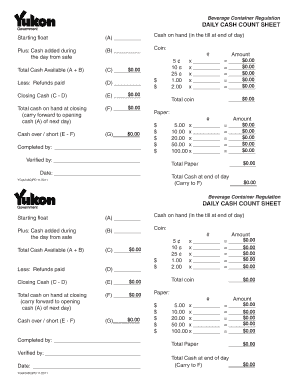
Cash count sheet template
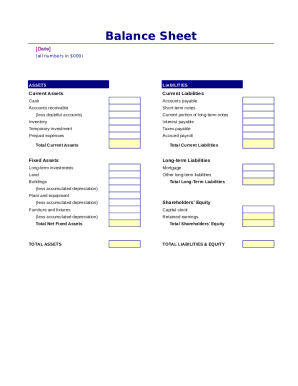
Simple balance sheet

Fillable personal financial statement form
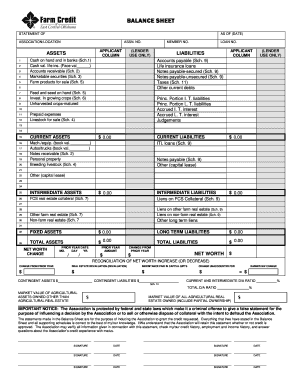
Download Financial Statement Form - Farm Credit

Financial report template
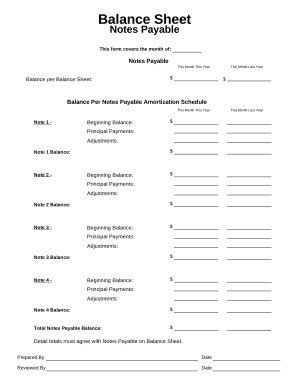
Balance sheet form
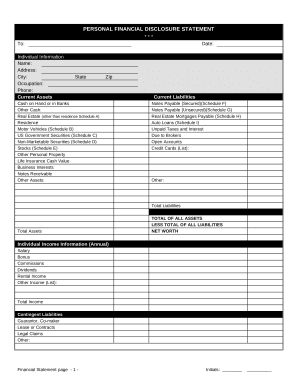
Financial form
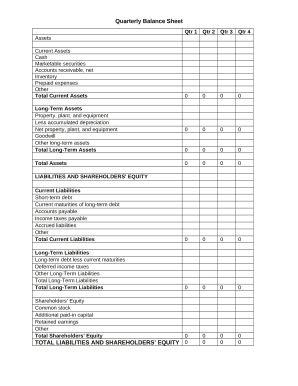
Quarterly Balance Sheet

Family Financial Statement
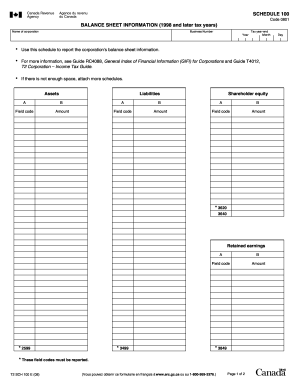
Balance sheet information schedule 100 2020

Sba form 413
-
1
- 2
Get and handle Printable Balance Sheet Templates online
Accelerate your form operations with our Printable Balance Sheet Templates category with ready-made form templates that suit your requirements. Get your form template, edit it, complete it, and share it with your contributors without breaking a sweat. Begin working more efficiently together with your forms.
How to use our Printable Balance Sheet Templates:
- Open our Printable Balance Sheet Templates and find the form you need.
- Preview your document to ensure it’s what you want, and click on Get Form to begin working on it.
- Alter, add new text, or highlight important information with DocHub features.
- Complete your form and preserve the modifications.
- Download or share your document template with other recipients.
Discover all of the opportunities for your online file administration with the Printable Balance Sheet Templates. Get a totally free DocHub account today!
Video Guide on Printable Balance Sheet Templates management

Commonly Asked Questions about Printable Balance Sheet Templates
How do I customize my balance sheet in QuickBooks desktop?
Go to the Reports menu, then select Company Financial Profit Loss Standard. Select Customize Report. Go to the Display tab: Set the From and To date fields to the years you want to display on the report.
Does QuickBooks have a balance sheet by class?
Learn what transactions create unclassified, unbalanced, or other incorrect amounts on Balance Sheet by Class report in QuickBooks Desktop. Balance Sheet by Class lets you see your balance sheet by fund, location, or other classes that you set up.
Does QuickBooks have a balance sheet template?
The QuickBooks Online balance sheet template makes it easy The difference between assets and liabilities is displayed at the bottom as the equity or net worth of the business. Simply choose Reports Balance Sheet in QuickBooks Online and the pre-installed template is populated with your data in seconds.
Is there a balance sheet template in Excel?
The Balance Sheet Template for Excel is a pre-designed spreadsheet that allows users to enter their companys financial information, including assets, liabilities, and equity. This template is useful for businesses of all sizes, as it can be customized to fit each companys specific needs.
How do I create a monthly balance sheet in QuickBooks?
Start with a Balance Sheet Standard report. On the Display tab, change the From and To dates to include the months you want to report on. Choose Month for the Display columns by field. Click OK to run the report.
How to make a balance sheet in Excel PDF?
To prepare a balance sheet: Gather financial information on assets, liabilities, and equity. Organize assets into current and non-current categories. List liabilities, including current and non-current obligations. Calculate equity by subtracting liabilities from assets.
How do I make my own balance sheet?
How To Create A Personal Finance Balance Sheet Gather Financial Documents. Getting all your financial documents ensures you have accurate information. Make Or Use A Free Personal Financial Statement Template. List Your Assets. List Your Liabilities. Categorize The Information And Add Up The Values. Determine Your Net Worth.
Does QuickBooks create a balance sheet?
QuickBooks does the math for you and can rapidly turn out accurate balance sheets so you dont have to spend all that time crunching numbers.
What are the five steps for creating a personal balance sheet?
Step 1: Prepare Your Balance Sheet Formatting. Step 2: Write Down Your Assets. Step 3: Write Down Your Liabilities. Step 4: Calculate Your Owners Equity. Step 5: Assess Your Financial Status.
Can I create my own balance sheet?
You can create a personal balance sheet by completing the following steps, including getting all relevant documents, listing your assets and liabilities, and calculating your net worth.
Related Templates

CLERY - CSA - INCIDENTREPORT FORM1docx
The document is a Crime Incident Report Form for SUNY Cobleskill, designed for campus security authorities to report spe ...
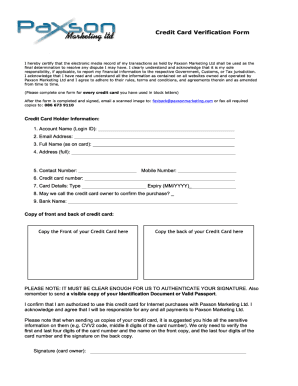
PDF Credit Card Verification Form - Jackpot Cash
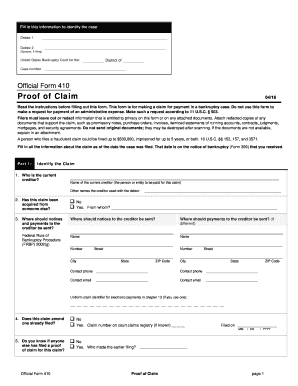
410 claim fill
The document is a form (Official Form 410) used to file a Proof of Claim in a bankruptcy case. It requires information a ...
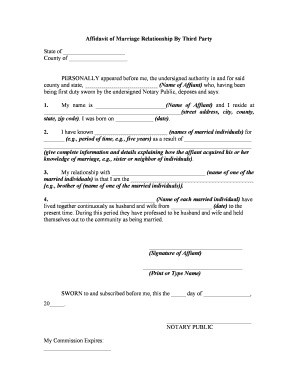
Affidavit marriage sample
The document is an Affidavit of Marriage Relationship by a third party, where an affiant provides sworn testimony regard ...
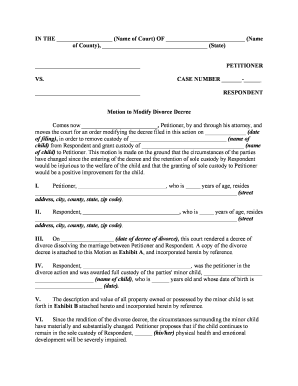
Divorce modification form
The document is a legal motion filed by a Petitioner seeking to modify a divorce decree regarding child custody. The Pet ...

MDOT Financial Prequalification Questionnaire for Compiled Indirect Cost Rate
The MDOT Financial Prequalification Questionnaire outlines the requirements for companies seeking financial prequalifica ...

RECEIPT OF REQUIRED CLAIMANT INFORMATION RECEIPT OF REQUIRED CLAIMANT INFORMATION
The document outlines the procedures for filing claims against the Michigan Department of Transportation (MDOT) related ...

Colorado emissions compliance
The document is a Notice of Emissions Non-Compliance issued by the Colorado Department of Revenue, indicating that a spe ...