
Dentistry Balance Sheet Templates
Obtain all the right capabilities when organizing Dentistry Balance Sheet Templates and enhance your efficiency. Edit and manage your financial statements online with a free DocHub account.

Create a new Dentistry Balance Sheet Template
Rebny financial statement

Aao transfer form

Fillable budget worksheet
Irs form 433 a
Form statement equity
2006 dd form 2813
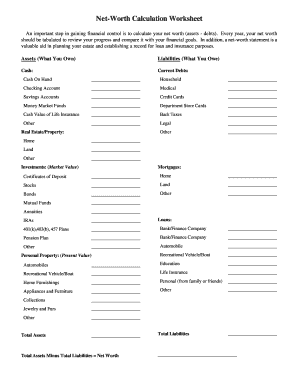
Net worth calculation sample
Delta travelnet
Careplus otc
Hvac testing and commissioning report format
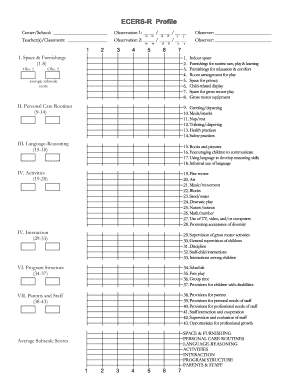
Ecers r profile

Bank signature card pdf

Get wells fargo net worth calculation forms
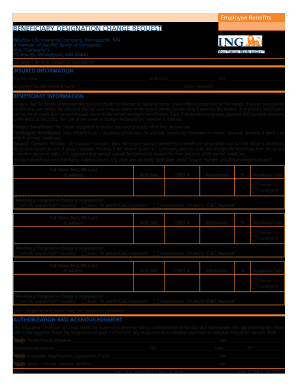
Voya financial sep ira beneficiary designation
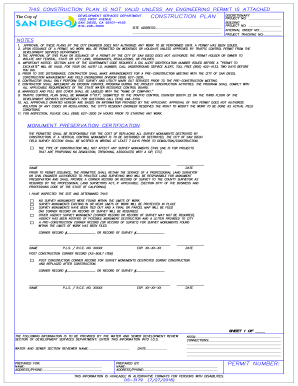
Construction plan DS-3179 title sheet - City of San Diego
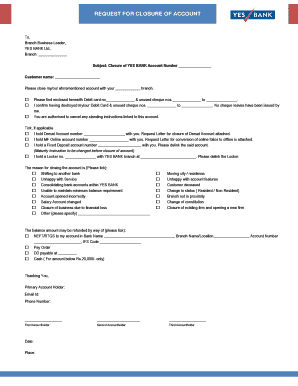
Yes bank account closure form online
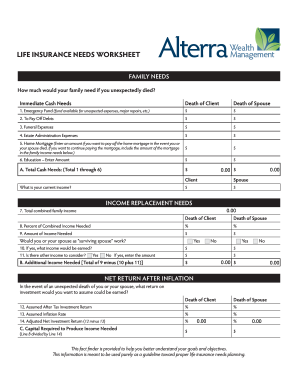
Life insurance need worksheet printable
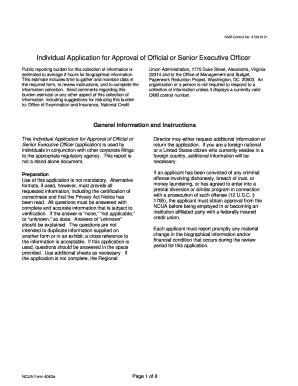
NCUA Form 4063
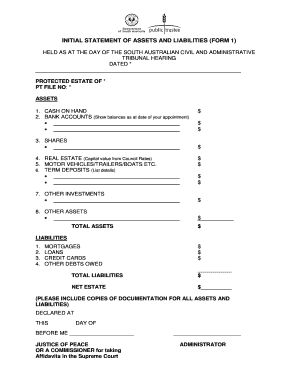
Assets statement form
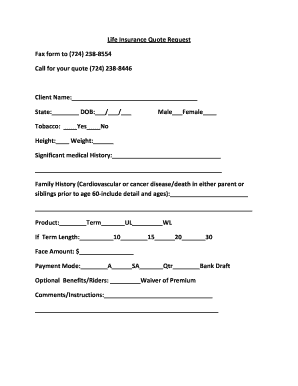
Individual Life Insurance Quote Request Form - Flexible Benefit ...
Ca optum request
Aircraft weight and balance form
Cosmetology daily log sheet
Construction application form
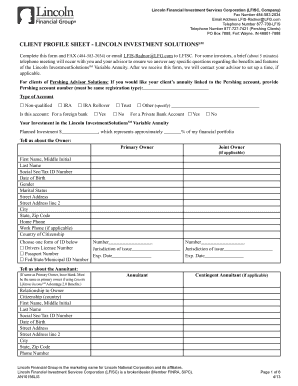
Client profile sheet - Lincoln Financial Group Fulfillment
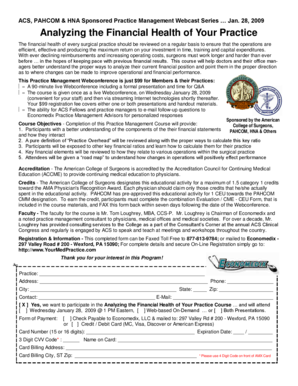
Analyzing the Financial Health of Your Practice
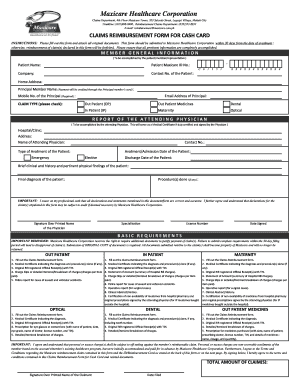
Maxicare dependent enrollment form
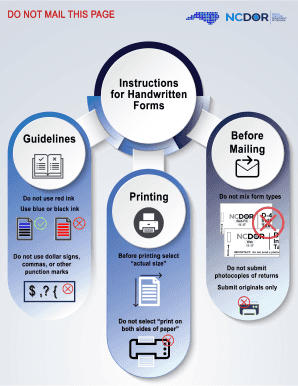
Fillable form cd 405 north carolina 2014

Mentoring log template
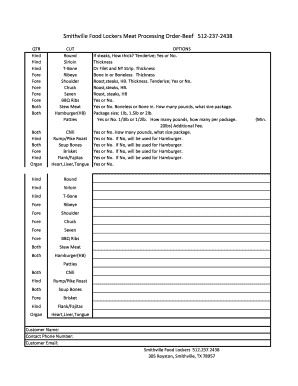
Smithville meat locker
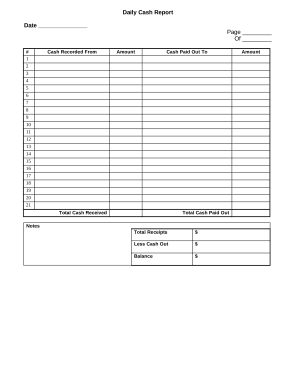
Daily Cash Report
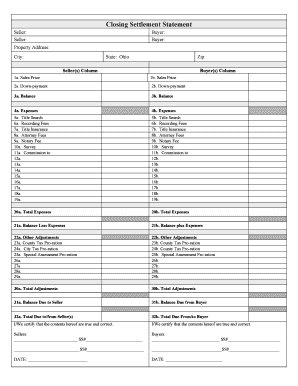
Closing statement form
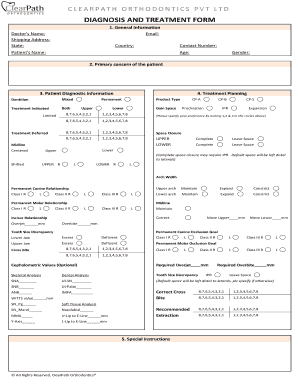
Orthodontic diagnosis sheet
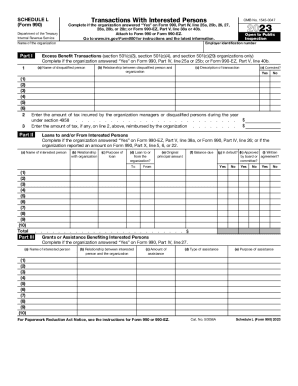
Tax Brief: Form 990, Schedule L: Transactions with
Increase your productivity with Dentistry Balance Sheet Templates
Document administration occupies to half of your business hours. With DocHub, it is possible to reclaim your time and effort and increase your team's productivity. Access Dentistry Balance Sheet Templates category and explore all document templates related to your everyday workflows.
Effortlessly use Dentistry Balance Sheet Templates:
- Open Dentistry Balance Sheet Templates and apply Preview to find the appropriate form.
- Click Get Form to start working on it.
- Wait for your form to upload in our online editor and start editing it.
- Add new fillable fields, icons, and images, change pages, etc.
- Complete your file or set it for other contributors.
- Download or share the form by link, email attachment, or invite.
Improve your everyday document administration with the Dentistry Balance Sheet Templates. Get your free DocHub account today to explore all forms.
Video Guide on Dentistry Balance Sheet Templates management

Commonly Asked Questions about Dentistry Balance Sheet Templates
Does Word have a balance sheet template?
This easy-to-use template provides a clear and professional format for presenting your financial information. Simply customize the template to suit your specific needs and create a well-organized balance sheet in minutes. Download now and simplify your bookkeeping process!
How to make a balance sheet of a dental clinic?
First, you must separate costs into three categories: Fixed expenses include expected costs, such as employee salaries, insurance, withheld taxes, and delinquency accounts from patients that dont pay their bills. Generally, these expenses will not change and are relatively simple to keep track of in a spreadsheet.
What is a balance sheet template?
It shows the balance between the companys assets against the sum of its liabilities and shareholders equity what it owns versus what it owes. The balance sheet gives useful insights into a companys finances.
Does Excel have a balance sheet template?
The Excel Balance Sheet Template easily integrates with Microsoft Office Suite, enabling you to import/export data effortlessly and collaborate with colleagues using familiar tools. You can also use Excels advanced analysis features, such as pivot tables and charts, to gain deeper insights into your financial data.
What is the new Word for balance sheet?
Balance Sheet (also known as statement of financial condition or statement of financial position): An itemized financial statement that lists assets, liabilities, and equity.
How to make a simple balance sheet?
How to Prepare a Basic Balance Sheet Determine the Reporting Date and Period. Identify Your Assets. Identify Your Liabilities. Calculate Shareholders Equity. Add Total Liabilities to Total Shareholders Equity and Compare to Assets.
How to make balance sheet format in Word?
How to prepare a balance sheet? Gather financial information on assets, liabilities, and equity. Organize assets into current and non-current categories. List liabilities, including current and non-current obligations. Calculate equity by subtracting liabilities from assets.
How to create a personal balance sheet in Excel?
Tips for creating a balance sheet in Excel Use a template. Use the Borders button to create guiding lines in your balance sheet. Use Excels tools to manage your data. Create a trial balance sheet to initially display information and add in an error check sheet.
Related Templates
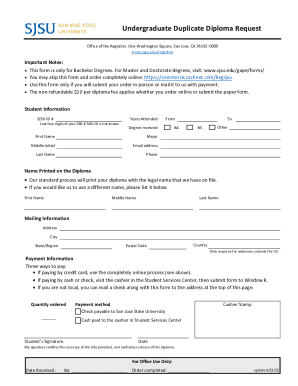
Diploma InformationOffice of the Registrar
The document is a form for requesting a duplicate diploma for undergraduate degrees from San Jose State University. It o ...
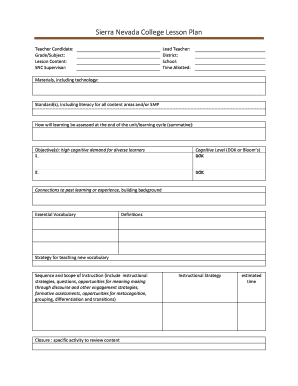
Sierra Nevada College Lesson Plan
The document outlines a lesson plan for a teacher candidate at Sierra Nevada College, detailing essential components suc ...

Wrestling wigh in form ihsaa
The document is an IHSAA School Weigh-In Form for wrestling, designed for coaches to record their team's weigh-in at eve ...

Medicare Plus Blue PPO Skilled Nursing Facility Accute Inpatient Rehabilitation Facility Fax Assessm
Medicare Plus Blue PPO Skilled Nursing Facility Accute Inpatient Rehabilitation Facility Fax Assessm
The document is a fax assessment form for Medicare Plus Blue SM PPO, specifically for Skilled Nursing Facility and Acute ...
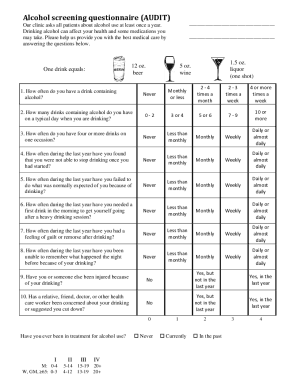
Alcohol Screening Questionnaire (AUDIT)
The document outlines the Alcohol Use Disorders Identification Test (AUDIT) used by clinics to screen patients for alcoh ...

Aress Application to Vary Firebreaks - armadale wa gov
The document is an application form for residents of Armadale, Western Australia, to request permission to vary the inst ...

Jdf 1118 mediation form
The document is a Mediation/Alternative Dispute Resolution Order from the District Court of Denver, Colorado, concerning ...

Upon the - courts state co
The document is an official court order from the District Court Denver Probate Court appointing a Guardian ad Litem to r ...