
Pcs Business Forms
Optimize your document management with Pcs Business Forms. Customize ready-made templates according to your needs and effortlessly share them to collect signatures.

Create a new Pcs Business Form

Nj reg 1 fillable form
Printable m11q form for pcs
Dfas form 9114
Da form 5305
Nppsc 4650 1
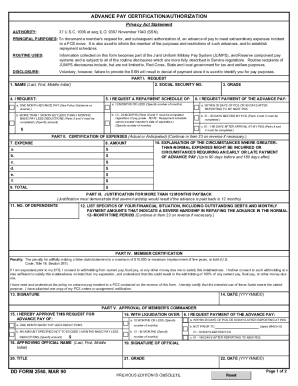
Dd 2560
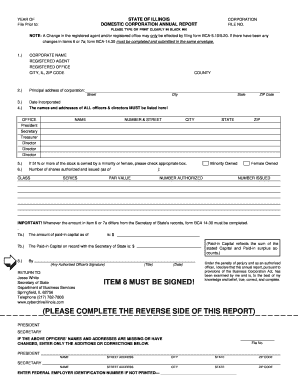
Il corporation annual report
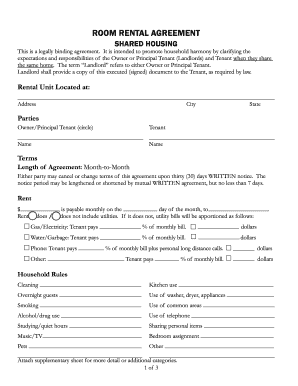
Simple occupancy agreement

Rp1 department revenue
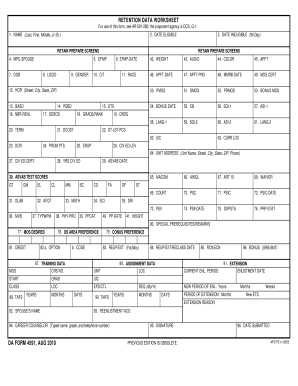
Form 4591
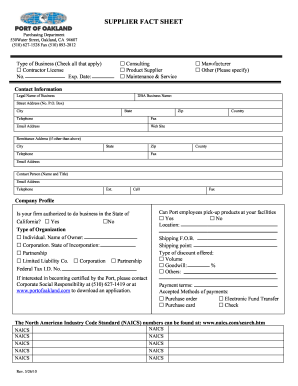
Supplier fact sheet sample
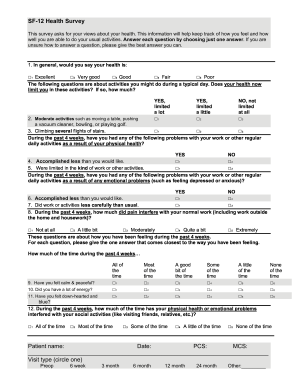
Sf 12
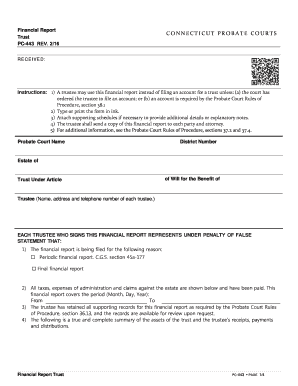
Pc 443 probate courts
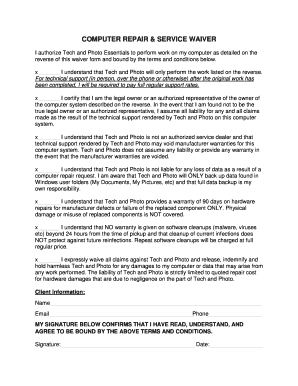
COMPUTER REPAIR & SERVICE WAIVER
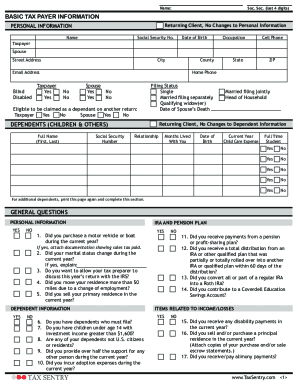
Tax sentry
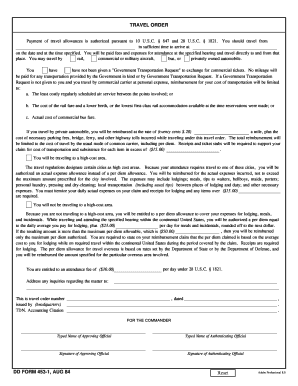
DD Form 453-1 Travel Order August 1984 - dtic
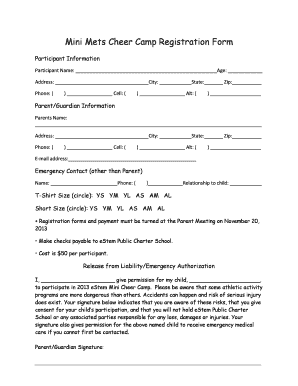
Mini Mets Cheer Camp Registration Form - eStem PCS Inc
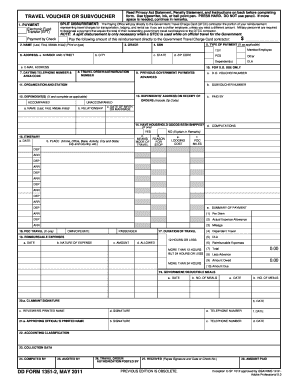
Fillable travel voucher
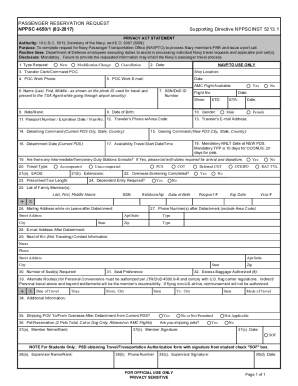
Nppsc 4650 1

CG4505.PDF. Property Action Form - uscg
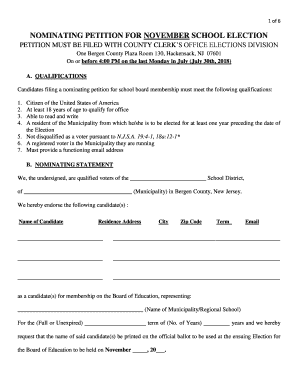
Certificate of Trade Name - Bergen County Clerk
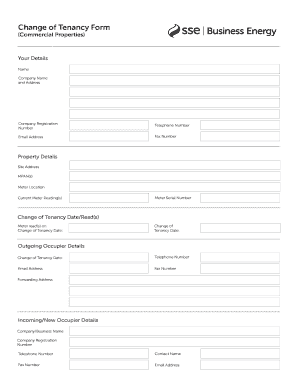
Sse cot form
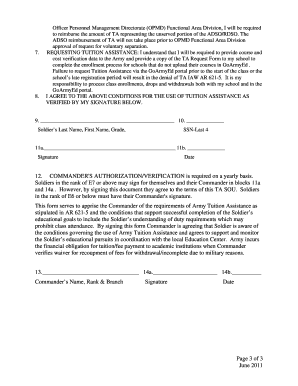
Statement of understanding army 2011 form
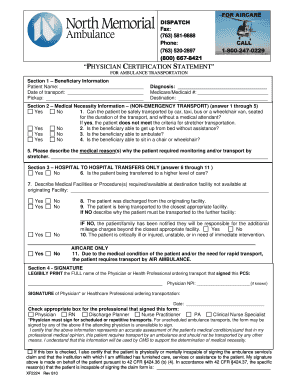
Pcs form

PCS REPORTING WORKSHEET - U.S. Coast Guard - uscg

Joint Venture Agreements - for a Construction Project or General Business Venture - Illinois
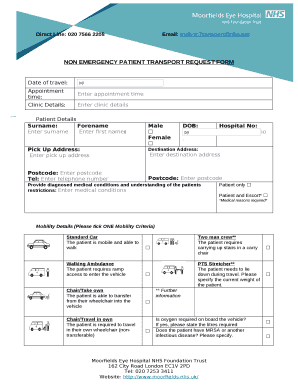
Non emergency patient transport form
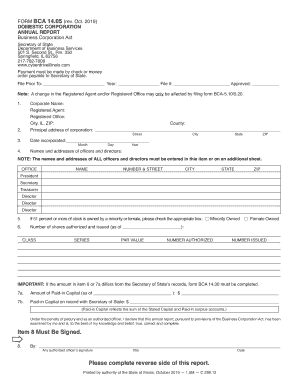
State of Illinois Domestic Corporation Annual Report

GSA 3689 - Employee's Service Agreement for Receipt of a Relocation Incentive
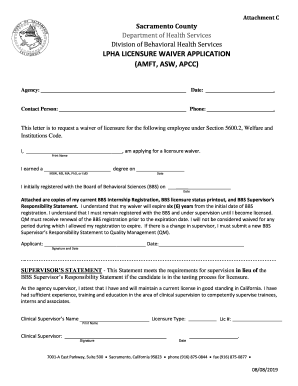
LPHA Licensure Waiver Application (Registered Psychologist ...
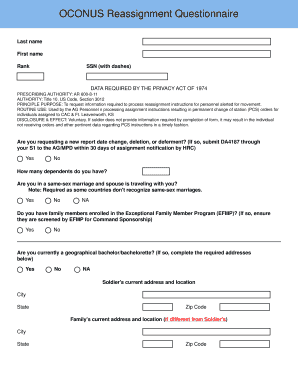
Reassignment questionnaire jblm
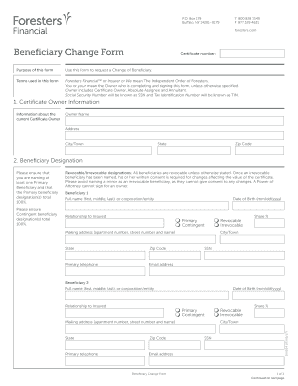
Foresters beneficiary change form
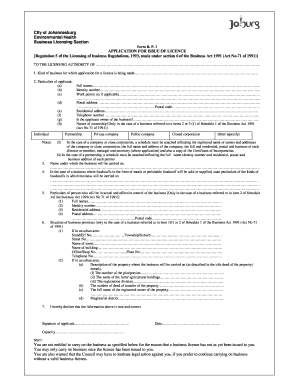
City of Johannesburg Environmental Health Business Licensing - restaurant org
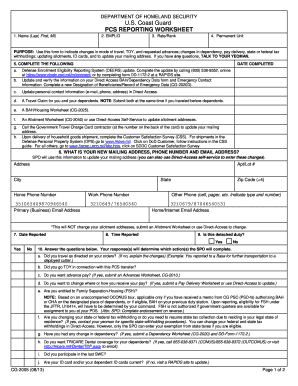
Uscg cg 2005 reporting
Uob approved signatory update form
Get and handle Pcs Business Forms online
Improve your file managing using our Pcs Business Forms category with ready-made form templates that suit your requirements. Access the form, edit it, fill it, and share it with your contributors without breaking a sweat. Start working more efficiently with your documents.
How to use our Pcs Business Forms:
- Open our Pcs Business Forms and look for the form you want.
- Preview your form to ensure it’s what you want, and click Get Form to begin working on it.
- Change, include new text, or point out important information with DocHub tools.
- Fill out your form and preserve the changes.
- Download or share your form with other people.
Examine all the opportunities for your online document management using our Pcs Business Forms. Get a totally free DocHub profile today!
Video Guide on Pcs Business Forms management

Commonly Asked Questions about Pcs Business Forms
What is the purpose of a business form?
Business forms in accounting serve the purpose of providing information to make effective decisions in the management system of a business entity. They allow for informed management decisions, monitoring of their implementation, and the correct and complete use of available resources.
Why do we need business forms?
Keep Your Company Organized with Custom Business Forms Business forms improve accuracy and speed by eliminating matching errors, duplicate work and tracking issues.
What are business forms used for?
A business form is a type of document that is used for record-keeping and other business purposes. It is usually blank and needs to be filled in with information before it can convey any meaning. Blank forms are not protected by copyright law.
What does business form mean?
Choosing a legal structure (or business form) is one of the first things you will do when you start your business. The main types of business forms include sole proprietorships, partnerships, corporations, and limited liability companies (LLCs), each with their own advantages and drawbacks.
Why do businesses form?
In general, forming a business entity serves four purposes: (1) protecting business owners; (2) saving taxes; (3) providing certainty and structure to business operations; (4) presenting a professional image to customers and the general public.
Related Templates
Peoples bank online banking application form
The People's Switch Kit provides a comprehensive guide for customers transitioning to People’s Plus® Checking at People’ ...
Oklahoma tdf certificate
The document is an application form for changing the name of an intrastate carrier license, certificate, or permit issue ...

Cbp form 5955a
The document is a Uniform Conflict of Interest Disclosure Statement required for public servants in Indiana. It outlines ...

Facility Use Request Form Updated July 2022 Fillable
The document is a Facilities Use Request Application for the Town of Morristown, New Jersey, intended for non-profit org ...
Il isel k1 grade
The document is an administration booklet for the Illinois Snapshots of Early Literacy program, specifically designed fo ...
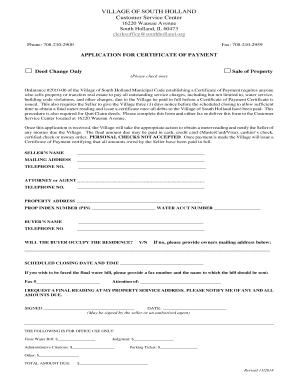
Certificate payment south holland
The document is an application form for a Certificate of Payment required by the Village of South Holland for property s ...

North carolina blasting permit
The document is a Blasting Permit Application from the Apex Fire Department, outlining the requirements and procedures f ...
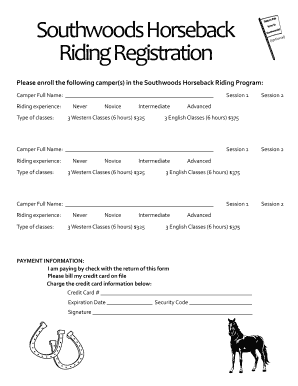
Horse riding waiver template
The document is a registration form for the Southwoods Horseback Riding Program, requiring parents to enroll their child ...