
Account Balance Sheet Templates
Pick and preview Account Balance Sheet Templates online. Obtain a form appropriate to your situation, edit and sign it, and safely share it with your associates and banks.

Create a new Account Balance Sheet Template

Personal financial statement template
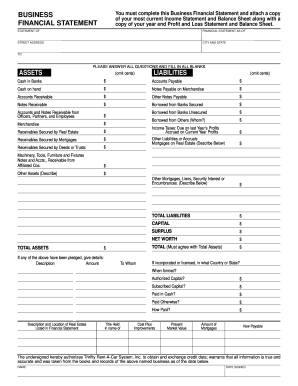
Business financial statement template
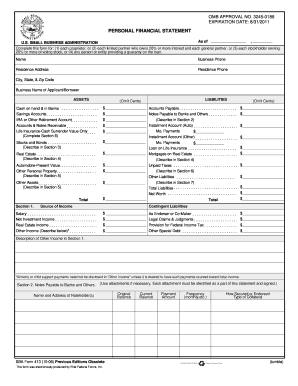
Personal financial statement template 2008 form
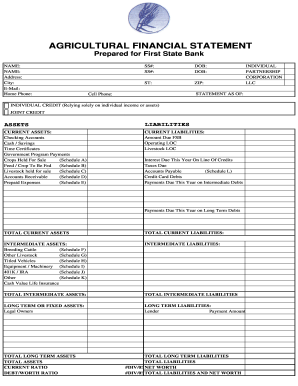
Agriculture financial statement excel
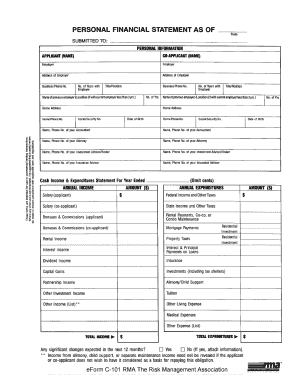
Rma personal financial statement pdf

Hvac air balance report template excel
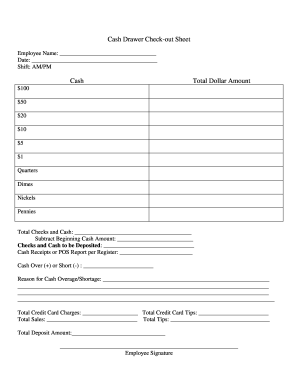
Cash drawer reconciliation template
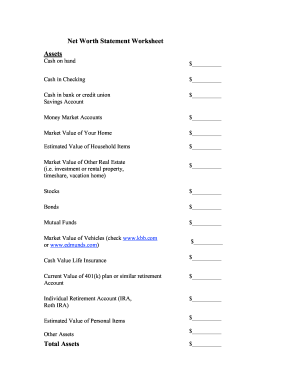
Net worth statement
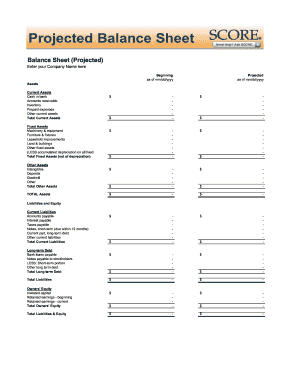
Balance sheet fill in the blank
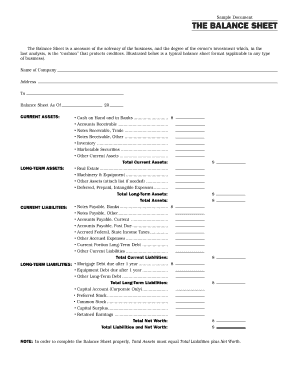
Interim ytd balance sheet pdf

Personal balance sheet pdf
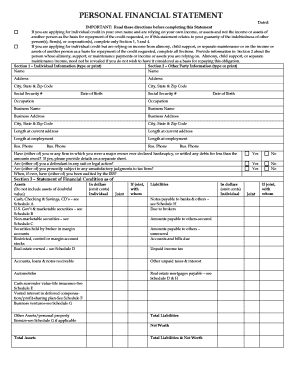
Personal financial statement form
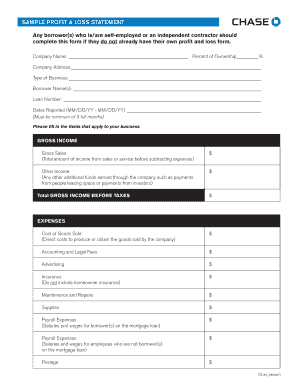
Sample Profit and Loss Statement PDF - Chase
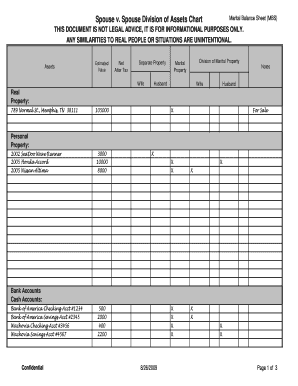
Marital balance sheet
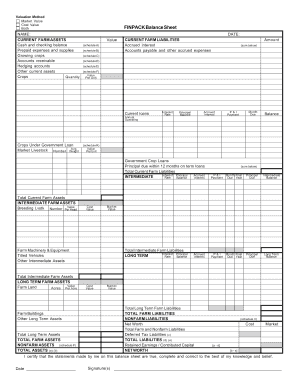
Finpack balance sheet
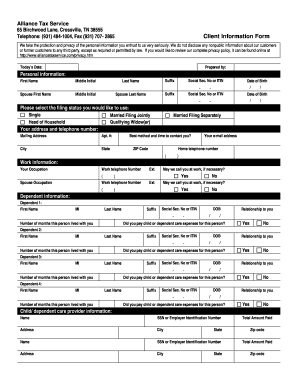
Client sign in accountant sheet pdf
Printable financial forms
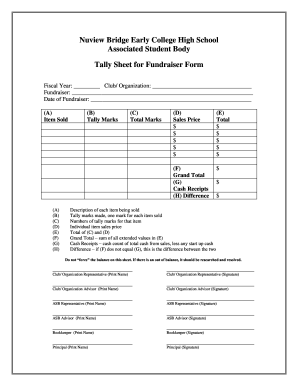
Tally sheet template
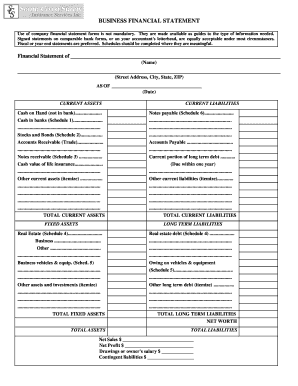
Business financial statement form
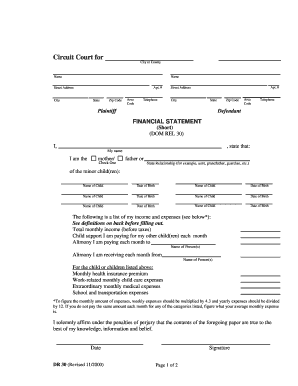
Financial statement short dr 30 form
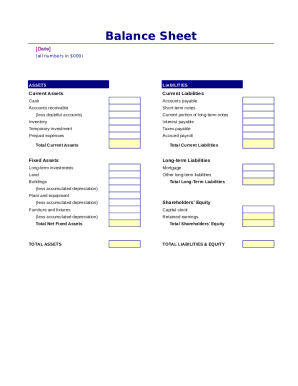
Simple balance sheet
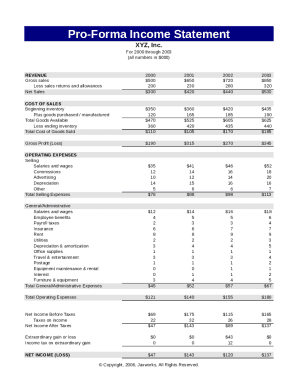
Pro forma income statement

Fillable personal financial statement form
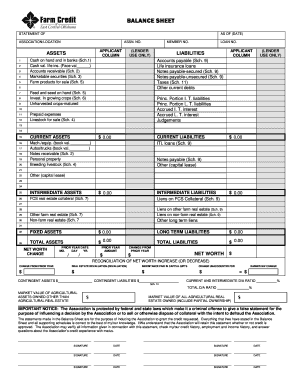
Download Financial Statement Form - Farm Credit

Financial report template
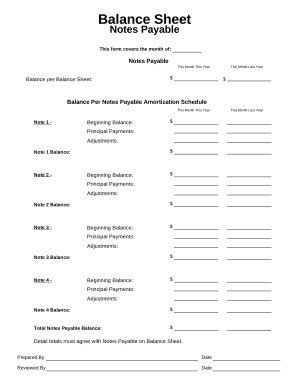
Balance sheet form
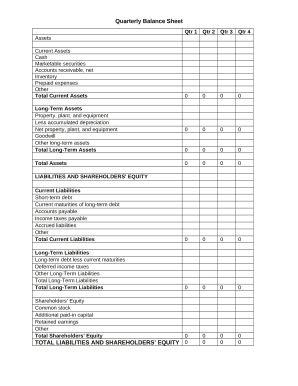
Quarterly Balance Sheet

Family Financial Statement

Sba form 413
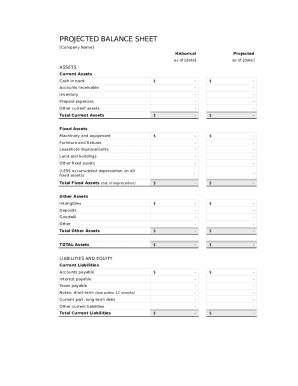
Balance sheet template fillable
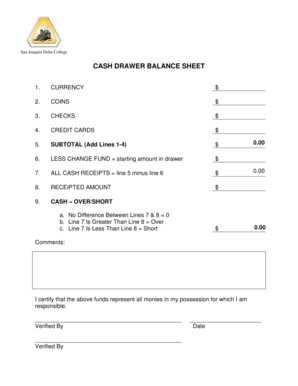
Cash drawer balance sheet
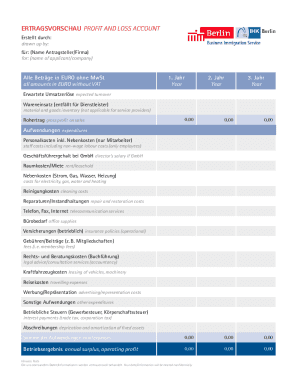
ERTRAGSVORSCHAU PROFIT AND LOSS ACCOUNT

CODE REVISER USE ONLY PROPOSED RULE MAKING - dshs wa
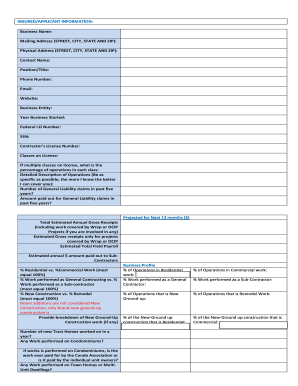
GL LEAD SHEET
Improve your form managing with Account Balance Sheet Templates
Your workflows always benefit when you can easily find all the forms and documents you will need at your fingertips. DocHub gives a a huge library of documents to alleviate your day-to-day pains. Get hold of Account Balance Sheet Templates category and easily discover your document.
Begin working with Account Balance Sheet Templates in a few clicks:
- Gain access to Account Balance Sheet Templates and locate the document you need.
- Click Get Form to open it in our online editor.
- Begin changing your file: add fillable fields, highlight paragraphs, or blackout sensitive information and facts.
- The application saves your changes automatically, and once you are ready, you can download or distribute your file with other contributors.
Enjoy smooth document administration with DocHub. Explore our Account Balance Sheet Templates online library and locate your form today!
Video Guide on Account Balance Sheet Templates management

Commonly Asked Questions about Account Balance Sheet Templates
How to create a balance sheet on Google Sheets?
Access Google Sheets and Open a template and identify assumptions. Set up Transaction Tab. Define the Elements of a Balance Sheet. Understand the data being presented in the Profit Loss Tab and the Dashboard Tab.
How do I create a balance sheet in sheets?
Creating a balance sheet on a spreadsheet involves: Setting up three main sections: Assets, Liabilities, and Shareholders Equity. Under each section, list the respective items and their values. Ensure that the equation Assets = Liabilities + Shareholders Equity holds true.
How is a balance sheet created?
A balance sheet is based on a simple formula: Assets = Liabilities + Shareholders equity. This formula shows how the things a company owns (assets) were paid for. Either the owners have invested money in them (this is called shareholders equity) or have taken out debt (liabilities) to pay for them.
Does Excel have an accounting template?
If you open up Excel and then use the relevant keyword in the Search All Templates box, you should be able to find a basic template that will fit your needs. For example, Excel has an inbuilt profit and loss statement template, business expenses budget template, budget planner template, and more.
Is there a balance sheet template in Excel?
The Balance Sheet Template for Excel is a pre-designed spreadsheet that allows users to enter their companys financial information, including assets, liabilities, and equity. This template is useful for businesses of all sizes, as it can be customized to fit each companys specific needs.
What is the formula used to create a balance sheet?
The balance sheet is based on the fundamental equation: Assets = Liabilities + Equity. As such, the balance sheet is divided into two sides (or sections). The left side of the balance sheet outlines all of a companys assets.
What is the simple format of a balance sheet?
What is the basic format of a balance sheet? The basic format of a balance sheet includes three main sections: assets, liabilities, and equity. Assets list resources owned, liabilities outline obligations, and equity shows net worth or ownership.
How do you create a balance sheet step by step?
How to make a balance sheet Invest in accounting software. Create a heading. Use the basic accounting equation to separate each section. Include all of your assets. Create a section for liabilities. Create a section for owners equity. Add total liabilities to total owners equity.
Related Templates
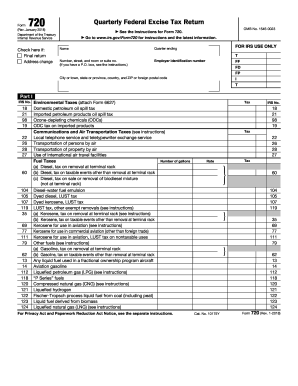
Form 720 (Rev January 2019) Quarterly Federal Excise Tax Return
The document provides information about the IRS Form 720 (Rev. April 2017), which is used for filing the Quarterly Feder ...
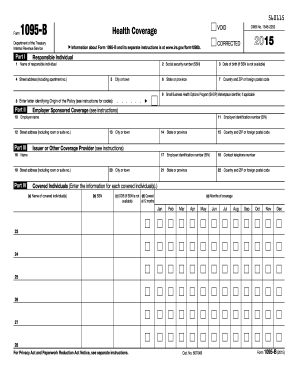
1095 b 2015 form
Form 1095-B is a tax document issued by the IRS that provides information about an individual's health coverage, specifi ...
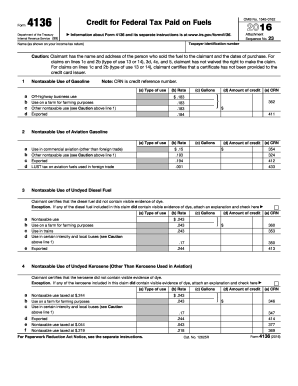
2015 form 4136
Form 4136 is a document from the IRS that allows taxpayers to claim credits for federal taxes paid on various types of f ...
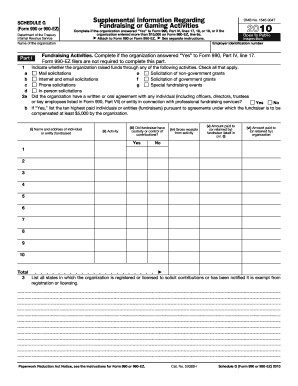
2010 form 990 ez schedule g
Schedule G of Form 990 or 990-EZ provides supplemental information regarding an organization's fundraising and gaming ac ...

Jointly or On Your Own
The document is a guide for individuals seeking to dissolve or legally separate from a civil union without children in C ...

- courts state co
The document is a legal form used in the District Court of Colorado for filing an objection to the activation of an inco ...

Colorado jdf 99 complaint
The document is a legal complaint filed in a Colorado County Court for forcible entry and detainer, where the Plaintiff( ...

Vaccine Informed Consent Form - Big Y
The document is an immunization consent form for the SHINGRIX vaccine, detailing patient information, medical history qu ...