
Get any PDF form from the DocHub library of ready-made templates - Page 2184
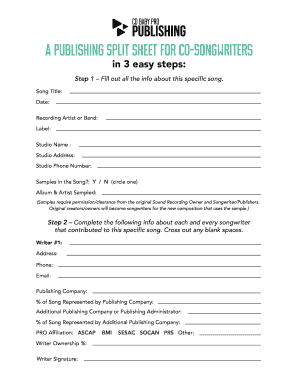
Split sheet template
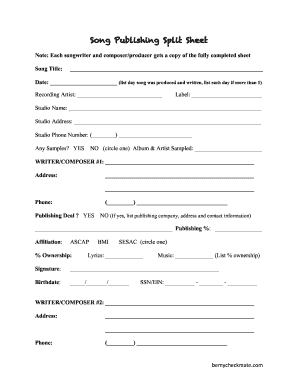
Song split sheet

Rc145

Physician certification statement

Medicare wellness questionnaire medical care
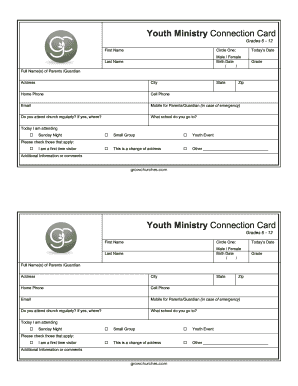
Youth connection card

Blank certificates printable
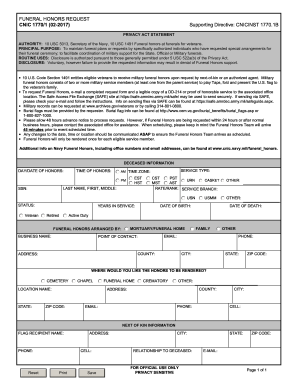
Form funeral honors request
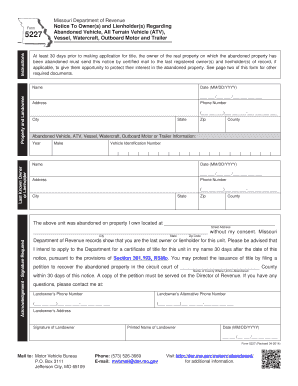
Abandoned vehicle title missouri
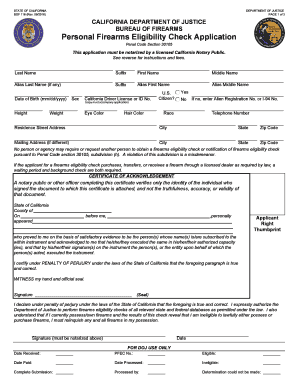
Ca firearm permit
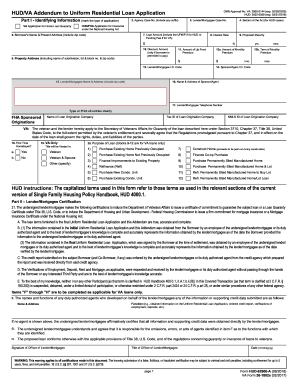
26 1802a
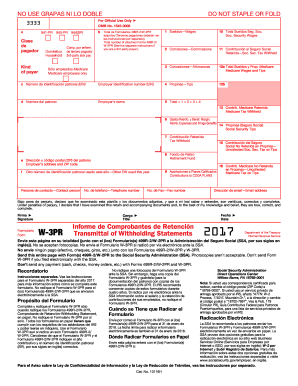
W3pr 2016
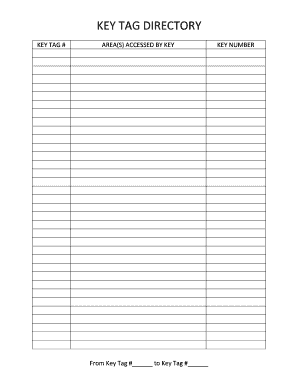
Key tag directory
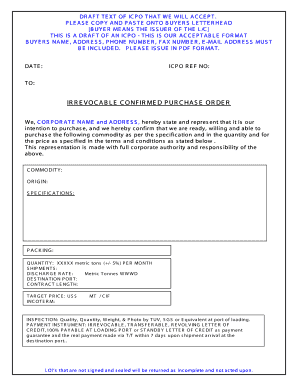
Icpo format
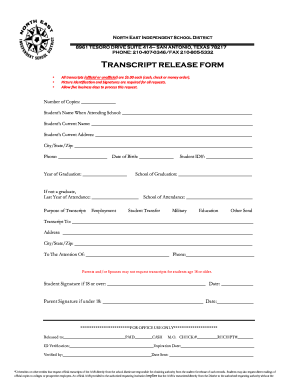
Neisd release search
Grammar punctuation worksheets

Rak bank letter of authority to handover security items
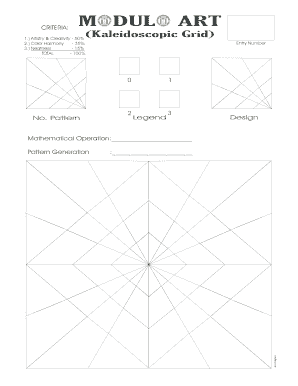
Modulo art
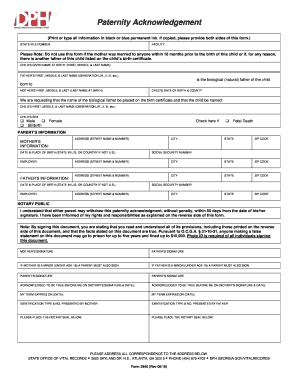
Form 3940
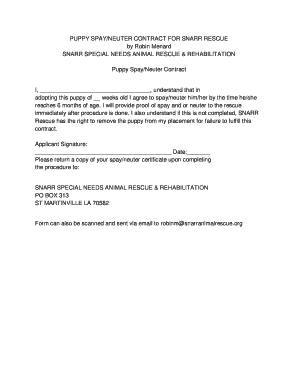
Spay snarr
Rent certificate form 2017
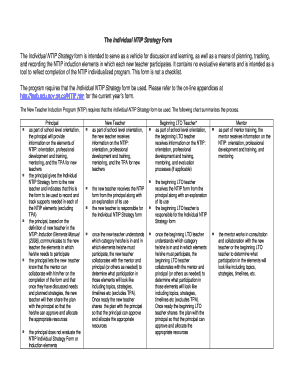
Ca ntip
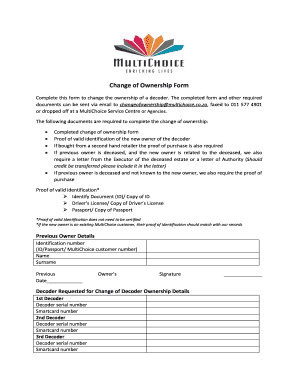
Change of ownership document

Cg 719p form
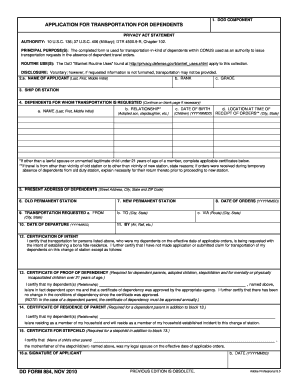
Dd form 884
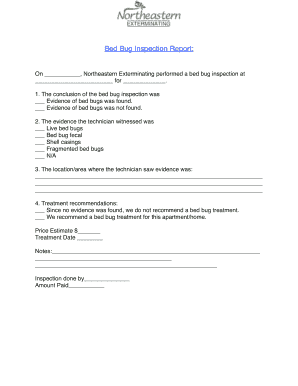
Bed bug form
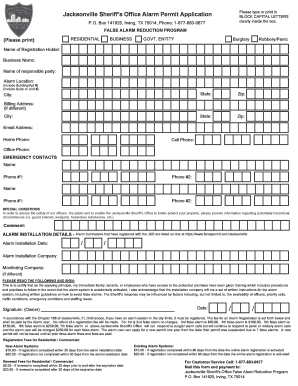
Famspermit jacksonville
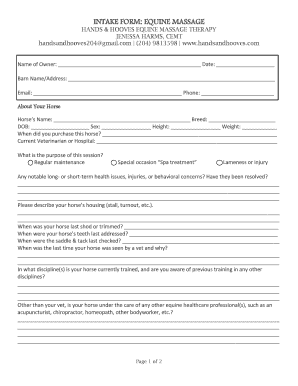
Printable equine massage evaluation form
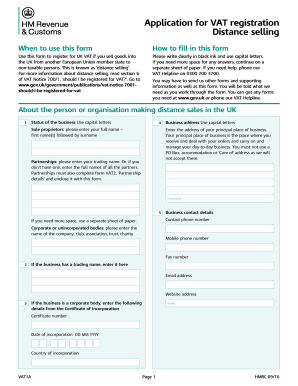
Vat1a

Nrci env 01 e
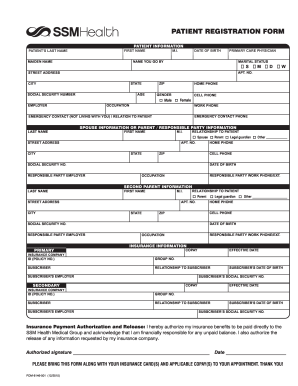
Ssm registration form online
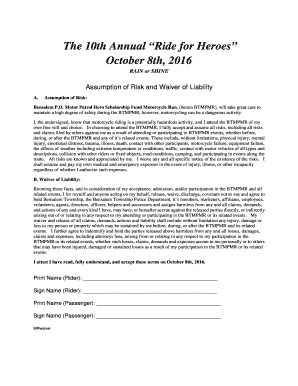
Motorcycle waiver form
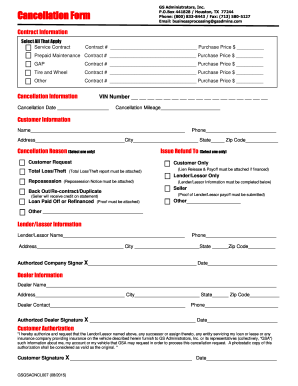
Gs administrators cancellation form
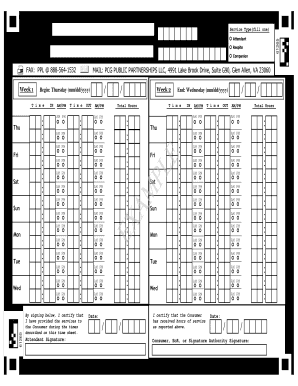
Public partnerships paper timesheets

Cerfa 11527 2 remplissable en ligne
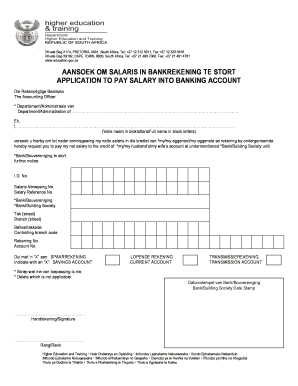
Z56 bank form
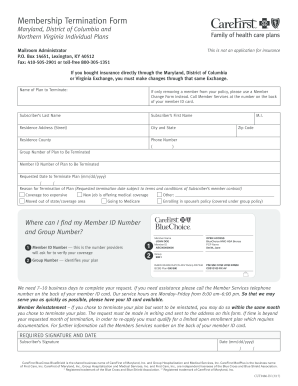
Carefirst cancellation form 2017-2019
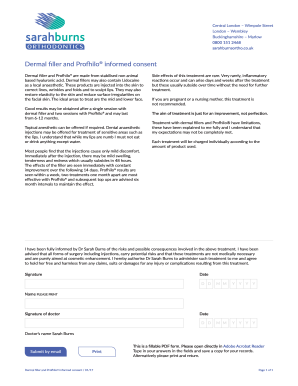
Profhilo consent form
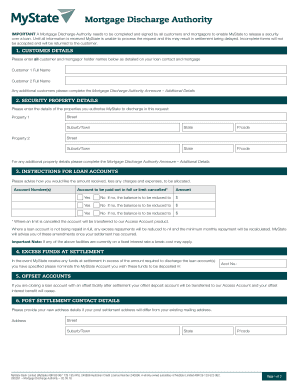
Mystate discharge form
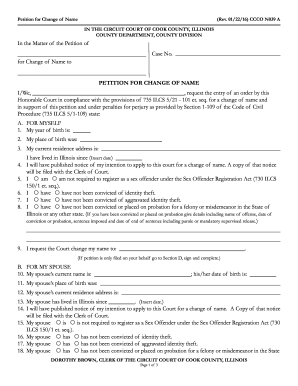
Ccco form circuit cook

Sf 256
Trip leave form
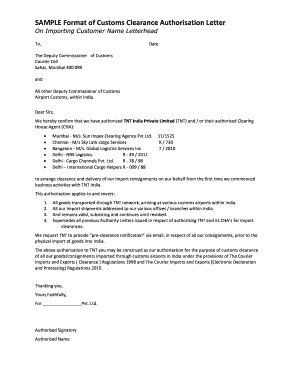
Customs letter
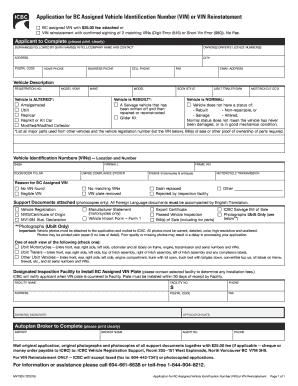
Mv1484
Fill in the blank autobiography template
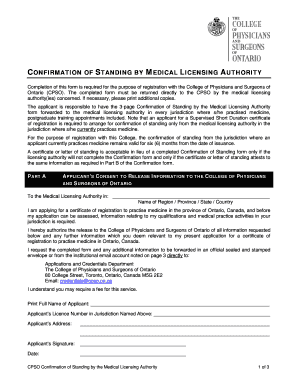
Confirmation of standing form
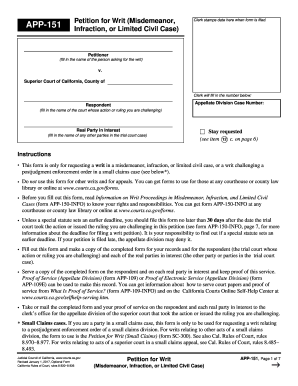
App 151

Naivas supermarket job application form
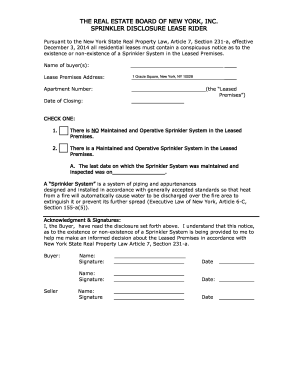
Sprinkler disclosure lease rider

Form 656 2017
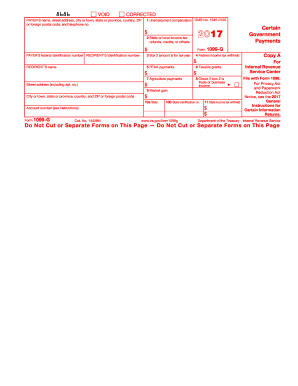
1099 g 2017 form

Transport canada boat bill of sale
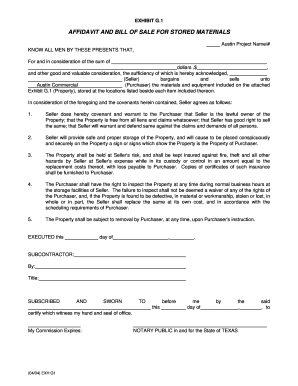
Bill of sale for stored materials
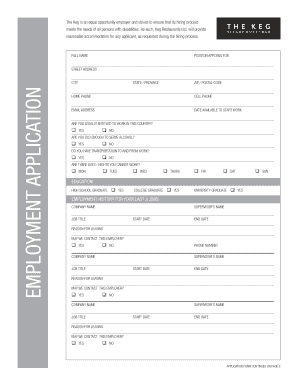
The keg application form
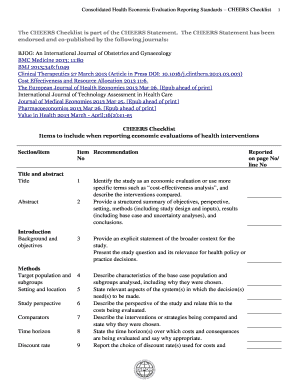
Cheers checklist word document
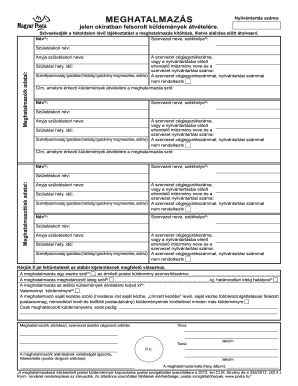
Postai meghatalmazás
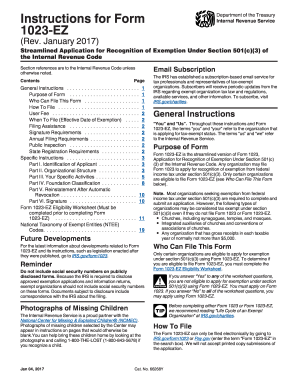
Instructions for Form 1023-EZ (Rev. January 2017). Instructions for Form 1023-EZ, Streamlined Application for Recognition of Exemption Under Section 501(c)(3) of the Internal Revenue Code - irs
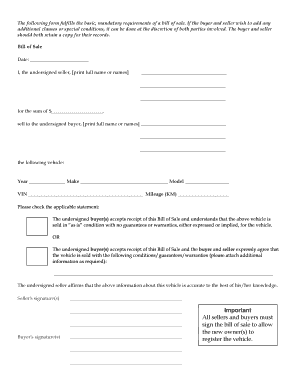
Mpi bill of sale
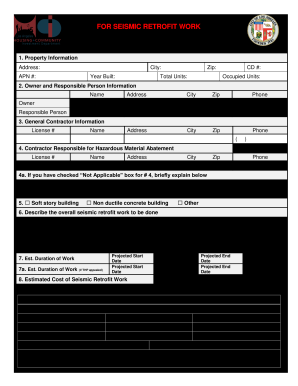
Thp form
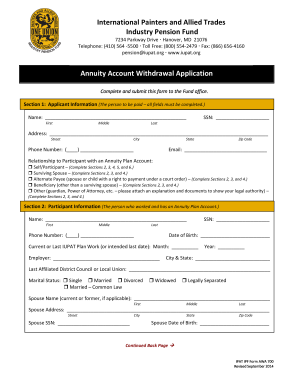
Iupat pension withdrawal
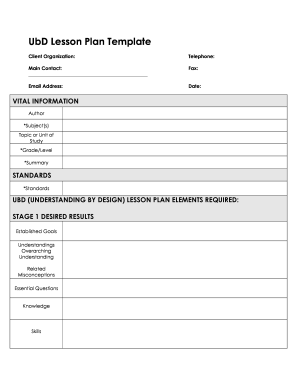
Lesson plan grade 3 template download

Plan type 2 transporters

Da form 5500
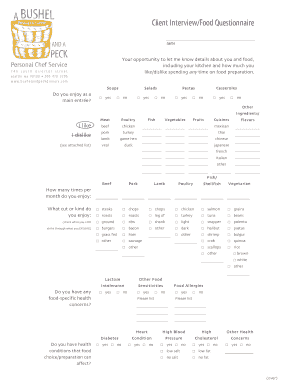
Personal chef client questionnaire
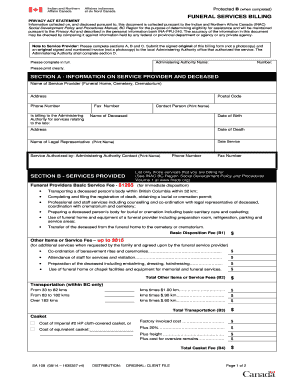
Funeral services billing
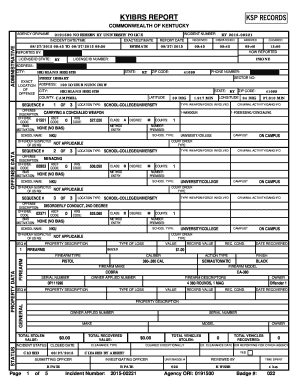
Kentucky kyibrs records
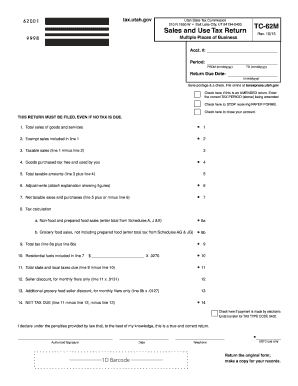
Tc62m
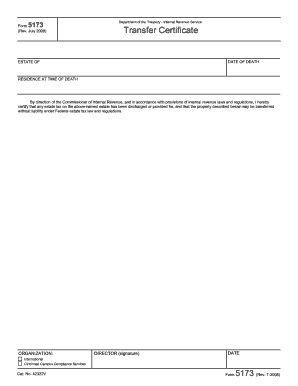
Form 5173 pdf
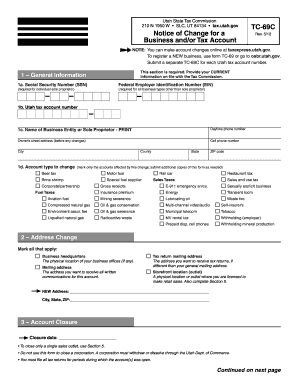
Tc69c
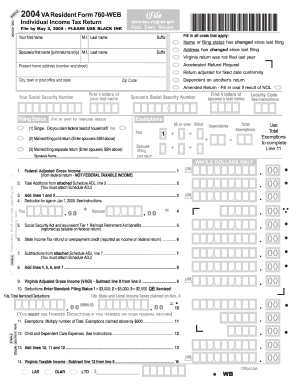
2004 VA Resident Form 760-WEB
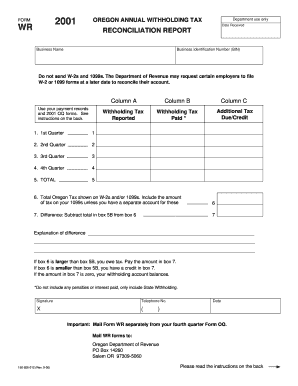
Or wr form for 2019
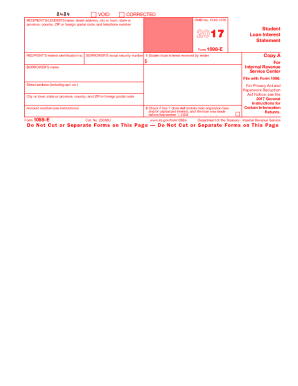
1098 e form 2017
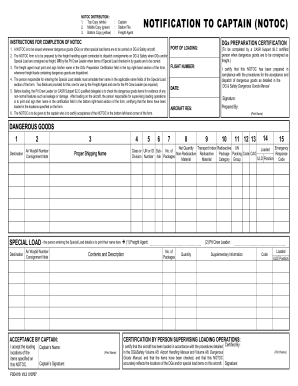
Notoc form
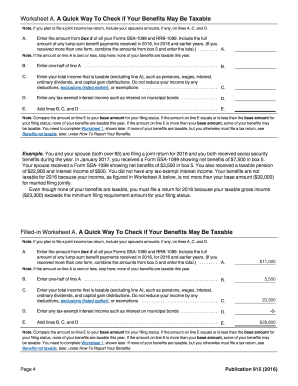
Publication 915 2016 form

Rbl credit card statement pdf download
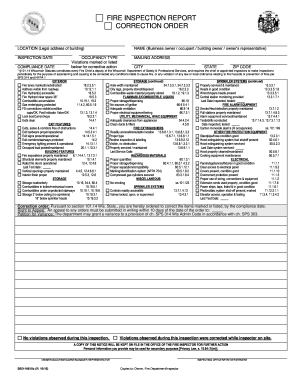
Fire inspection form pdf
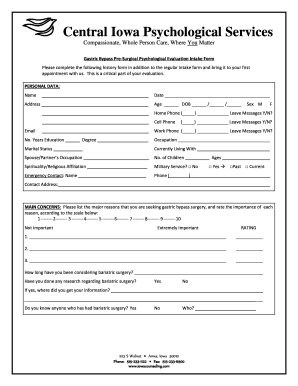
Gastric Bypass Pre-Surgical Psychological Evaluation Intake Form
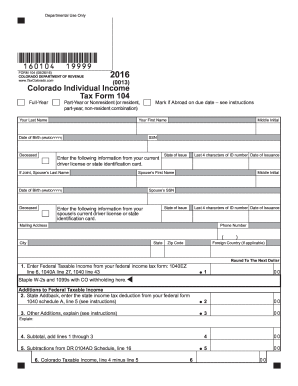
Form 104 2016
Crosby tugs
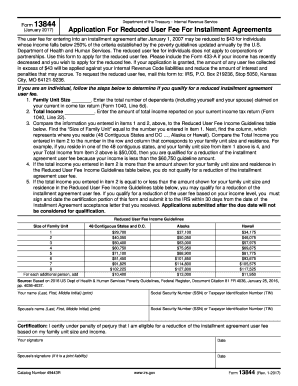
Reduced user fee 2017 form
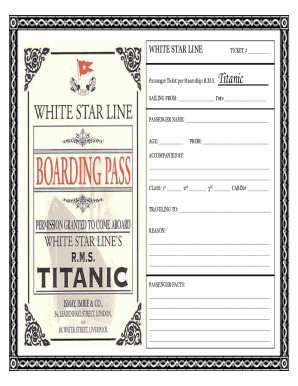
Titanic boarding pass

Tarot journal pdf
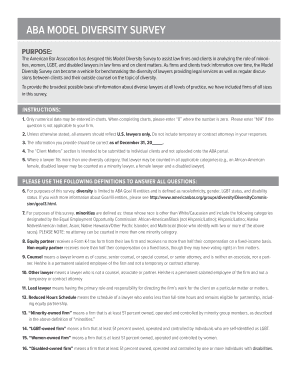
Aba model diversity survey
1040 a 2016 form
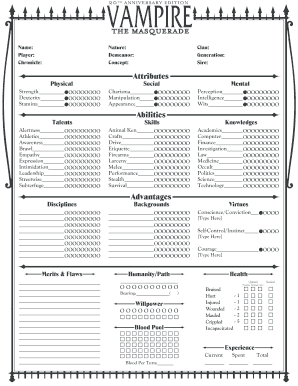
Vampire the masquerade 5th edition pdf
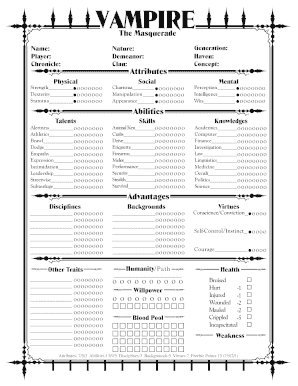
Vampire the masquerade 2nd edition character sheet pdf

Form 140 2016
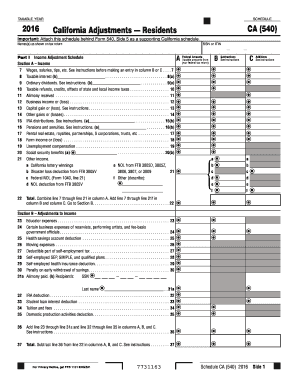
California 540 2016 form
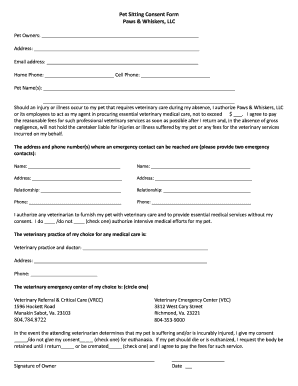
Sitting consent form

Atm contract template

Salon consultation form
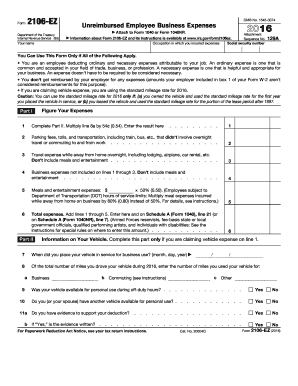
2016 irs form 2106 ez
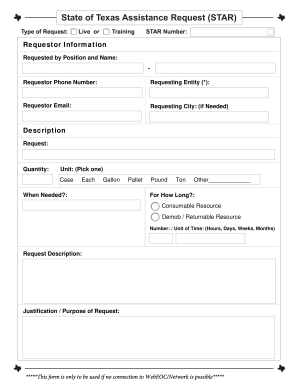
Star request texas form

Form application waive

Move out statement template
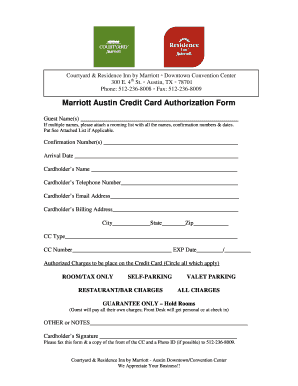
Marriott credit card authorization form

Rcmp 5490
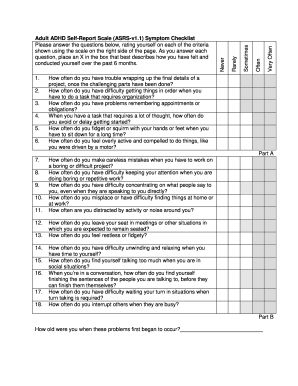
Adult adhd self report scale
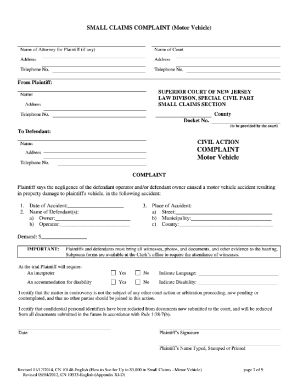
Small claims court nj forms
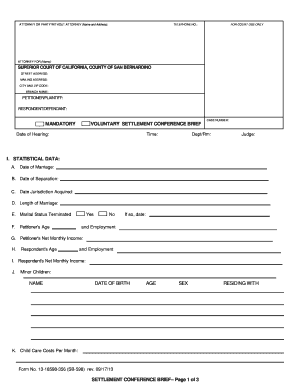
Settlement conference brief
Benefit from the DocHub online library of fillable PDF forms
Searching the PDF forms doesn't have to be a tedious and time-consuming process. With the DocHub online library, it has become easier to find the fillable PDF forms and modify them in your browser. The service allows you to adjust the document to your needs using powerful editing tools.
You can use online document editing features to modify almost any type of document with ease. You just need to find the template of your choice, open it in the editor, and use the toolbar to make the necessary corrections.
Follow this guide to get your document done with DocHub:
- Find the PDF template you need.
- Click the Get Form button to open the file in the editor.
- Use the toolbar to fill out and edit the document.
- Easily add and highlight text, insert images, checkmarks, and symbols.
- Drop new fillable fields, and rearrange or delete pages from your file.
- Save changes and download your record.
DocHub empowers everyone to streamline document editing, signing, and distribution, and form completion. Create an account and benefit from our well-organized PDF Forms library and comprehensive editor.