




01. Edit your titanic boarding pass online
Type text, add images, blackout confidential details, add comments, highlights and more.

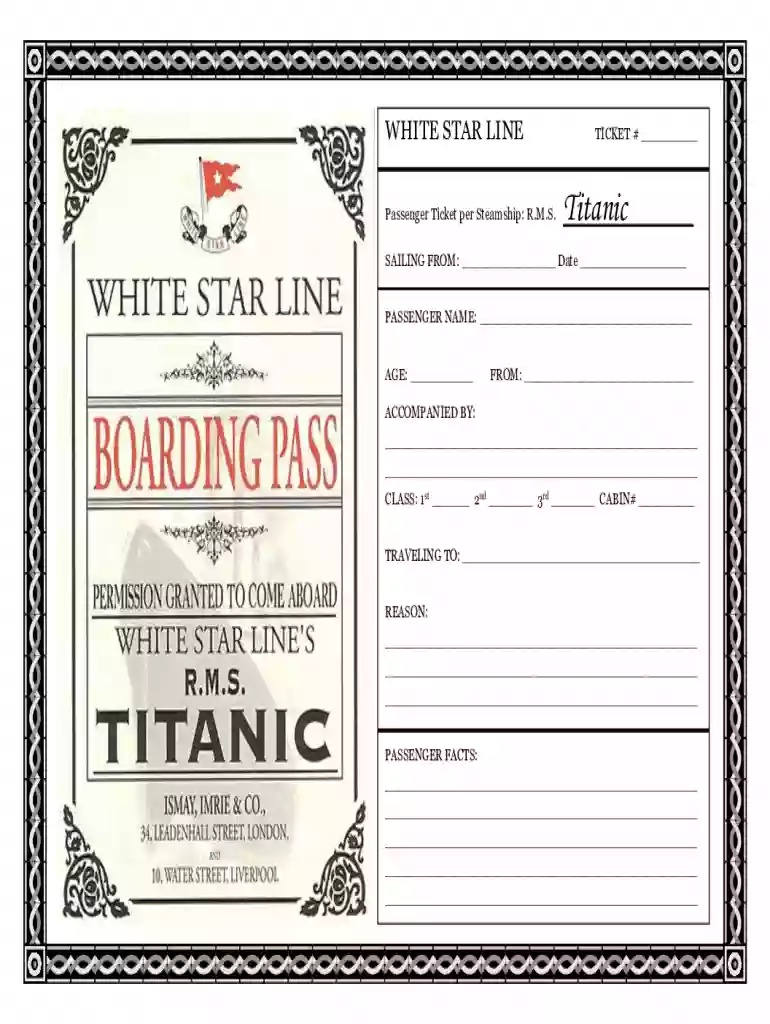
Type text, add images, blackout confidential details, add comments, highlights and more.

Draw your signature, type it, upload its image, or use your mobile device as a signature pad.

Send titanic boarding pass template via email, link, or fax. You can also download it, export it or print it out.

Start creating your personalized Titanic boarding pass online for free today!
We've got more versions of the titanic boarding pass form. Select the right titanic boarding pass version from the list and start editing it straight away!
| Versions | Form popularity | Fillable & printable |
|---|---|---|
| 2010 | 4.8 Satisfied (216 Votes) |
At DocHub, your data security is our priority. We follow HIPAA, SOC2, GDPR, and other standards, so you can work on your documents with confidence.
Nov 2, 2021 The museum gives customers boarding passes that tell the stories of individual passengers on the ill-fated voyage, and later informs themRead more
After recieving your boarding pass, you become that person throughout the entire exhibit. The 7,000-square-foot exhibit is broken into several rooms filled with


