
Get any PDF form from the DocHub library of ready-made templates - Page 21
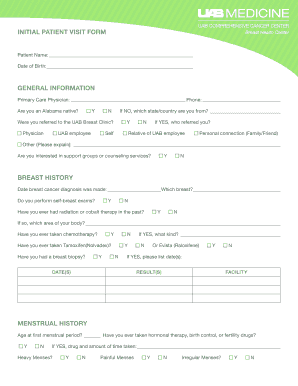
Initial Patient Visit Form

Unit Turn Checklist

Student Confirmation Letter
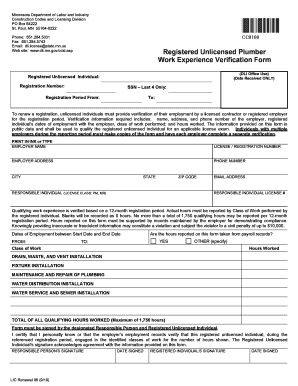
Minnesota Plumber Work Experience Verification Form
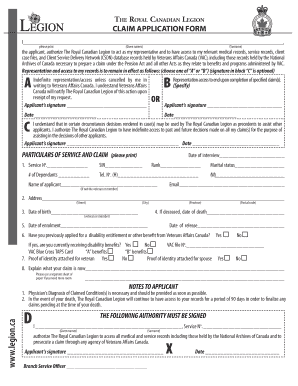
Royal Canadian Legion Claim Application Form

Nevada Beneficiary Deed
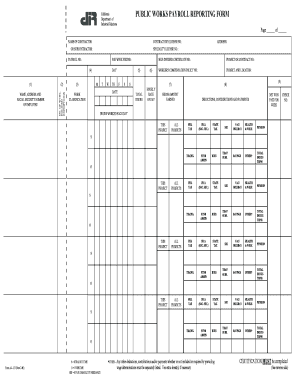
California Public Works Payroll Reporting Form

Illinois Notary Acknowledgement Form

Residential Lease Application Form

Shouldice Medical Information Questionnaire
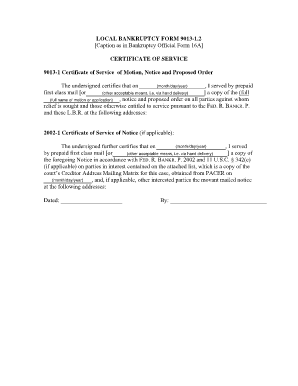
Bankruptcy Certificate of Service Form 9013-1 2
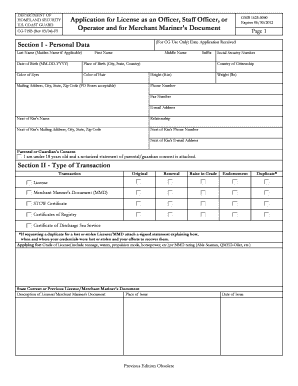
US Coast Guard License Application

Nebraska Homestead Exemption Application

Philippines Disbursement Voucher

California Household Income Data Collection Form

Genworth Financial Unemployment Continuing Claim Form
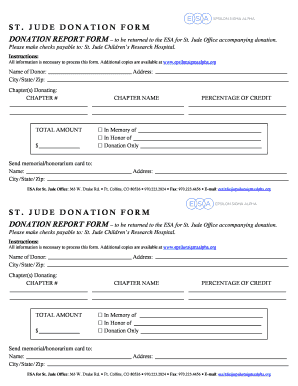
St Jude Donation Form

Georgia Allied Healthcare Credentialing Application

Condominium Seller Disclosure Resale Addendum for DC

HIT-6 Headache Impact Test

Hormonal Contraceptive Self-Screening Questionnaire
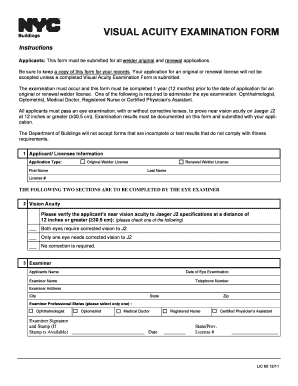
Visual Acuity Examination Form

Vegetation Management Plan
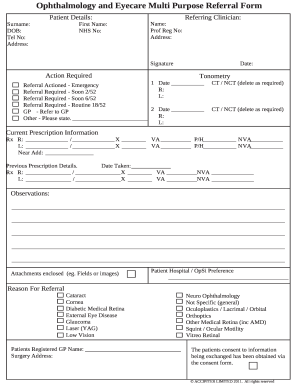
Ophthalmology Referral Form

Herbert Protocol Missing Person Form

Texas Non-Realty Items Addendum

Recovery Capital Scale and Plan

Weill Cornell Community Clinic Patient Identification Form

North Carolina CD-405 Corporate Tax Return 2009

Victoria Companion Card Application Form

FATCA-CRS Declaration Form for Individuals

Alabama Self-Proving Will Probate Petition
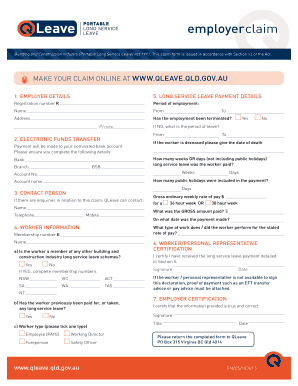
Queensland Long Service Leave Claim Form
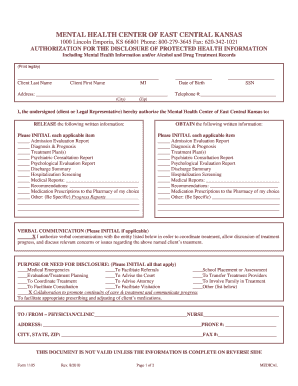
Mental Health Information Release Authorization

Montana Joint Dissolution of Marriage with Children
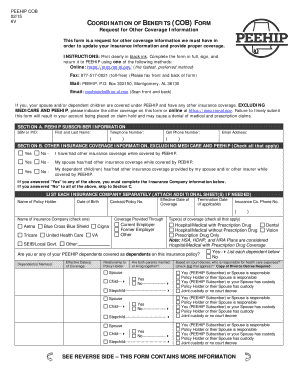
PEEHIP Coordination of Benefits Form

Guam Health Certificate Clearance Application

MASS 50 Continence Aids Application

Optum EPS EFT Enrollment Authorization Agreement
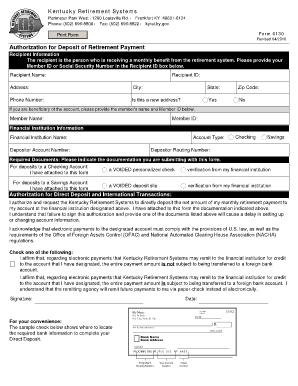
Kentucky Retirement Payment Authorization Form 6130
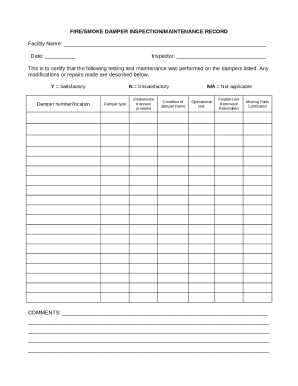
Fire Smoke Damper Inspection Record
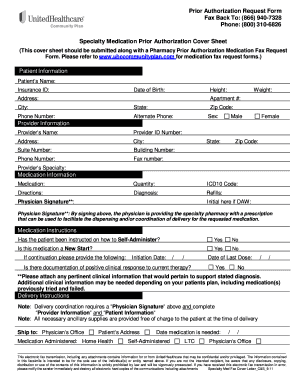
Specialty Medication Prior Authorization Request Form
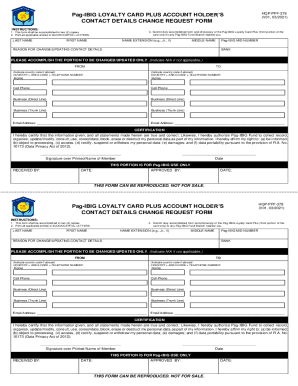
Pag-IBIG Loyalty Card Contact Details Change Request Form
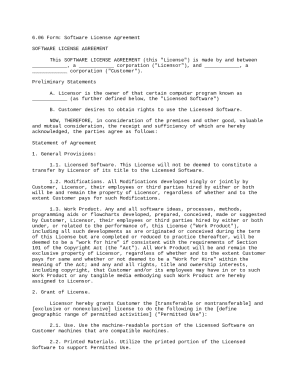
Software License Agreement

NDIS Allied Health Referral Form
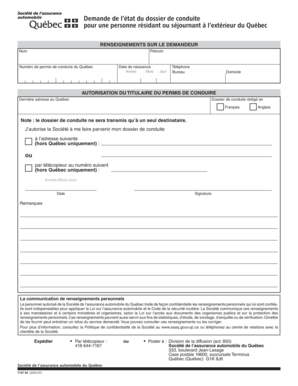
Quebec Driving Record Request Form
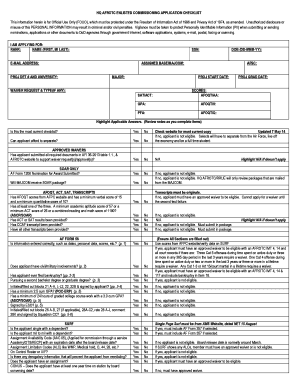
US Air Force Enlisted Commissioning Application Checklist

Fleet Accident General Liability Form

Illinois Expungement or Sealing Notice
Instructor Evaluation Checklist

Automobile Insurance Questionnaire
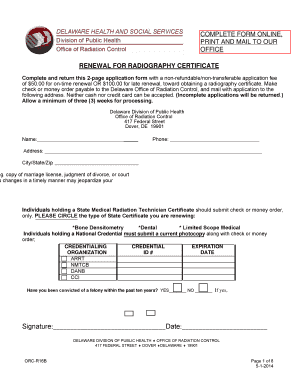
Delaware Radiography Certificate Renewal Form

Starbucks Financial Lease Reconciliation Template

GCL Cytogenetics Patient Information Form

Arkansas Act 833 Funding Application
Uganda Public Service Form 3
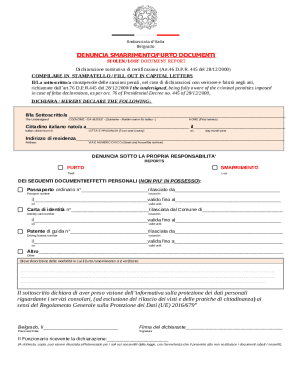
Italian Lost Stolen Document Report
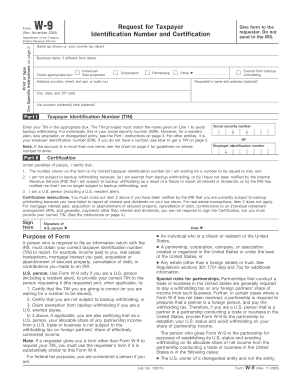
Mesquite ISD Vendor Application Form

IMSS-02-012 Form
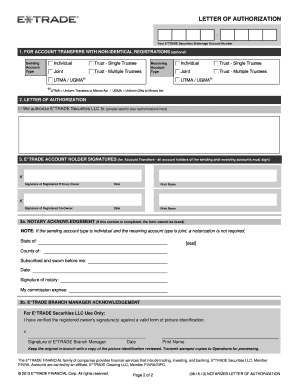
Letter of Authorization
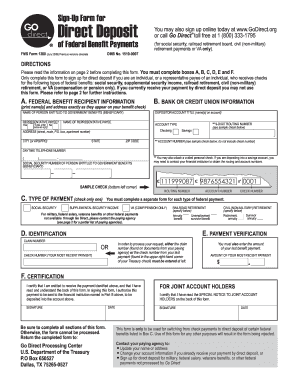
Direct Deposit Sign-Up Form

New Jersey Residential Lease Agreement

Maryland Resident Income 2020 Form 502 Tax Return

PTE 84-24 Disclosure and Acknowledgement Form

Texas Insurance Complaint Form
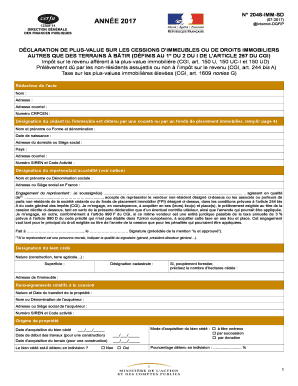
D claration de Plus-Value sur les Cessions d'Immeubles
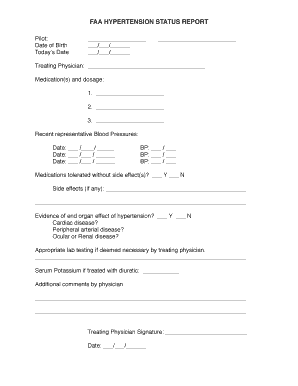
FAA Hypertension Status Report

Labcorp NonDOT Drug Test Authorization Form

Northampton County Address Change Request
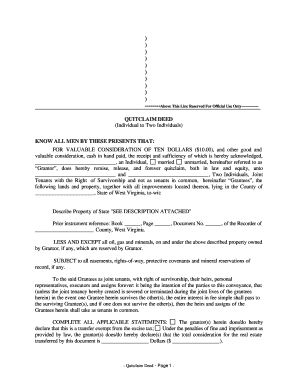
West Virginia Quitclaim Deed
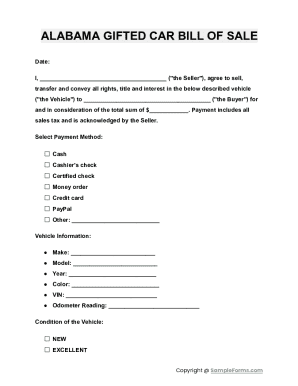
Alabama Gifted Car Bill of Sale
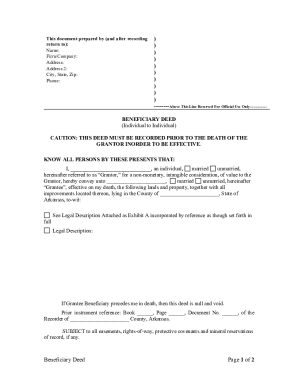
Arkansas beneficiary deed pdf

Flood Insurance Quote Form
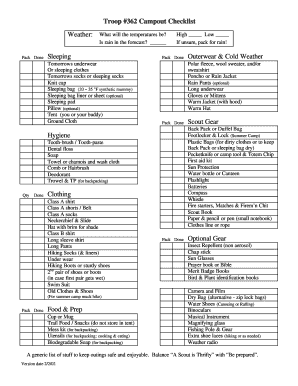
Troop 362 Campout Checklist
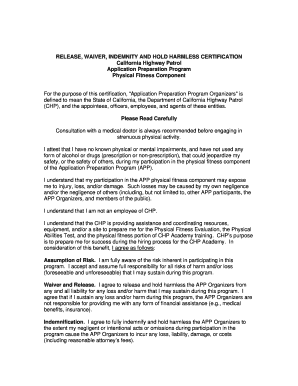
California Highway Patrol Waiver Form
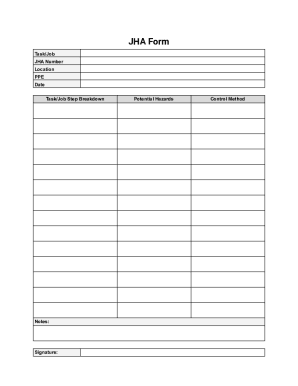
Job Hazard Analysis Form
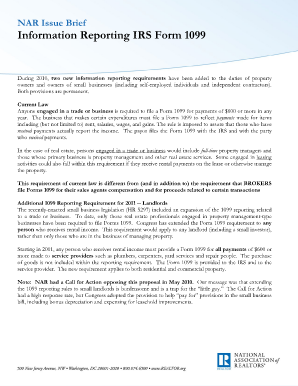
IRS Form 1099 Information Reporting

PrimusLabs Sampling Analysis Request Form
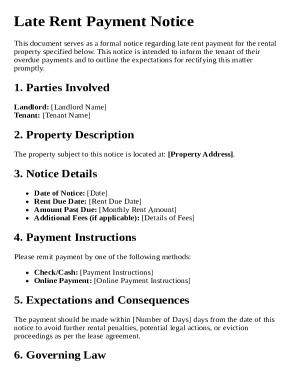
Late Rent Payment Notice Template
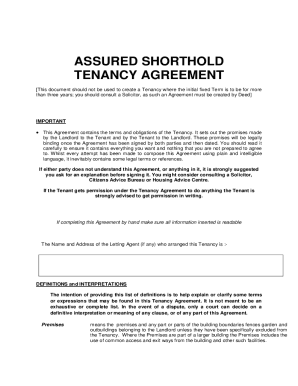
Assured Shorthold Tenancy Agreement
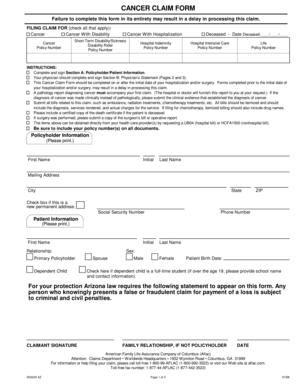
Aflac Cancer Claim Form

Missouri Disabled Person Placard Application

Texas Certificate of Title Application

Maryland Classroom Student Record and Completion Form
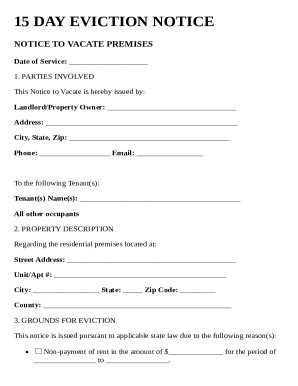
15 Day Eviction Notice Template
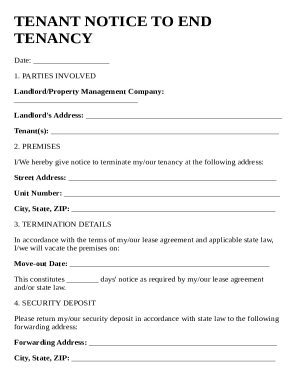
Tenant Notice to End Tenancy Template
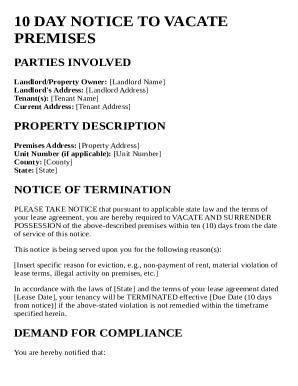
10 Day Eviction Notice Template
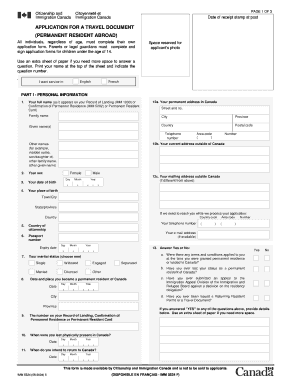
Canada Travel Document Application
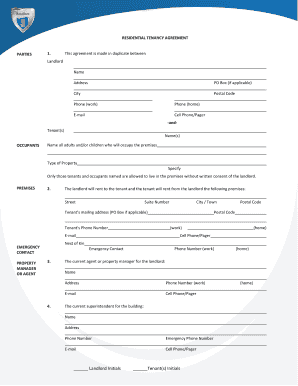
Ontario Residential Tenancy Agreement

Illinois CAAPP Annual Compliance Certification

New Supplier Request Form

Florida School Entry Health Exam
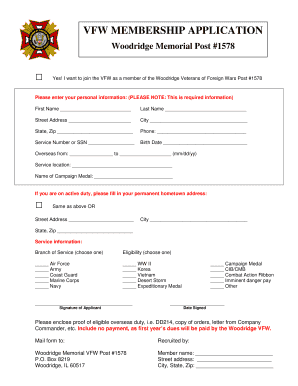
VFW Membership Application

PAT Testing Certificate Template
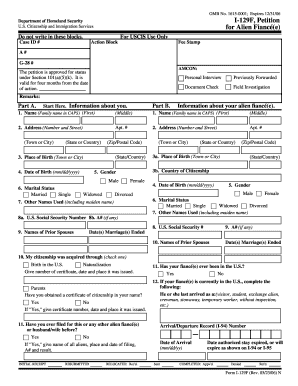
USCIS Form I-129F Petition for Alien Fianc (e)
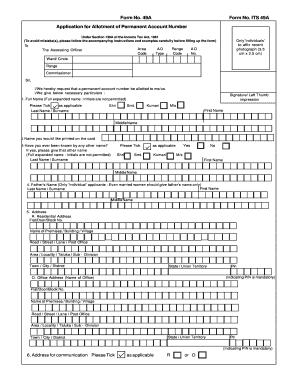
Form 49A Application for PAN
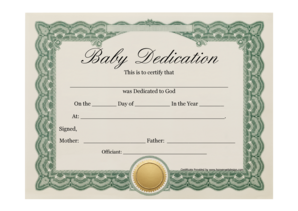
Baby Dedication Certificate
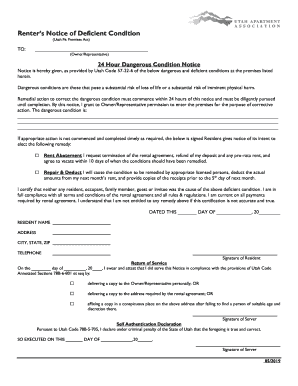
Utah Renter s Notice of Deficient Condition
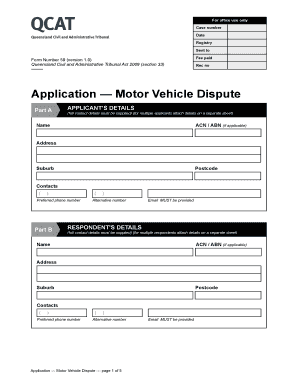
Queensland Motor Vehicle Dispute Application
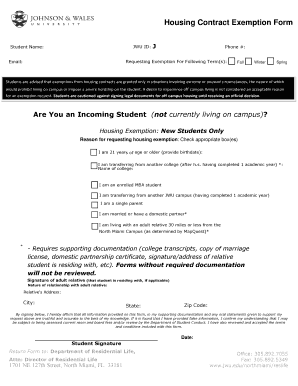
Housing Contract Exemption Form
Benefit from the DocHub online library of fillable PDF forms
Searching the PDF forms doesn't have to be a tedious and time-consuming process. With the DocHub online library, it has become easier to find the fillable PDF forms and modify them in your browser. The service allows you to adjust the document to your needs using powerful editing tools.
You can use online document editing features to modify almost any type of document with ease. You just need to find the template of your choice, open it in the editor, and use the toolbar to make the necessary corrections.
Follow this guide to get your document done with DocHub:
- Find the PDF template you need.
- Click the Get Form button to open the file in the editor.
- Use the toolbar to fill out and edit the document.
- Easily add and highlight text, insert images, checkmarks, and symbols.
- Drop new fillable fields, and rearrange or delete pages from your file.
- Save changes and download your record.
DocHub empowers everyone to streamline document editing, signing, and distribution, and form completion. Create an account and benefit from our well-organized PDF Forms library and comprehensive editor.