




Here's how it works

01. Edit your form online
Type text, add images, blackout confidential details, add comments, highlights and more.

02. Sign it in a few clicks
Draw your signature, type it, upload its image, or use your mobile device as a signature pad.

03. Share your form with others
Send it via email, link, or fax. You can also download it, export it or print it out.
How to rapidly redact Student Confirmation Letter online

Dochub is a perfect editor for changing your paperwork online. Adhere to this simple instruction to edit Student Confirmation Letter in PDF format online at no cost:
- Register and log in. Register for a free account, set a strong password, and proceed with email verification to start managing your templates.
- Upload a document. Click on New Document and select the form importing option: upload Student Confirmation Letter from your device, the cloud, or a protected link.
- Make adjustments to the template. Take advantage of the upper and left-side panel tools to edit Student Confirmation Letter. Insert and customize text, pictures, and fillable fields, whiteout unneeded details, highlight the important ones, and provide comments on your updates.
- Get your paperwork completed. Send the form to other individuals via email, create a link for quicker file sharing, export the template to the cloud, or save it on your device in the current version or with Audit Trail included.
Try all the benefits of our editor today!
Fill out Student Confirmation Letter online
It's free
Security and compliance
At DocHub, your data security is our priority. We follow HIPAA, SOC2, GDPR, and other standards, so you can work on your documents with confidence.
Learn more


Related forms
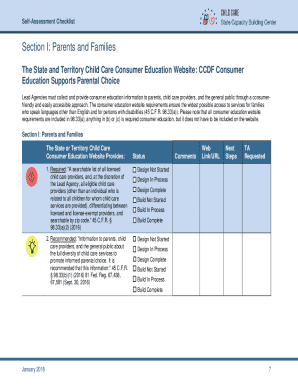
State and Territory Child Care Consumer Education Websites
The document is a Self-Assessment Checklist for State and Territory Child Care Consumer Education Websites, aimed at hel ...
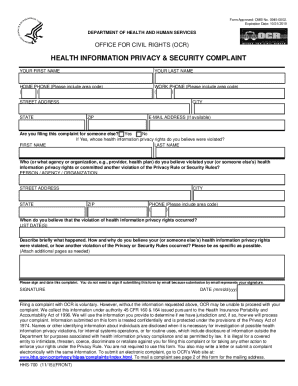
HEALTH INFORMATION PRIVACY and SECURITY COMPLAINT
The document is a complaint form from the U.S. Department of Health and Human Services' Office for Civil Rights (OCR) fo ...

Stipulation for Court Commissioner to Act as Temporary Judge
The document is a stipulation agreement allowing a Superior Court Commissioner to act as a Temporary Judge in a conteste ...

Taiwan visa application form pdf
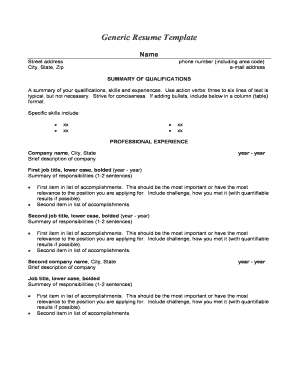
Generic Resume Template
The document is a generic resume template that provides a structured format for individuals to present their qualificati ...
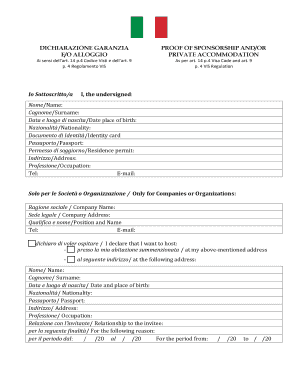
PROOF OF SPONSORSHIP AND OR E O ALLOGGIO PRIVATE
The document is a 'Proof of Sponsorship and/or Private Accommodation' declaration, required for visa applications in Ita ...

Knights of columbus form 186
The document is a report form for the Knights of Columbus Assembly Officers, detailing the election of officers for the ...

Title VI Compliance Assessment Tool
The document is a Title VI Compliance Assessment Tool designed for agencies to evaluate their adherence to Title VI regu ...