




01. Edit your form online
Type text, add images, blackout confidential details, add comments, highlights and more.

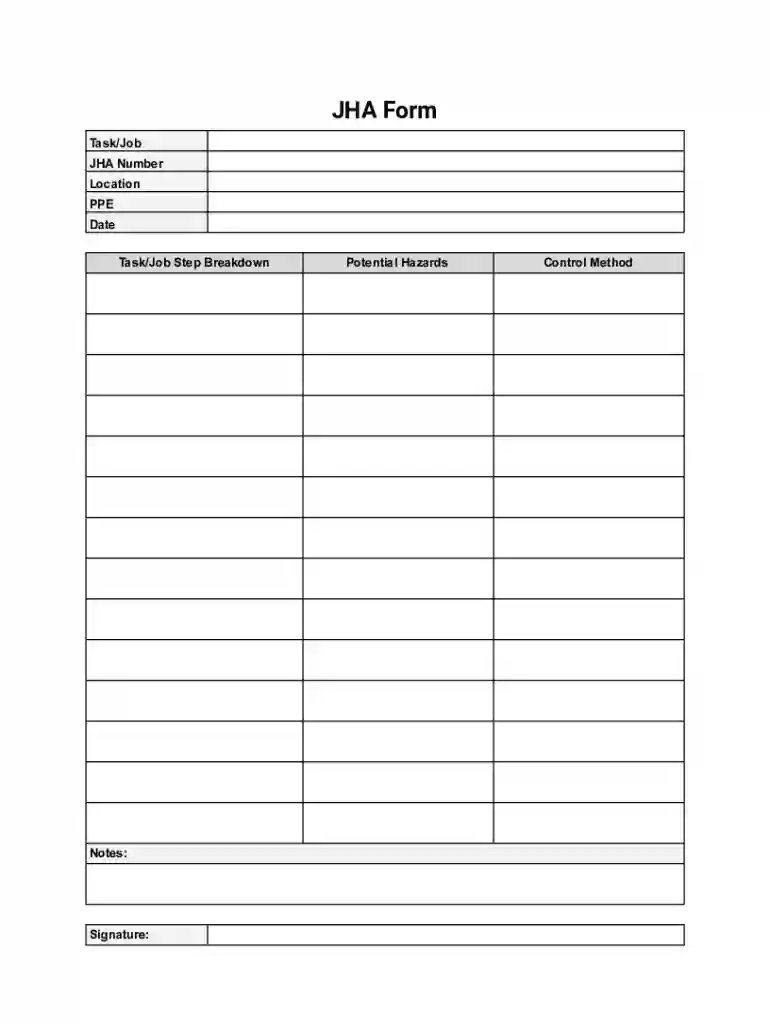
Type text, add images, blackout confidential details, add comments, highlights and more.

Draw your signature, type it, upload its image, or use your mobile device as a signature pad.

Send it via email, link, or fax. You can also download it, export it or print it out.

Adjusting paperwork with our feature-rich and user-friendly PDF editor is easy. Follow the instructions below to complete Job Hazard Analysis Form online easily and quickly:
Benefit from DocHub, the most straightforward editor to rapidly manage your paperwork online!
At DocHub, your data security is our priority. We follow HIPAA, SOC2, GDPR, and other standards, so you can work on your documents with confidence.
A job hazard analysis (JHA) is a technique for studying workplace hazards with a focus on finding the best ways of controlling them.
A Job Hazard Analysis (JHA) is an analysis of the hazards and risks of all the tasks or steps with a specific job or activity.Read more


