
Get any PDF form from the DocHub library of ready-made templates - Page 2022
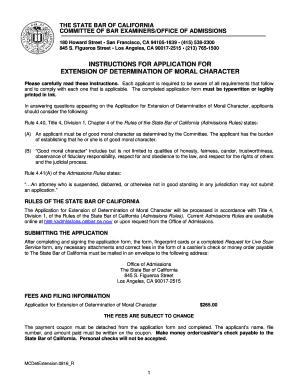
California state bar moral character application pdf
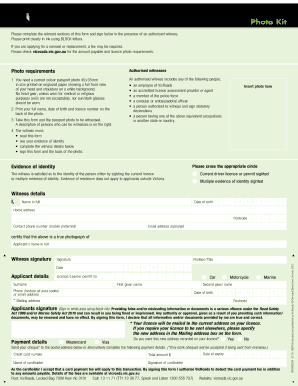
Vicroads photo kit
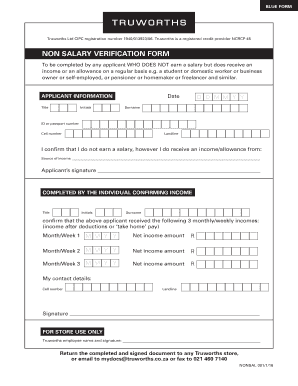
Truworths account application online
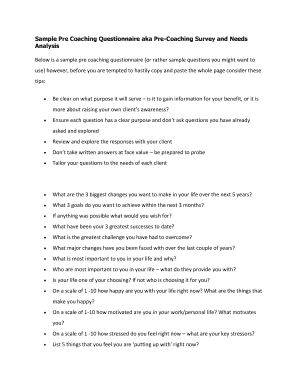
Pre coaching questionnaire pdf
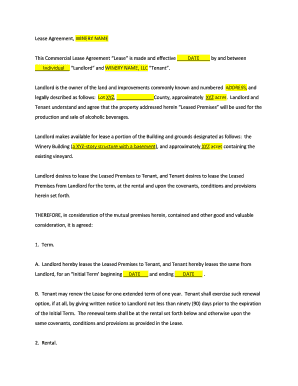
Vineyard lease agreement
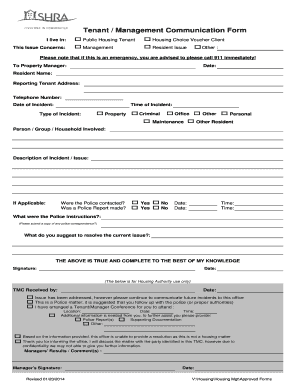
Tenant Management Communication Form Revised.xls - shra

T2l vorlage word
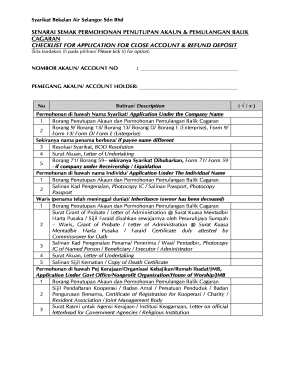
Cara tutup akaun syabas online
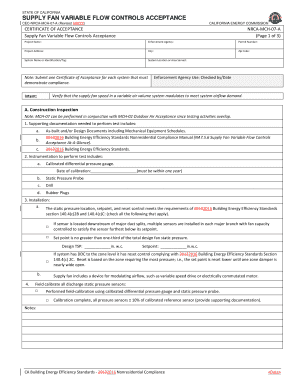
CEC-NRCA-MCH-07-A (Revised MM/YY) - energy ca
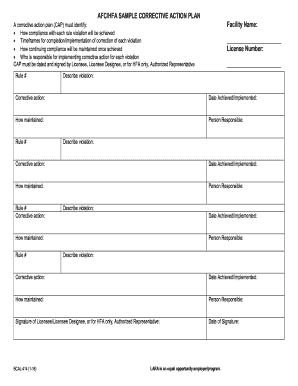
Bcal 414
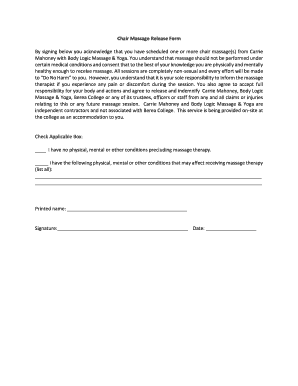
Chair massage form
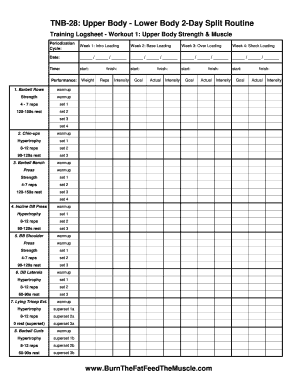
Tnb 28
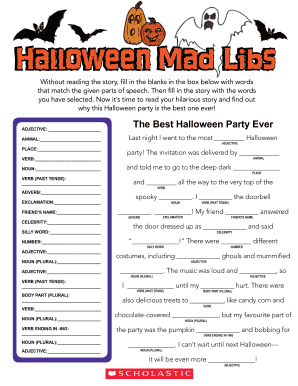
Halloween mad libs online
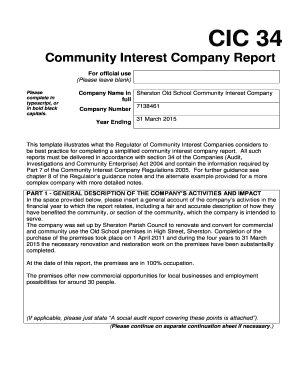
Cic34 form
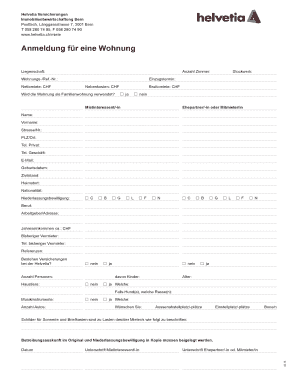
Wohnungsbewerbung in Bern - Formular. Anmeldeformular f r eine Wohnung in Bern. Helvetia Versicherungen. Immobilienbewirtschaftung Bern.
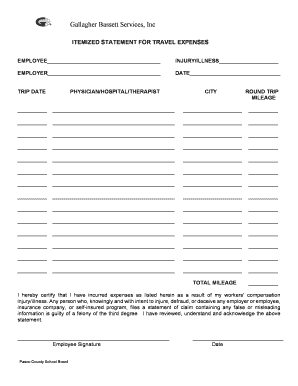
IRS issues standard mileage rates for 2019Internal Revenue ...
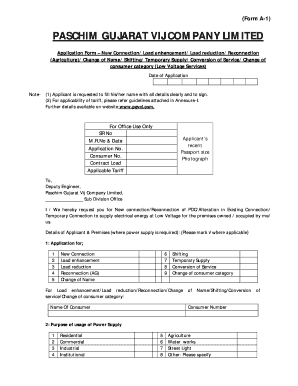
Dgvcl a1 form download
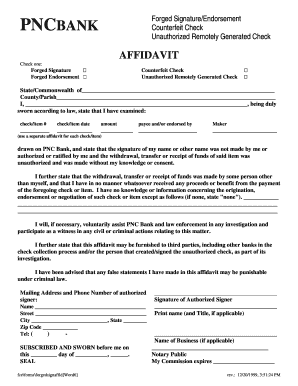
Pnc bank forged online
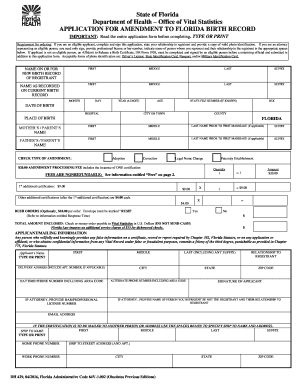
Florida birth form
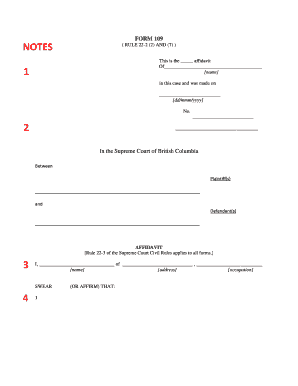
Form 109 rule 22 2
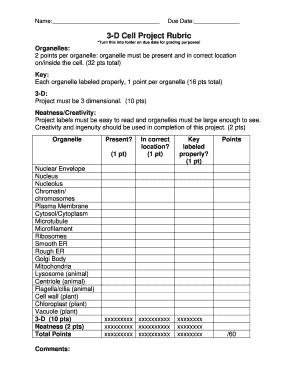
3-D Cell Project Rubric - Edwardsville High School - ecusd7
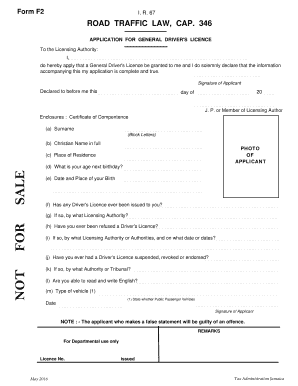
Road traffic law cap 346 form
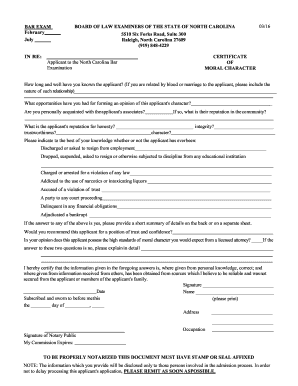
Ncble
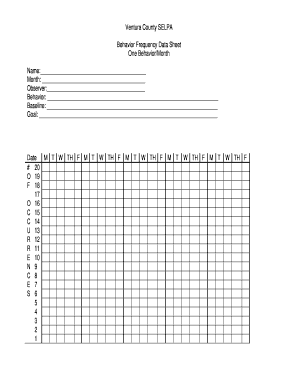
Behavior Frequency Data Sheet One Behavior/Month
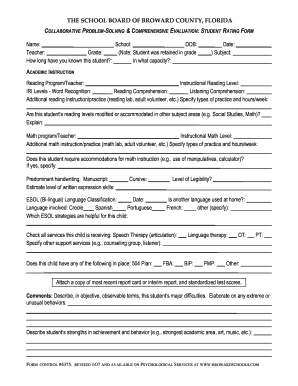
COLLABORATIVE PROBLEM-SOLVING & COMPREHENSIVE EVALUATION: STUDENT RATING FORM - broward k12 fl
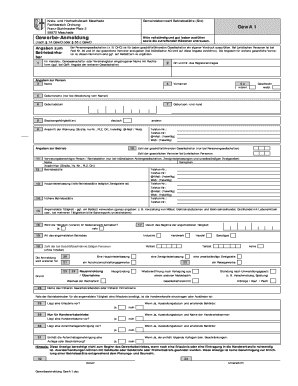
Gewerbe-Anmeldung GewA 1 - meschede.de
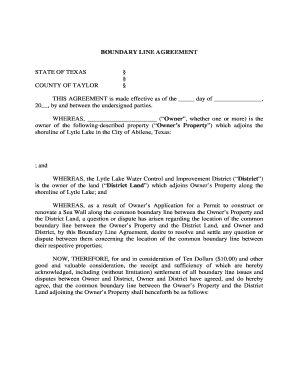
Boundary line agreement texas
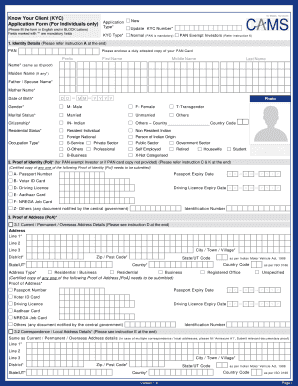
Kyc your form
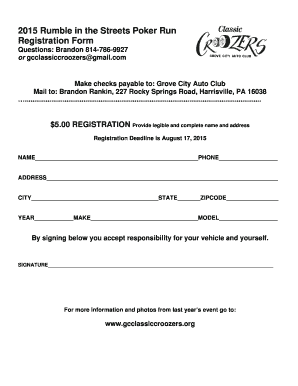
2015 Poker Run Registration Form - text only - gcclassiccroozers

Residency attestation

UCRS 158 - UCSB Human Resources - hr ucsb

Beaverton police crime report
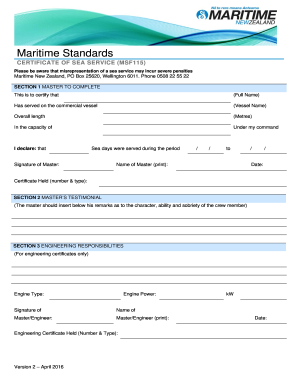
Nz certificate service form

Gas test form
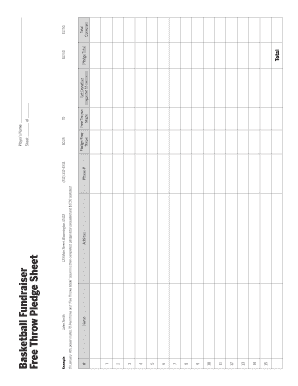
Throw fundraiser sheet
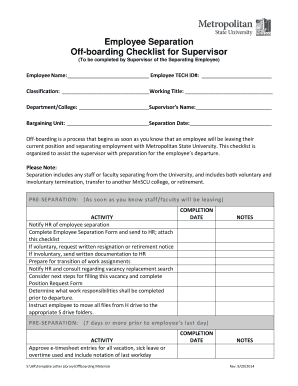
Offboarding checklist pdf
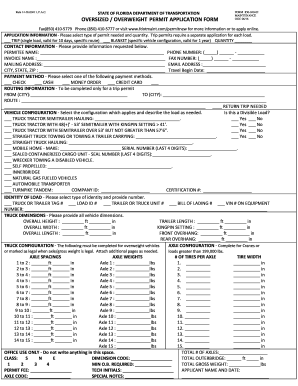
Form 850 040 02
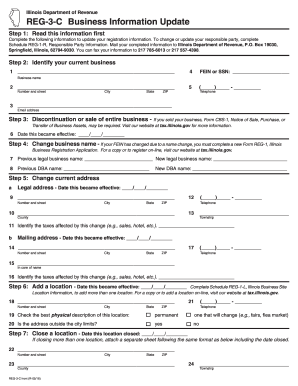
Illinois of reg
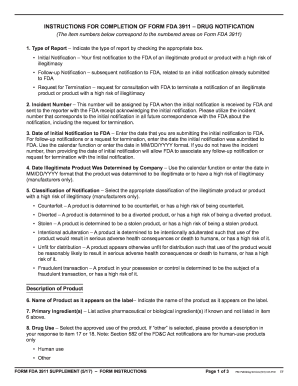
FORM FDA 3911 Instructional Supplement. Instructions for Completion of Form FDA 3911Drug Notification - fda

Tem7 16c
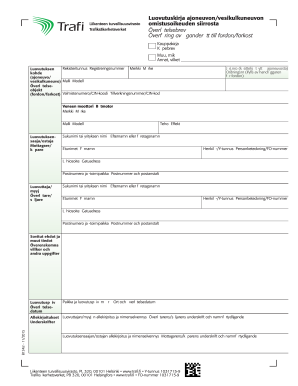
Luovutuskirja

2016 I-017 Rent Certificate - Wisconsin Department of Revenue - revenue wi

Woof river animal rescue

St pete dump form
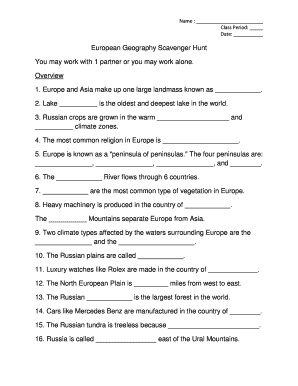
Europe scavenger hunt
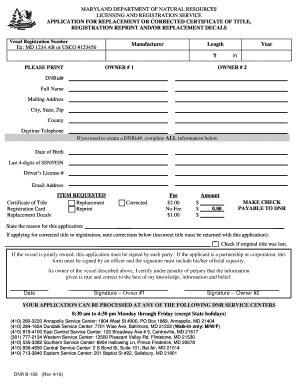
Maryland dnr form b 108
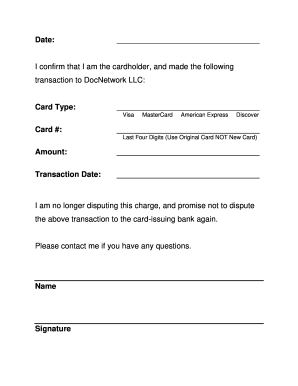
Docnetwork non dispute

Brigance assessment report example
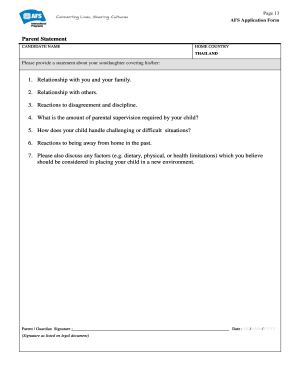
Sample application form for solo parent with answer

CITY OF DALLAS Employee Disciplinary Appeal - 4eval.com
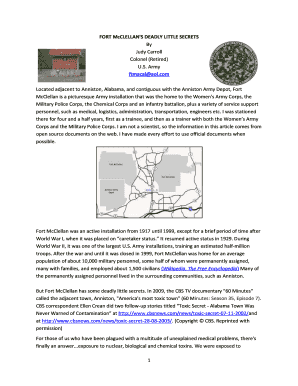
Monsanto fort mcclellan
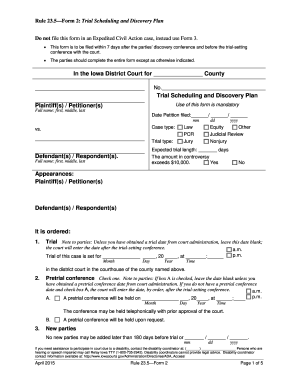
Iowa court rule 23 5 form 2
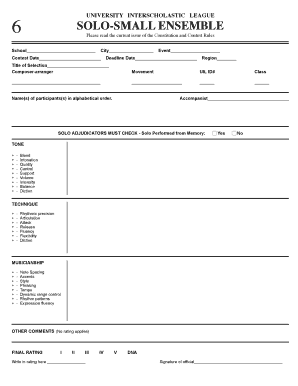
Texas uil form

Iqcs responder update sheet
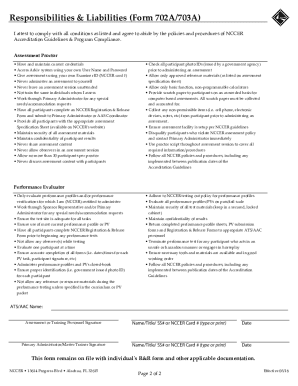
Responsibilities & Liabilities (Form 702A/703A) - NCCER - nccer
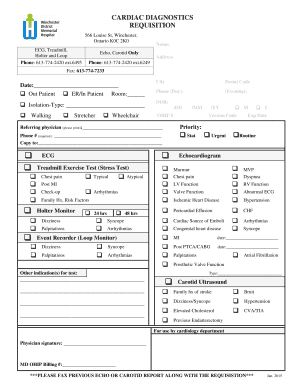
CARDIAC DIAGNOSTICS REQUISITION - wdmh.on.ca - wdmh on
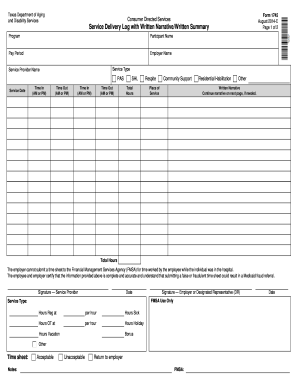
Cds in texas timesheet 2022 pdf
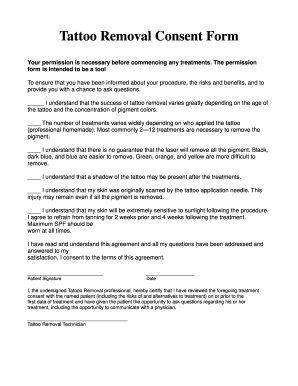
Tattoo removal consent form

Laser lipo consent form

Form rd 4280 3a

Dds mr 274
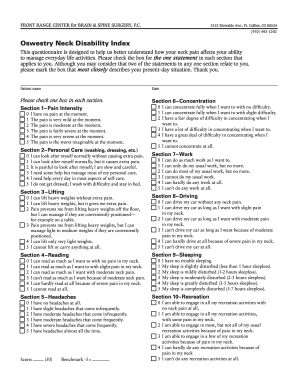
Neck disability index
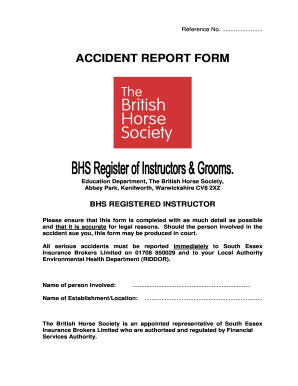
Bhs accident report form

Copy certification by document custodian pdf
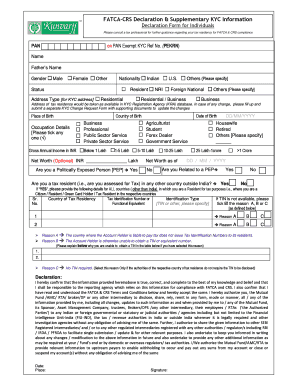
Pekrn full form
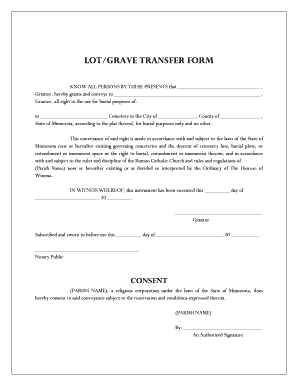
Cemetery plot deed transfer form

Empower hardship withdrawal form
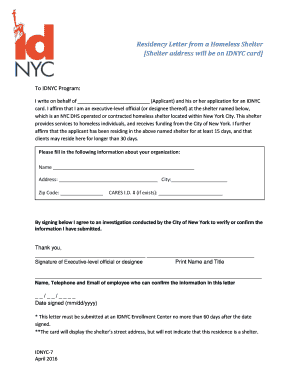
Residency Letter from a Homeless Shelter Shelter ... - NYC.gov
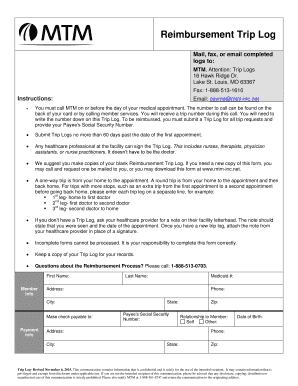
Payme mtm inc net
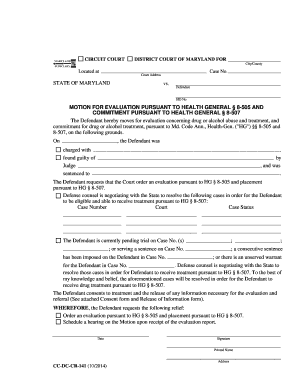
MOTION FOR EVALUATION PURSUANT TO HEALTH GENERAL 8-505 ... - mdcourts
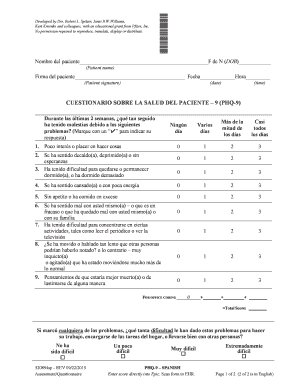
Phq 9 spanish

Emsvo application pa

Finrite
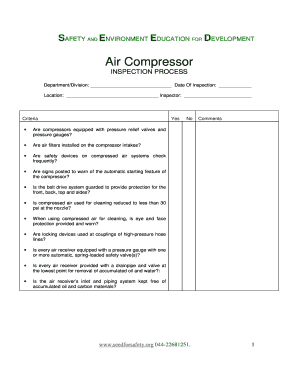
Air compressor daily checklist doc
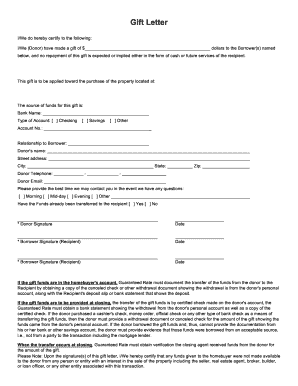
Guaranteerate gift letter

USBORNE BOOKS Educational Development Corporation
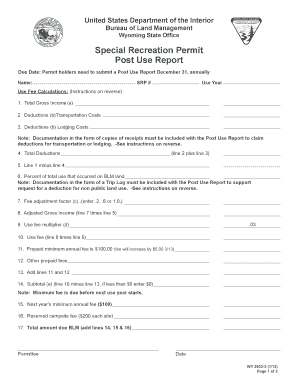
Special Recreation Permit Post Use Report - BLM - blm
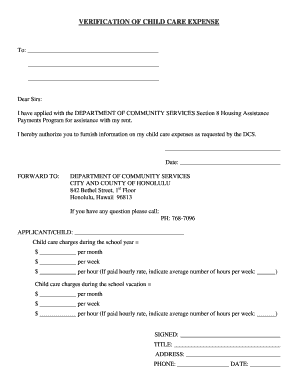
Proof of child care expenses letter sample

Al bcbs authorization

Umd incomplete contract
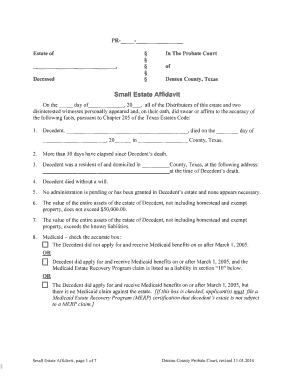
Denton county small estate affidavit
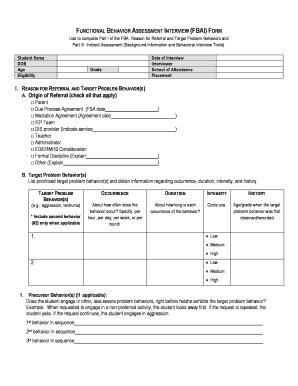
FUNCTIONAL BEHAVIOR ASSESSMENT INTERVIEW (FBAI) FORM - LAUSD
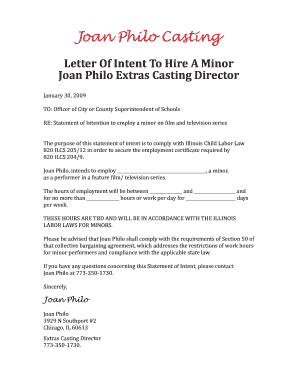
Letter of intent form
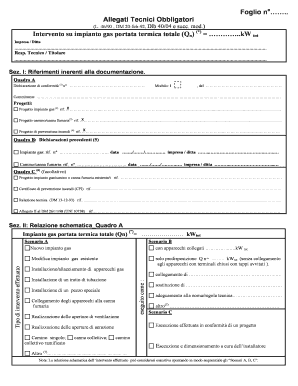
Allegati tecnici obbligatori gas word

Ally home health care

Letter to order a medical bed
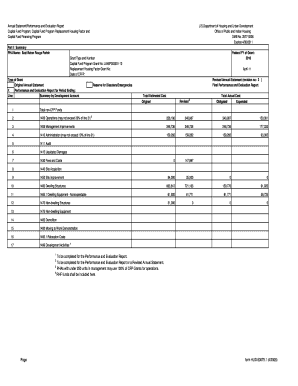
Page form HUD-50075.1 (4/2008) - ebrpha.org
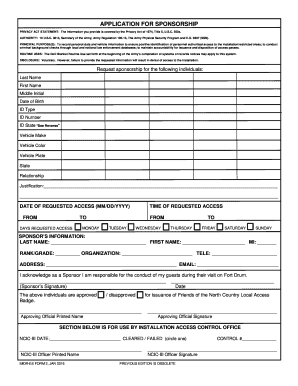
Imdr es form 2 jan 2016
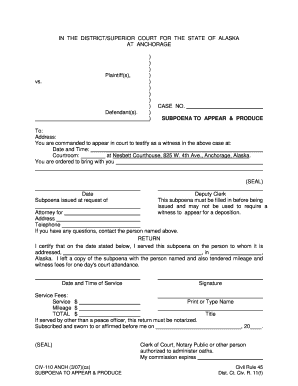
CIV-110 ANCH Subpoena to Appear & Produce (3-07). Civil Forms
Spanish 1 final exam 2021
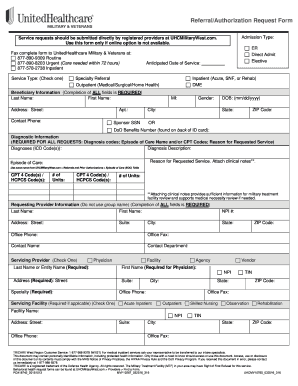
Unitedhealthcare referral form for specialist

Iowa rent subsidy

Da 3853 1
Lf310 04 residential lease

Neighbours statement (building work) - design and siting provisions
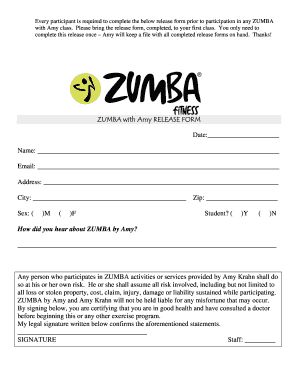
Zumba waiver form
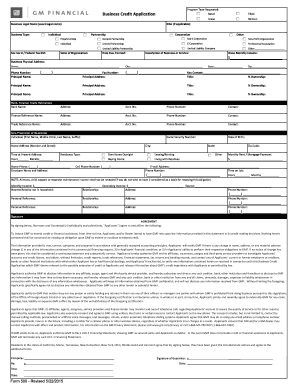
Gm financial credit application pdf

Pp505
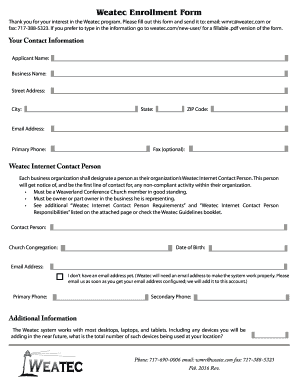
Weatec Enrollment Form
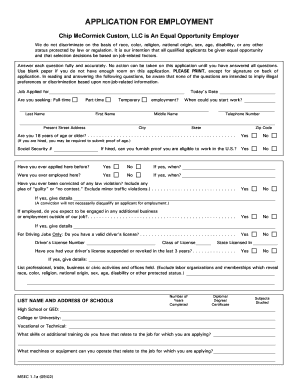
Msec application
Benefit from the DocHub online library of fillable PDF forms
Searching the PDF forms doesn't have to be a tedious and time-consuming process. With the DocHub online library, it has become easier to find the fillable PDF forms and modify them in your browser. The service allows you to adjust the document to your needs using powerful editing tools.
You can use online document editing features to modify almost any type of document with ease. You just need to find the template of your choice, open it in the editor, and use the toolbar to make the necessary corrections.
Follow this guide to get your document done with DocHub:
- Find the PDF template you need.
- Click the Get Form button to open the file in the editor.
- Use the toolbar to fill out and edit the document.
- Easily add and highlight text, insert images, checkmarks, and symbols.
- Drop new fillable fields, and rearrange or delete pages from your file.
- Save changes and download your record.
DocHub empowers everyone to streamline document editing, signing, and distribution, and form completion. Create an account and benefit from our well-organized PDF Forms library and comprehensive editor.