Patient information update form 2026

Get Form
update patient information form template Preview on Page 1

Here's how it works

01. Edit your update patient information form template online
Type text, add images, blackout confidential details, add comments, highlights and more.
02. Sign it in a few clicks
Draw your signature, type it, upload its image, or use your mobile device as a signature pad.
03. Share your form with others
Send patient update form via email, link, or fax. You can also download it, export it or print it out.

How to use or fill out patient information update form with our platform

Form edit decoration
9.5
Ease of Setup
DocHub User Ratings on G2
9.0
Ease of Use
DocHub User Ratings on G2
  1. Click ‘Get Form’ to open the patient information update form in the editor.
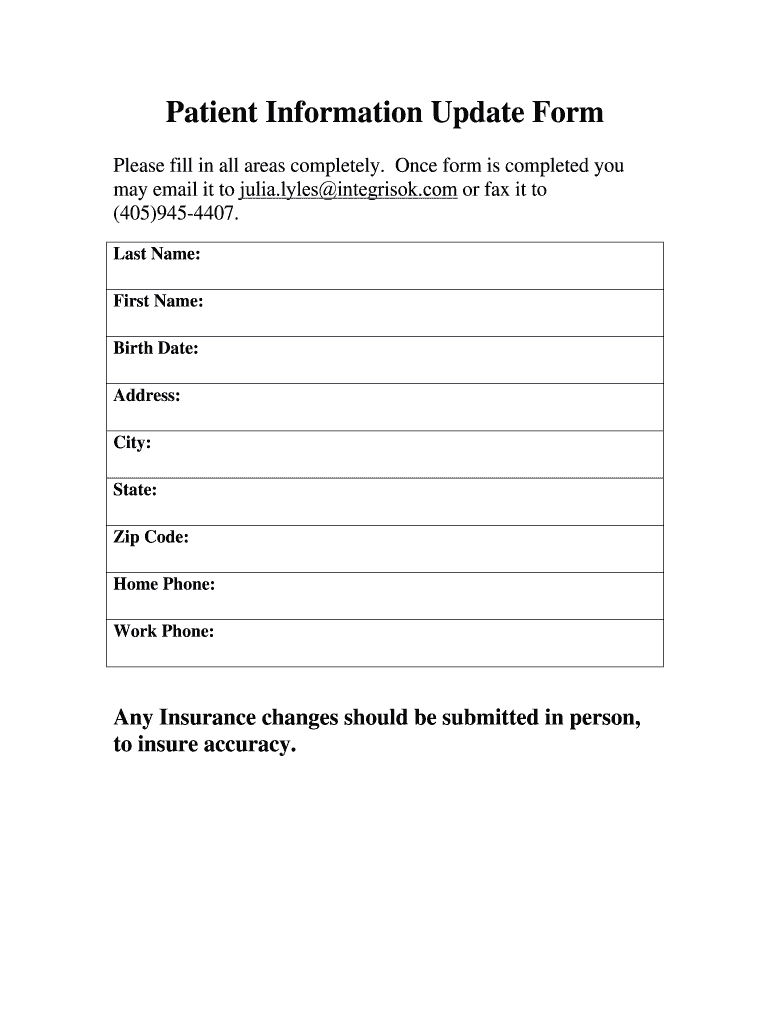
  2. Begin by entering your Last Name and First Name in the designated fields. Ensure that the spelling is accurate for proper identification.
  3. Next, input your Birth Date. Use the format specified in the field to avoid any errors.
  4. Fill out your Address, City, State, and Zip Code. This information is crucial for maintaining up-to-date records.
  5. Provide your Home Phone and Work Phone numbers. This allows for effective communication regarding your healthcare needs.
  6. Review all entered information for accuracy before finalizing the form.
  7. Once completed, you can easily email the form to julia.lyles@integrisok.com or fax it to (405)945-4407 directly from our platform.

Start using our platform today to effortlessly complete your patient information update form!

be ready to get more

Complete this form in 5 minutes or less

Get form

Got questions?

We have answers to the most popular questions from our customers. If you can't find an answer to your question, please contact us.
Contact us
Try to update the care plan every year, or more often if the person you care for has a change in health or medicines. Remember to respect the care recipients privacy after discussing their health conditions.
Generally, updating medical history forms once a year is sufficient if a patient is in good health. If youre looking for maximum ease of use, accuracy, and frequency, you can have your patients update their medical history via an online patient portal like the Dental Intelligence Patient Portal.
Patient Information Sheet. Patient Information. Last Name. First Name. MI. Address. Employer. Employment Status Employed Self-employed Retired On active military duty Unknown. Employer Name. Employer Address. Employer phone. Emergency Contact Information. Name. Relationship to Patient. Home or Work Phone. Insurance.
The sweet spot for updating medical records for patients is to follow an annual schedule. This allows patients to update records with any changes that may have occurred in the last year, without bombarding them with paperwork at the start of every visit.
You should also update them any time there is a change in the patients health status or a new drug is introduced to their current medication regimen. If you want to be extra safe, you can have every patient update their medical history form at each visit or you can walk back the frequency from there if you so choose.

Security and compliance

At DocHub, your data security is our priority. We follow HIPAA, SOC2, GDPR, and other standards, so you can work on your documents with confidence.

Learn more
ccpa2
pci-dss
gdpr-compliance
hipaa
soc-compliance
be ready to get more

Complete this form in 5 minutes or less

Get form

People also ask

Patient data and information administrative details of appointments, or whether they are waiting for a place in a health and care setting such as a care home or hospital ward. medical information such as symptoms, diagnosis, weight, medicines, treatments and allergies.

information update form