Type text, add images, blackout confidential details, add comments, highlights and more.
02. Sign it in a few clicks
Draw your signature, type it, upload its image, or use your mobile device as a signature pad.
03. Share your form with others
Send sec tcr via email, link, or fax. You can also download it, export it or print it out.
How to use or fill out tcr futures commission cftc with our platform
Ease of Setup
DocHub User Ratings on G2
Ease of Use
DocHub User Ratings on G2
Click ‘Get Form’ to open it in the editor.
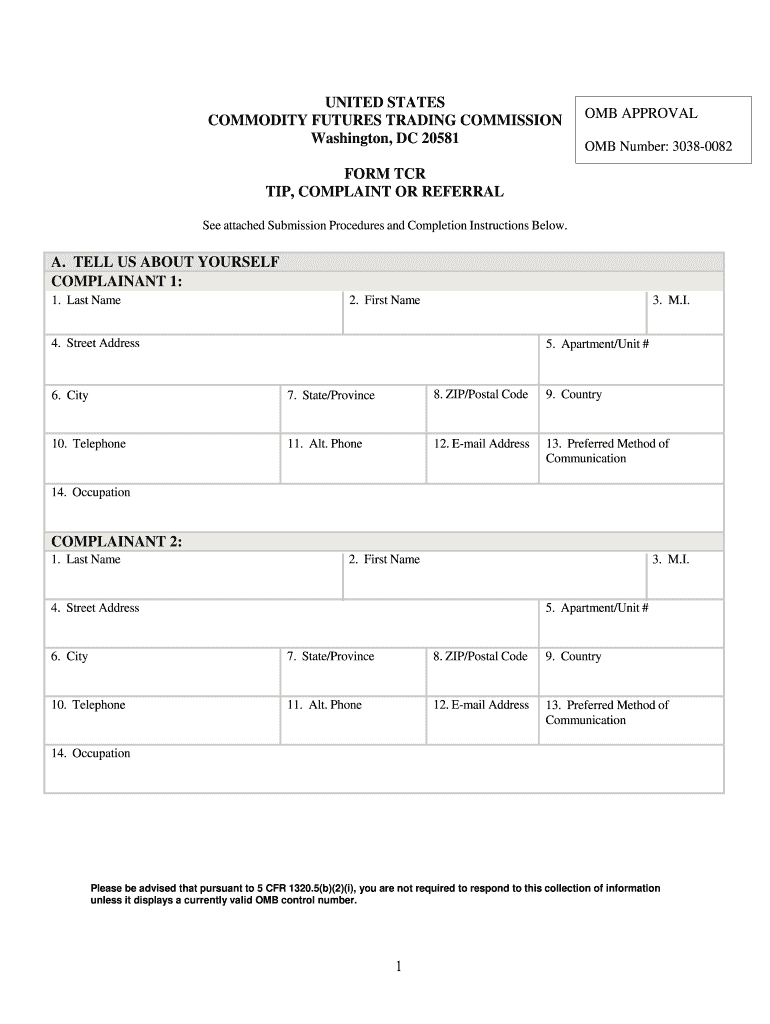
Begin with Section A, 'Tell Us About Yourself.' Fill in your personal details including last name, first name, address, and contact information. Ensure accuracy for effective communication.
If applicable, proceed to Section B for your attorney’s information. Provide their name, firm, and contact details.
In Section C, specify who you are complaining about. Indicate whether it's an individual or entity and provide their relevant details such as name and address.
Move to Section D to describe your complaint. Include the occurrence date and select the nature of your complaint from the provided options.
Complete Sections E through H as necessary, ensuring all required fields are filled out accurately. Review your entries before submission.
Start using our platform today for free to streamline your form completion process!
Fill out tcr futures commission cftc online It's free
17 CFR Appendix B to Part 165 - Form TCR and Form WP-APP
You must submit your information using this Form TCR. You may submit this form electronically, through the Web portal found on the CFTCs Web site.Read more
Cookie consent notice
This site uses cookies to enhance site navigation and personalize your experience.
By using this site you agree to our use of cookies as described in our Privacy Notice.
You can modify your selections by visiting our Cookie and Advertising Notice.