
Get any PDF form from the DocHub library of ready-made templates - Page 1656
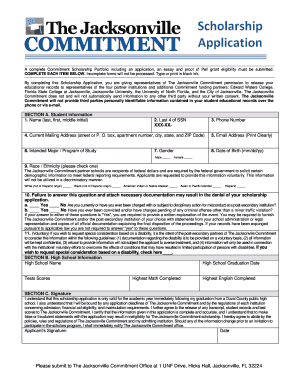
Jacksonville commitment scholarship
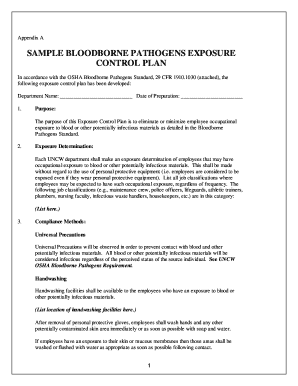
Sample bloodborne pathogens exposure control plan - uncw
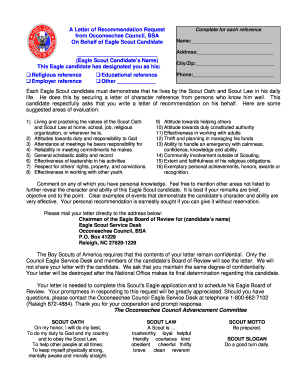
Eagle scout letter occoneechee sample
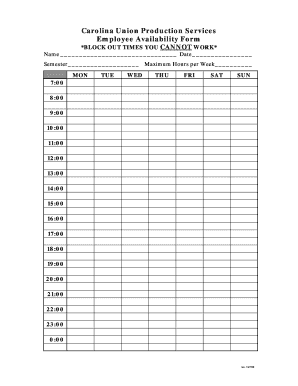
Employee availability form

Form esg p055595

Petty cash agreement
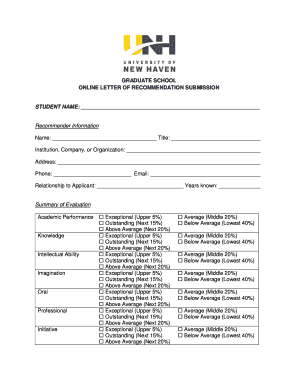
Recommentation letter for student attachment

Readmission Application - unhm unh
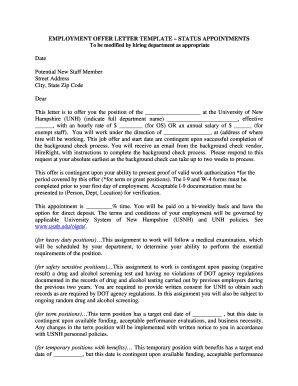
Offer letter template fillable form
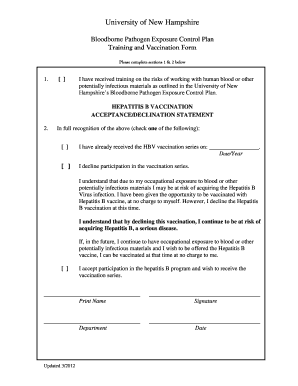
Hepatitis b declination form print out
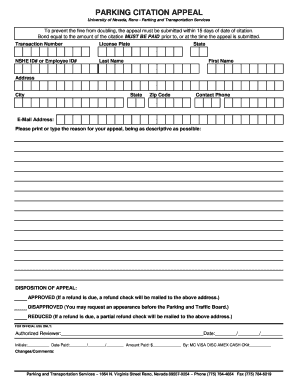
Printable parking ticket
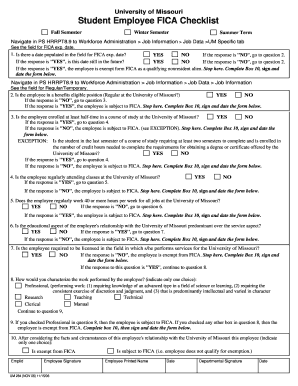
Ps hrrpt8 9
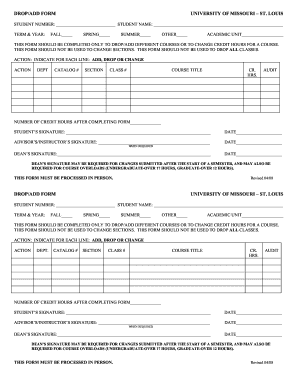
Missouri add form
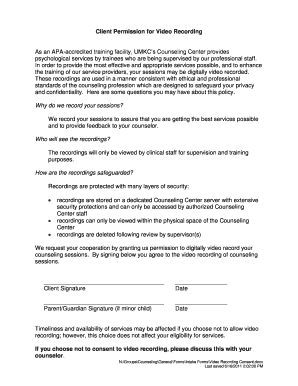
Consent form for video recording
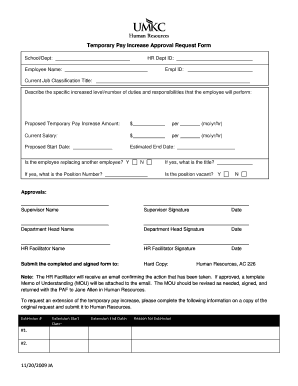
Employee pay increase form

Equipment transfer form template
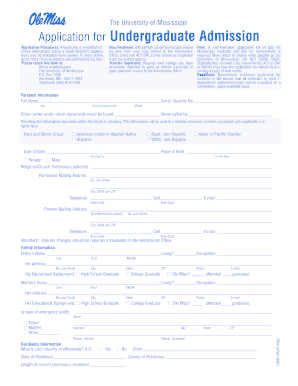
Ole application undergraduate
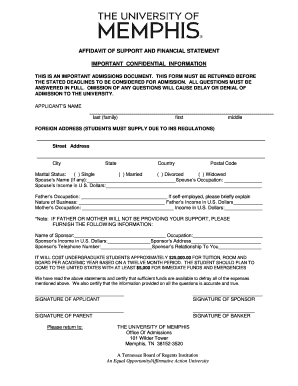
University of memphis affidavit of support
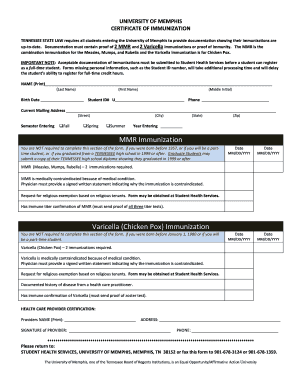
University of memphis immunization
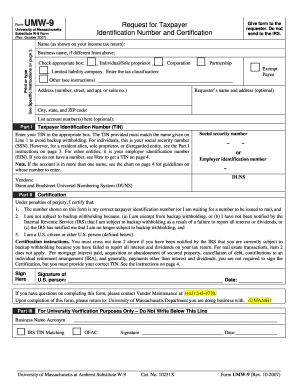
W9 2007 form
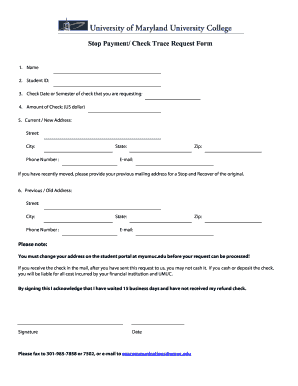
Payment trace form
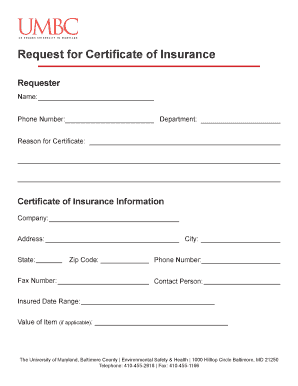
Request for certificate of insurance

Building inspection form
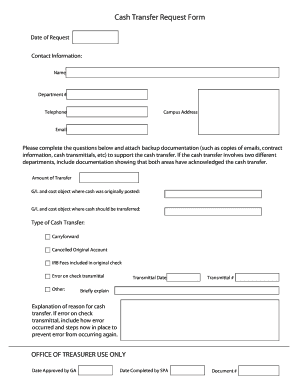
Cash Transfer Request Form - uky
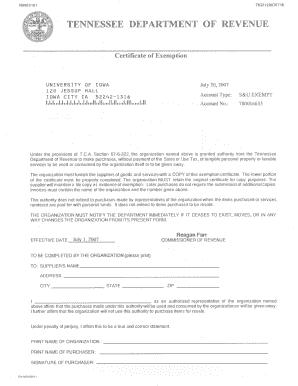
Tax exempt form tn
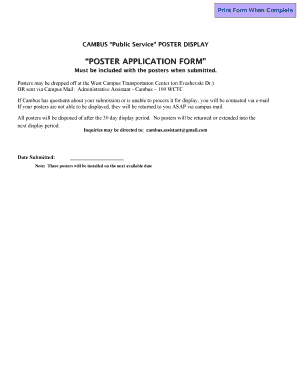
Cambus Poster Application Form - uiowa
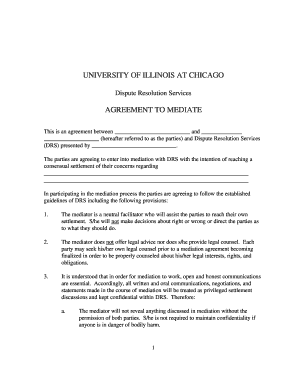
Mediation agreement
Ocairs manual pdf
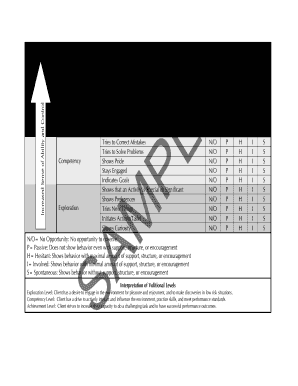
Volitional questionnaire pdf
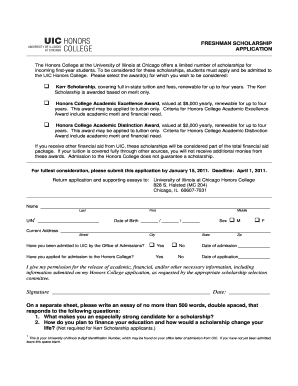
Kerr scholarships uic

Institution release
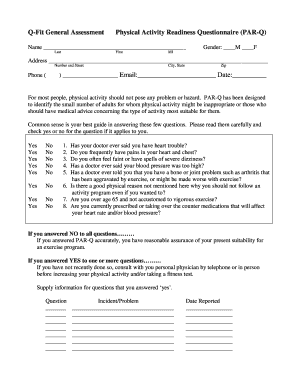
Par q form
Master agreement for treasury services - University of Houston - uh

Tax Form Contact List - uh
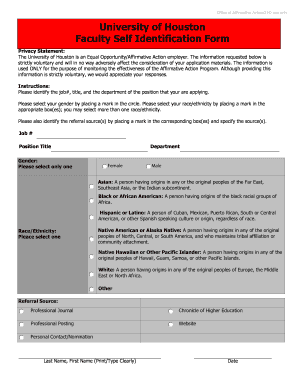
U of h eeo self identification form
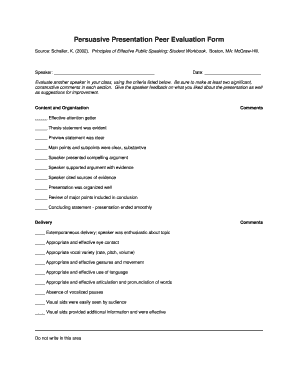
Peer evaluation form for presentation
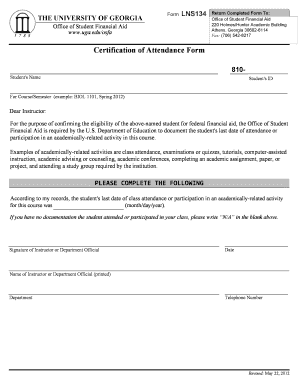
Certification of Attendance Form - University of Georgia

Non-Returning Student Form and Checklist - University of Dayton - udayton
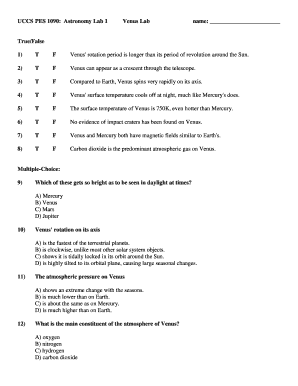
Naap extrasolar planets lab answers
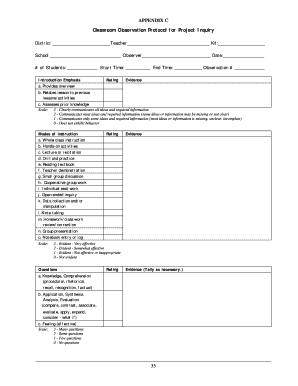
Classroom Observation Protocol - colorado
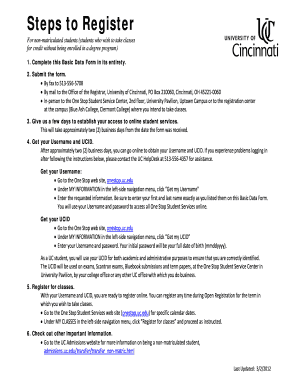
How to basic data form
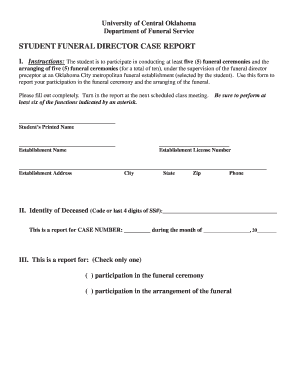
New jersey state funeral director information forms
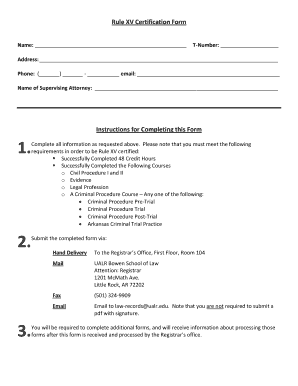
Rule XV Certification Form - University of Arkansas at Little Rock - ualr
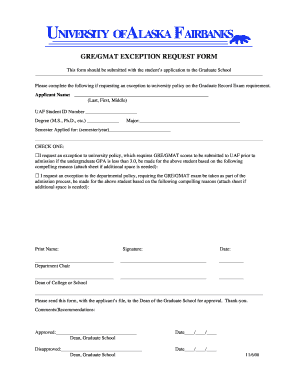
Gre/gmat exception request form - University of Alaska Fairbanks - uaf
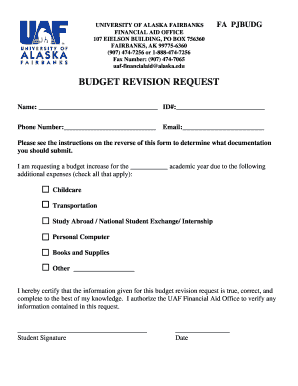
Budget Revision Request Form - University of Alaska Fairbanks - uaf
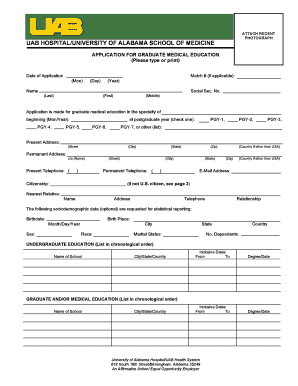
College application
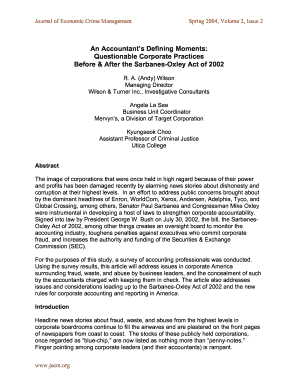
An Accountant's Defining Moments: Questionable ... - Utica College - utica

Utica ot observation veriication form
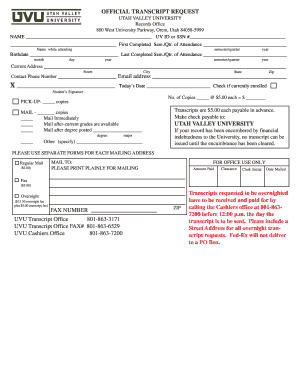
Official transcript uvu form
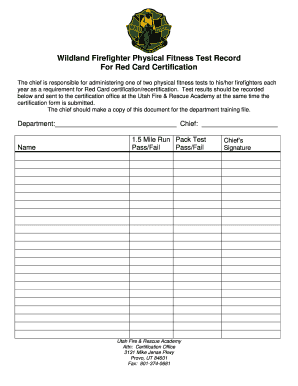
Wildland red card template

Club form
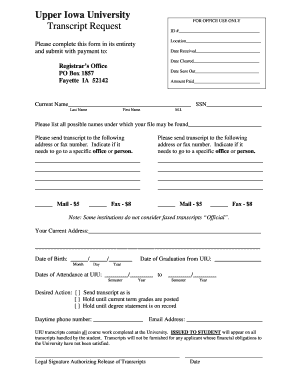
Uiu transcript
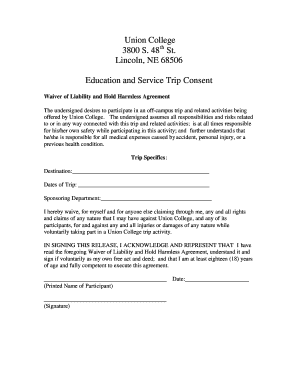
Service hold harmless agreement

Credit on Permit - Touro College - touro

Lamap assessment
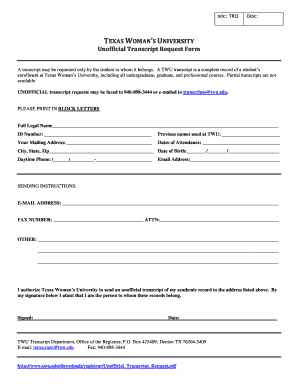
Unofficial transcript form
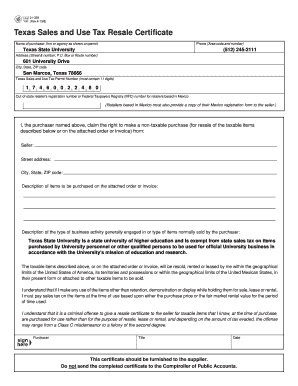
Blank texas resale certificate form 2008

Creative services request form

T.S.U. BBQ COOK-OFF RULES - Texas Southern University - tsu

Blank texas tax exempt form
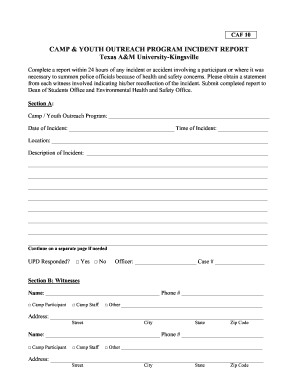
Texas incident report caf

Form 01 339

Sales Tax Exemption Form - Texas A&M Health Science Center - tamhsc
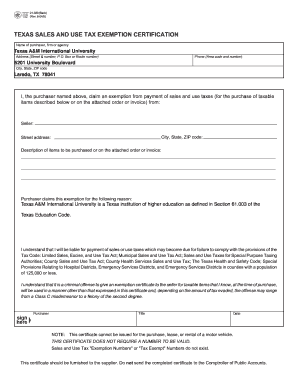
Texas fillable tax exemption form 2004

Stationery request form excel
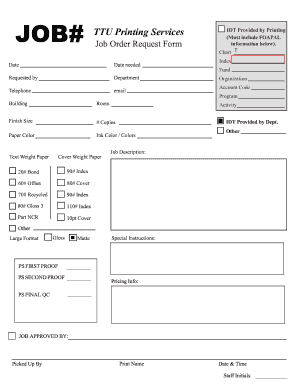
Printable job tickets
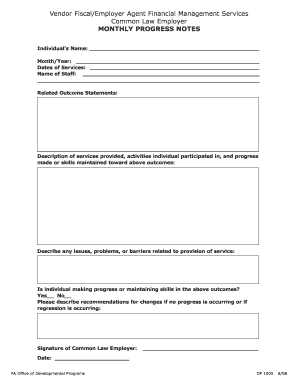
Icds monthly progress report
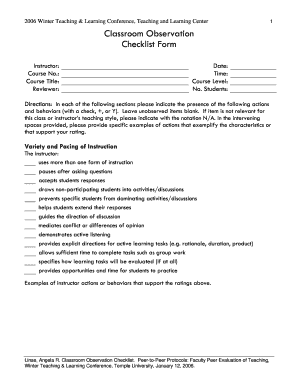
Temple teaching observation forms
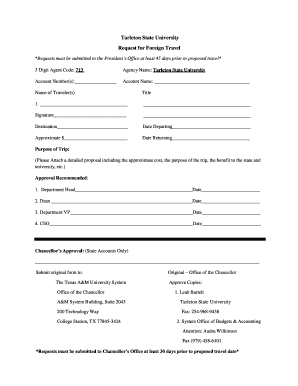
Foreign Travel Approval Form - Tarleton State University - tarleton

Ny notary public practice test
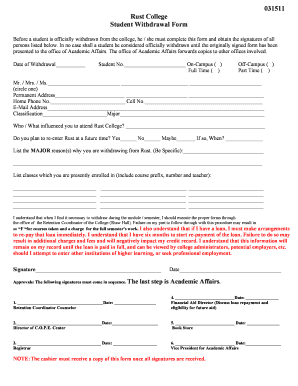
Rust college withdraw form

Omb 1845 0101 2010 form
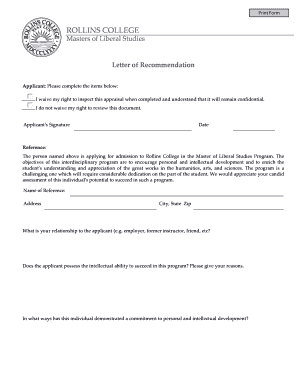
Master studies letter recommendation
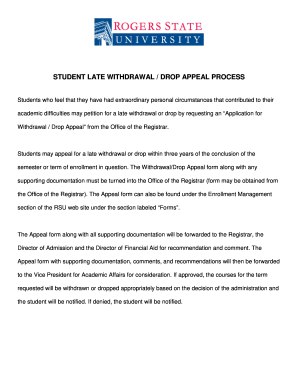
Texas a m form
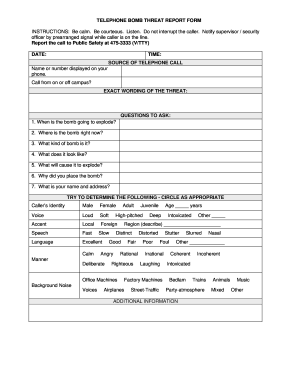
Bomb threat report form
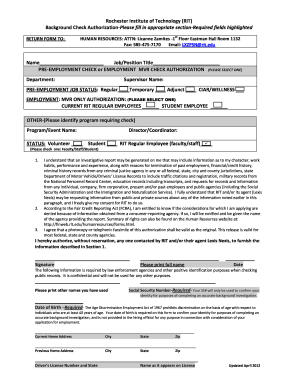
Pre-Employment Background Check and Authorization Form

Rit resume template
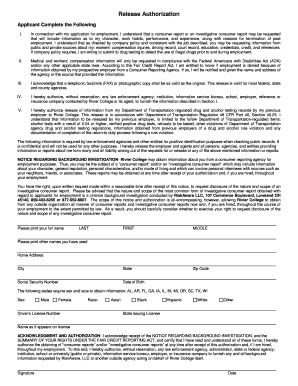
Adp sass
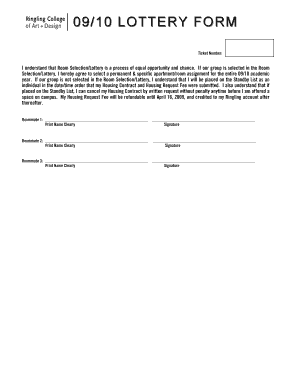
Lotto format
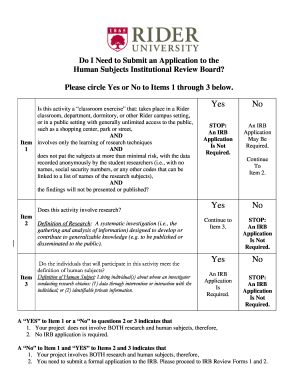
The subjects rider
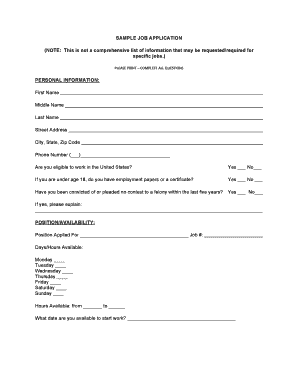
Sample job application form
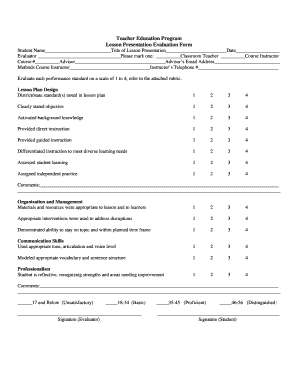
Micro teaching evaluation form
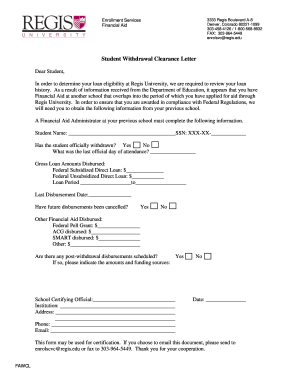
School withdrawal letter

2010 Summer Session Catalog AM7:2004 ... - Regis University - regis
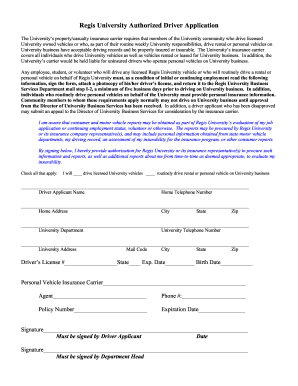
Regis Authorized Driver form - Regis University - regis
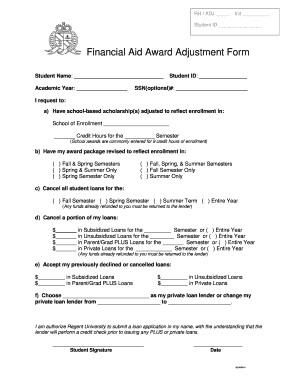
Financial Aid Award Adjustment Form - Regent University - regent
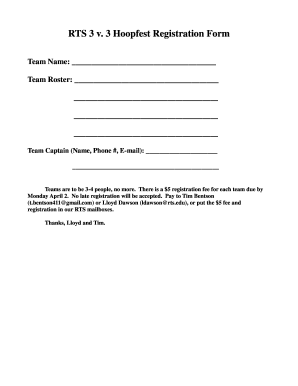
Grade 3 registration
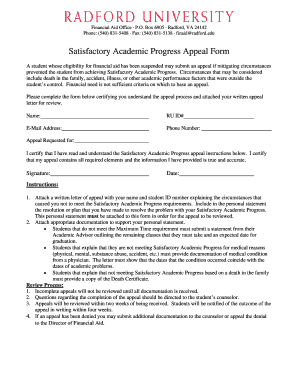
Satisfactory Academic Progress Appeal Form (PDF) - Radford ... - radford
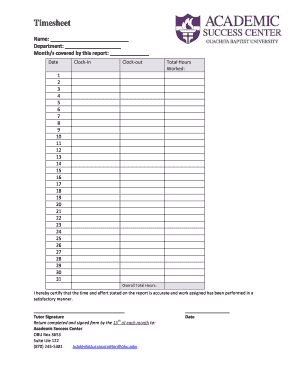
Adobe livecycle trial
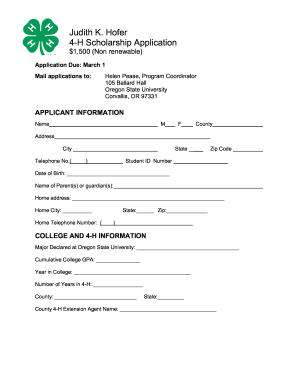
Hofer 4 h printable
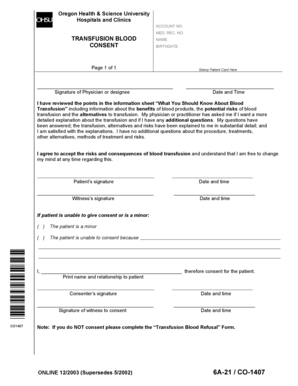
Blood transfusion consent form

Ohsu clinic referral form

Medical Assessment - Oral Roberts University - oru

Olympic college pdf application form
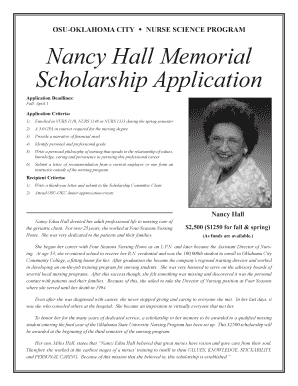
Nancy Hall Memorial Scholarship Application - Oklahoma State ... - osuokc
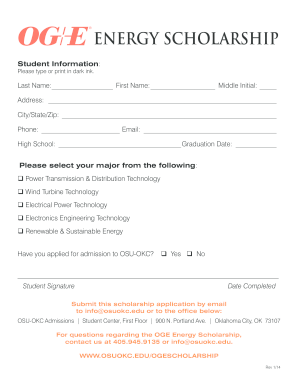
Oge energy scholarship

Ok baptist concurrent
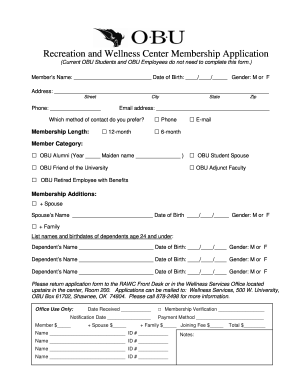
Membership form
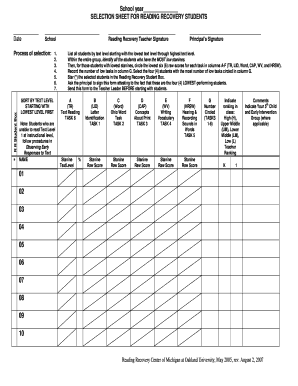
Reading recovery selection sheet

EXPOSURE INCIDENT REPORT FORM Date of Incident Time of ... - oakland
Benefit from the DocHub online library of fillable PDF forms
Searching the PDF forms doesn't have to be a tedious and time-consuming process. With the DocHub online library, it has become easier to find the fillable PDF forms and modify them in your browser. The service allows you to adjust the document to your needs using powerful editing tools.
You can use online document editing features to modify almost any type of document with ease. You just need to find the template of your choice, open it in the editor, and use the toolbar to make the necessary corrections.
Follow this guide to get your document done with DocHub:
- Find the PDF template you need.
- Click the Get Form button to open the file in the editor.
- Use the toolbar to fill out and edit the document.
- Easily add and highlight text, insert images, checkmarks, and symbols.
- Drop new fillable fields, and rearrange or delete pages from your file.
- Save changes and download your record.
DocHub empowers everyone to streamline document editing, signing, and distribution, and form completion. Create an account and benefit from our well-organized PDF Forms library and comprehensive editor.