
Get any PDF form from the DocHub library of ready-made templates - Page 1654
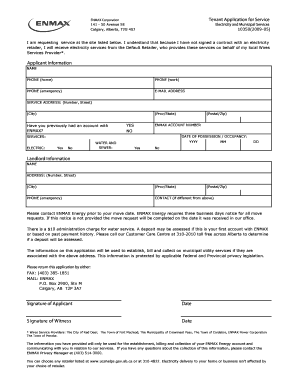
Tenant App for Service. seasonal volunteer support staff application

Application for registration in manitoba as a manufacturer, renovator ... - gov mb

Emp5389

City of toronto certificate of insurance
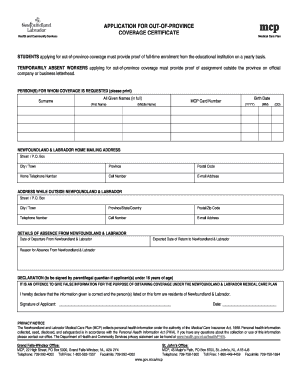
Province form
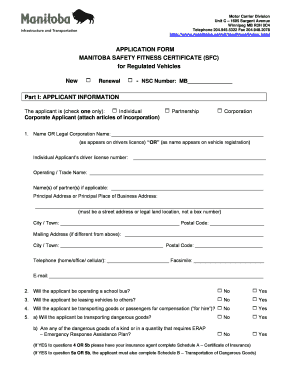
Safety fitness certificate manitoba
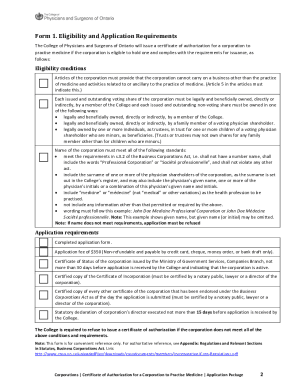
Certificate of Authorization Application - College of Physicians and ...
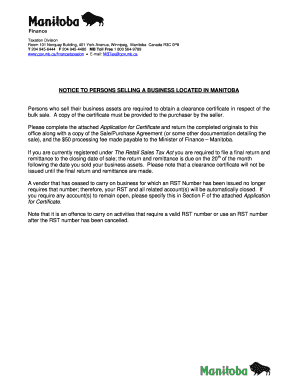
2010 of

Building/Demolition Permit Application Form - Township of Strathroy ...

Canada parking permit application
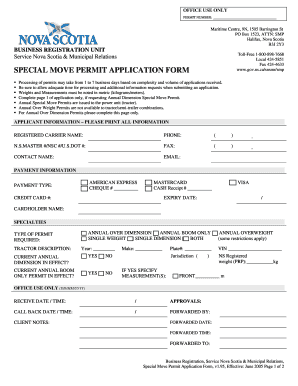
Special move permit application form
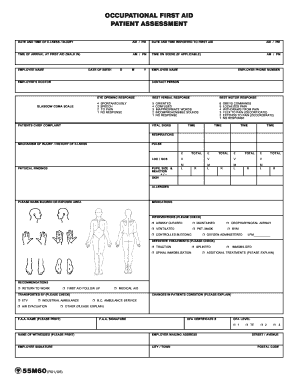
55m60 wsbc

Kpu request transcript
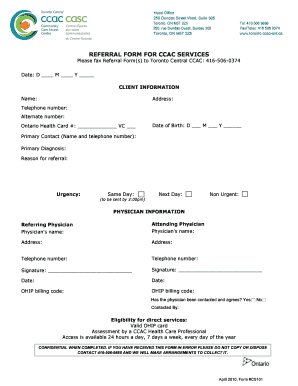
Ccac referral form

Investigations Form - TransUnion Canada
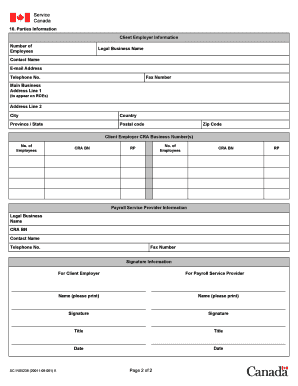
Roe web authorization form

FORM 202 Application for an Undergraduate Student Research ... - nserc-crsng gc

Tbs 006492
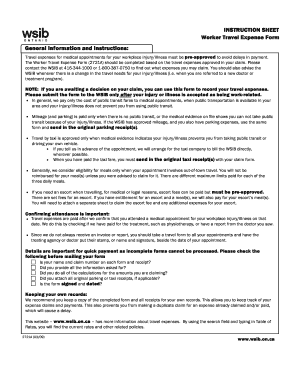
Wsib travel expense form
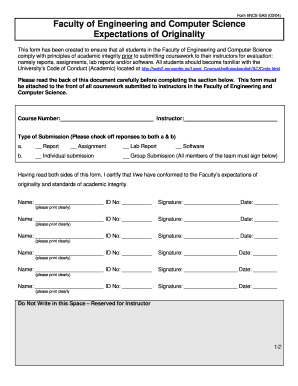
Encssas engineering computer

Bingo breakopen application
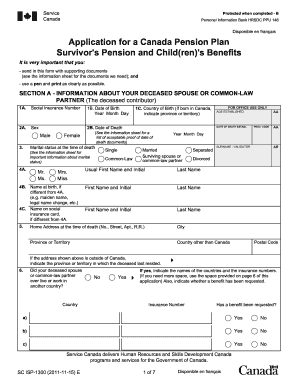
Canada pension application form
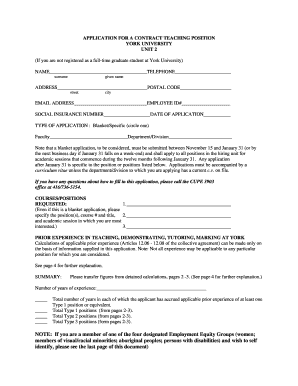
York application contract unit 2

Record of suspension 2013 form
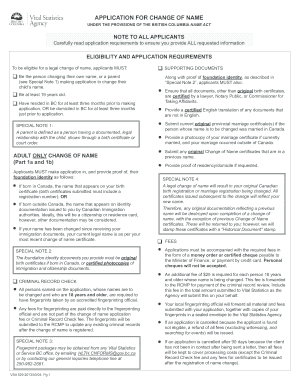
Application for change of name bc fillable 2013 form
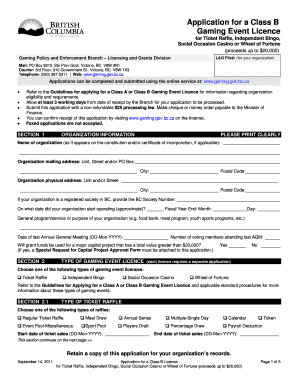
Bc gaming license class b
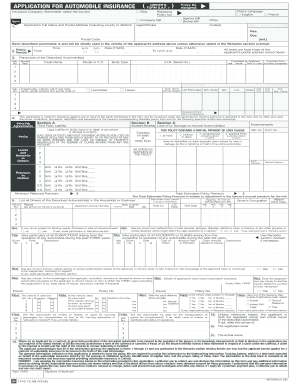
Application for automobile insurance - Alberta Finance and Enterprise - finance alberta
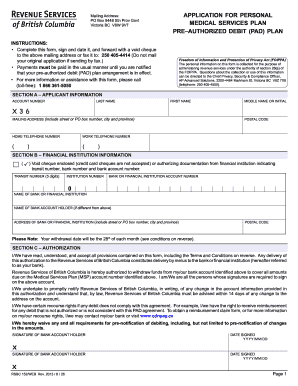
Bc msp online payment 2013 form
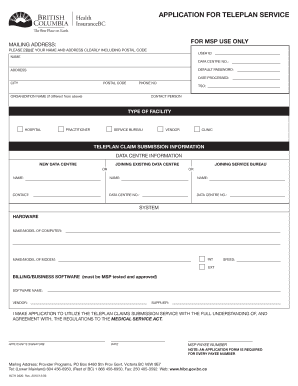
Application for Teleplan Service-Opted In - health gov bc
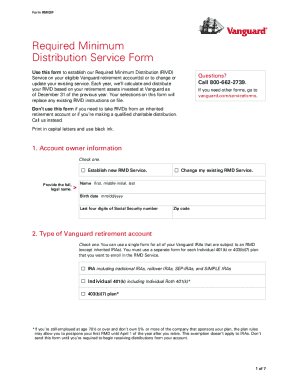
Vanguard rmd calculator

Convention de stage - Universit Paris Diderot-Paris 7

PRE-Order Form PALETTE OF COLOURS CD Album

Ferrandi form
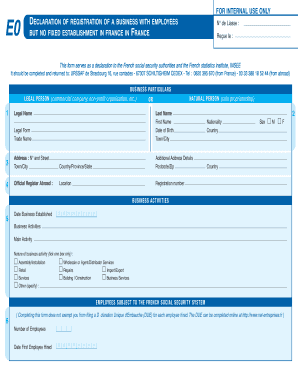
Form e0
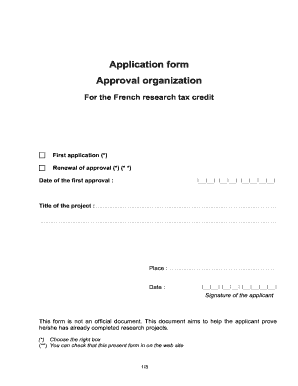
French tax credit application form
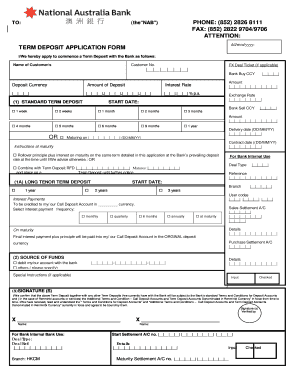
Term deposit application form
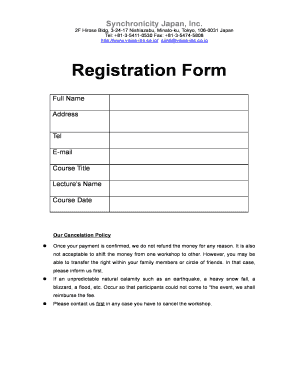
Registration Form - VOICE
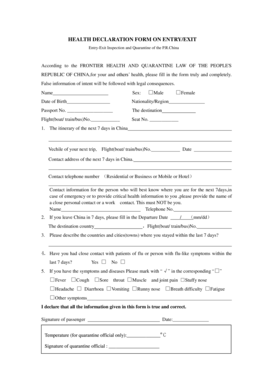
Exit declaration form
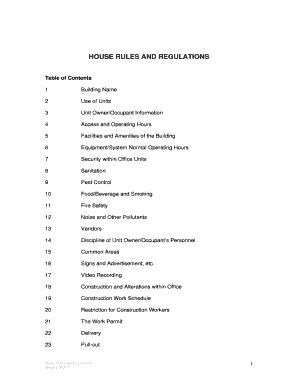
Rules and regulations in house
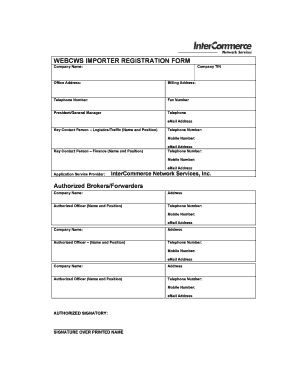
Intercommerce registration form
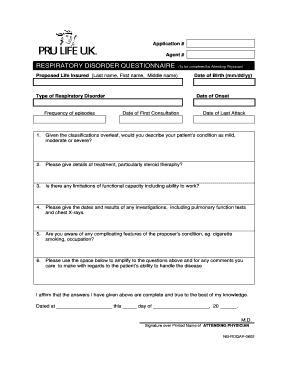
Repository Questionnaire (Attending Physician) - Pru Life UK
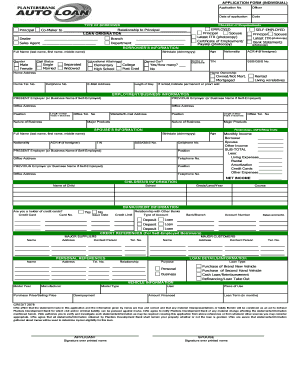
Car loan application
Bdo deposit slip
Pami form download
E pass registration
Health statement form
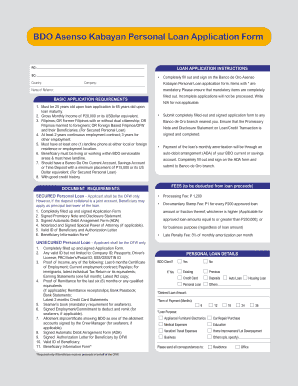
Bdo form fill up
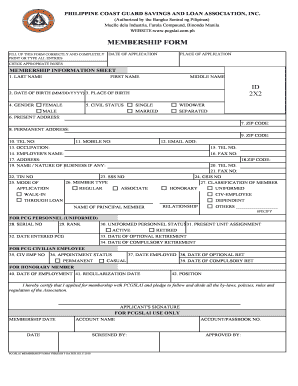
Philippine coast guard online registration 2021
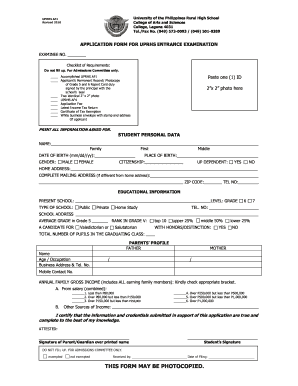
Up rural high school

Pru life uk downloadable forms

Application to purchase foreign exchange

Philippines remittance form
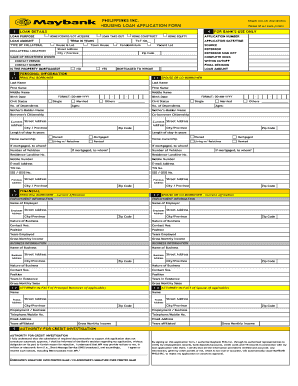
Maybank credit card application form
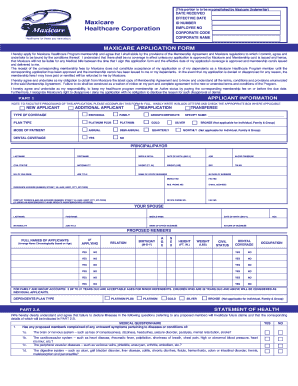
Maxicare application
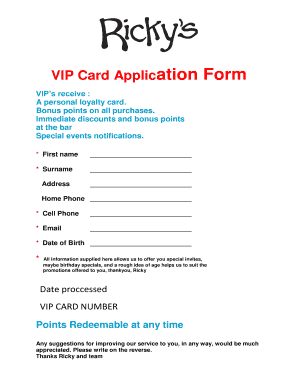
Vip card apply online
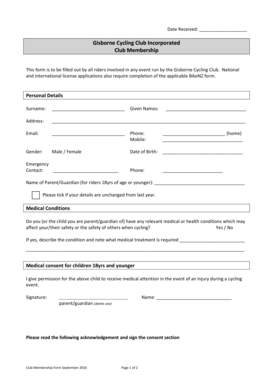
Bicycling club membership form template
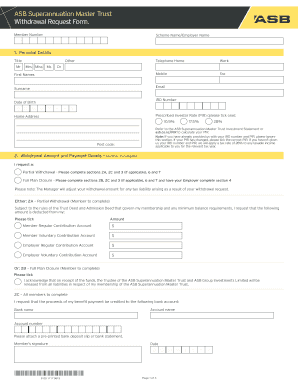
Asb superannuation master trust withdrawal request form
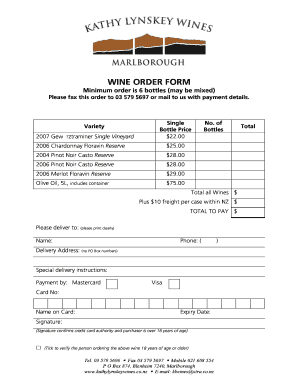
Wine bottle forms
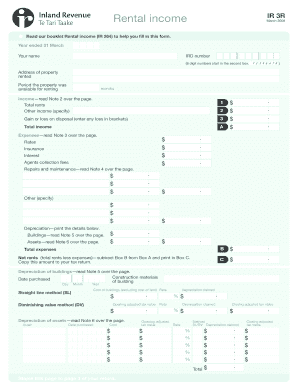
Ir264
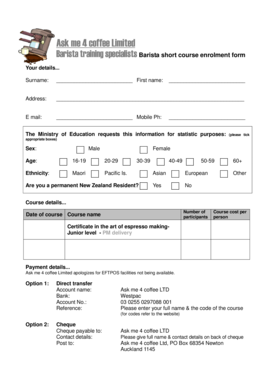
SpecialistsBarista short course enrolment form - Ask Me 4 Coffee - barista-training co
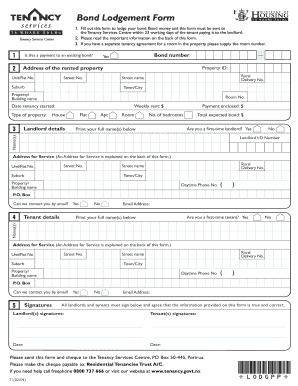
Bond lodgement online
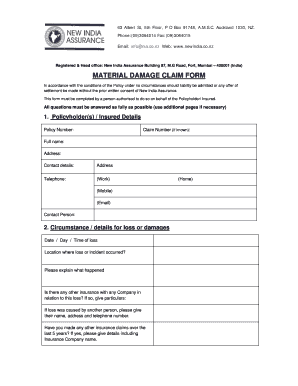
Damage claim form

Producer approved applicator
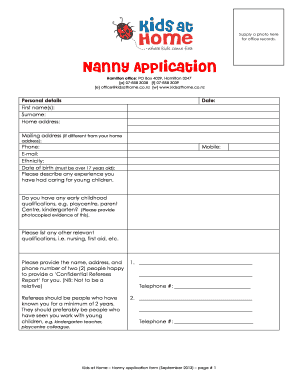
Nanny application
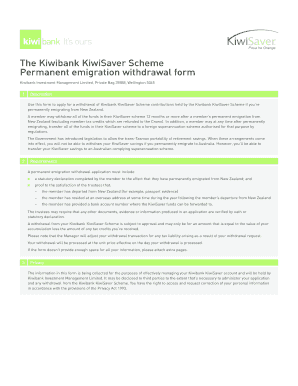
Onepath nz permanent emigration withdrawal form
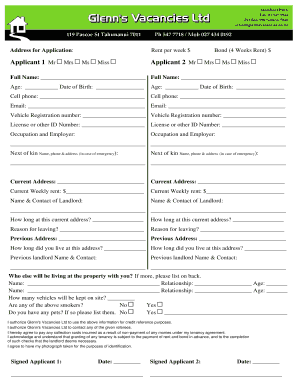
Printable rental application form bc
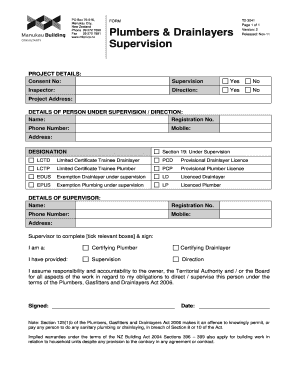
Drainlayers supervision
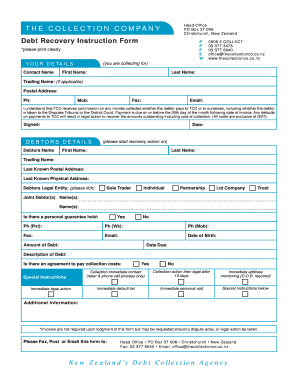
Debt collection form
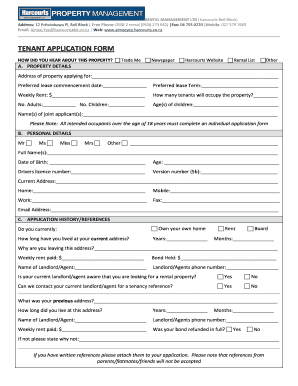
Simple tenancy agreement template nz
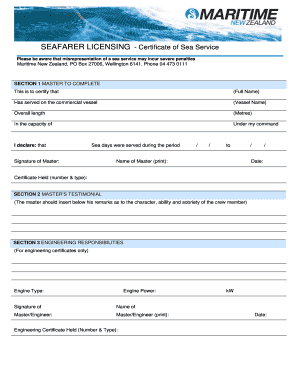
Sea service certificate

Kiwibank imt form 2013

Nz motor claim form
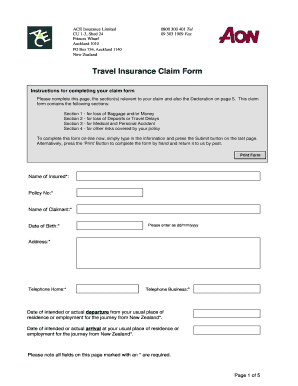
New zealand travel
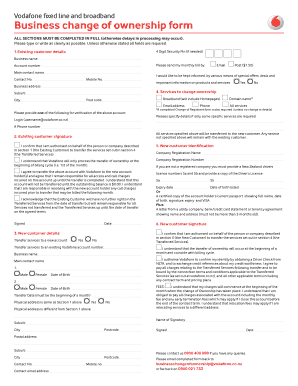
Change ownership
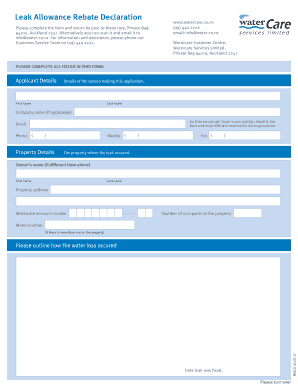
Watercare leak allowance form

Tauhara north
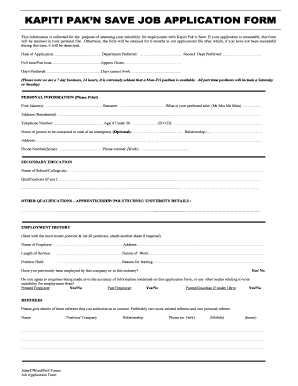
Pak n save job application form

Tenancy application form template nz
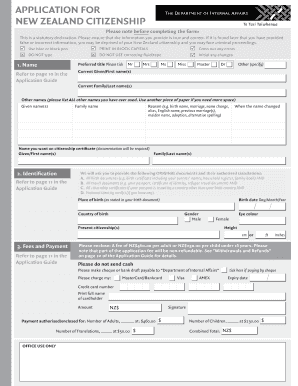
Citizenship application forms
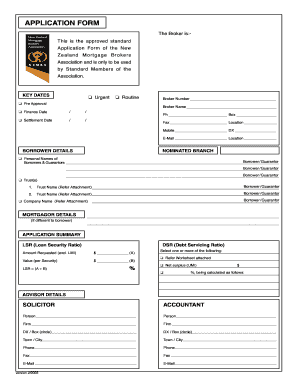
Nzmba

Kiwi overdraft
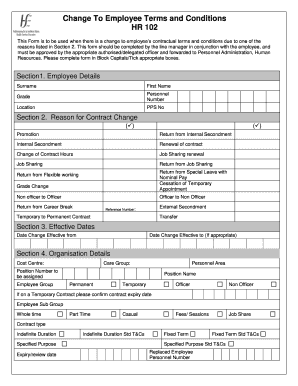
Hr 102 form
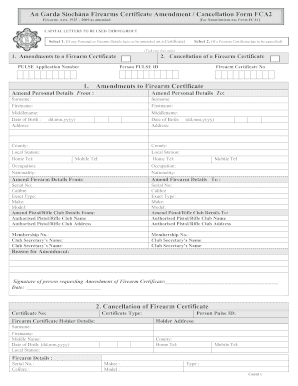
Fca2
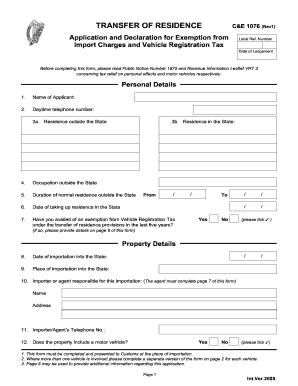
Form C&E 1076 - Transfer of Residence from outside ... - XSBaggage
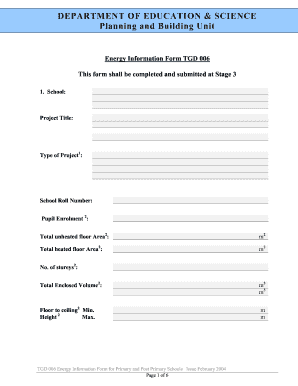
Energy tgd
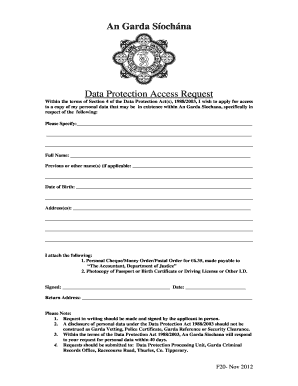
F20 form 2012
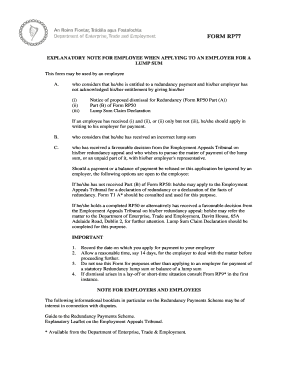
Rp77 form
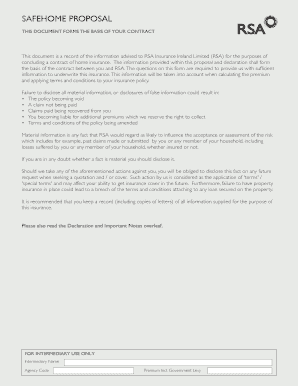
Safehome Proposal Form - RSA Ireland
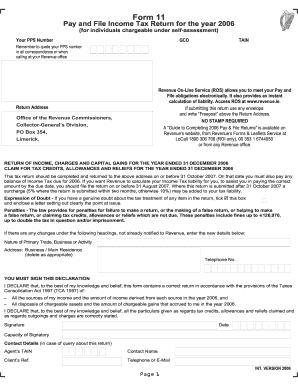
Form 11 2006 - Pay and File Income Tax Return 2006 - Revenue ... - revenue
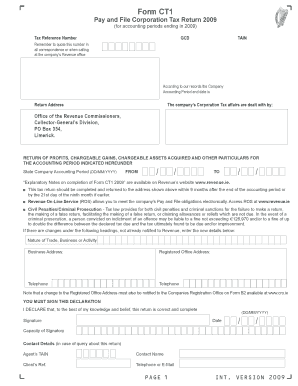
Ct1 form download
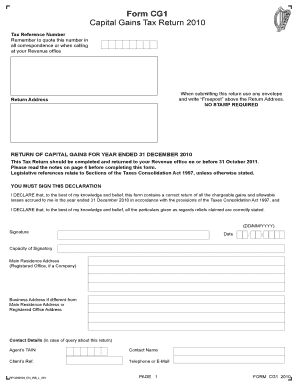
Form CG1 Capital Gains Tax Return 2010 - Revenue ... - revenue
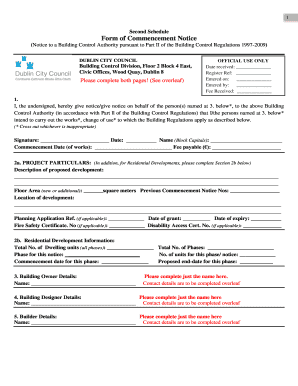
Comencment notice form dcc
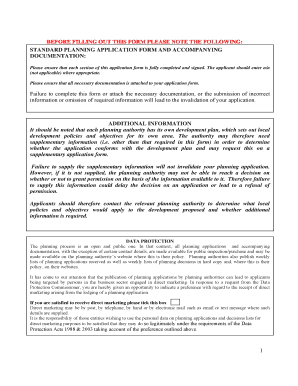
Carlow planning search
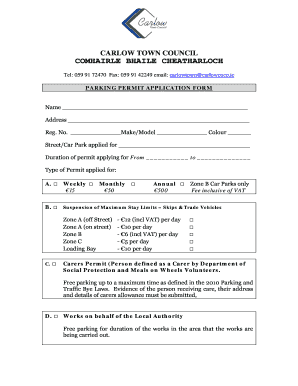
Carlow parking pass

Btw2 form

Rent supplement form
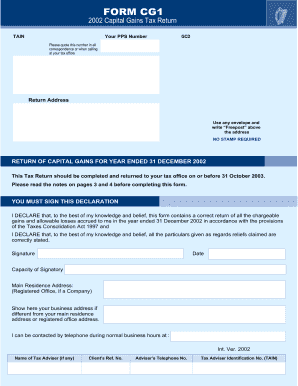
Form cg1

Genform

Cope application form
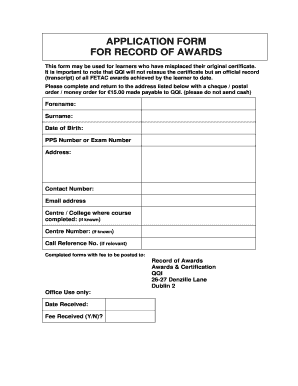
Fetac certificate replacement
Benefit from the DocHub online library of fillable PDF forms
Searching the PDF forms doesn't have to be a tedious and time-consuming process. With the DocHub online library, it has become easier to find the fillable PDF forms and modify them in your browser. The service allows you to adjust the document to your needs using powerful editing tools.
You can use online document editing features to modify almost any type of document with ease. You just need to find the template of your choice, open it in the editor, and use the toolbar to make the necessary corrections.
Follow this guide to get your document done with DocHub:
- Find the PDF template you need.
- Click the Get Form button to open the file in the editor.
- Use the toolbar to fill out and edit the document.
- Easily add and highlight text, insert images, checkmarks, and symbols.
- Drop new fillable fields, and rearrange or delete pages from your file.
- Save changes and download your record.
DocHub empowers everyone to streamline document editing, signing, and distribution, and form completion. Create an account and benefit from our well-organized PDF Forms library and comprehensive editor.