
Get any PDF form from the DocHub library of ready-made templates - Page 1658
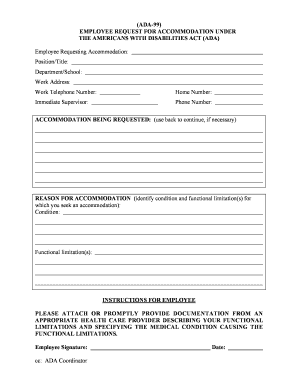
Ada form for work

Meningococcal meningitis vaccine requirement form utd
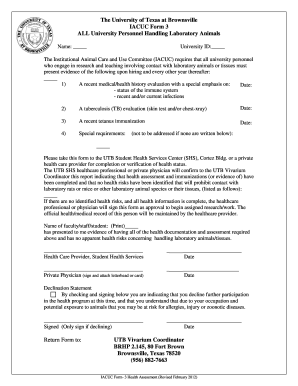
DocHub iacuc forms
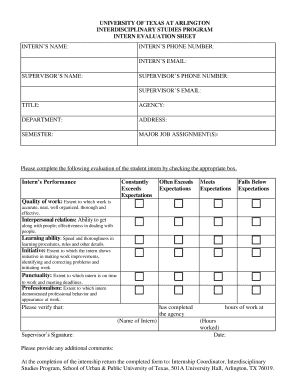
Supervisor evaluation

Ffata data collection form
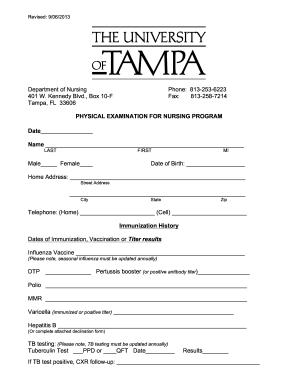
Complete pt physical examination form

2019 kentucky k 4 form

Dance team application template
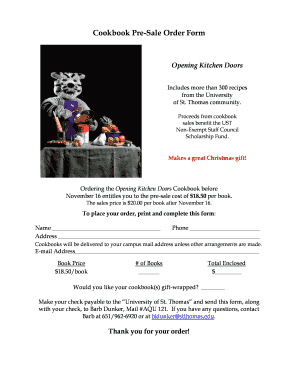
School cookbook pre sale forms
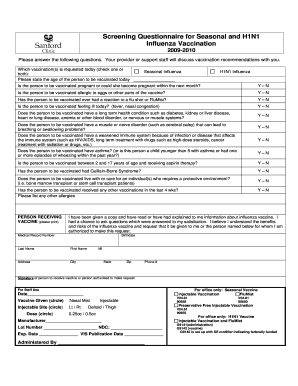
Vaccine questionnaire
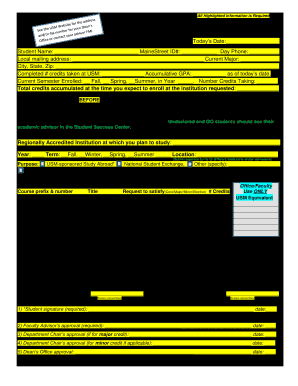
Prior approval forms
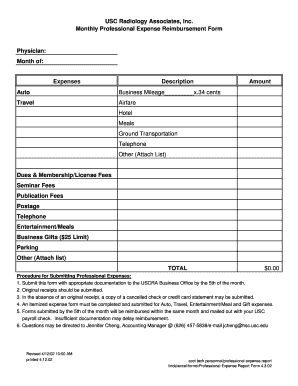
Business expense report form
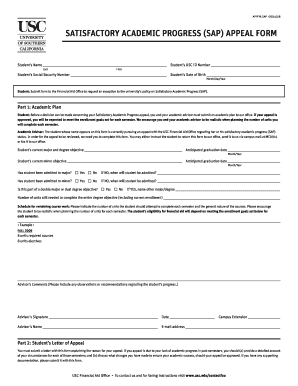
SATISFACTORY ACADEMIC PROGRESS (SAP) APPEAL FORM - usc
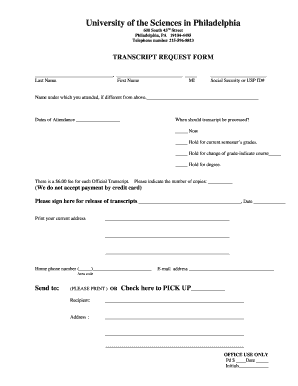
Sciences philadelphia transcript request
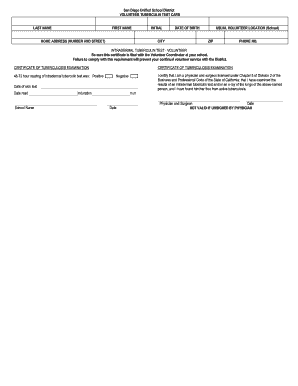
San diego tuberculin card
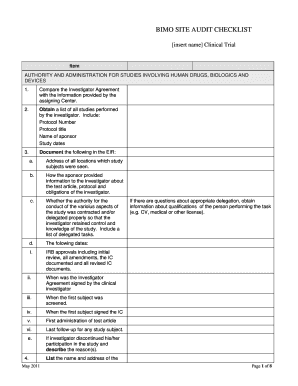
Bimo checklist
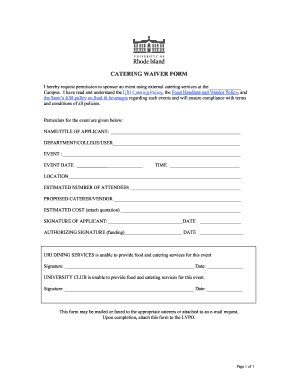
Catering waiver
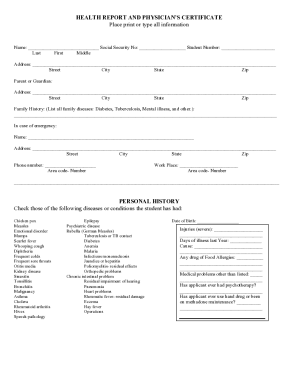
Pvac 3
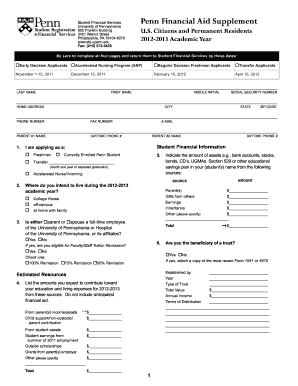
How to fill out penn financial aid supplement
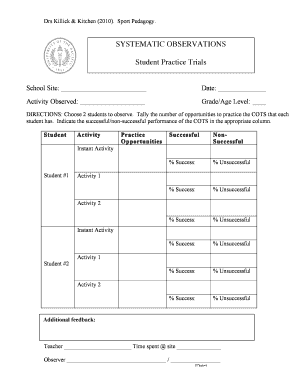
Systematic observation form
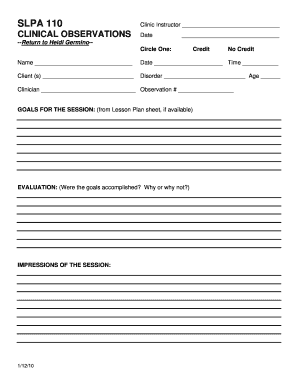
Slp observation hours log sheet

Volunteer community service form
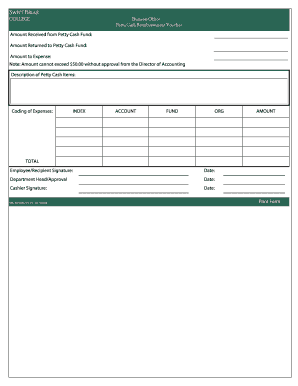
Cash reimbursement
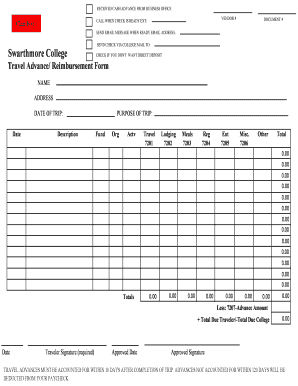
Travel advance voucher form
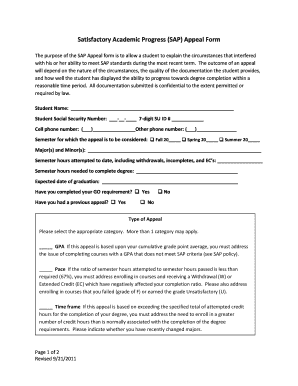
(SAP) Appeal Form - Susquehanna University - susqu

Sullivan university transcript request
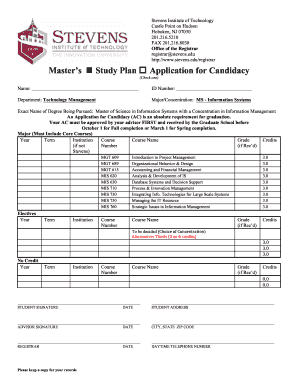
Stevens msis study plan form
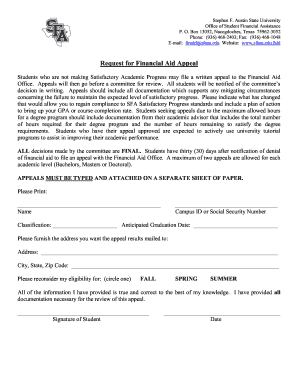
Financial Aid Appeal Form - Stephen F. Austin State University - sfasu
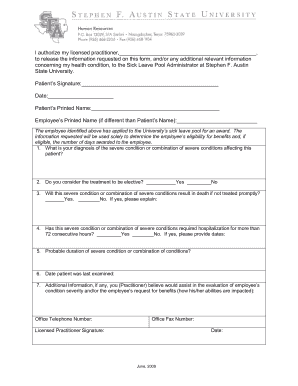
Sick Leave Pool Request Packet - Stephen F. Austin State University
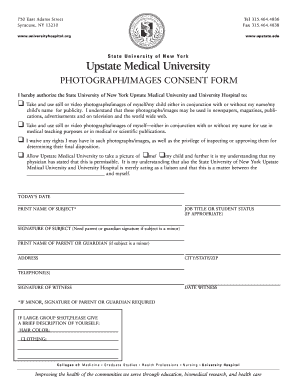
Upstate university hospital fax form

Travel requisition form
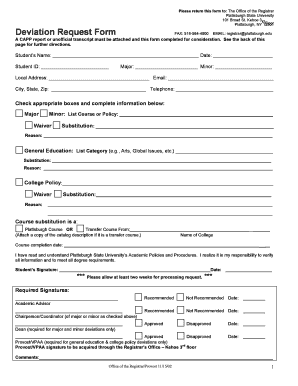
Deviation request form
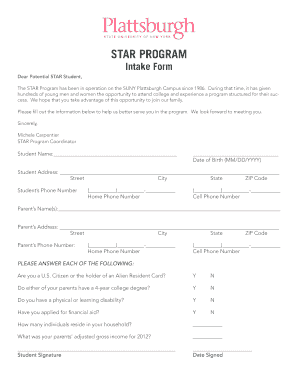
Plattsburgh star form
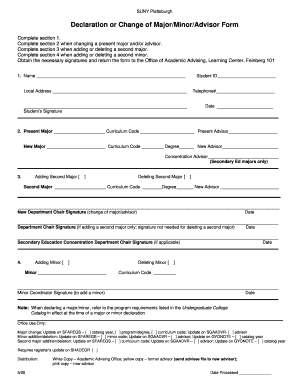
Suny plattsburgh change
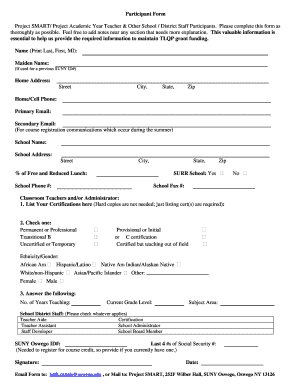
Project blend suny oswego form
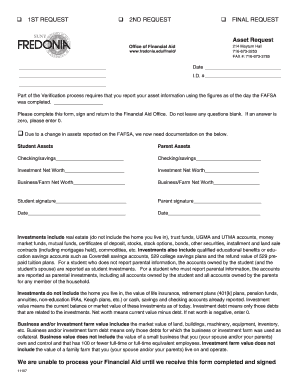
Fredonia asset

Nys tax exempt form st 119

Excellus tefra b blueshield
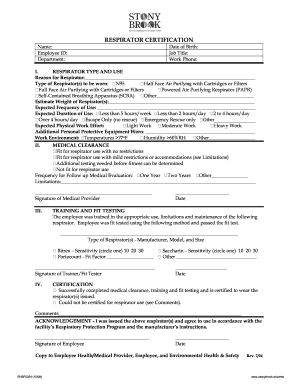
Stonybrook respirator certification form

N95 fit test form
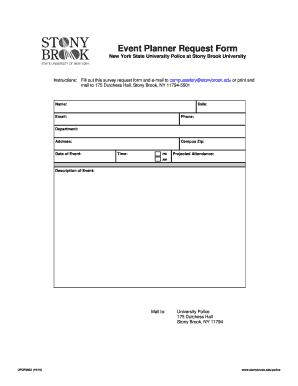
Printable event planning forms
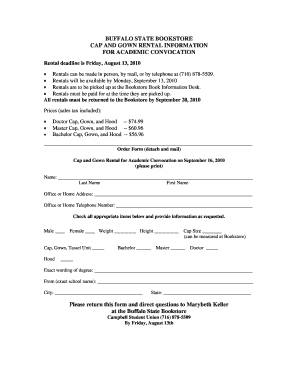
Cap and gown rental
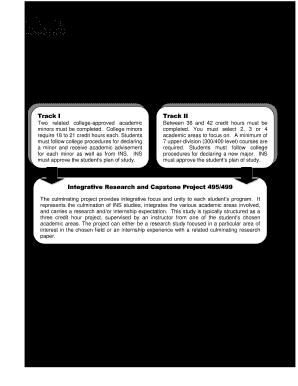
Download Individualized Studies Application - Buffalo State - buffalostate
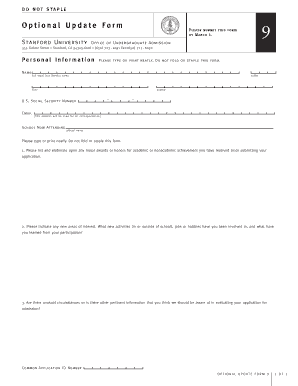
Stanford defer update form
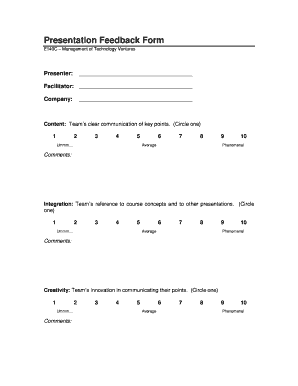
Presentation feedback form for students
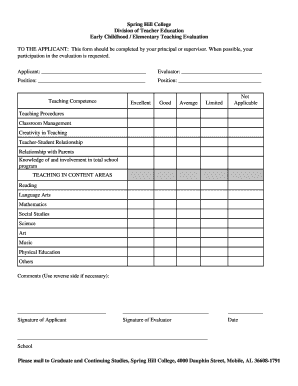
Teacher evaluation form by principal
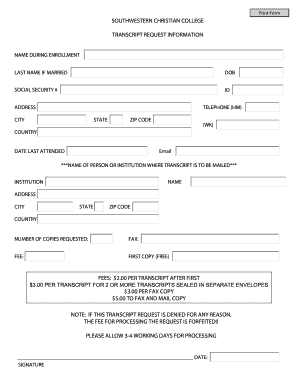
Southwestern christian transcript request
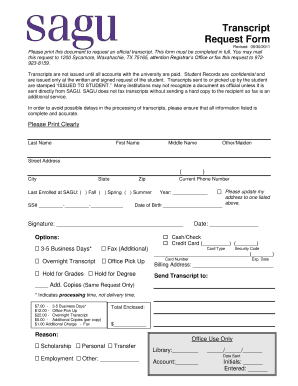
Sagu transcripts

Transcriptssuuedu form
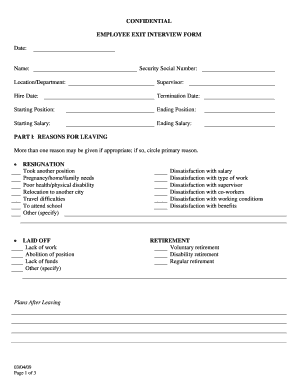
Exit interview fillable form

Southern university baton rouge repeat
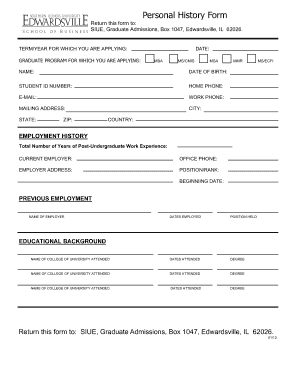
Personal History Form (PHF) - siue
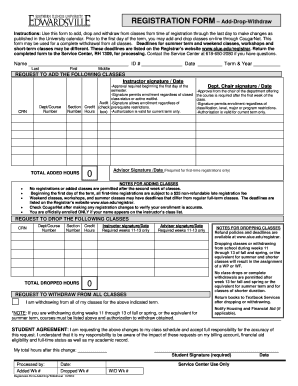
Siue add drop form

Siue university waiver
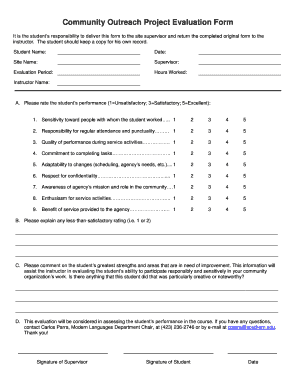
Evaluation form for outreach program

How to southeastern louisiana transcript
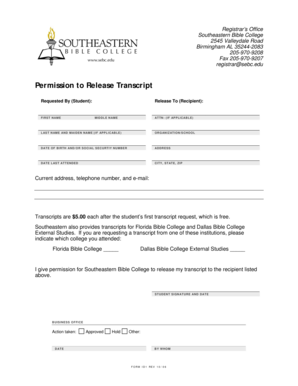
Download Transcript Request Form (pdf) - Southeastern Bible College

Notice of payroll deduction letter template
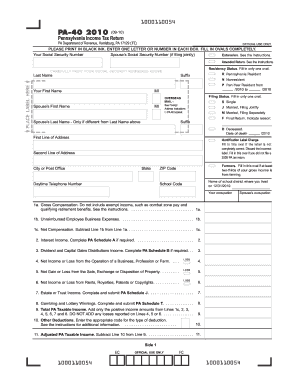
2009 PA tax return
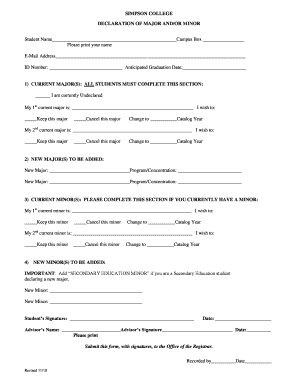
Declare or Change Major/Minor Form - Simpson College - simpson
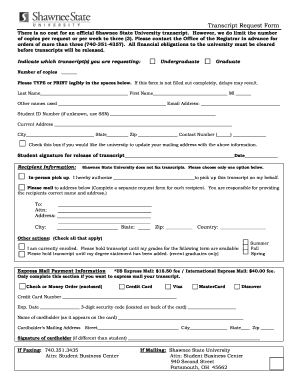
Shawnee state university transcript
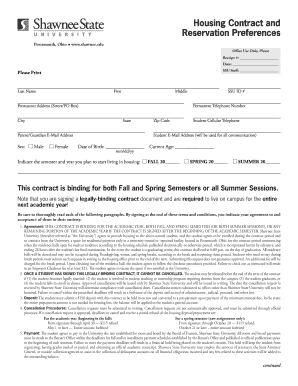
Oh housing contract
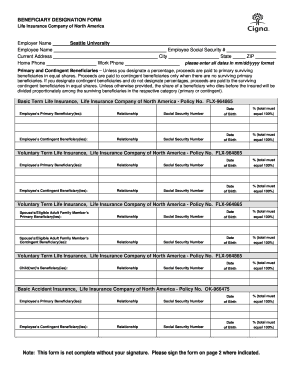
Blank beneficiary designation form
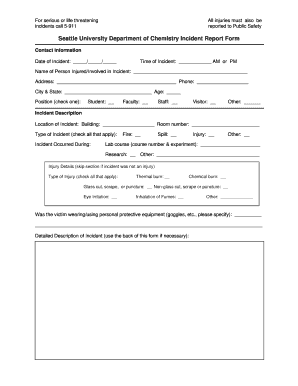
Home depot incident report
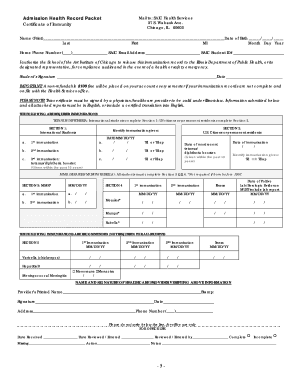
Printable immunization records
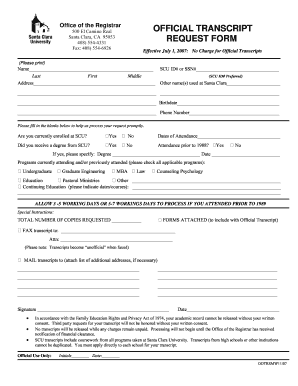
Santa clara university transcripts form

Cash handling template
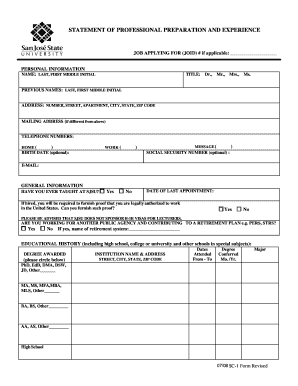
Form sc 1 statement
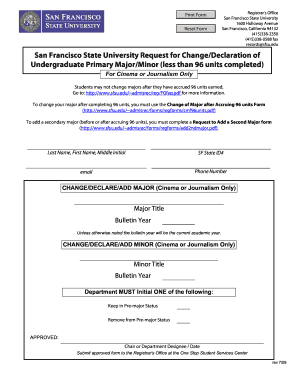
Undergraduate Change of Major or Minor Form - San Francisco ... - sfsu
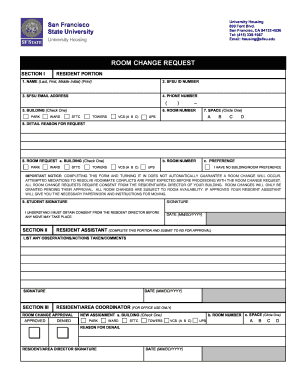
Room change request form

Workforce Confidentiality Agreement Form - Samuel Merritt University - samuelmerritt
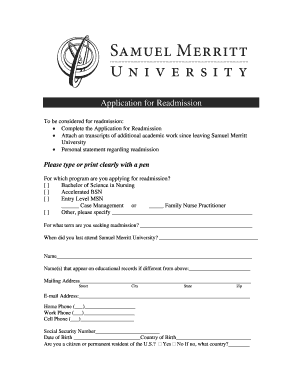
Application for Readmission - Samuel Merritt University - samuelmerritt
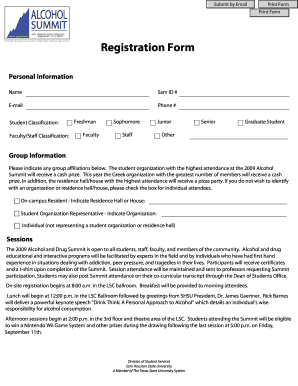
Affidavit form for sam houston state 2009

Shsu petition
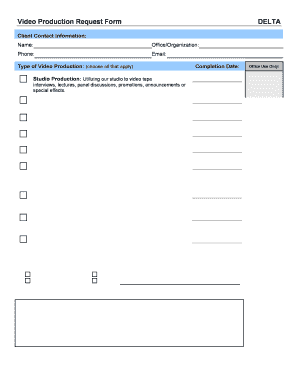
Video production request form
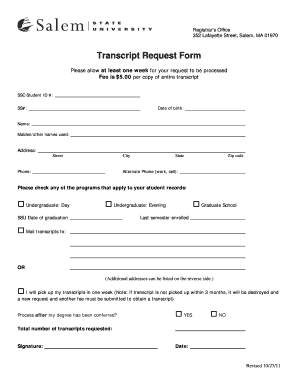
Salem state navigator
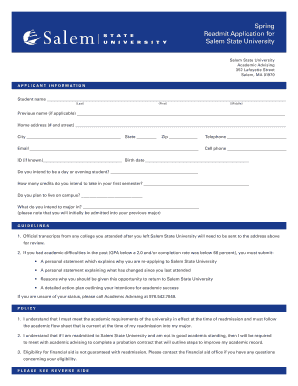
Salem state university readmit form
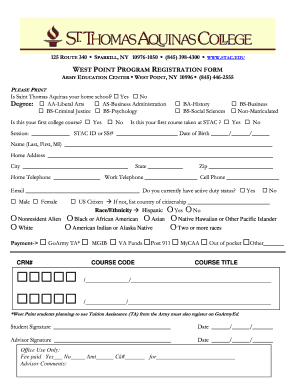
New york registration form
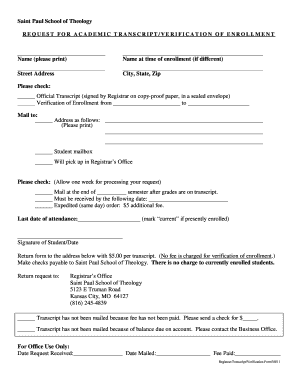
Transcript-Enrollment Verification Request Form - Saint Paul School ...
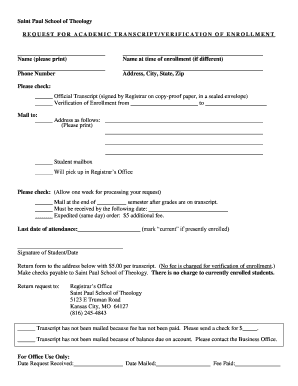
Voe form

SNC Study Abroad Course Approval Form - St. Norbert College - snc

Payment approval format in excel
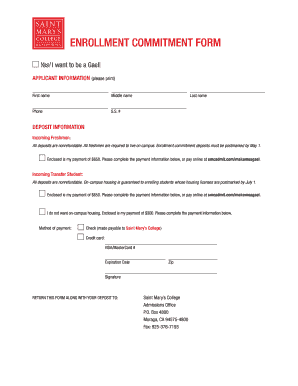
St marys of california form
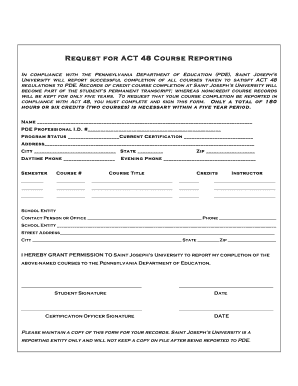
ACT48 Form - Saint Joseph's University - sju
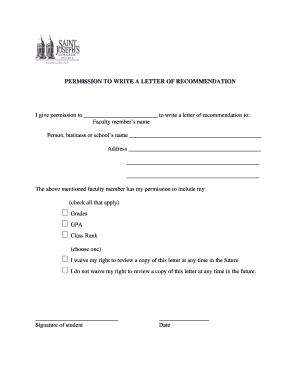
Letter of recommendation fill in
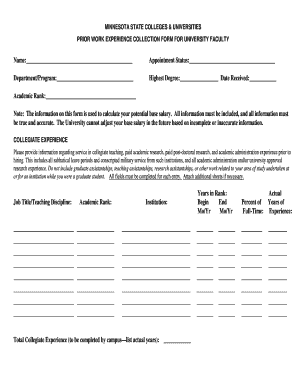
Prior work form
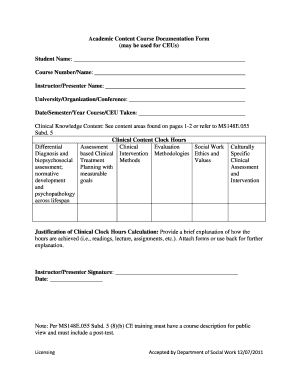
Academic course documentation form template
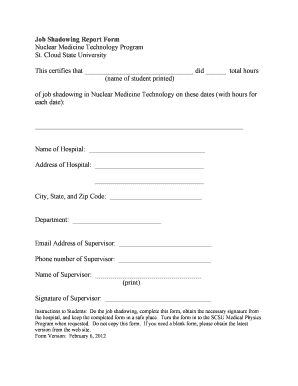
Job Shadowing Report Form Nuclear Medicine Technology ... - stcloudstate
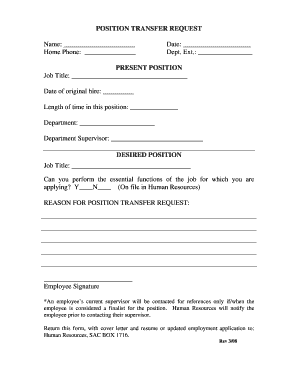
Position Transfer Request Form - anselm
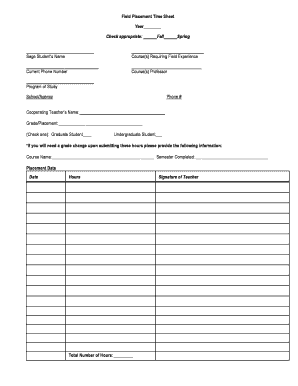
College placement timesheets form
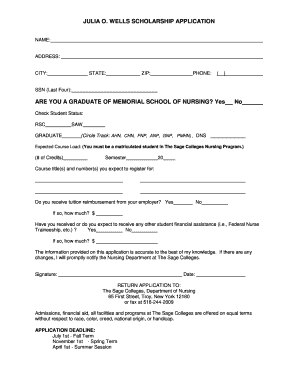
Julie o wells scholarship application suny poly

Form 32a

Personal Training Client Packet - Purdue University - purdue
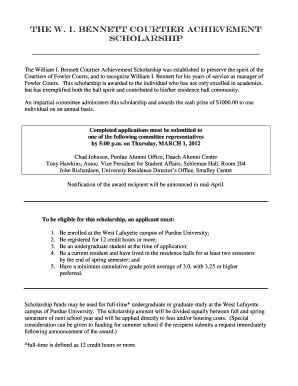
I bennett courtier scholarship
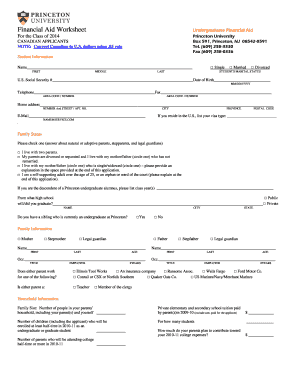
Princeton financial aid
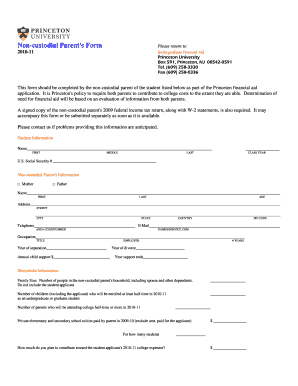
Non-custodial Parent's Form - Princeton University - princeton
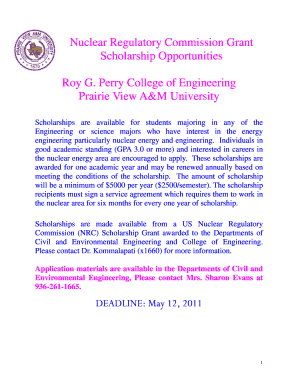
College nuclear regulatory commission scholarship

Pvamu substitution form
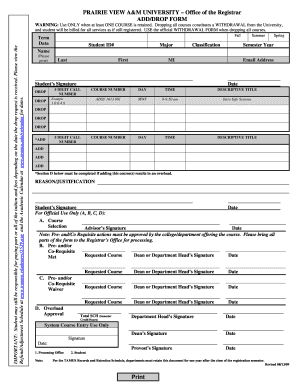
Pvamu add drop form
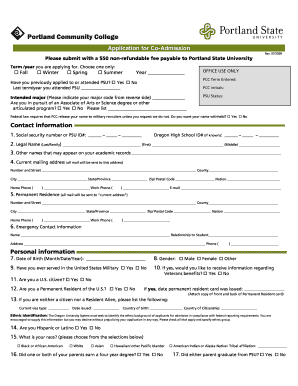
Portland state college application
Benefit from the DocHub online library of fillable PDF forms
Searching the PDF forms doesn't have to be a tedious and time-consuming process. With the DocHub online library, it has become easier to find the fillable PDF forms and modify them in your browser. The service allows you to adjust the document to your needs using powerful editing tools.
You can use online document editing features to modify almost any type of document with ease. You just need to find the template of your choice, open it in the editor, and use the toolbar to make the necessary corrections.
Follow this guide to get your document done with DocHub:
- Find the PDF template you need.
- Click the Get Form button to open the file in the editor.
- Use the toolbar to fill out and edit the document.
- Easily add and highlight text, insert images, checkmarks, and symbols.
- Drop new fillable fields, and rearrange or delete pages from your file.
- Save changes and download your record.
DocHub empowers everyone to streamline document editing, signing, and distribution, and form completion. Create an account and benefit from our well-organized PDF Forms library and comprehensive editor.