




Here's how it works



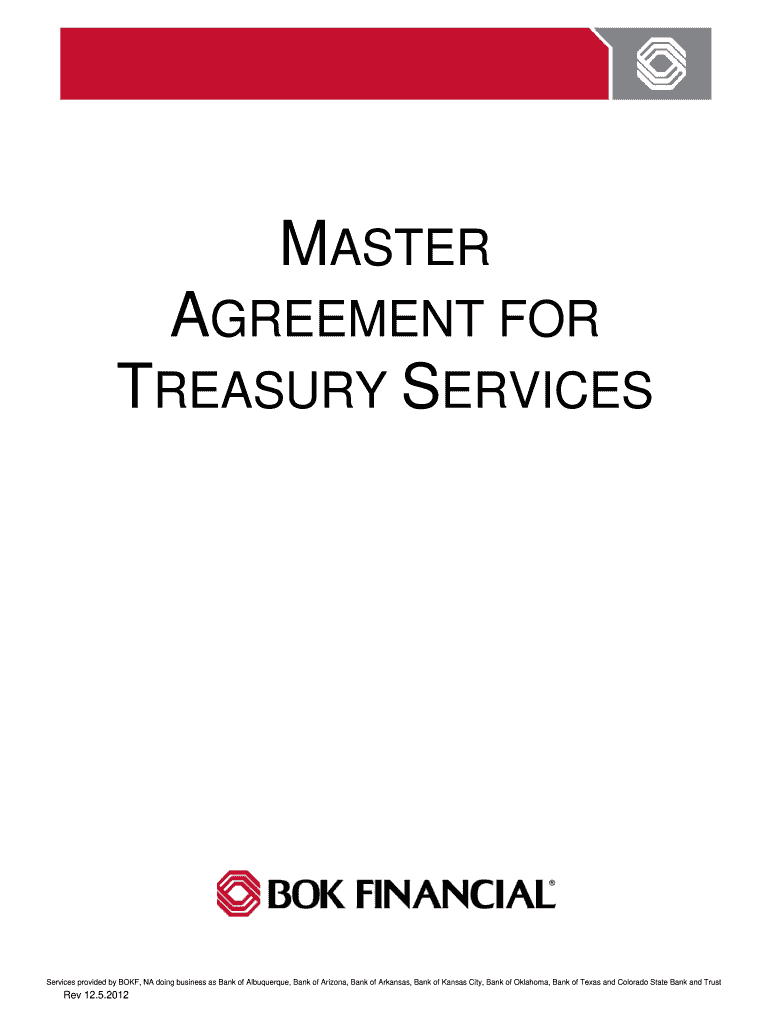
How to use or fill out Master agreement for treasury services - University of Houston - uh with our platform

- Click ‘Get Form’ to open the Master Agreement for Treasury Services in the editor.
- Begin by filling in your company details, including the legal name and tax identification number (TIN) in the designated fields.
- Review each section carefully, such as Account Reconciliation and ACH Services, ensuring you understand the terms and conditions outlined.
- For sections requiring specific information, like Authorized Individuals or Security Procedures, provide accurate details as per your organization’s requirements.
- Once all fields are completed, utilize our platform's features to save your progress and review the document for any errors before submission.
- Finally, click ‘Submit’ to send your completed form or download it for your records.
Engage with our platform today to streamline your treasury services documentation process!
It's free
See more Master agreement for treasury services - University of Houston - uh versions
| Versions | Form popularity | Fillable & printable |
|---|---|---|
| 2012 | 4.8 Satisfied (213 Votes) |
Got questions?
Can I sign my Master agreement for treasury services - University of Houston - uh on a mobile?
Of course, you’ll find numerous apps for this on the web. However, if you need to eSign your Master agreement for treasury services - University of Houston - uh without installing extra software, DocHub is the best choice you can make. This robust editor works on mobile devices just as on desktops. Open our editor in your preferred internet browser, register or sign in to your account, and start managing your paperwork.
How do you edit Master agreement for treasury services - University of Houston - uh on iOS?
You can easily edit fill out your Master agreement for treasury services - University of Houston - uh on any iOS gadget. Open an internet browser of your choice, visit the DocHub website, authorize or create a new account, upload your file for editing, and make your required adjustments. Our service is mobile-friendly, so using its functions on your smartphone will be a no-brainer, even on the first try.
Security and compliance
At DocHub, your data security is our priority. We follow HIPAA, SOC2, GDPR, and other standards, so you can work on your documents with confidence.
Learn more


