
Get any PDF form from the DocHub library of ready-made templates - Page 1436

Player Code of Conduct.doc
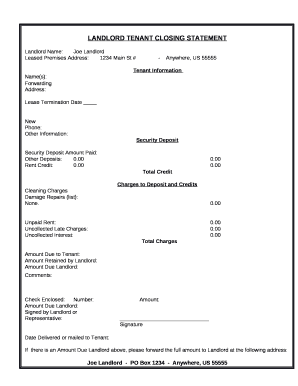
LANDLORD TENANT CLOSING STATEMENT
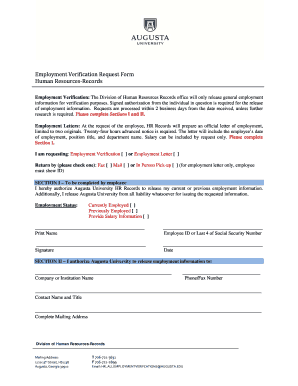
Augusta university employment verification
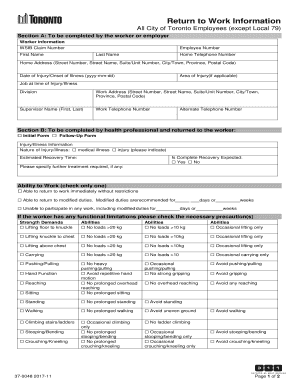
RTW Form.pdf - City of Toronto
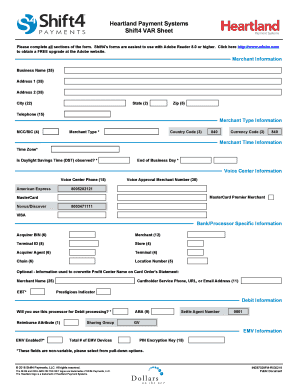
What is a var sheet
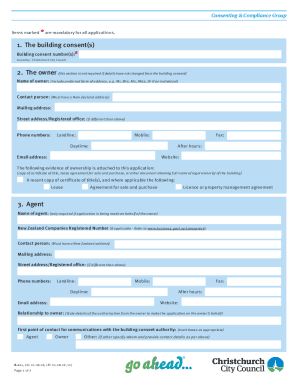
B-011. Form 6 - Application for code compliance certificate
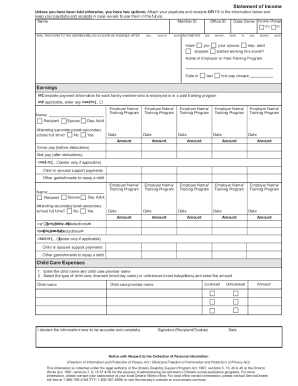
Canada statement income ontario

Win strategy central idea

Time ny
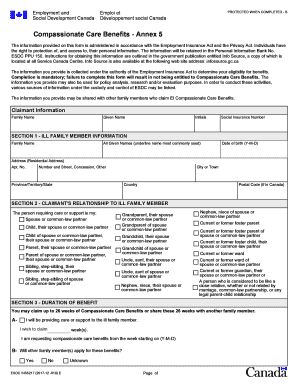
Ins5217
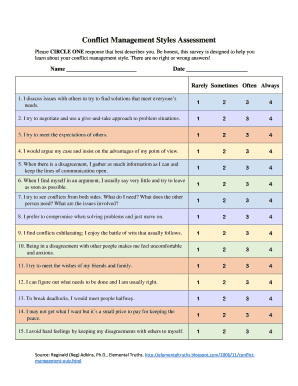
Conflict styles assessment
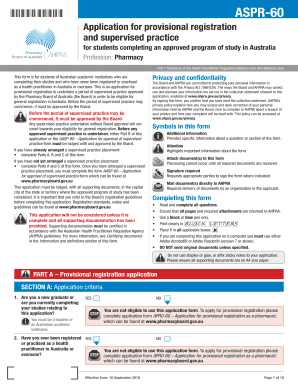
Aasp 60

Pharmacy technician performance evaluation sample
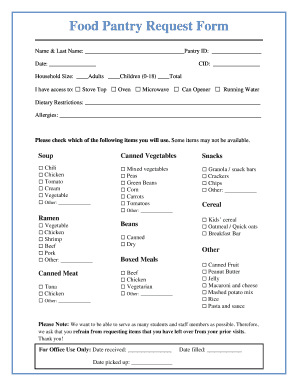
Food Pantry Request Form
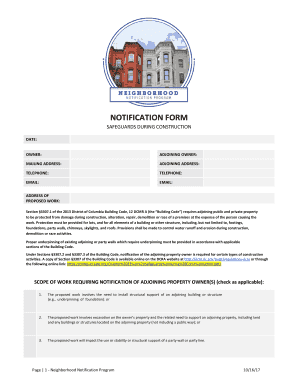
Notification form during
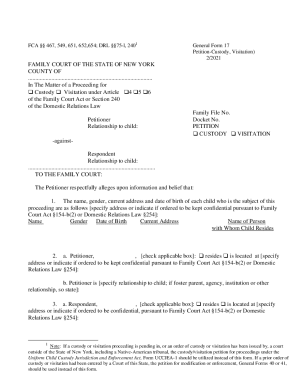
Ny petition custody family court
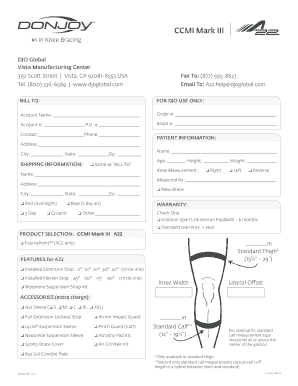
Donjoy defiance order form
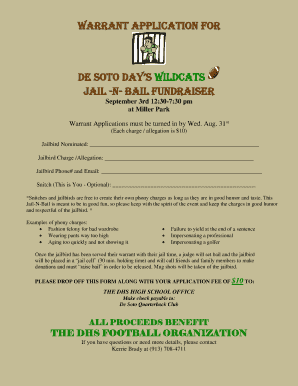
Jail and bail fundraiser flyer

Alrp 66 form
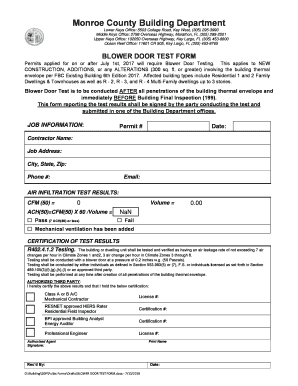
Blower door rental
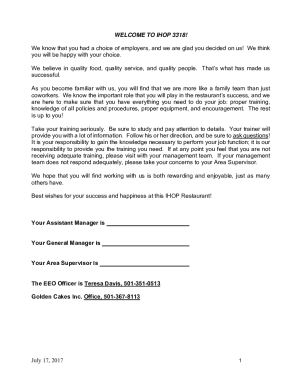
Ihop employee handbook
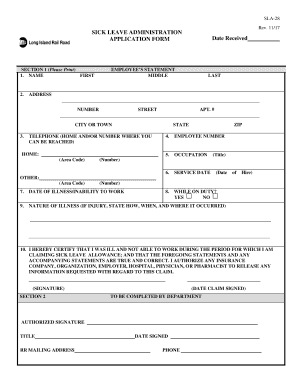
Lirr sick form
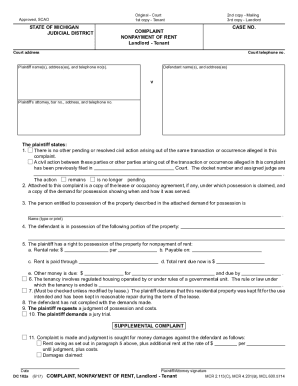
Complaint landlord tenant

Printable government forms online ic 2580
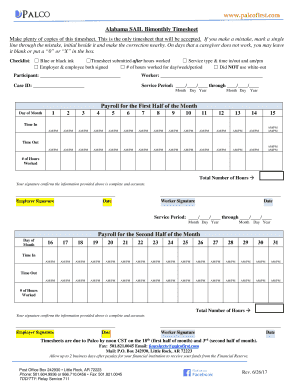
Alabama timesheet template
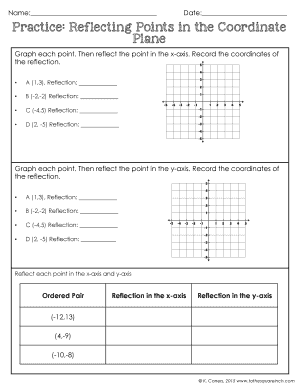
Reflections on a coordinate plane worksheet pdf
Oregon needs assessment
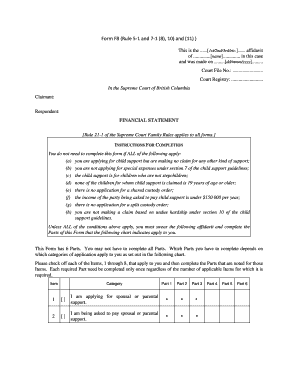
Form f8 financial statement fillable pdf
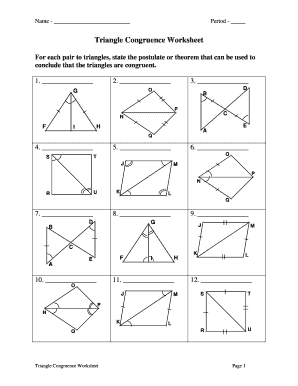
Triangle congruence worksheet

Material Transfer Request Form
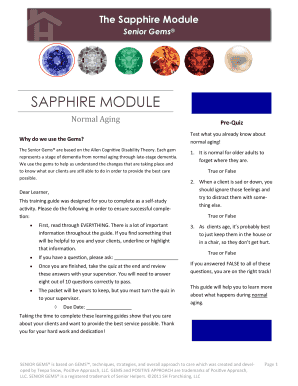
The Sapphire Module

Mycaw pdf
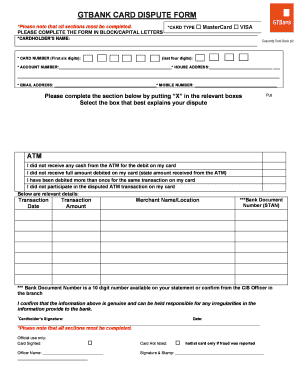
Gtbank dispute form

Maryland unclaimed property report
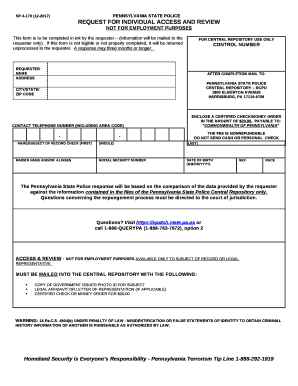
Sp4 170 form
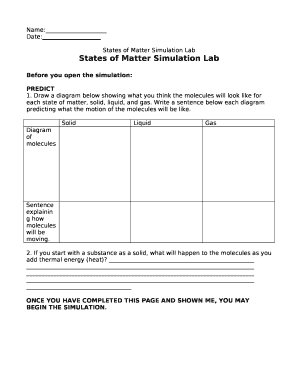
States of matter simulation lab answer key
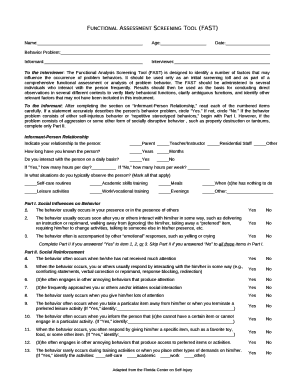
Fillable fast assessment
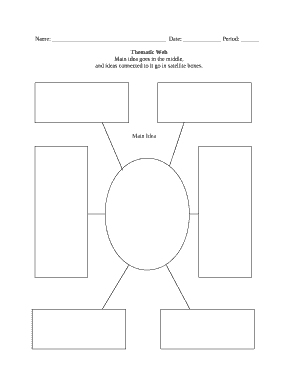
Thematic web template
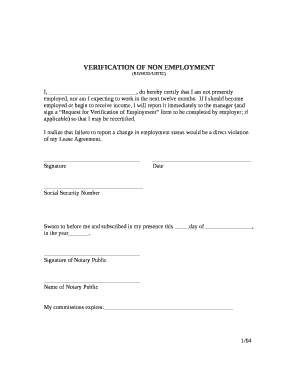
Proof of non employment letter
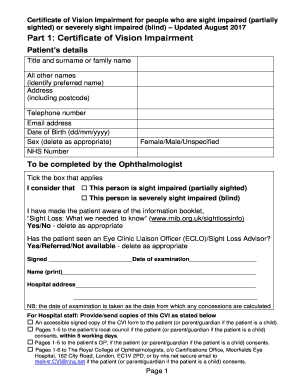
Certificate of visual impairment benefits
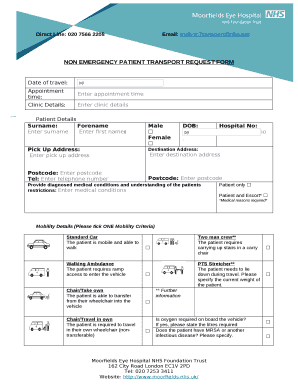
Non emergency patient transport form
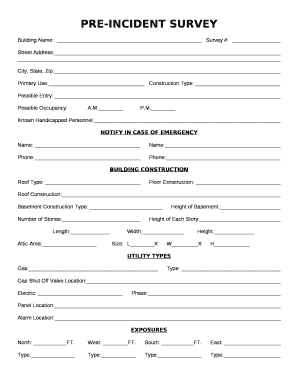
PRE-INCIDENT SURVEY
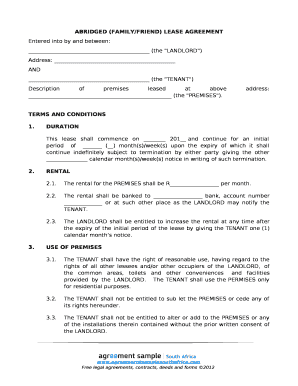
ABRIDGED (FAMILY/FRIEND) LEASE AGREEMENT
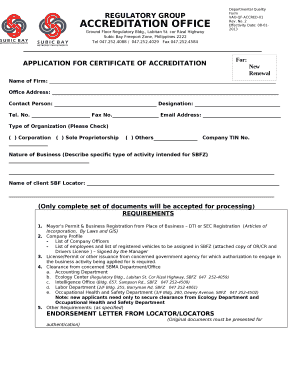
Certificate of accreditation sample
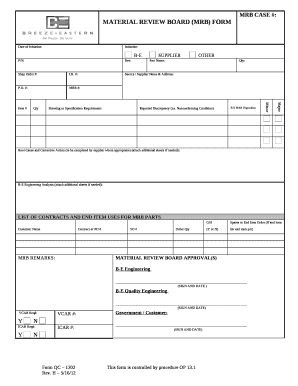
Material review board template
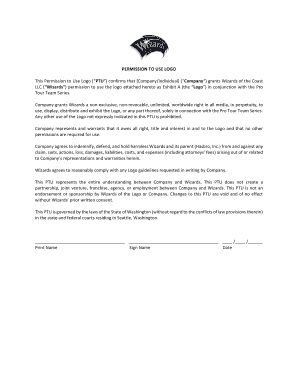
Permission to use logo sample letter
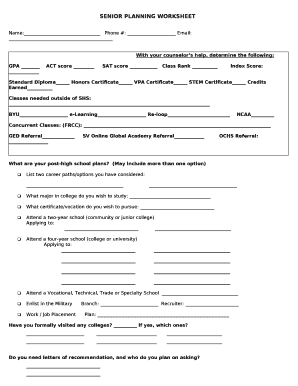
SENIOR PLANNING WORKSHEET

Application to file a Statutory Declaration Out of TimeForm PE2
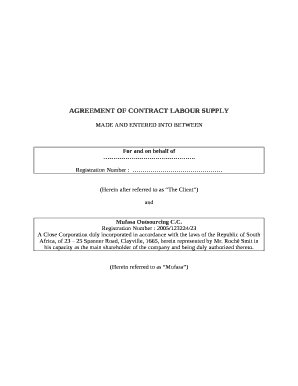
Manpower supply agreement word format

Confirmation of assignment
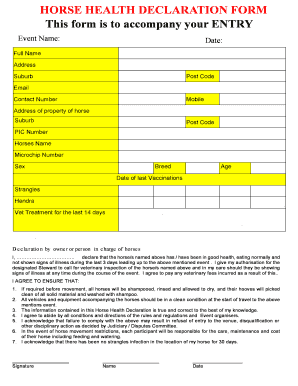
Horse health declaration form 2019

Low Back Pain Disability Index (Revised Oswestry)

Utah fees sales
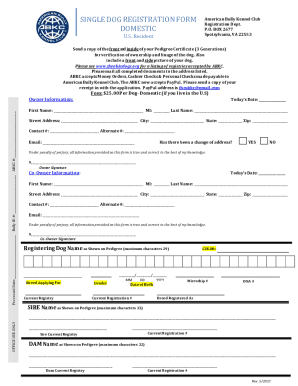
Abkc registration form
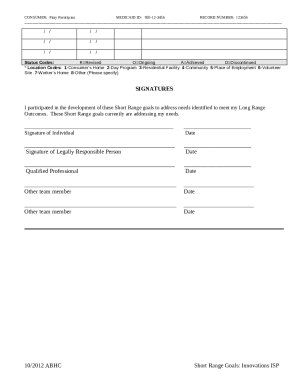
Individual support plan examples south africa

Basketball training waiver form

Aircraft Listing Agreement
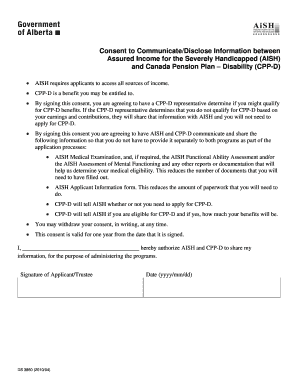
Aish consent form

Assured shorthold tenancy agreement room only
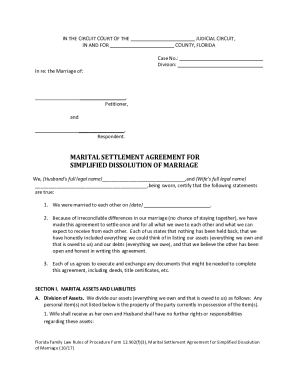
12 902 f 3
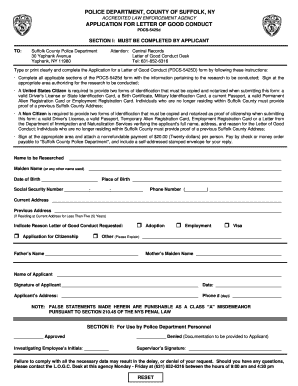
Letter of good conduct

Veterinary health certificate for export

National grid work request

Victorian firearm licence application form pdf
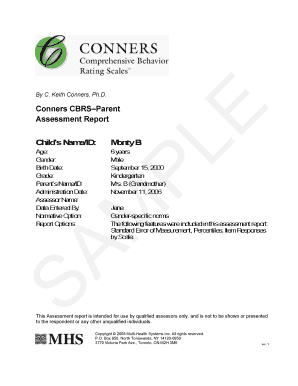
Conners cbrs pdf

Tent instructions
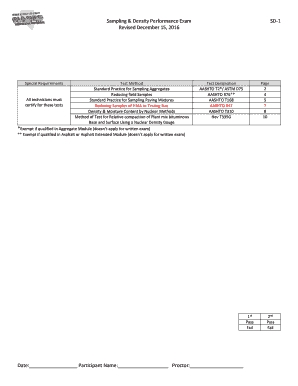
Naqtc sampling and density

Loss application form
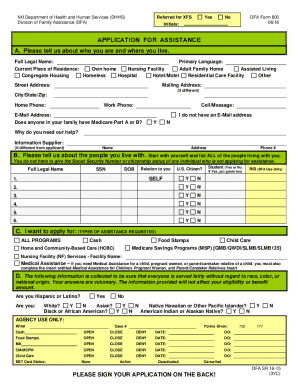
Nheasy

Tutoring registration form

Enrollee Prescription Drug Claim Form - Cigna - Thank You Macyand#39;s
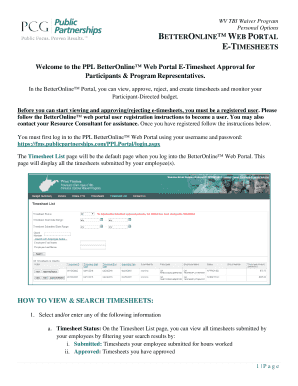
Betteronline web portal
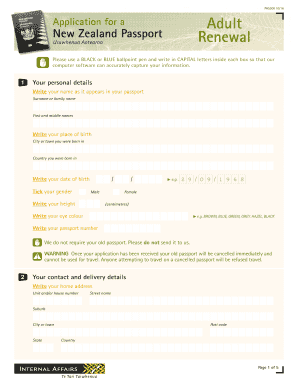
USE THIS FORM if you are 16 years or over and:

Wpcs program application
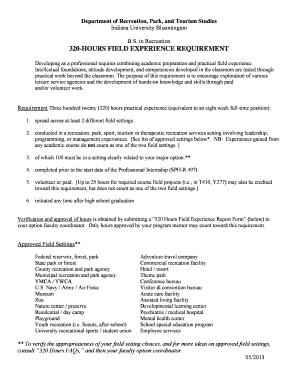
320-hours field experience requirement - School of Public Health
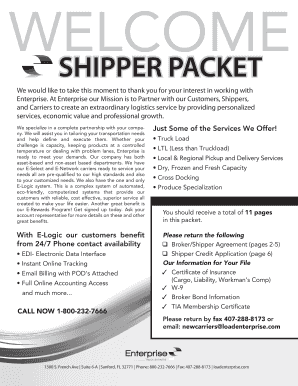
Download Shipper Packet
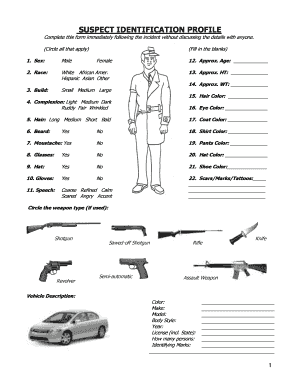
ROBBERY SUSPECT IDENTIFICATION PROFILE - pmpv
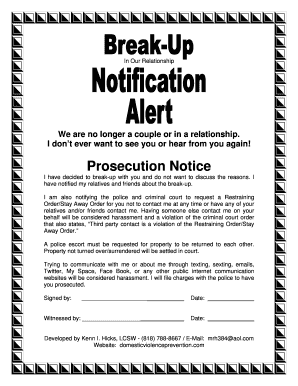
Breakup form

Ps Form 3877 Word FREE Download - Ebookread.org. Ps Form 3877 Word PDF Books - ebookread
Dialectical journal night
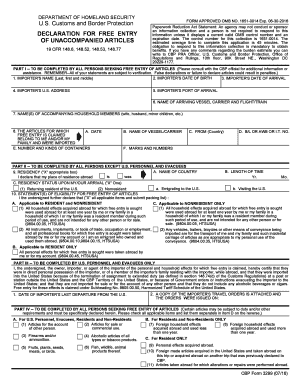
CBP Form 3299. Declaration for Free Entry of Unaccompanied Articles - cbp
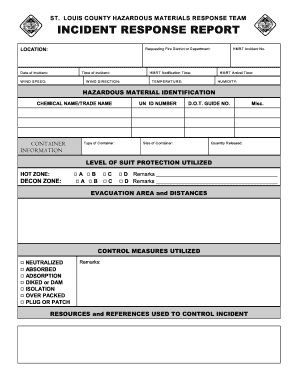
ST. LOUIS COUNTY HAZARDOUS MATERIALS RESPONSE TEAM ...
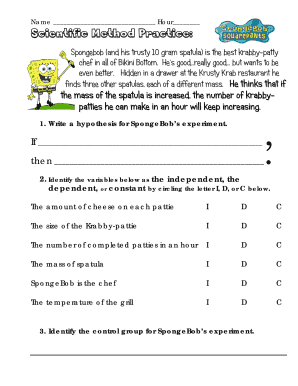
Scientific method practice

Glasses Prescription Order Form - Infab

Northside hospital discharge papers
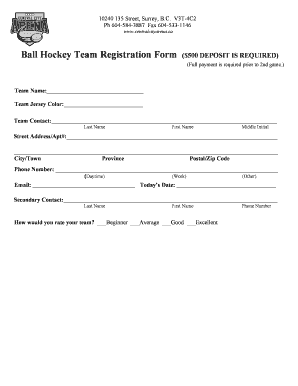
Ball Hockey Team Registration Form 500 DEPOSIT IS REQUIRED - centralcityarena
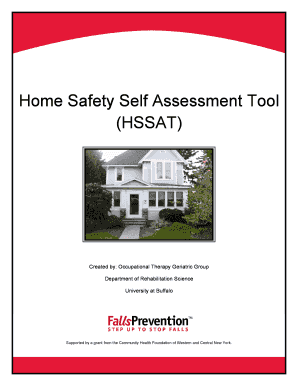
Home safety self assessment tool pdf

Motor finance proposal form
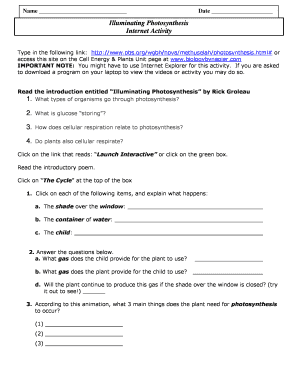
Photosynthesis internet activity
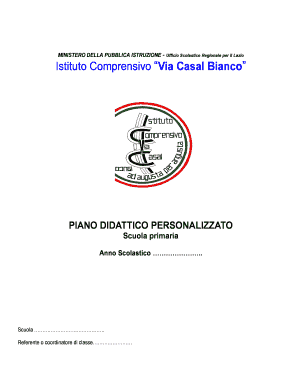
Iccasalbianco

Welcome letter for daycare parents

Tower Radiology Centers script
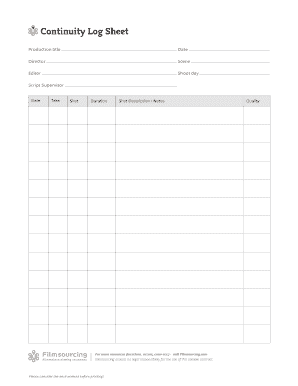
Script continuity sheet

Memorial hermann discharge papers

Document cerfa
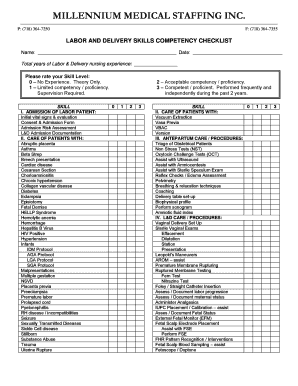
Labor and Delivery - Millennium Medical Staffing Inc.
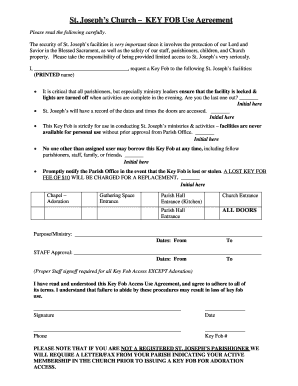
Church key agreement form
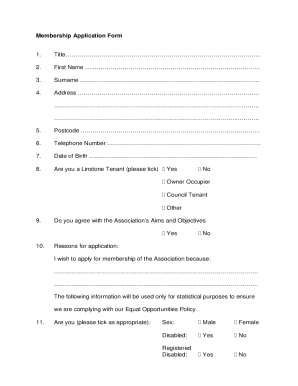
Linstone housing application
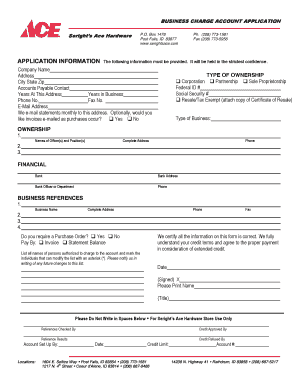
BUSINESS CHARGE ACCOUNT APPLICATION - Seright039s Ace Hardware
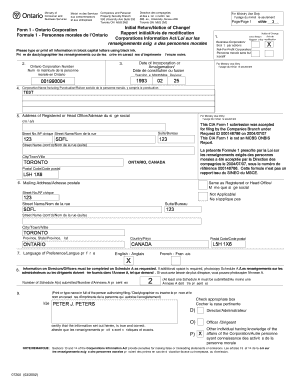
PagePage 1 Form 1 - Ontario Corporation Initial Return - cyberbahn
Benefit from the DocHub online library of fillable PDF forms
Searching the PDF forms doesn't have to be a tedious and time-consuming process. With the DocHub online library, it has become easier to find the fillable PDF forms and modify them in your browser. The service allows you to adjust the document to your needs using powerful editing tools.
You can use online document editing features to modify almost any type of document with ease. You just need to find the template of your choice, open it in the editor, and use the toolbar to make the necessary corrections.
Follow this guide to get your document done with DocHub:
- Find the PDF template you need.
- Click the Get Form button to open the file in the editor.
- Use the toolbar to fill out and edit the document.
- Easily add and highlight text, insert images, checkmarks, and symbols.
- Drop new fillable fields, and rearrange or delete pages from your file.
- Save changes and download your record.
DocHub empowers everyone to streamline document editing, signing, and distribution, and form completion. Create an account and benefit from our well-organized PDF Forms library and comprehensive editor.