




Here's how it works

01. Edit your pe2 form online
Type text, add images, blackout confidential details, add comments, highlights and more.

02. Sign it in a few clicks
Draw your signature, type it, upload its image, or use your mobile device as a signature pad.

03. Share your form with others
Send pe2 form pdf via email, link, or fax. You can also download it, export it or print it out.
How to use or fill out Application to file a Statutory Declaration Out of Time Form PE2 with DocHub

- Click ‘Get Form’ to open the Application to file a Statutory Declaration Out of Time Form PE2 in our editor.
- Begin by entering your Penalty Charge Number and Vehicle Registration Number at the top of the form. Ensure these details are accurate as they are crucial for processing your application.
- In the 'Applicant' section, provide your full name and address, including postcode. Use BLOCK CAPITALS and black ink for clarity.
- Next, specify the Location of Contravention and Date of Contravention. This information is essential for identifying your case.
- In the declaration section, clearly state your reasons for filing outside the given time. Remember not to include reasons for appealing against the original penalty charge.
- Sign and date the form where indicated. Ensure that you have it sworn before an appropriate authority such as a Commissioner for Oaths or Justice of the Peace.
- Finally, review all entries for accuracy before submitting your completed form to the Traffic Enforcement Centre at the specified address.
Start using our platform today to fill out your Application to file a Statutory Declaration Out of Time Form PE2 easily and efficiently!
Fill out Application to file a Statutory Declaration Out of TimeForm PE2 online
It's free
It's free
Security and compliance
At DocHub, your data security is our priority. We follow HIPAA, SOC2, GDPR, and other standards, so you can work on your documents with confidence.
Learn more


Related forms

Co jdf990
The document is a legal petition to re-open an estate in Colorado, following the closure of the estate and discharge of ...

What is phs form
The document is a form (PHS-1373) used by commissioned officers of the Public Health Service to request separation from ...

Hclips downloader
The document is a HASP form from the United States Department of Agriculture's Animal and Plant Health Inspection Servic ...

Imports union cats
The document is a model animal health certificate for the importation of dogs, cats, and ferrets into the European Union ...

Title: Wakulla news ALL ISSUES CITATION THUMBNAILS - kansasjudicialcouncil
The document is a court order scheduling a hearing regarding a petition by Jane Doe for a waiver of written consent, and ...
Ks notice publication 260
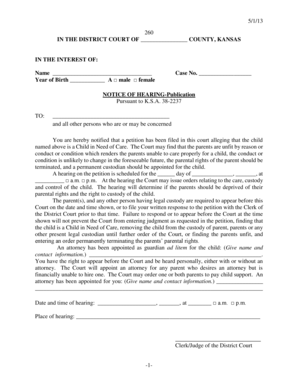
The document is a legal notice from the District Court of Kansas regarding a hearing for a child alleged to be in need o ...
Ks hearing planned permanent
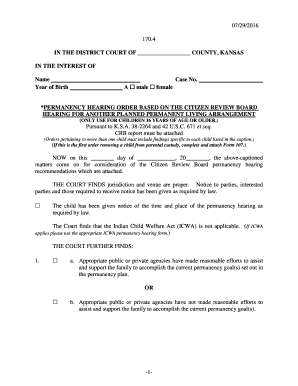
The document is a legal order from a Kansas District Court regarding a permanency hearing for a child aged 16 or older, ...

Rev 07 2016 KSJC 1 328 IN THE DISTRICT COURT OF COUNTY - kansasjudicialcouncil
The document is a legal motion filed in a Kansas District Court requesting the authorization to prosecute a juvenile as ...