
Get any PDF form from the DocHub library of ready-made templates - Page 1438
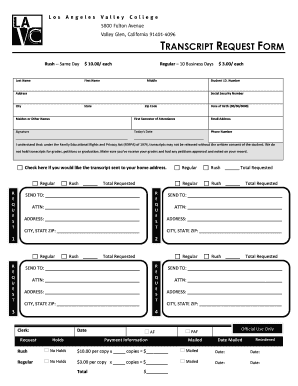
La valley college transcripts
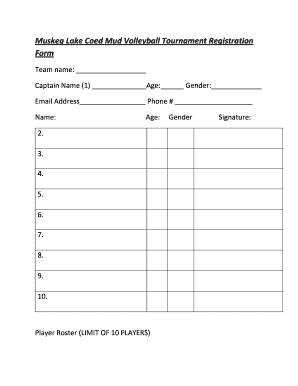
Volleyball tournament registration form
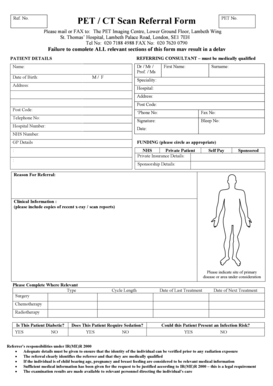
PET / CT Scan Referral Form - Guyandamp;#39;s and St Thomasandamp;#39;

Discovery keycare radiology request form 2020 pdf
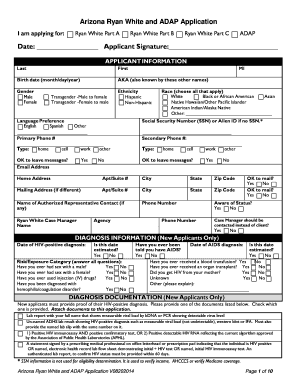
Arizona ryan white and adap application v08202014 form
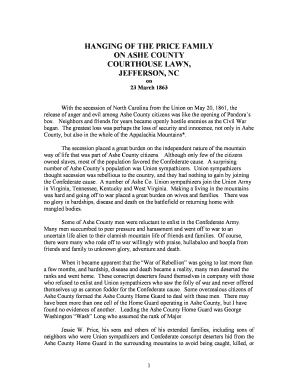
HANGING OF THE PRICE FAMILY

Inmate transfer request letter sample
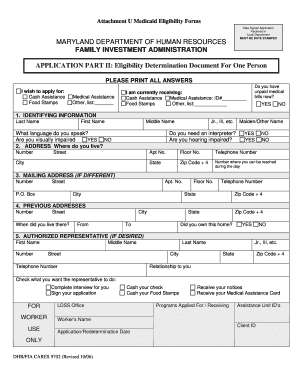
Mydhrbenefits
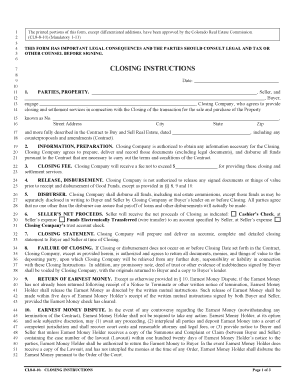
Closing Instructions (8-8-10)( 9-1-10).pdf - Real Estate Attorneys

Colorado uitl 18
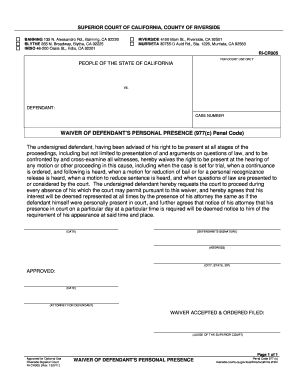
977 b waiver form los angeles
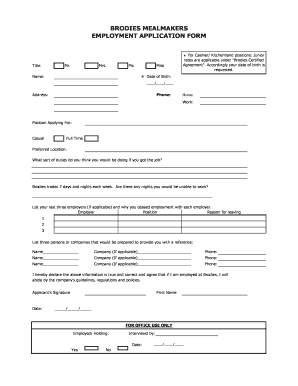
Brodies jobs

First financial bank direct deposit form
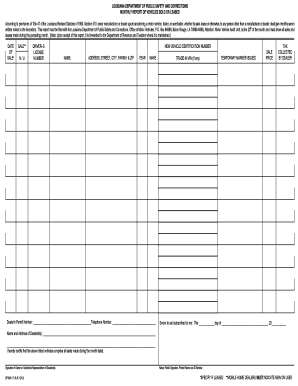
Dpsmv 1716 r 12 10
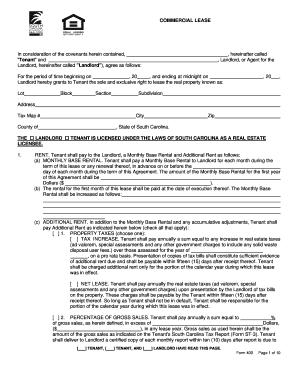
South Carolina Commercial Lease Agreement - Wikiforms
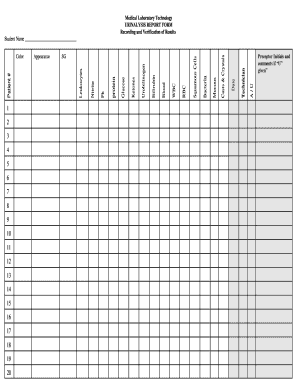
Printable urinalysis result sheet
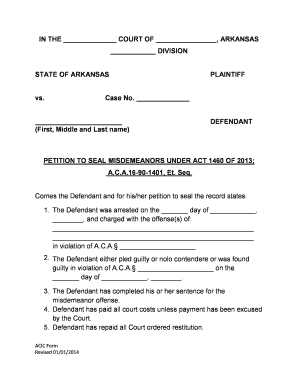
Petition to Seal Misdemeanors - acic
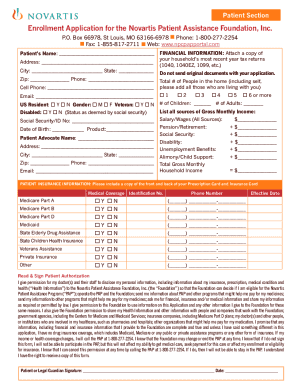
Novartis patient assistance pdf
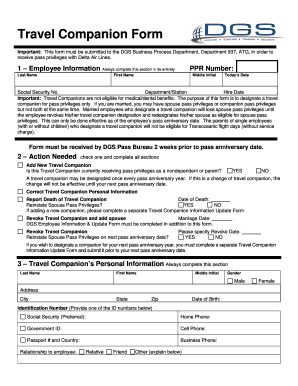
Travel Companion Form - DAL Global Service

Registration Form - Arizona Puma Track and Field
Da form 3938

Vanity Top Vanity Top Order Form

Durham public schools student accident injury reporting form
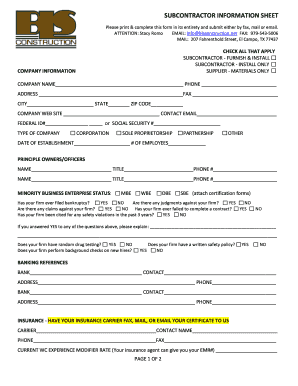
Subcontractor information form

PTO Funds Request Form Teachers may request items from the PTO ...
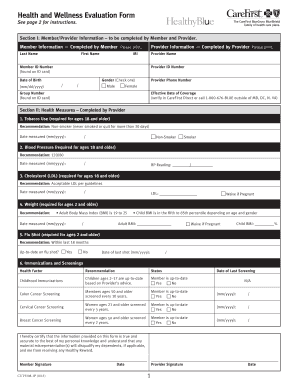
Wellness evaluation form
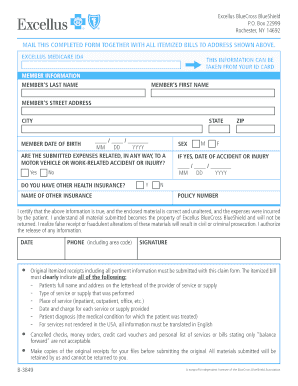
Medical Claim Form - Excellus BlueCross BlueShield
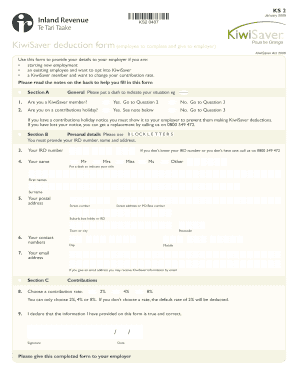
Ks2 form
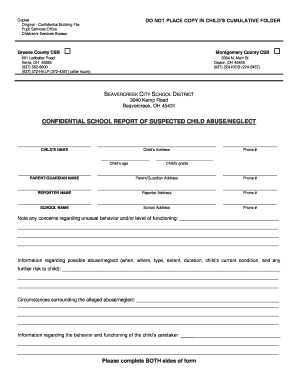
Cps report example
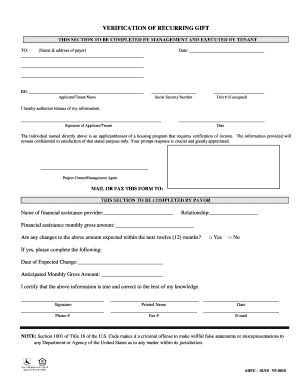
Recurring gift verification form
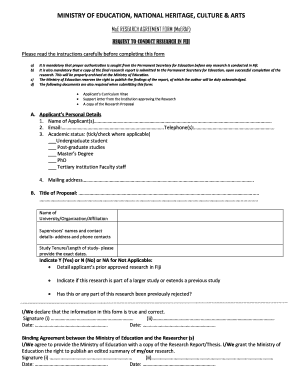
Application form to undertake research in Fiji
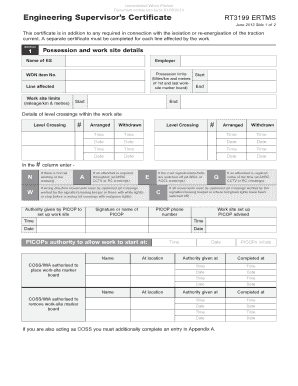
Rt3199 form 2020
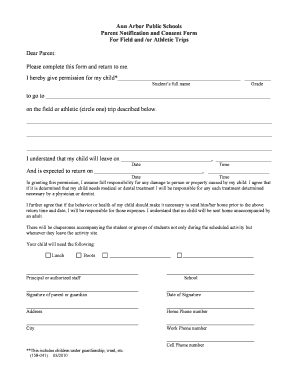
Ann arbor public schools field trips consent form
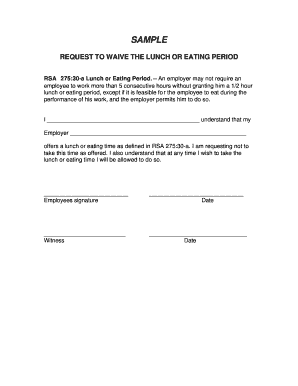
Employee lunch waiver form
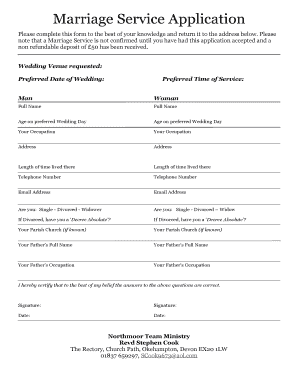
Church wedding application form
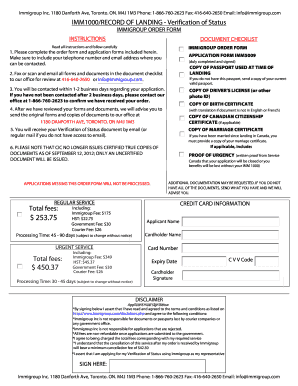
Imm 5009 pdf download
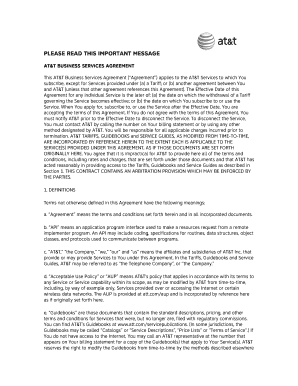
ATandT Business Service Agreement - ATT.com
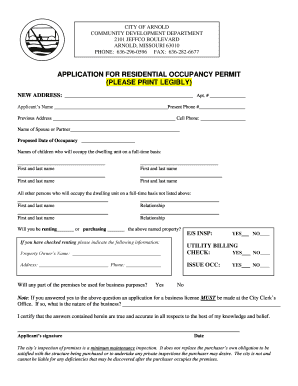
City of arnold

Autozone warranty lookup
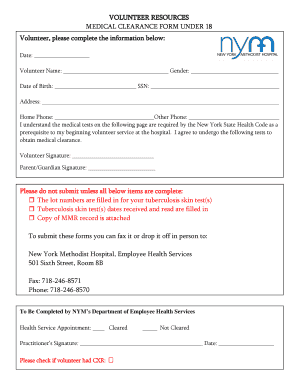
Hospital medical form

Application for Fire Protection System Contractor - Floridaand#39;s ...

USU Form 107 - Uniformed Services University of the Health Sciences - usuhs
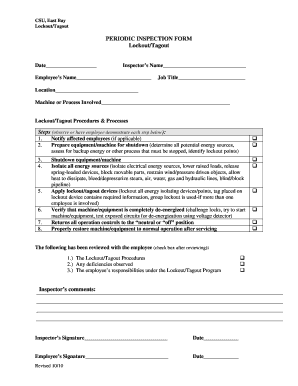
Lockout tagout audit form
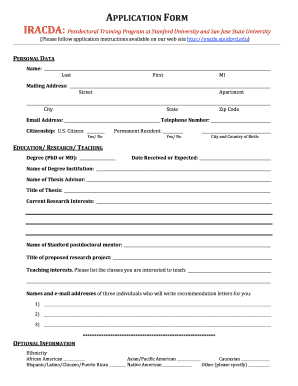
Stanford university application deadline
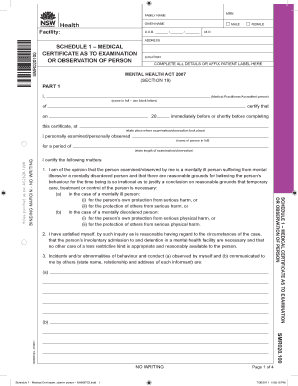
Medical certificate nsw
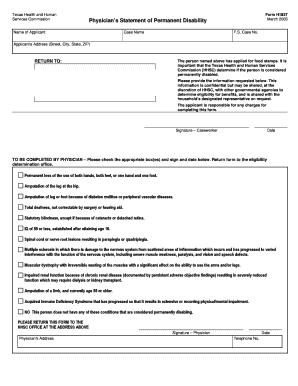
Form h1837
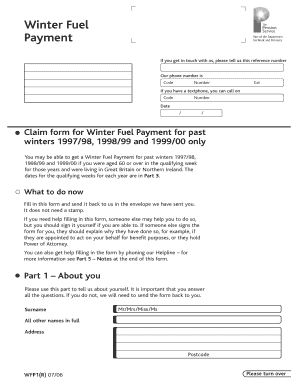
Fuel allowance form
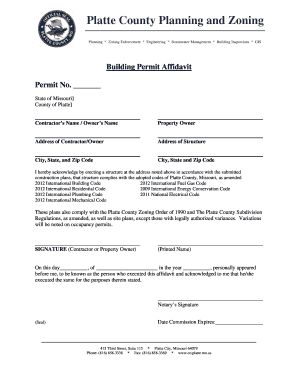
Platte county building permits
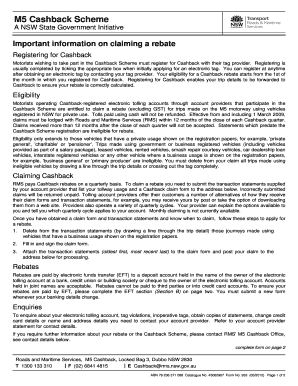
M5 cashback claim

Towing form

State of michigan affidavit of affixture

Learning confirmation for employee engagement module icici answers
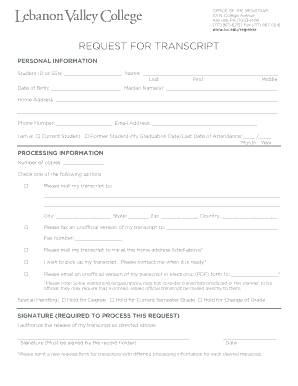
Lebanon valley college transcript request

Twice blessed house

Hospice admission note template
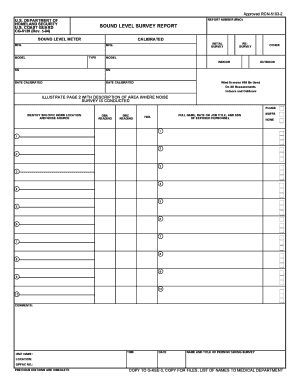
Noise survey template
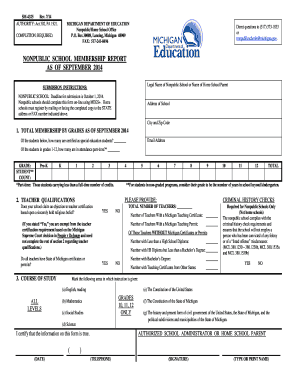
Nonpublic school membership report

Level 1 gaming licese indiana

Motion to Dismiss (CTCIV140Ab) - Pinellas County Clerk of the ... - pinellasclerk

Vt dmv handicap placard application
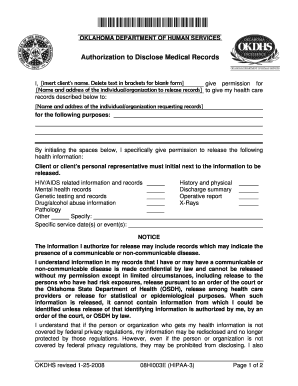
Form 08HI003E (HIPAA-3) - Oklahoma Department of Human Services - okdhs

Nyc doe w2
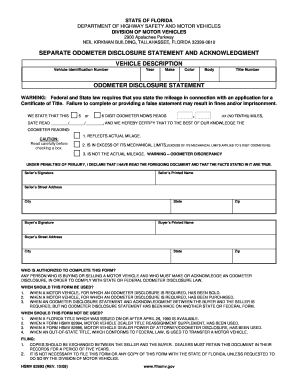
Odometer disclosure statement florida

Contact lens order form template
Scat bus application

Bcia 8705
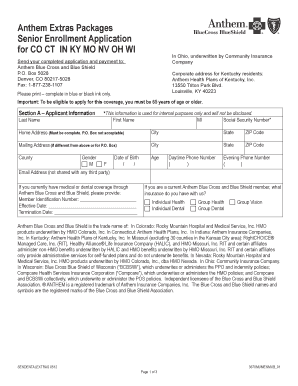
Anthem extras packages senior enrollment application form
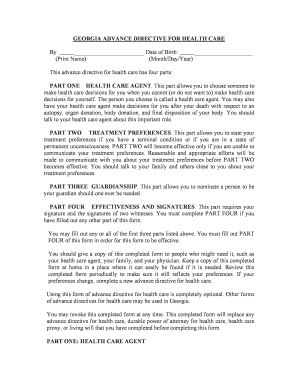
Georgia advance directive printable form
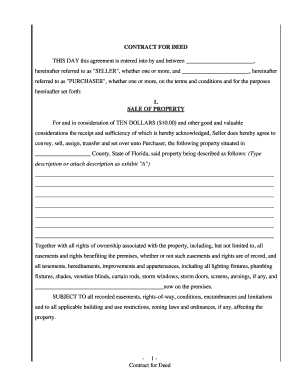
Contract for deed florida

Wisconsin Legal Last Will and Testament Form for Married person with Adult Children
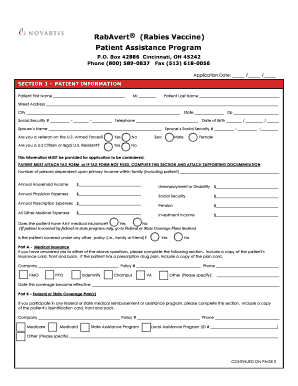
Rabies vaccine official form
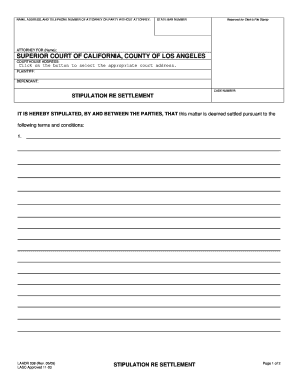
Stipulation re settlement form

Srg 1160
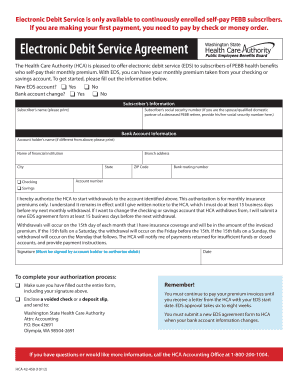
Health care authority electronic debit service agreement form

Application for florida no fault benefits

ROWE LOAN APPLICATION - University of Cincinnati - uc
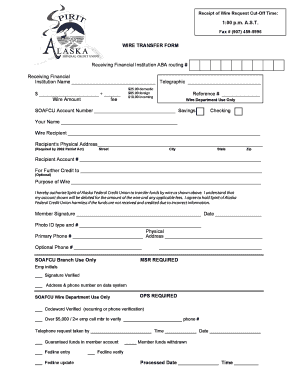
Wire transfer form
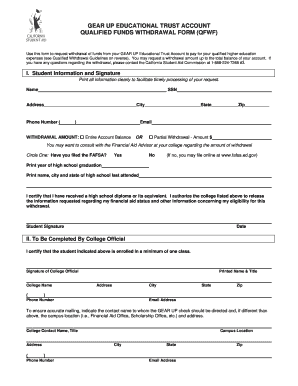
Withdrawal form from school

Sheppard afb honor guard
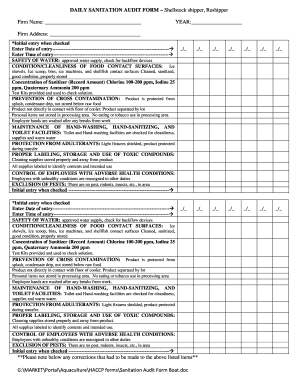
Online audit form
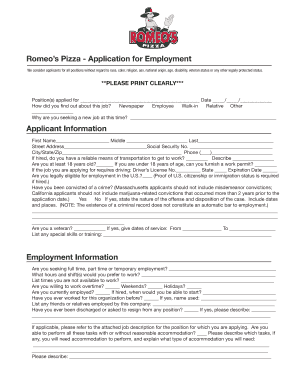
Romeo's application
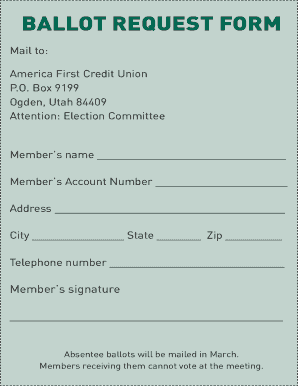
Absentee ballot form
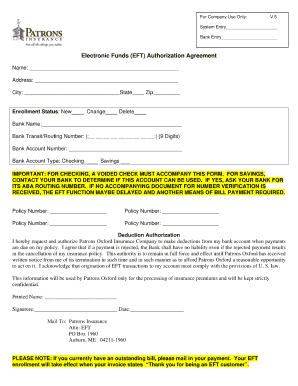
Oxford eft form

Example of filled z83 form pdf

Ukraine employment agreement copy sample

Form876 australia pdf 2011
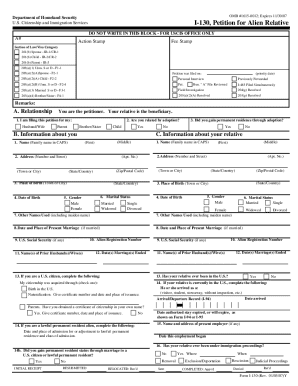
DocHub i 130 form

Shut off notice
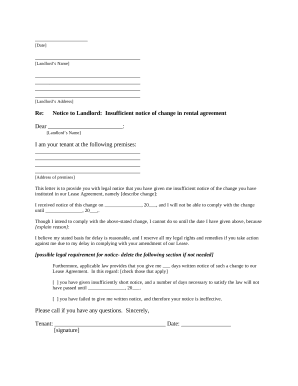
Tenant rental increase
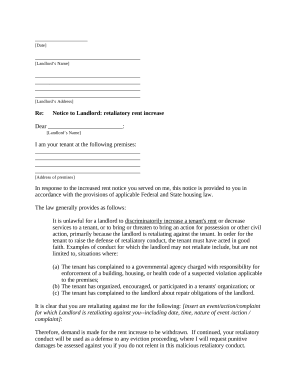
Notice rent increase
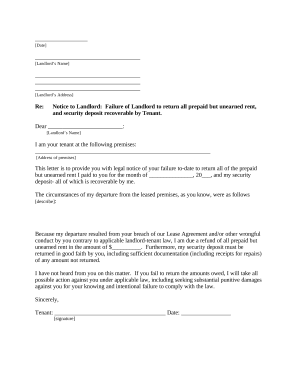
Landlord return rent
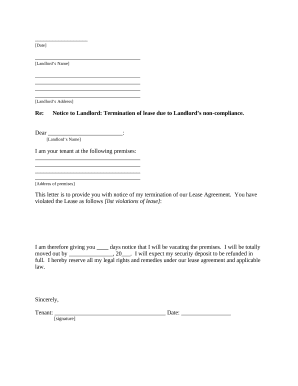
Michigan letter tenant landlord

Letter tenant remove
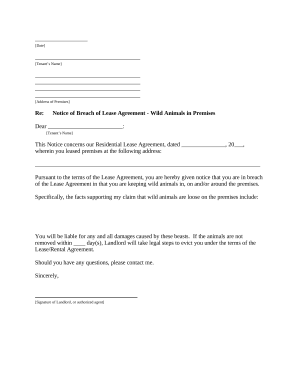
Letter tenant notice
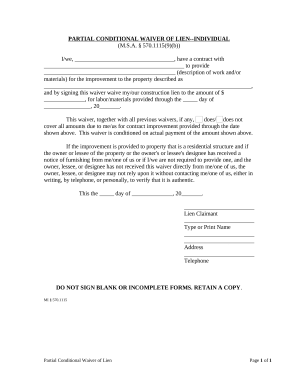
Partial conditional waiver
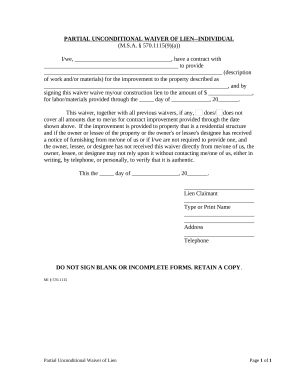
Partial unconditional waiver

Michigan corporation
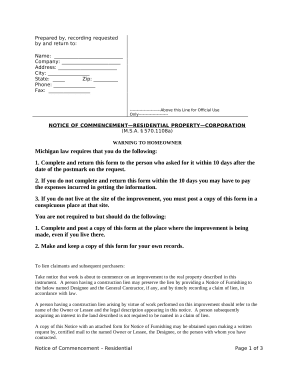
Mi notice property
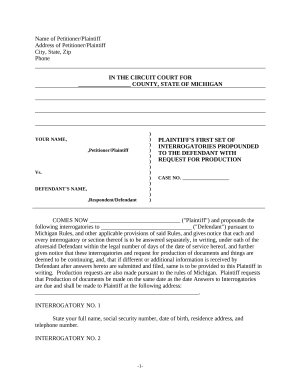
Interrogatories
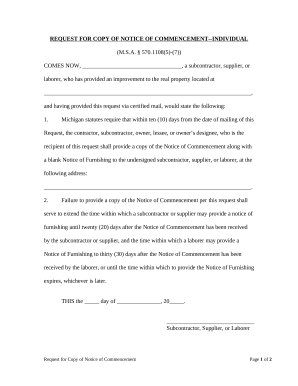
Request notice commencement
Benefit from the DocHub online library of fillable PDF forms
Searching the PDF forms doesn't have to be a tedious and time-consuming process. With the DocHub online library, it has become easier to find the fillable PDF forms and modify them in your browser. The service allows you to adjust the document to your needs using powerful editing tools.
You can use online document editing features to modify almost any type of document with ease. You just need to find the template of your choice, open it in the editor, and use the toolbar to make the necessary corrections.
Follow this guide to get your document done with DocHub:
- Find the PDF template you need.
- Click the Get Form button to open the file in the editor.
- Use the toolbar to fill out and edit the document.
- Easily add and highlight text, insert images, checkmarks, and symbols.
- Drop new fillable fields, and rearrange or delete pages from your file.
- Save changes and download your record.
DocHub empowers everyone to streamline document editing, signing, and distribution, and form completion. Create an account and benefit from our well-organized PDF Forms library and comprehensive editor.