
Get any PDF form from the DocHub library of ready-made templates - Page 1435
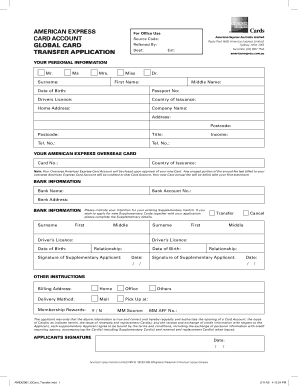
Amex global card transfer
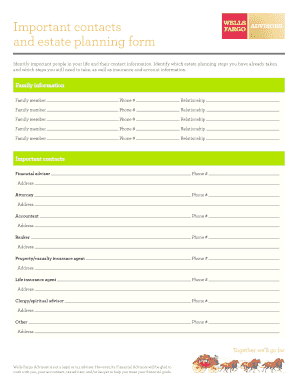
Printable estate planning forms

Santa ana dog license

Form dl 503

California firearm transaction
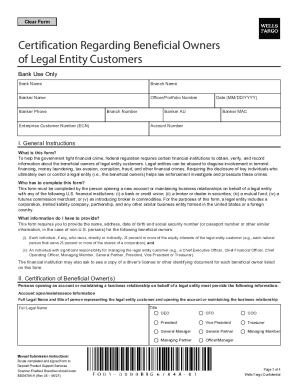
Beneficial owners form
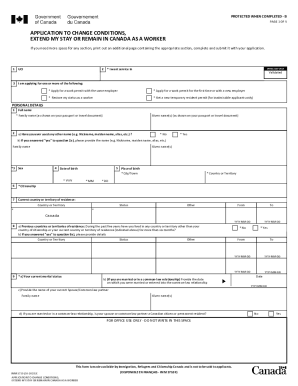
Application change conditions worker
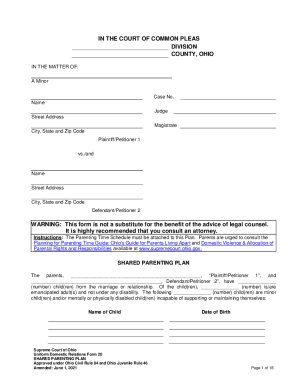
Ohio shared parenting plan
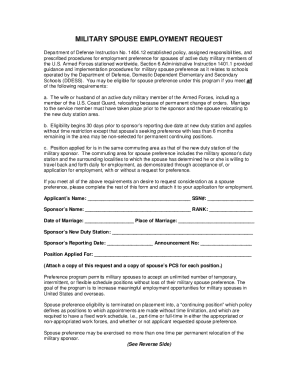
Military Spouse Preference Request
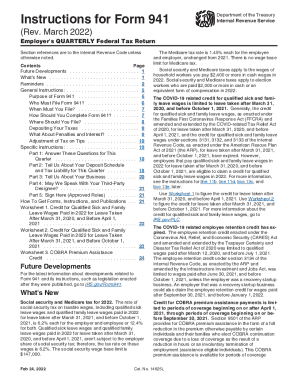
Form instructions
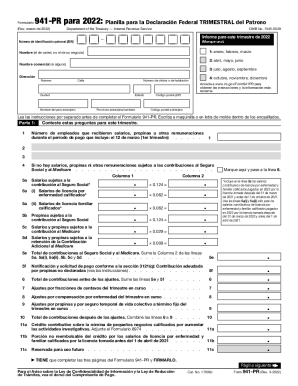
941 pr

Louisiana withholding l 4
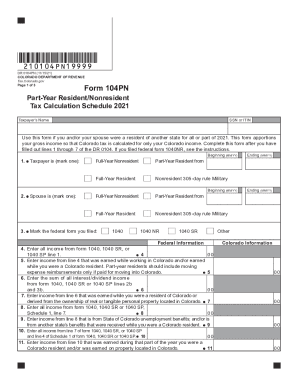
Colorado 104pn football
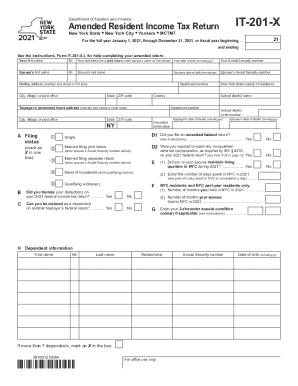
It 201 x
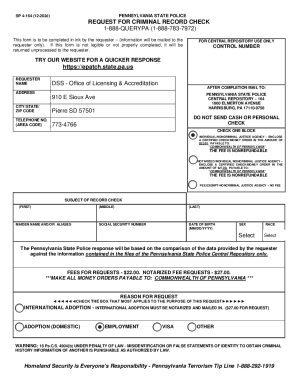
Sp 4 164 form

Va form account
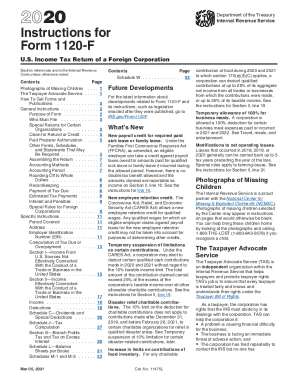
Irs instructions tax return form
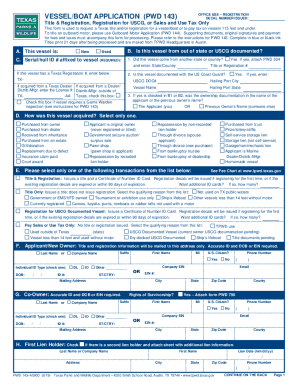
Pwd 143

Stay execution judgment
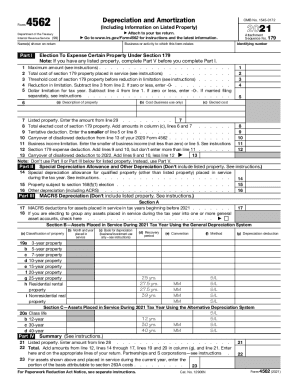
Form 4562
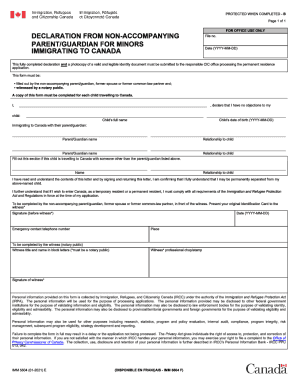
Imm 5604 instruction guide

South african visa application form

Georgia payment voucher

Form eoir 33
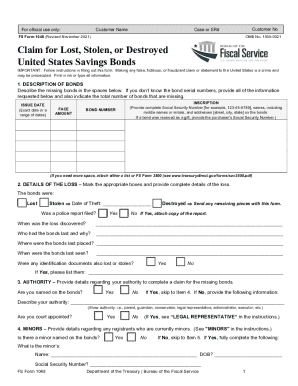
Fs form 1048
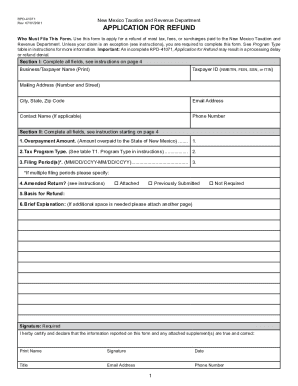
Rpd 41071
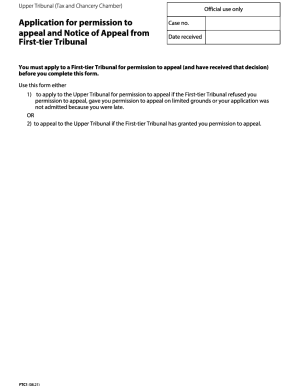
Form ftc1 application permission appeal
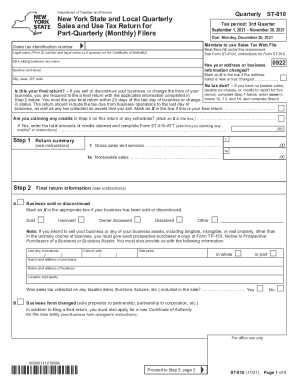
Ny tax quarterly sales
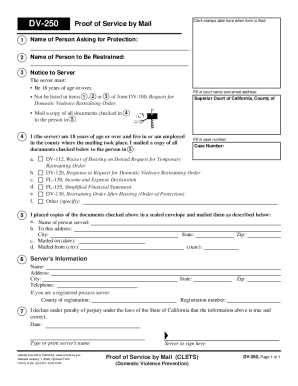
Dv 250
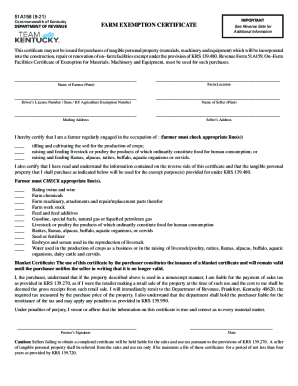
Kentucky farm exemption
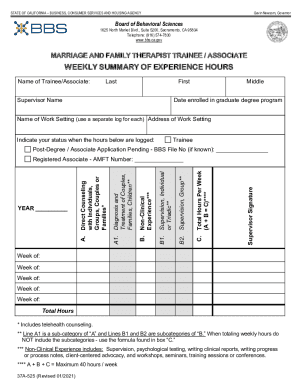
California marriage trainee
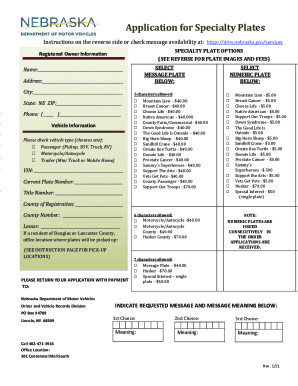
Nebraska specialty license plates
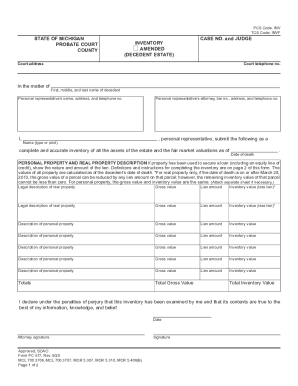
Pc 577
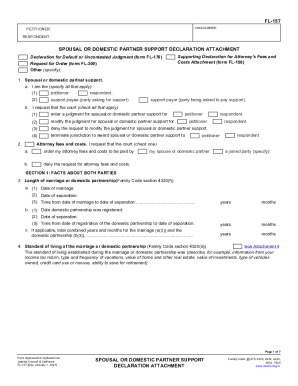
Fl 157
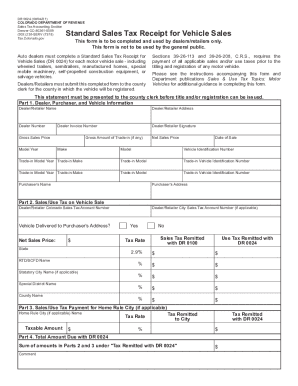
Dr 0024
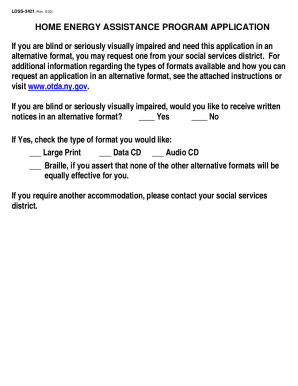
Heap application ny pdf
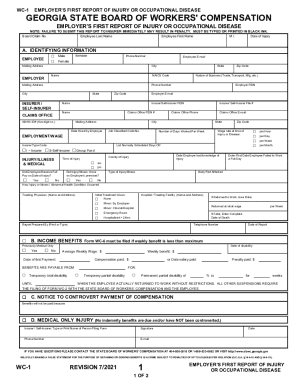
Georgia wc 1 fillable form
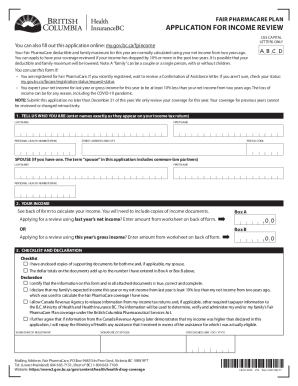
Pharmacare notarized affidavit
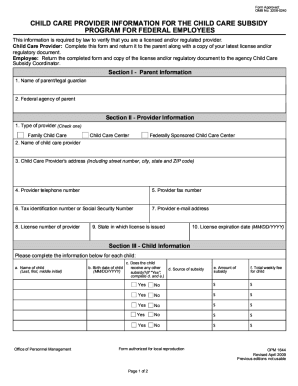
Opm form 1644
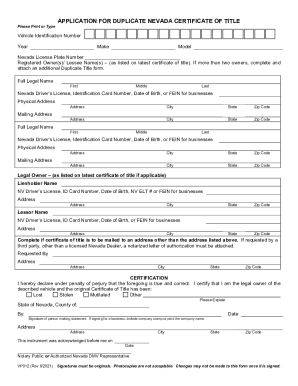
Nevada title
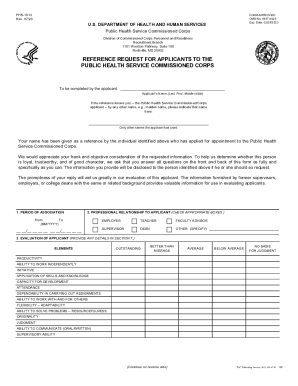
REFERENCE REQUEST FOR APPLICANTS TO THE PUBLIC HEALTH ... - IHS
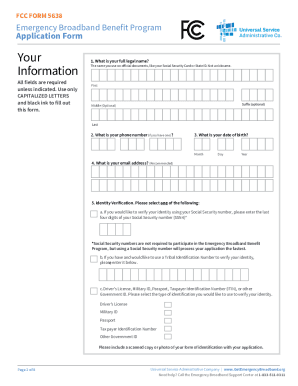
Ebb program application form
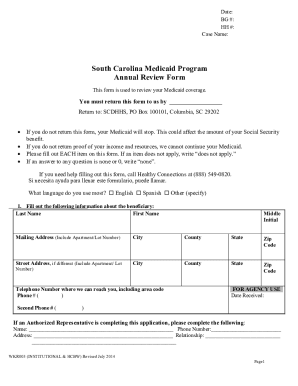
Medicaid form sc

Delaware health care directive
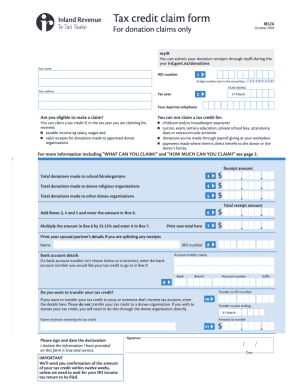
Ir526

Form 1 annexure

Request for Additional Information Instructions Call the EPIC ...
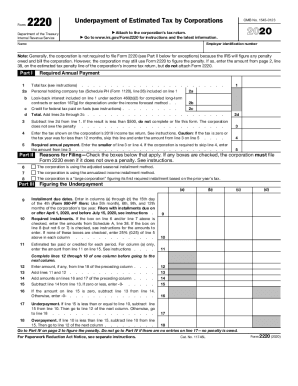
Form 2210
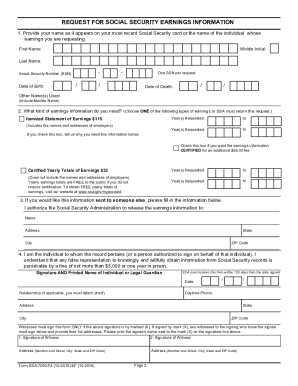
OMB No. 0938-0787 Expires: 06/2023 REQUEST FOR ... - CMSMODIFIED BENEFIT FORMULA QUESTIONNAIREIMPORTANT SIGN AND RETURN THIS FORM IN THE ENCLOSED ...OMB No. 0938-0787 Expires: 06/2023 REQUEST FOR ... - CMS

Sc form 290
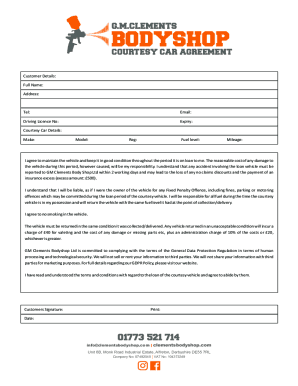
Courtesy Car Agreement Forms.cdr
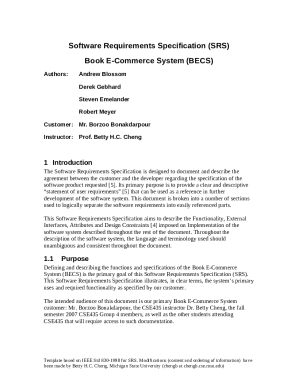
Srs document for e commerce website
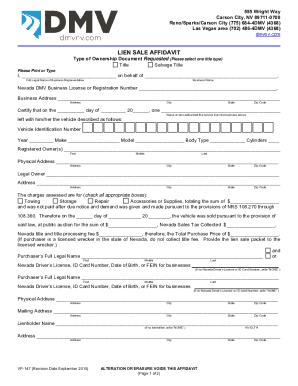
Nevada title application with lien holder pdf

Merchant Pre-Qualification Form Fx: 800-278-6713

MEDICAL LEAVE MEDICAL CERTIFICATION FORM (PFL-MMC)

Hawaii id application
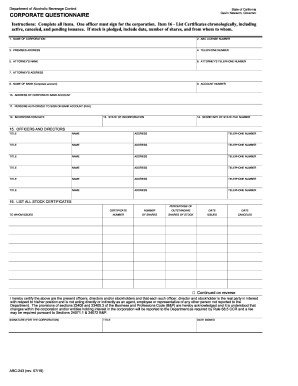
Abc 243

8.3 Notes .docx
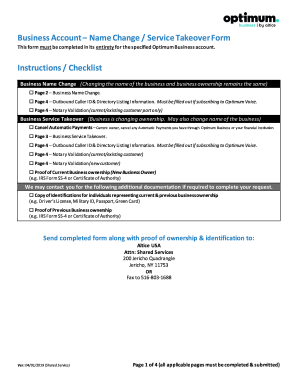
Optimum business name change form

Reimbursement aaa
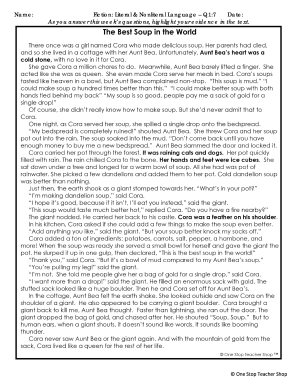
Fiction: Literal and Nonliteral Language Q1:7

Form 50 114 residence homestead application

Mortgagestatementstatementdate
DE-406
Contractor registration myers
Fl 272

Ccg1f form

Wv it 103
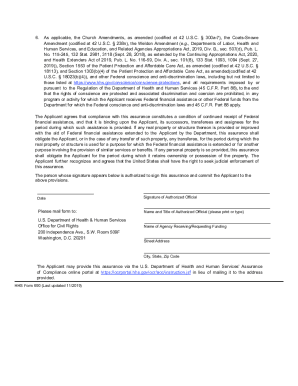
Hhs 690

43 5106
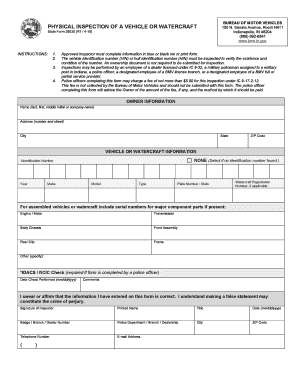
Indiana sf 39530
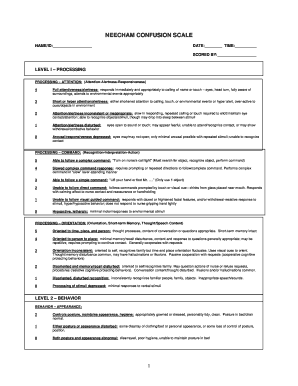
A comparison of the CAM-ICU and the NEECHAM Confusion ...
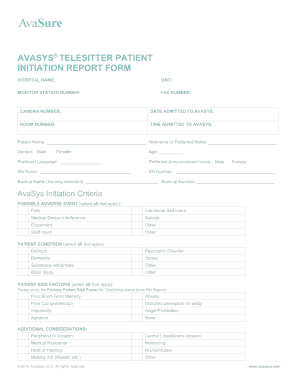
Christus St. Vincent Guidelines for Continuous Visual ...

Texas vessel bill sale
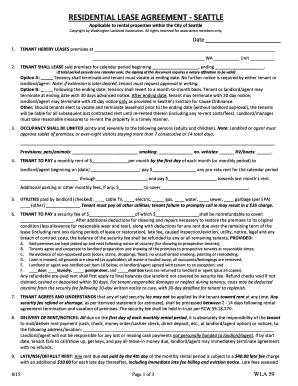
Residential Lease Agreement Template - Seattle, Washington ...

Oklahoma phi

Hannaford printable vaccine consent form

Adot beneficiary designation form
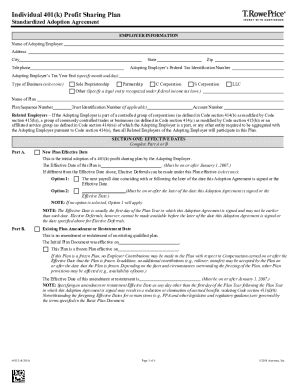
Plan adoption agreement

Certificate of catholic practice - AWS
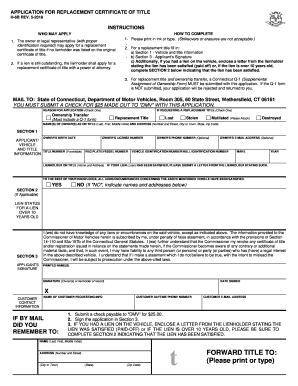
Ct replacement title form
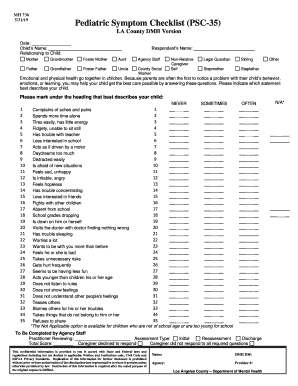
Pediatric Symptom Checklist (PSC-35) - Los Angeles County
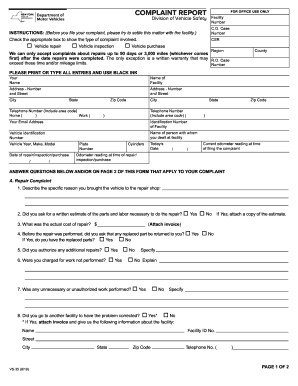
Vs35 complaint form
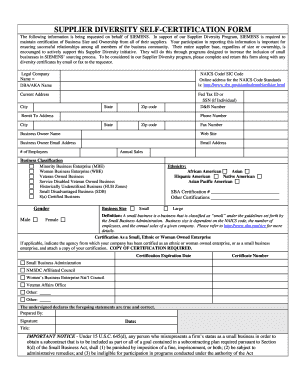
Siemens supplier diversity

Homer fund application

Virginia Petition for Protective Order Stalking
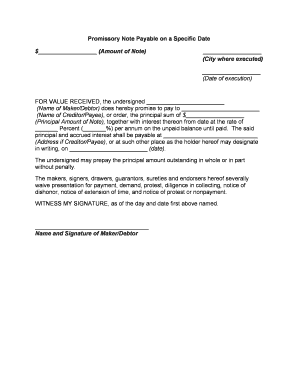
Promissory note form
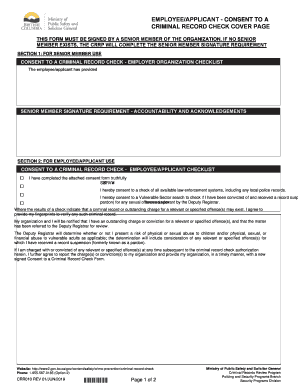
Crr010
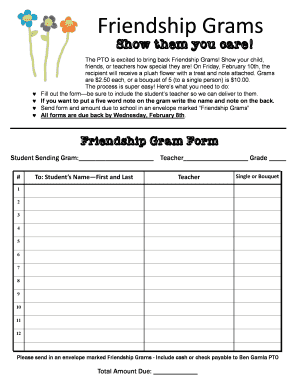
Friendship grams
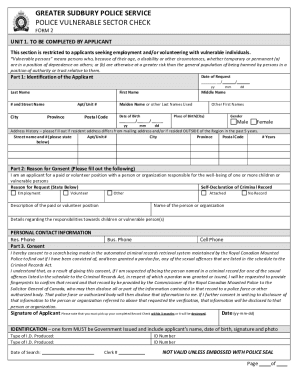
Police check sudbury
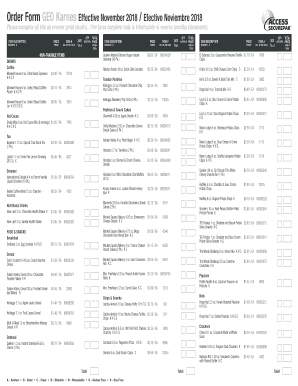
Txcounty packages com

Form dl1 93

Tmh doctors note
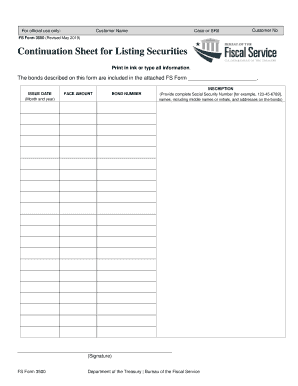
Fs form 3500

Company Profile Sample 1
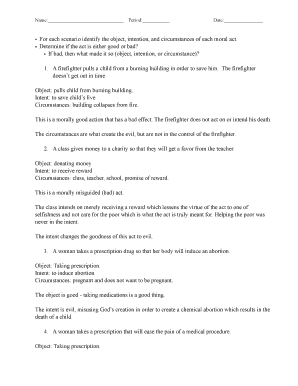
Object intention circumstances worksheet
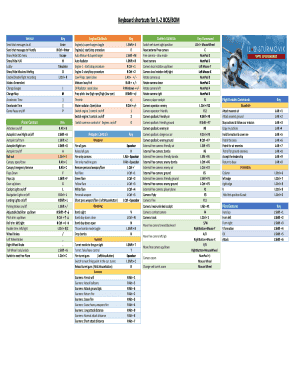
Il 2 sturmovik keyboard map
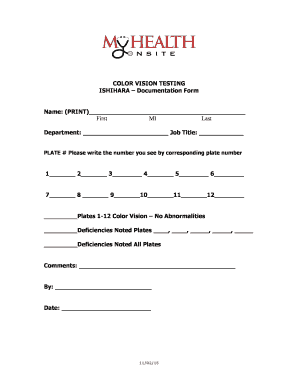
Ishihara test pdf
General crane safety final exam answers
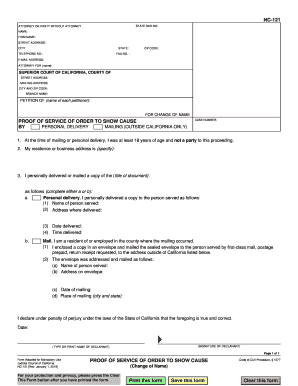
Nc121
Benefit from the DocHub online library of fillable PDF forms
Searching the PDF forms doesn't have to be a tedious and time-consuming process. With the DocHub online library, it has become easier to find the fillable PDF forms and modify them in your browser. The service allows you to adjust the document to your needs using powerful editing tools.
You can use online document editing features to modify almost any type of document with ease. You just need to find the template of your choice, open it in the editor, and use the toolbar to make the necessary corrections.
Follow this guide to get your document done with DocHub:
- Find the PDF template you need.
- Click the Get Form button to open the file in the editor.
- Use the toolbar to fill out and edit the document.
- Easily add and highlight text, insert images, checkmarks, and symbols.
- Drop new fillable fields, and rearrange or delete pages from your file.
- Save changes and download your record.
DocHub empowers everyone to streamline document editing, signing, and distribution, and form completion. Create an account and benefit from our well-organized PDF Forms library and comprehensive editor.