
Get any PDF form from the DocHub library of ready-made templates - Page 1437

Lilly diabetes self care diary

Practice and homework lesson 3 1
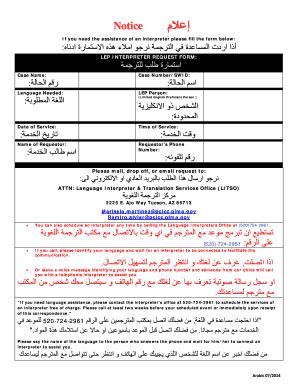
Fill pdf in arabic
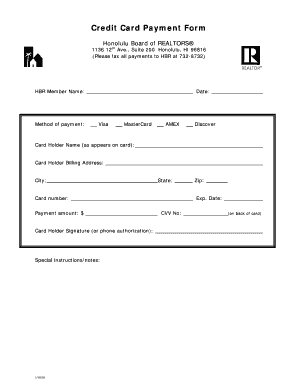
Credit Card Form 07 - Honolulu Board of REALTORS
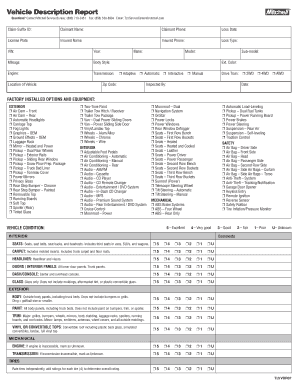
Vehicle Description Report
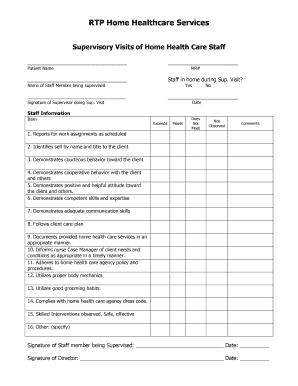
Supervisory Visit Generic

Vsepr worksheet pdf
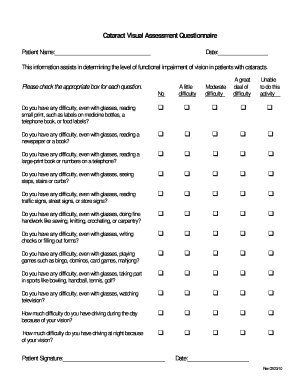
Vf 14 questionnaire

Swimming Permission Slip - Packer Collegiate Institute
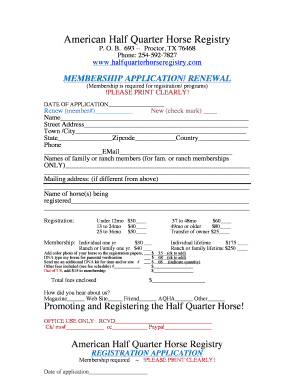
AHQHR Registration Packet- one docdoc

Centripetal acceleration worksheet
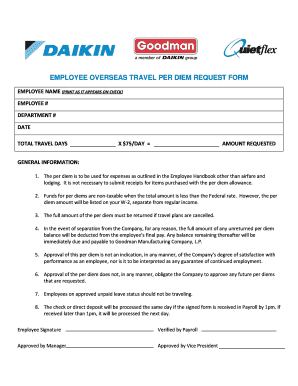
Per diem request
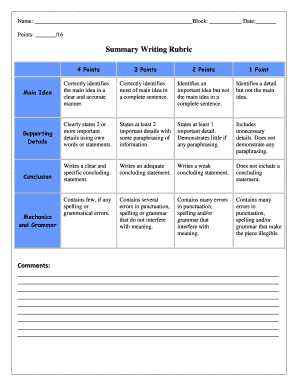
Rubric for summary writing
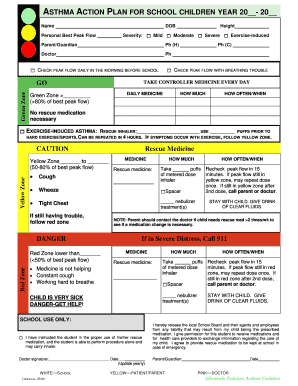
ASTHMA ACTION PLAN FOR SCHOOL CHILDREN YEAR 20 - arhs-ncorg
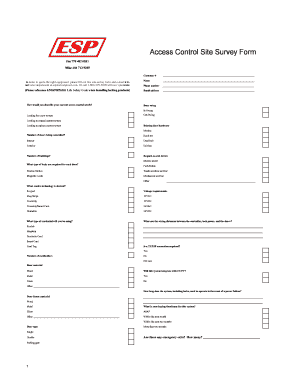
Cctv site survey report template
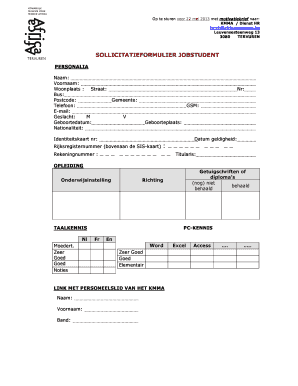
Sollicitatieformulier horeca

Firearm license application form trinidad
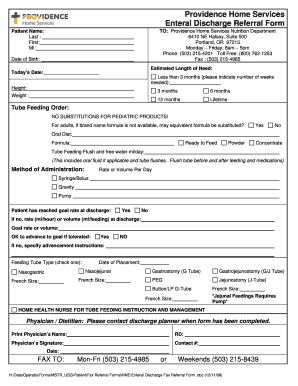
Enteral Discharge Fax Referral Form - Providence-Oregon A - oregon providence

Conversation log pdf

HOMEOWNERS ACKNOWLEDGEMENT Household Status
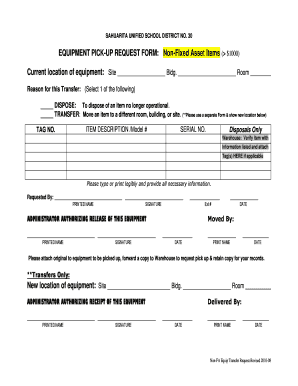
Item pick up form template
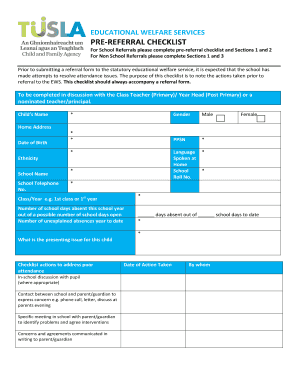
EDUCATIONAL WELFARE SERVICES PRE-REFERRAL CHECKLIST - Tusla
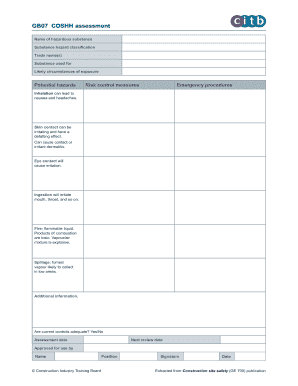
Coshh assessment
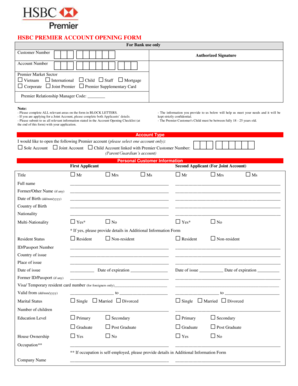
Hsbc com mx account opening forms
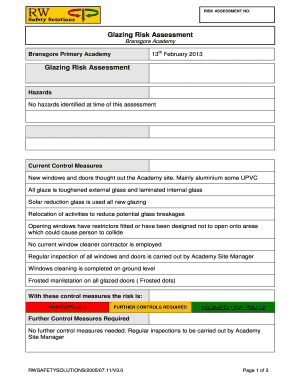
Glazing risk assessment template

Inverted Pyramid of Ideas - freeologycom
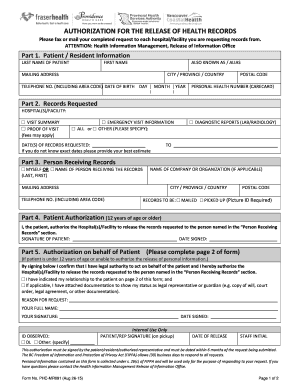
Phc mr091 form
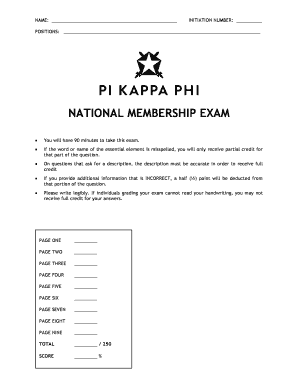
Pi kappa phi national exam
The following account information may be used to set up direct deposit or to receive or
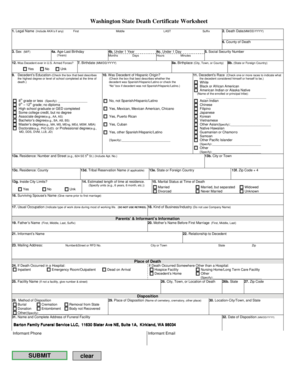
Washington State Death Certificate Worksheet
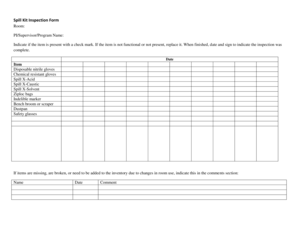
Spill kit checklist template

Online and Telephone banking Business Application form
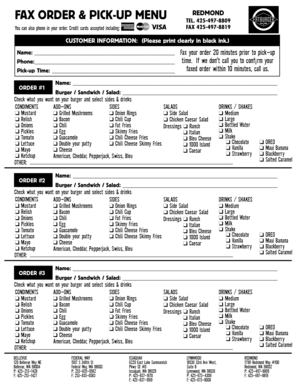
Order fatburger online pick up
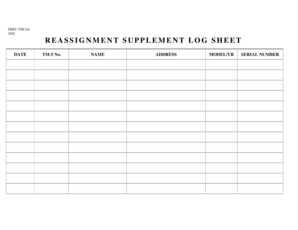
Injection log sheet pdf
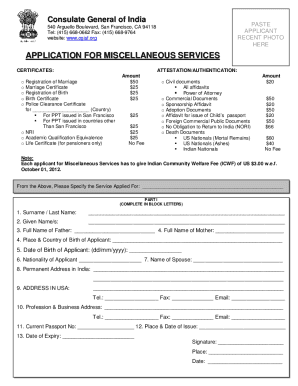
Application for miscellaneous services - Indian Consulate - San Francisco Application for miscellaneous services - Indian Consulate - San Francisco
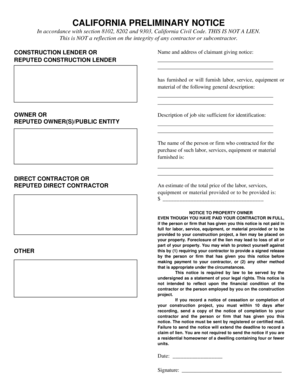
Preliminary lien notice california
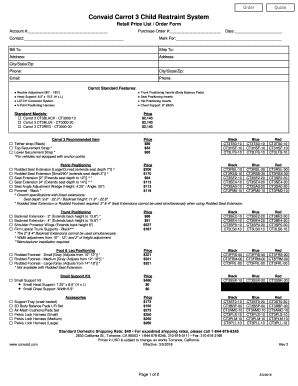
Carrot 3 Booster Seat Order Form - Convaid
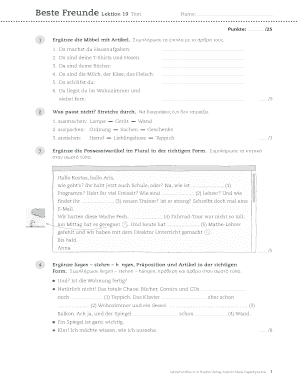
Beste freunde a2 1 test
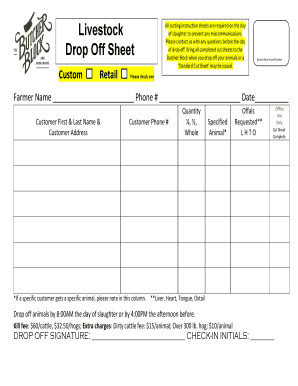
Drop Off Sheet
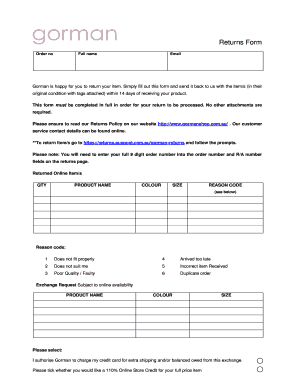
Gorman return policy
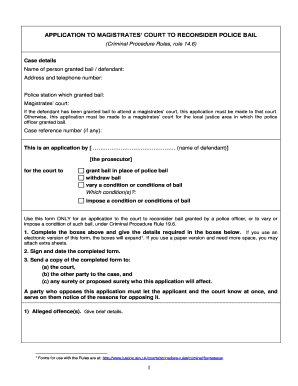
Police bail form
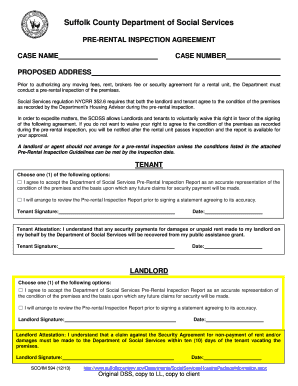
Suffolk county dss housing packet

Price williams parking pass
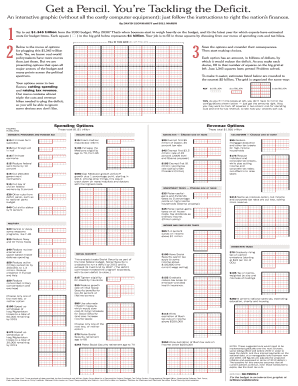
Get a pencil you're tackling the deficit

Pool Service Agreement
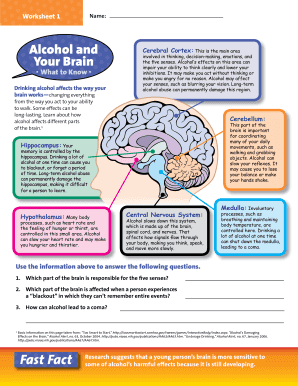
Alcohol and the brain worksheet answers

Joan-garry-nonprofit-fundraising-plan.docx
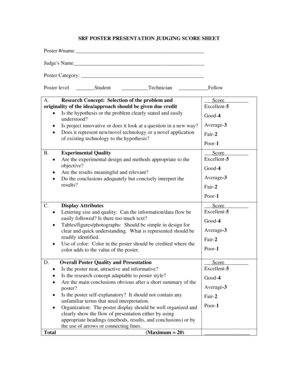
Score sheet for poster making
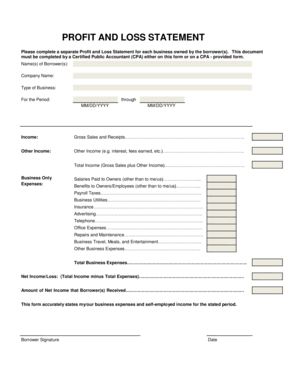
Please complete a separate profit aand loss statement for each business owned by the borrowers form

Ihss time card

Federal Direct Consolidation Loan Application and Promissory Note. William D. Ford Federal Direct Loan Program
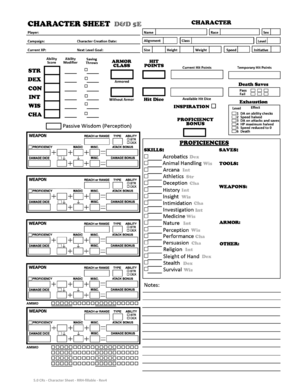
5e character sheet pdf

Sample treatment plan goals and objectives pdf

Equal Employment Opportunity Complaint Process Flowchart. - pbadupws nrc

Lifting plan form
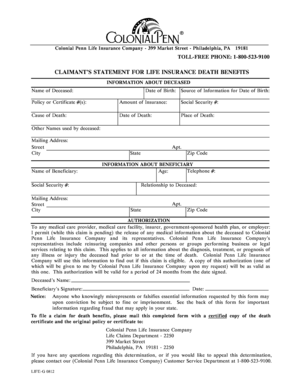
Colonial penn claim form
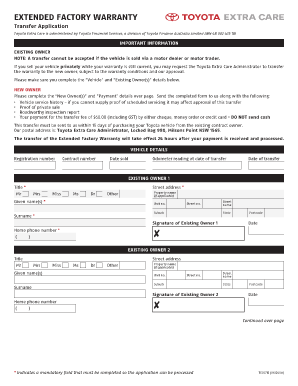
Toyota extended warranty transfer form
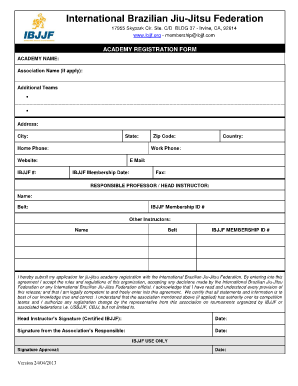
Ibjjf membership form

Motion for summary judgment
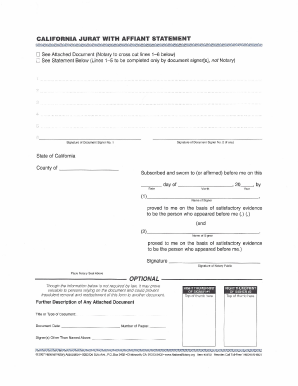
Jurat example california filled out
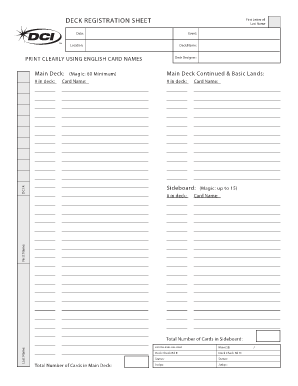
Mtg decklist sheet
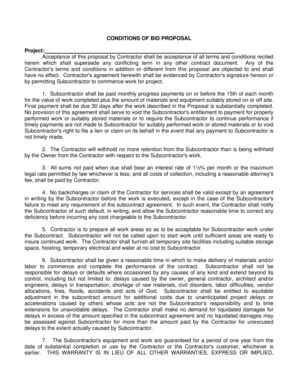
CONDITIONS OF BID PROPOSAL
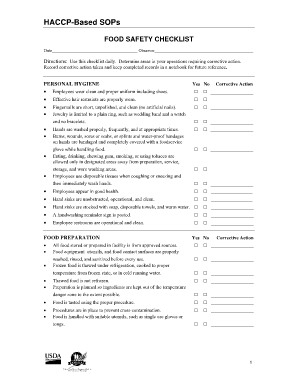
Haccp-based sops. forms 2013 -
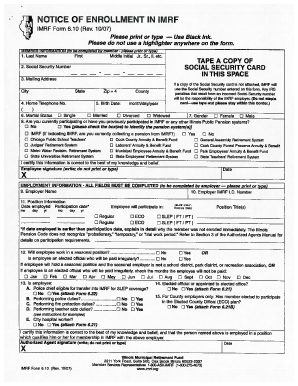
Notice of enrollment in imrf form 6 10
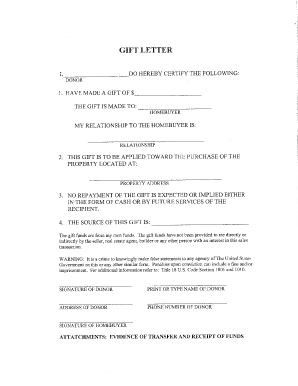
Td gift letter

Fillable h1200
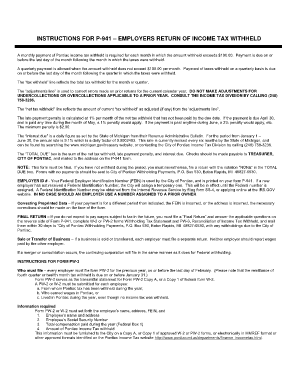
P 941 city of pontiac 2q form
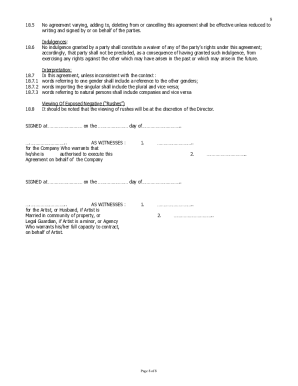
Actor contract

Financial affidavit clark county nevada form

Ummc letterhead

Sale Form - Lawyers Conveyancing

The nystrom desk atlas pdf
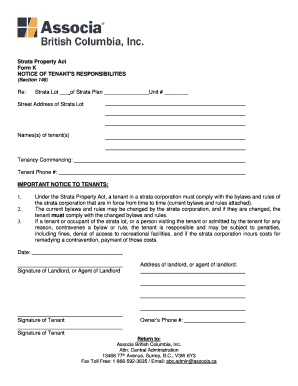
Associa form k
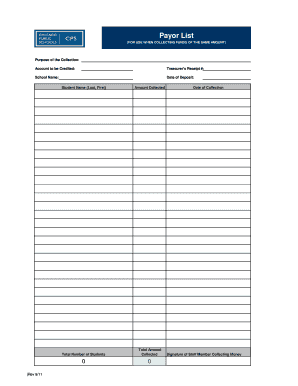
Payor List - CPS Clerks - clerks cps
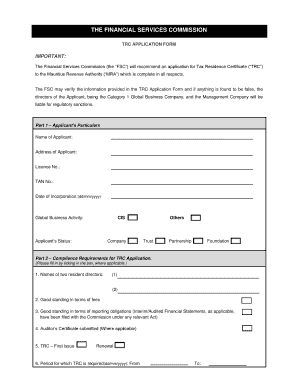
Trc application form

Boilermaker test questions and answers pdf

Maxicare loa
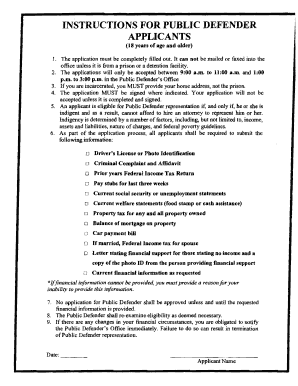
Luzerne county public defender
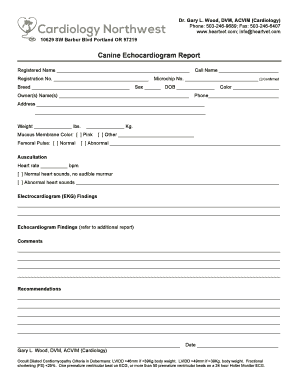
Canine Echocardiogram Report - Cardiology...
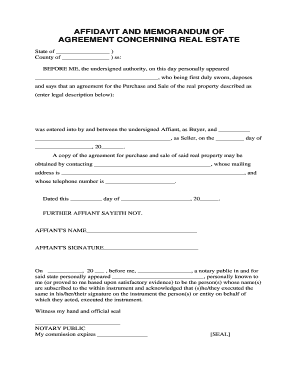
Affidavit of memorandum

Deldot snow reimbursement

Match Roster Form - USA Rugby

Company vehicle request form
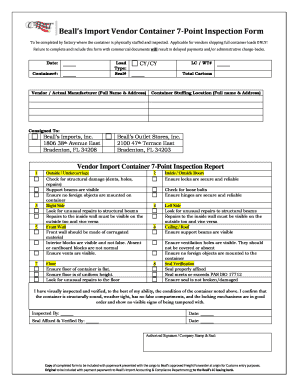
Container checklist

Mv-220 title search form - Wyoming Department of Transportation - dot state wy
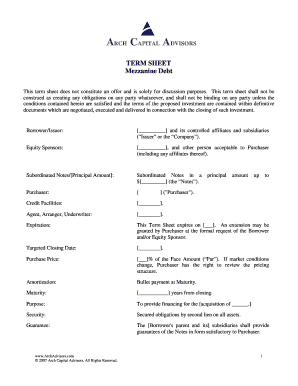
Debt term sheet
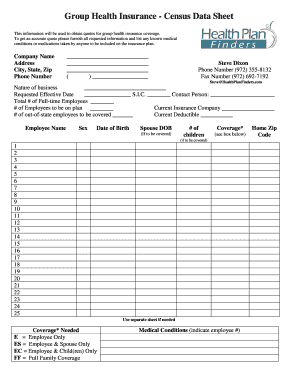
Group Health Insurance - Census Data Sheet

AFFIDAVIT OF SPONSOR - Northern District of Illinois - ilnd uscourts

City of Colorado Springs - Accident Report Request
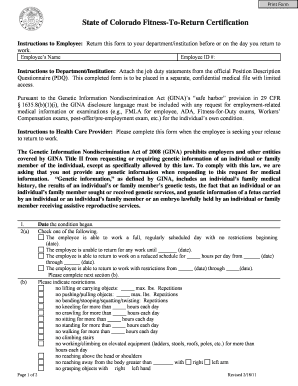
Print Form State of Colorado Fitness-To-Return Certification Instructions to Employee: Return this form to your department/institution before or on the day you return to work - colorado
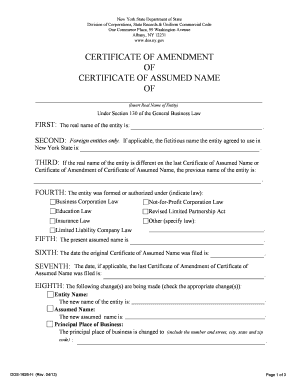
Certificate of assumed name
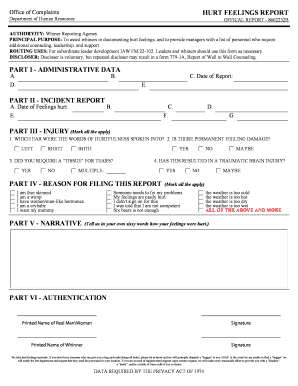
Hurt feelings chit
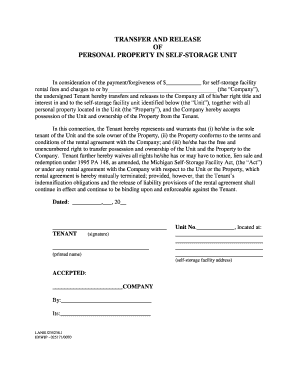
Storage release form
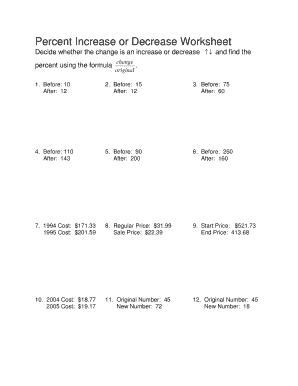
Percent Increase or Decrease Worksheet
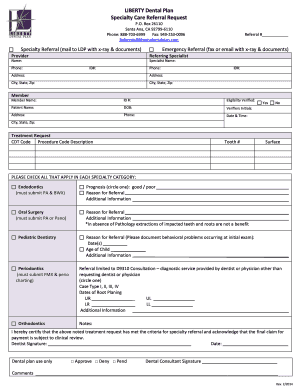
Liberty dental referral form
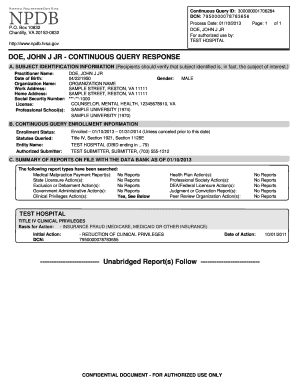
Npdb
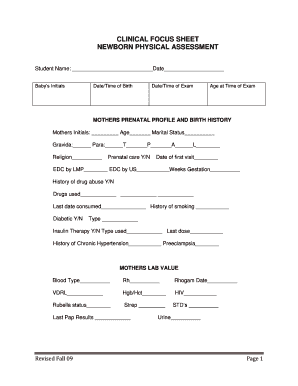
Newborn assessment format pdf
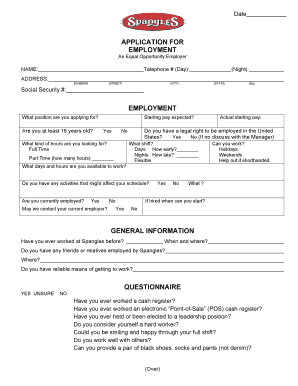
Spangles application

Uab doctor excuse

Mock recall template excel
Benefit from the DocHub online library of fillable PDF forms
Searching the PDF forms doesn't have to be a tedious and time-consuming process. With the DocHub online library, it has become easier to find the fillable PDF forms and modify them in your browser. The service allows you to adjust the document to your needs using powerful editing tools.
You can use online document editing features to modify almost any type of document with ease. You just need to find the template of your choice, open it in the editor, and use the toolbar to make the necessary corrections.
Follow this guide to get your document done with DocHub:
- Find the PDF template you need.
- Click the Get Form button to open the file in the editor.
- Use the toolbar to fill out and edit the document.
- Easily add and highlight text, insert images, checkmarks, and symbols.
- Drop new fillable fields, and rearrange or delete pages from your file.
- Save changes and download your record.
DocHub empowers everyone to streamline document editing, signing, and distribution, and form completion. Create an account and benefit from our well-organized PDF Forms library and comprehensive editor.