




Here's how it works

01. Edit your what should be the first step for a preincident survey online
Type text, add images, blackout confidential details, add comments, highlights and more.

02. Sign it in a few clicks
Draw your signature, type it, upload its image, or use your mobile device as a signature pad.

03. Share your form with others
Send what is the first step in completing a successful preincident survey via email, link, or fax. You can also download it, export it or print it out.
How to use or fill out PRE-INCIDENT SURVEY with our platform

- Click ‘Get Form’ to open the PRE-INCIDENT SURVEY in the editor.
- Begin by filling in the 'Building Name' and 'Survey #' fields at the top of the form. Ensure accuracy as this information is crucial for identification.
- Next, provide the 'Street Address', 'City, State, Zip', and specify the 'Primary Use' and 'Construction Type'. These details help assess building usage and structure.
- In the 'Possible Entry' section, indicate potential access points. Then, note any known handicapped personnel for emergency preparedness.
- Fill out emergency contact names and phone numbers under 'NOTIFY IN CASE OF EMERGENCY'. This ensures quick communication during incidents.
- Proceed to 'BUILDING CONSTRUCTION' where you will detail roof type, floor construction, and other structural specifics. Accurate measurements are essential here.
- Complete the 'UTILITY TYPES' section by specifying gas and electric details including shut-off valve locations. This information is vital for safety during emergencies.
- Finally, review all sections including exposures, suppression criteria, hydrant locations, special resources, mutual aid assignments, staging areas, and miscellaneous information to ensure completeness before saving your work.
Start using our platform today to easily fill out your PRE-INCIDENT SURVEY online for free!
Fill out PRE-INCIDENT SURVEY online
It's free
It's free
See more PRE-INCIDENT SURVEY versions
We've got more versions of the PRE-INCIDENT SURVEY form. Select the right PRE-INCIDENT SURVEY version from the list and start editing it straight away!
| Versions | Form popularity | Fillable & printable |
|---|---|---|
| 2017 | 4.9 Satisfied (25 Votes) |
Security and compliance
At DocHub, your data security is our priority. We follow HIPAA, SOC2, GDPR, and other standards, so you can work on your documents with confidence.
Learn more


Related forms
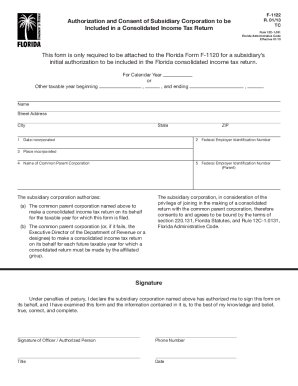
F 1122 authorization income form
The document F-1122 is an authorization form for a subsidiary corporation to be included in a Florida consolidated incom ...

Dr 430m form
The document is a form (DR-430M) used for reporting a change of ownership or control for multiple parcels of property, i ...

Land conservation application form
The document DR-482C is an assessment application form for land used for conservation in Florida, effective from Novembe ...
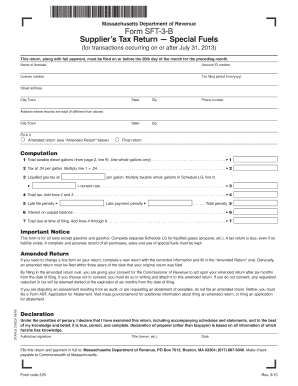
Ma tax fuel form
The document is the Massachusetts Department of Revenue Form SFT-3-B, which is a Supplier’s Tax Return for Special Fuels ...
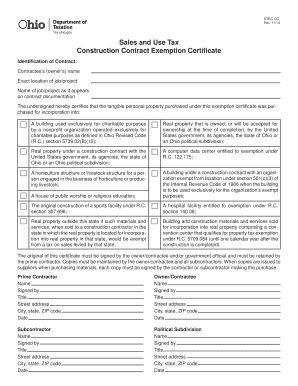
Tax construction exemption
The document is a Sales and Use Tax Construction Contract Exemption Certificate for Ohio, which allows certain entities ...
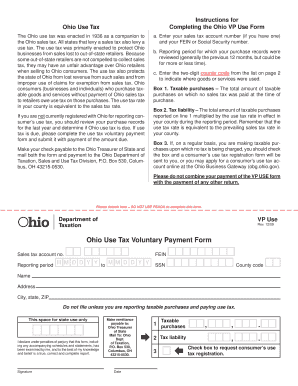
Ohio use
The document provides instructions for completing the Ohio Use Tax Voluntary Payment Form, which is necessary for Ohio c ...
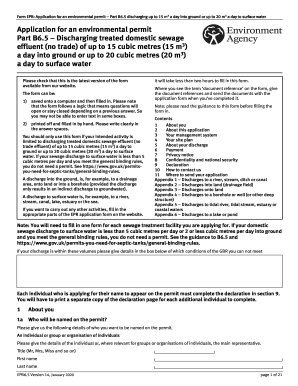
2020 uk application form
The document is an application form for an environmental permit (Part B6.5) that allows the discharge of treated domesti ...
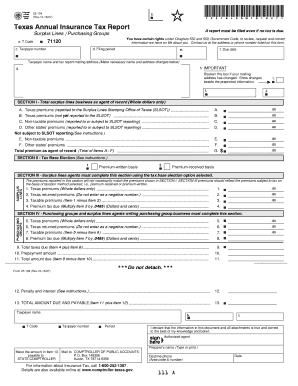
Texas 25 texas tax form
The document is the Texas Annual Insurance Tax Report (Form 25-104) that must be filed by surplus lines agents and purch ...