




01. Edit your maryland unclaimed property online
Type text, add images, blackout confidential details, add comments, highlights and more.

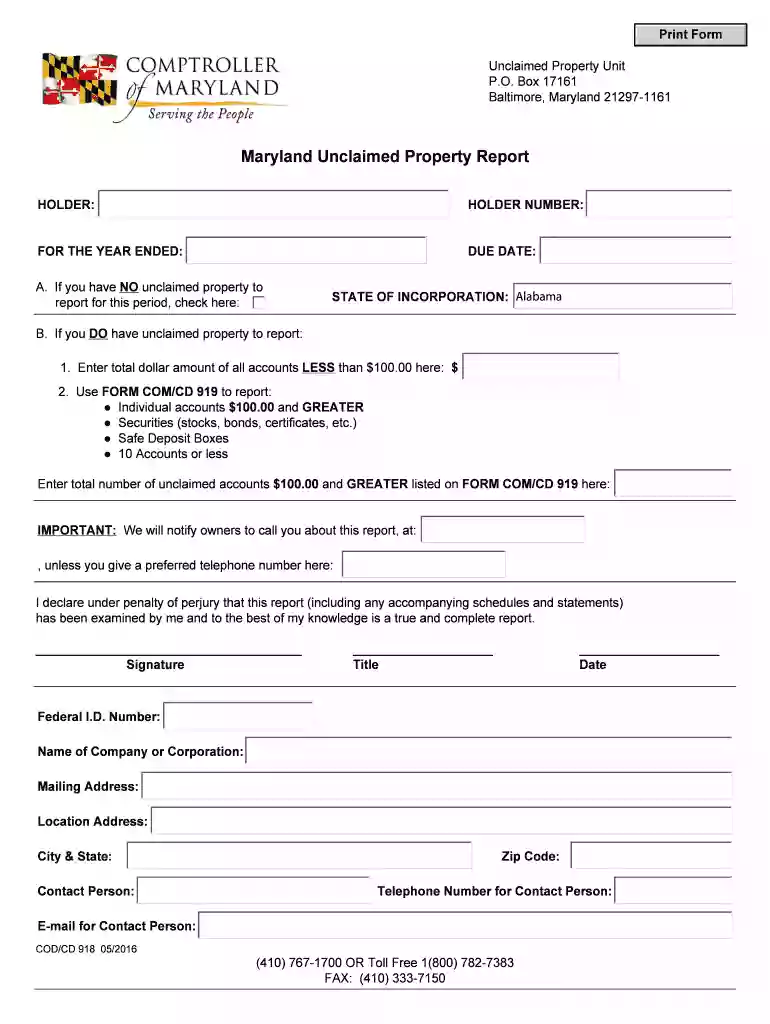
Type text, add images, blackout confidential details, add comments, highlights and more.

Draw your signature, type it, upload its image, or use your mobile device as a signature pad.

Send unclaimed property maryland via email, link, or fax. You can also download it, export it or print it out.

Start using our platform today to easily complete your Maryland Unclaimed Property Report for free!
We've got more versions of the maryland unclaimed property form. Select the right maryland unclaimed property version from the list and start editing it straight away!
At DocHub, your data security is our priority. We follow HIPAA, SOC2, GDPR, and other standards, so you can work on your documents with confidence.
Oct 5, 2018 Airport planning and development and noise compatibility planning and programs. Sec. 112. Facilities and equipment. Sec. 113. FAA operations.Read more
Any holder of unclaimed property may voluntarily report funds before the statutory due dates and be relieved of all accountability and responsibility.Read more
If you have not received a decision on your claim within 60-90 business days, use the Check Claim Status search feature below. CLAIM DOCUMENTRead more


