
Get any PDF form from the DocHub library of ready-made templates - Page 1430
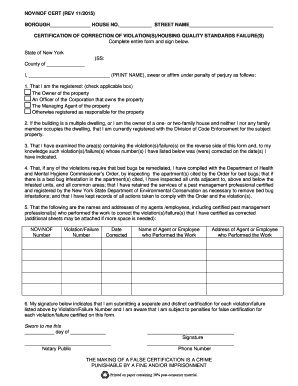
Hpd certificate of correction
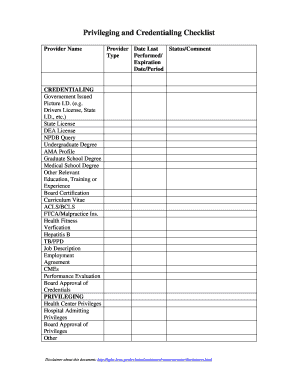
Provider credentialing checklist template excel

Altitude Trampoline Park Employment Application
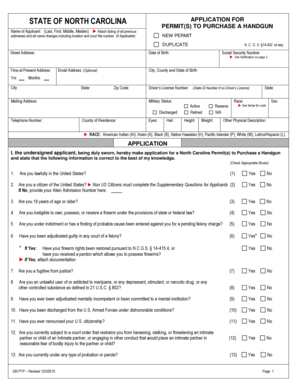
Nc county handgun permit
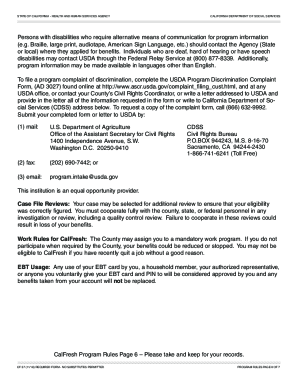
How do I keep getting CalFresh - cdss ca
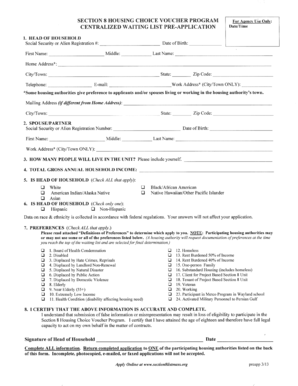
Section 8 housing ma
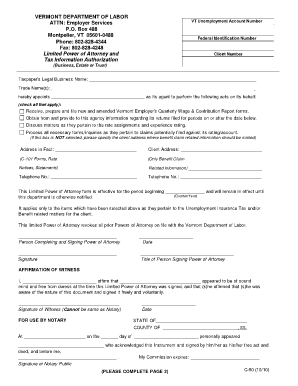
C-50 Limited Power of Attorney. - labor vermont
Card sign out sheet
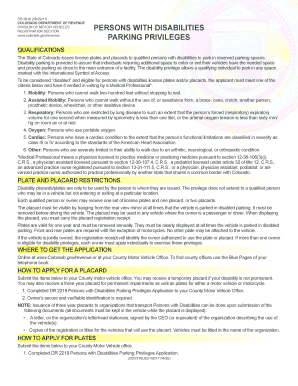
Disabilities parking privileges
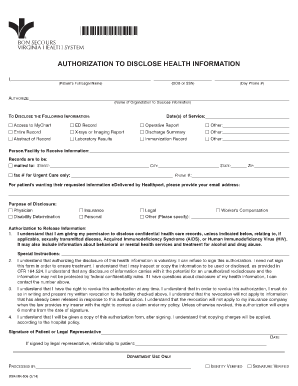
Release of Information form - Bon Secours Richmond Health System
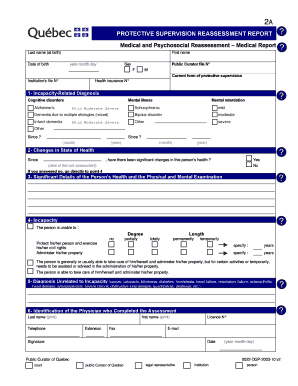
Medical and Psychosocial Reassessment Medical Report

Separate household statement

View a commercial/pro-forma invoice template for Norway ... - DPD
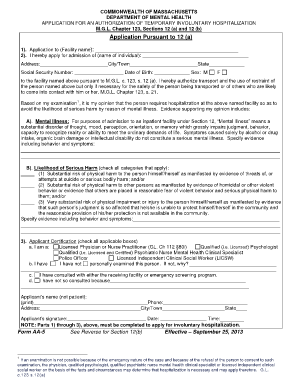
Section 12 form

Student confirmation letter from school sample

Shared housing verification form
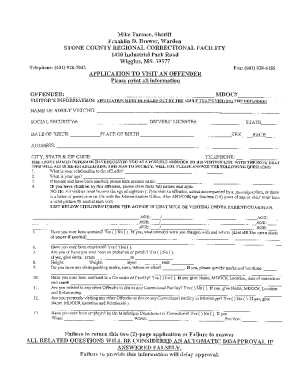
Stone county regional correctional facility

Authorization letter harris county

Application for Occupancy February 2013 - Arizona Association of ...
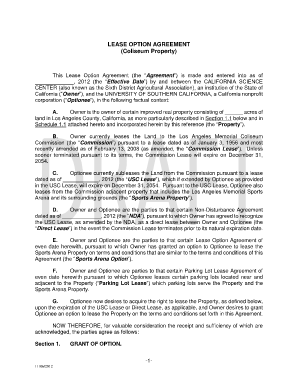
Option to purchase real estate pdf
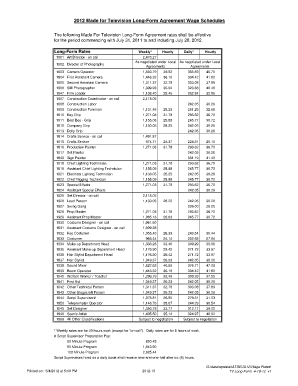
Local 600 rate card
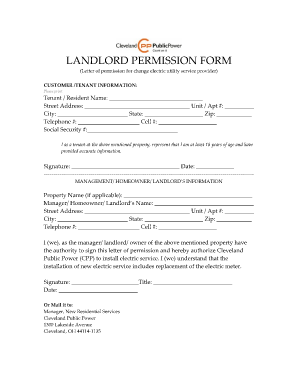
Landlord permission letter for visitor
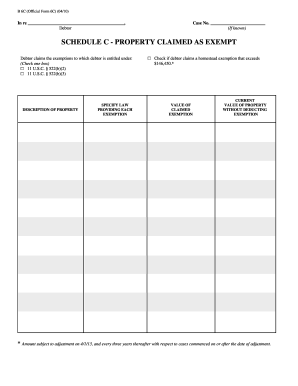
Claimed property
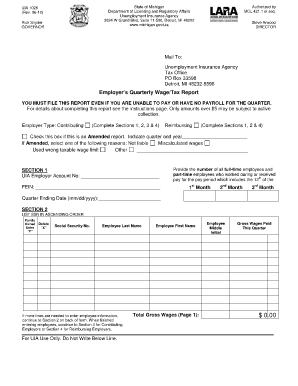
Uia 1027
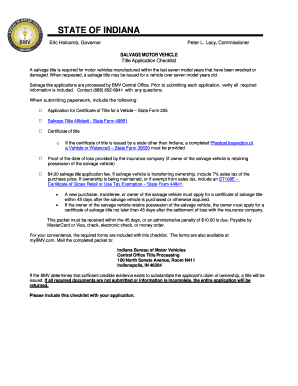
Indiana state form 205

Vocabulary foldable pdf
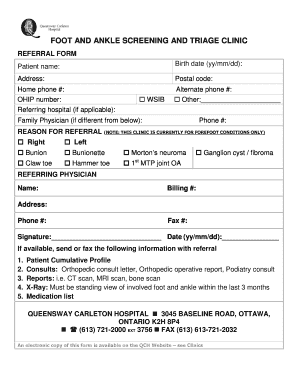
Foot and ankle clinic queensway carleton hospital

Jed baker social skills menu
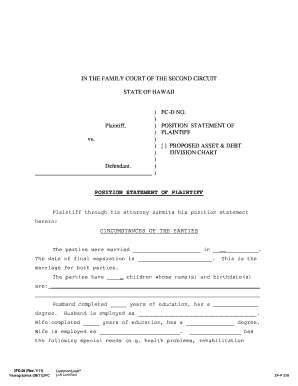
Position statement template word

Pptc 056

Qualified Domestic Relations Order - Pinal County Clerk of the ...
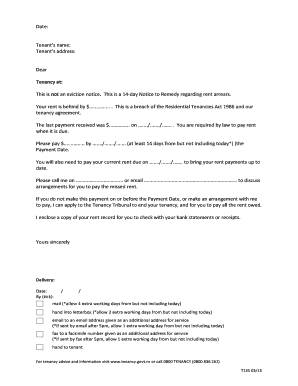
14 day eviction notice template alberta
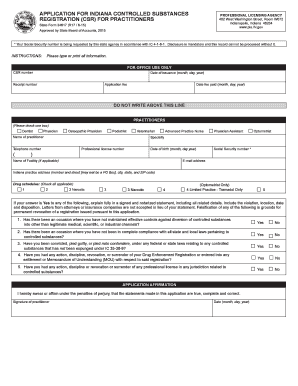
Application for indiana controlled substances registration (csr)
Otago exercise
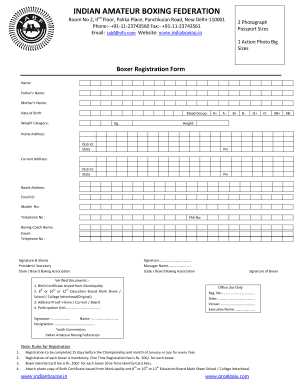
Boxer application form 2022

90 day evaluation
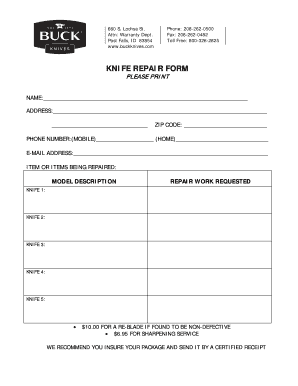
Buck knife repair form

FBI CRIMINAL REPORT REQUEST - Safe Sky - safesky
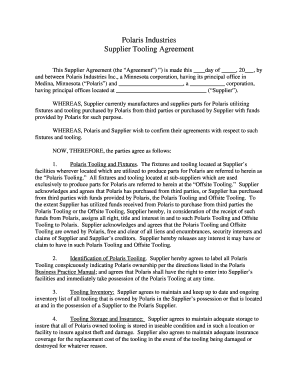
Tooling agreement template
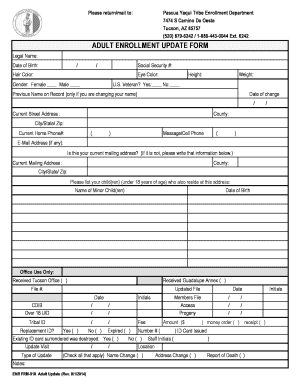
Pascua yaqui tribe enrollment
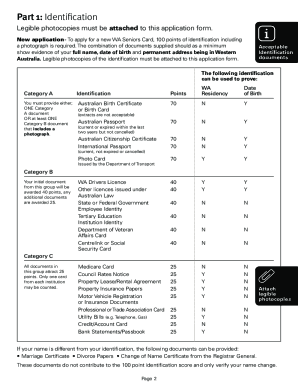
Seniors card wa
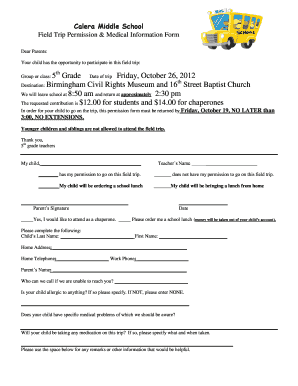
Civil Rights Museum-Parent Permission Slip

Every penny counts mn
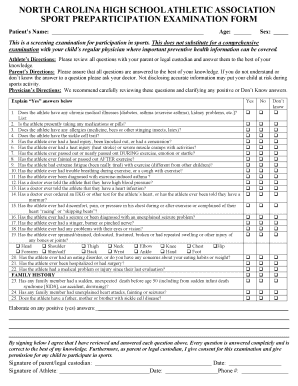
Nc high school physical form

Liheap no income form
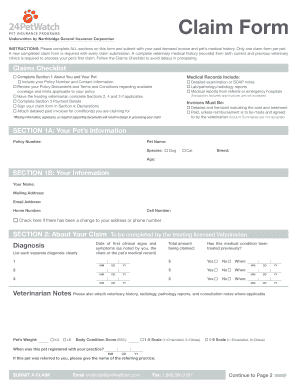
24 hour pet watch claim form
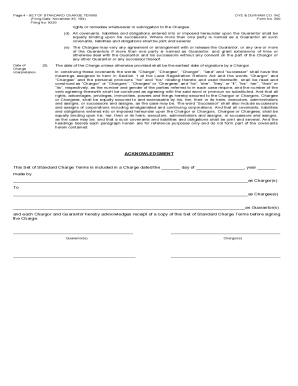
Standard charge terms 200433 pdf

Rahmani 30 question paper pdf
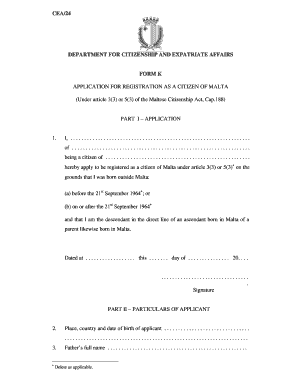
CEA/24 DEPARTMENT FOR CITIZENSHIP AND ... - Gov.mt
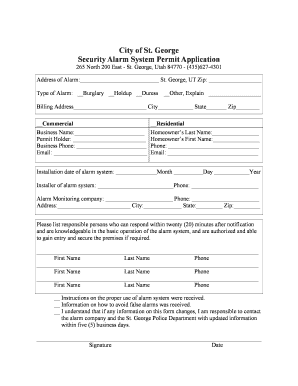
City of St. George Security Alarm System Permit Application - sgcity
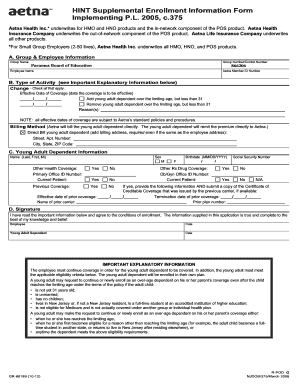
Nj du31
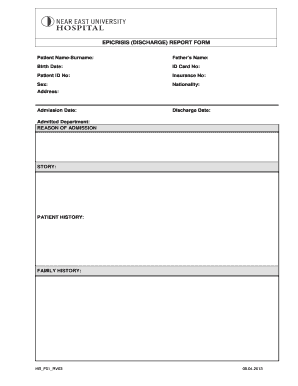
Epicrisis report sample
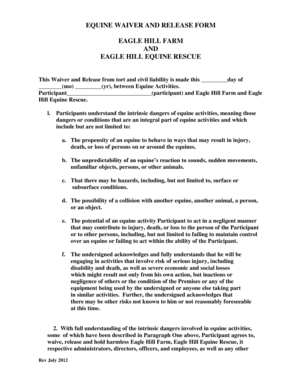
Equine liability waiver

2-255-phsDispatchers.doc
Bass tournament weigh in sheet template

Designation and Appearance of Counsel - Forms
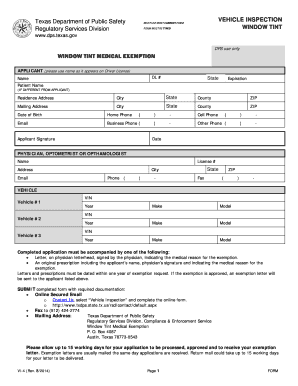
Request for Window Tint Medical Exemption - Texas Department of ... - txdps state tx
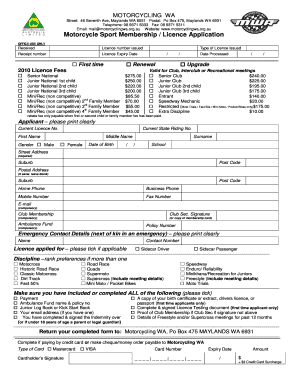
Motorcycle club registration form

CONTINGENCY RECRUITMENT SERVICE AND FEE AGREEMENT TeneoTalent
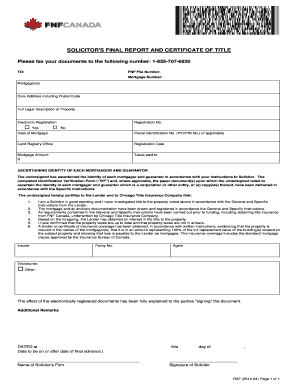
SOLICITORand#39;S FINAL REPORT AND CERTIFICATE ... - FNF Canada
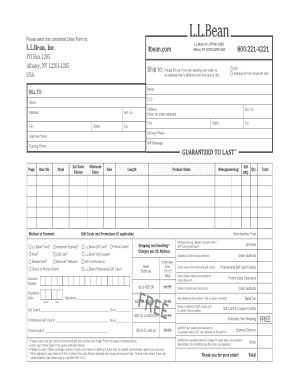
Ll bean order form
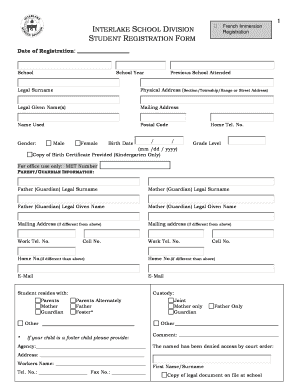
Student Registration Form - Interlake School Division

Halifax valuation appeal
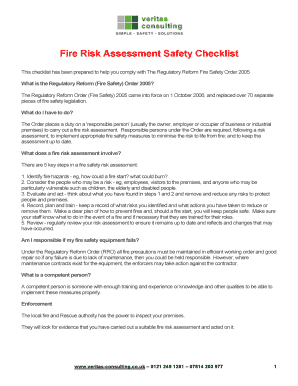
Fire Risk Assessment Safety Checklist
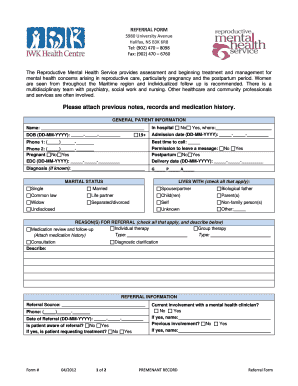
Mental health referral
Information for my Executor - Cowan and Kelly
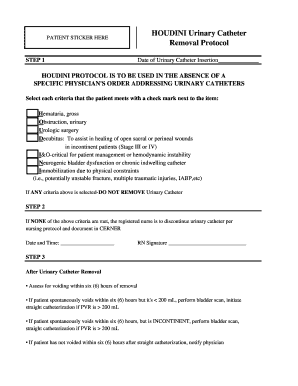
Houdini protocol
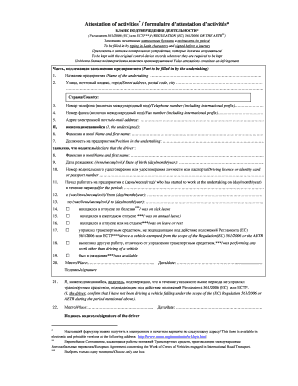
Attestation form-RU - UNECE - unece
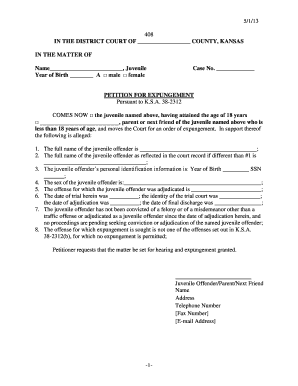
Expungement kansas
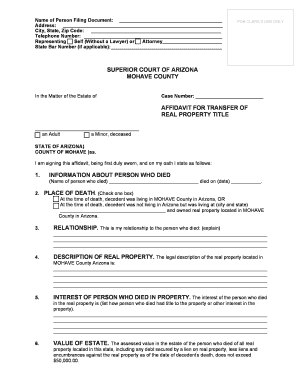
Small estate affidavit arizona
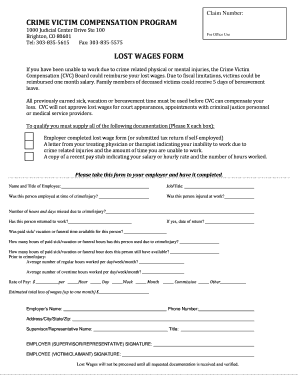
Lost wages form

ADS Additional Help 312sab - Motor Vehicle SourceOrigin Waiver Request Template - usaid
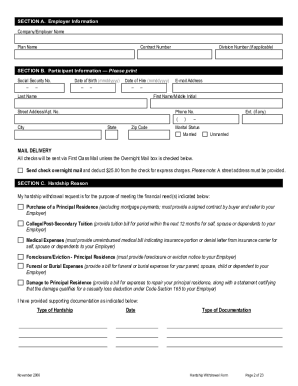
Transamerica hardship withdrawal form

Immigration Inspection Form - Wigan Council
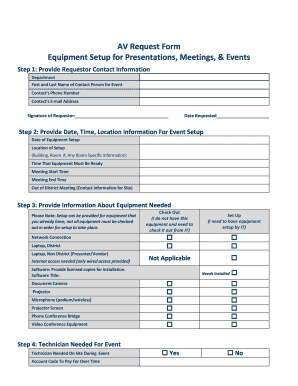
AV Request Form Equipment Setup for Presentations, Meetings ... - kcpublicschools

Pediatric physical form

Kentucky permit test
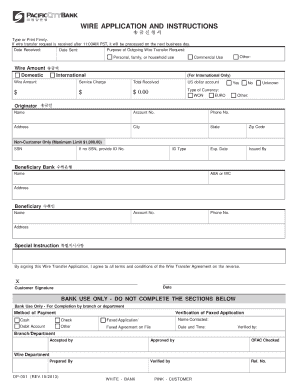
Wire form -new 100313 - Pacific City Bank

Physician performance evaluation form pdf

Sstgb form
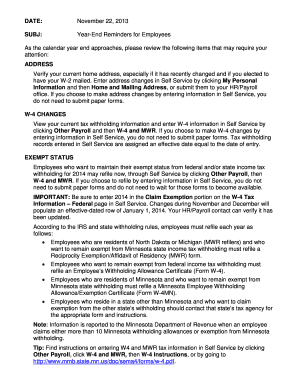
Year-End Reminders for Employees

Utilization certificate format for schools pdf

Petition for involuntary treatment for alcohol and other drug abuse - trumbullprobate

Etisalat elife
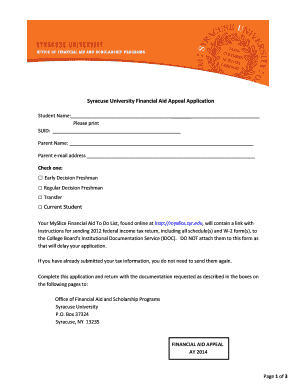
Syracuse university financial aid appeal
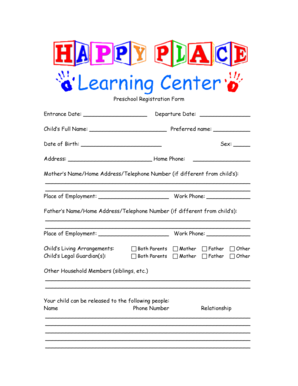
Preschool registration form template
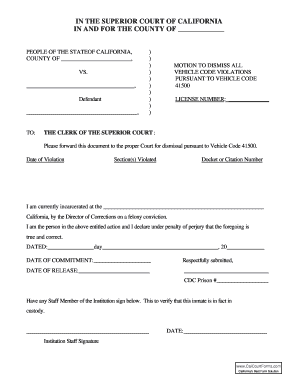
Printable 1381 form california
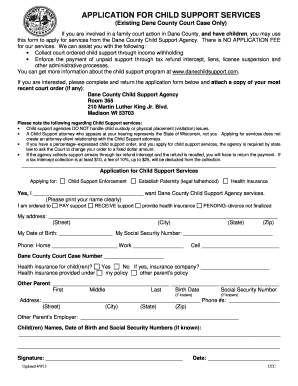
Dane county child support
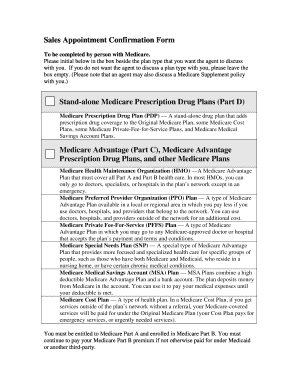
Scope of appointment form
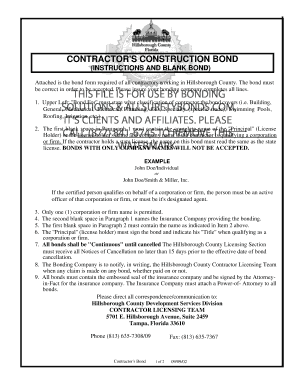
Florida Hillsborough- Contractors Construction Bond Bonding Solutions California Bid Bond Forms
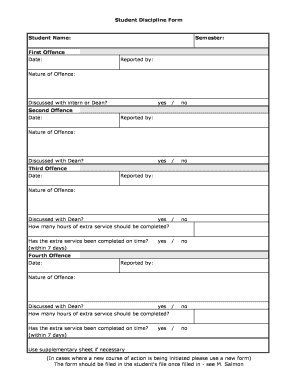
Student discipline form pdf
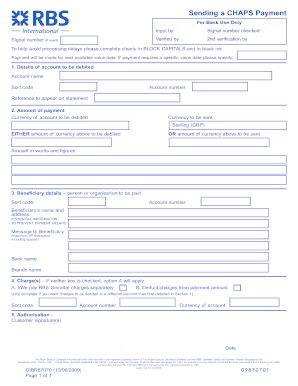
Sending a CHAPS Payment

Premium bonds application form for grandchildren
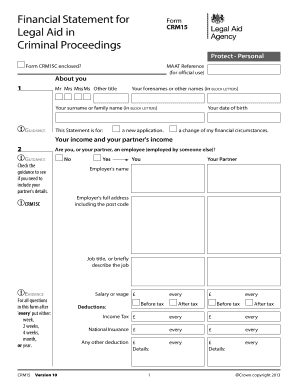
Crm15c
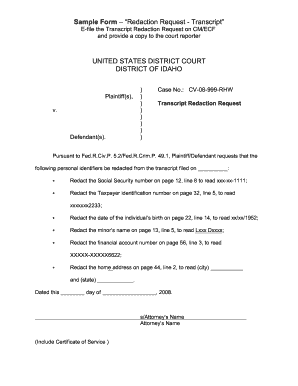
Court transcript template
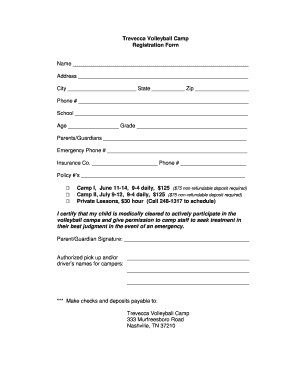
Transnet vendor registration
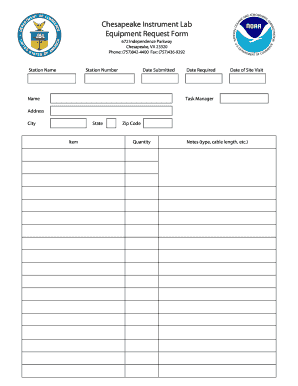
Tool request form excel
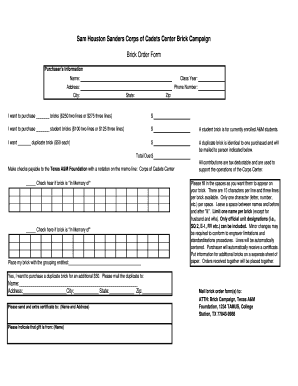
Sanders corps of cadets center
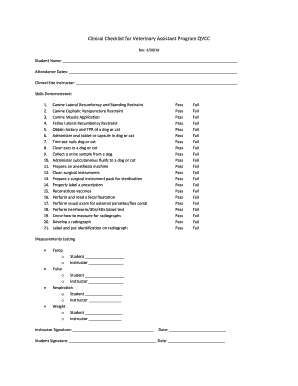
Veterinary assistant training checklist

Social security number
Benefit from the DocHub online library of fillable PDF forms
Searching the PDF forms doesn't have to be a tedious and time-consuming process. With the DocHub online library, it has become easier to find the fillable PDF forms and modify them in your browser. The service allows you to adjust the document to your needs using powerful editing tools.
You can use online document editing features to modify almost any type of document with ease. You just need to find the template of your choice, open it in the editor, and use the toolbar to make the necessary corrections.
Follow this guide to get your document done with DocHub:
- Find the PDF template you need.
- Click the Get Form button to open the file in the editor.
- Use the toolbar to fill out and edit the document.
- Easily add and highlight text, insert images, checkmarks, and symbols.
- Drop new fillable fields, and rearrange or delete pages from your file.
- Save changes and download your record.
DocHub empowers everyone to streamline document editing, signing, and distribution, and form completion. Create an account and benefit from our well-organized PDF Forms library and comprehensive editor.