
Get any PDF form from the DocHub library of ready-made templates - Page 1432
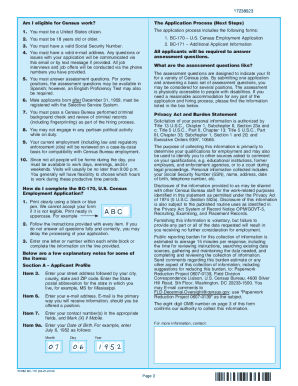
Census jobs form

Kiwisaver form
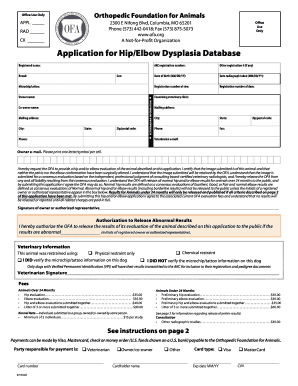
Ofa application for hip elbow dysplasia database
Ofa cardiac form
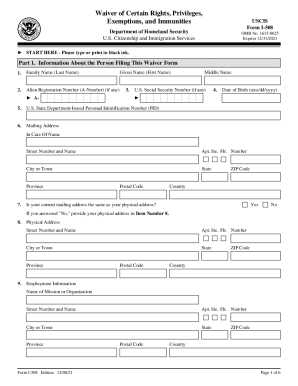
508 waiver

Xfinity bill template 2022
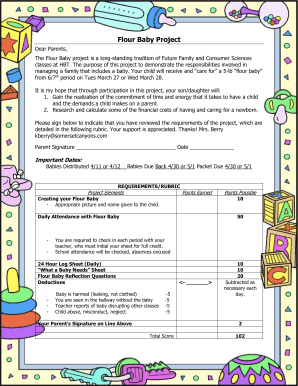
Flour baby project worksheets
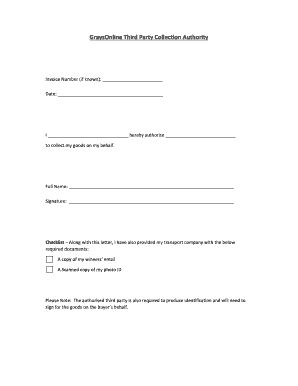
Graysonline third party pick up

Sarah sylvia cynthia stout printable
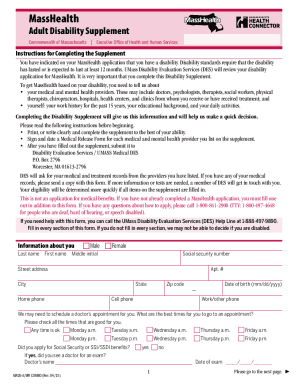
Form masshealth
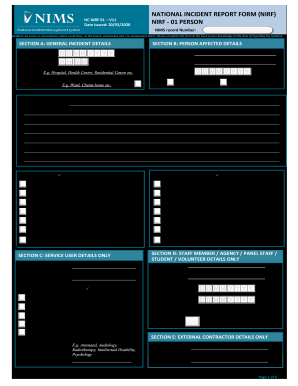
Nims national incident report form
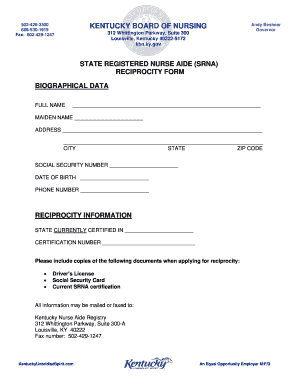
Kentucky cna reciprocity

Datownley
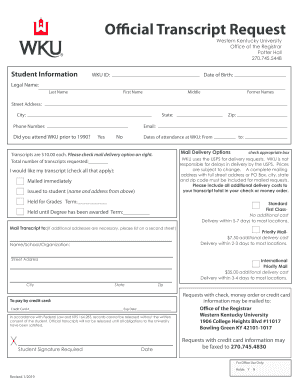
Wku official
Texas dental assistant renewal

Affidavit diligence

Ricky carruth scripts pdf
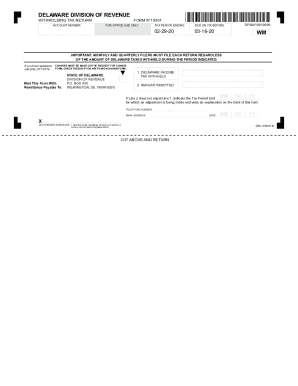
Delaware withholding form
Attorney registration jud
Texas experience verification form pdf
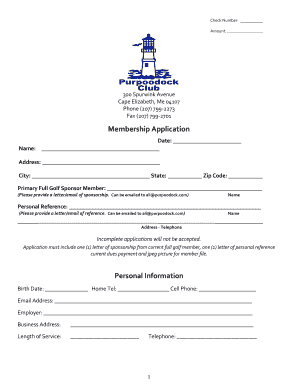
Youth Golf Membership Application - Purpoodock
Ct vehicle form
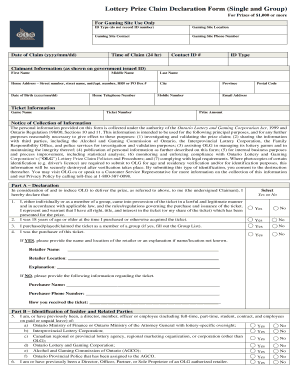
How to fill out lottery prize claim declaration form

New Mexico Eviction Notice to Quit Form
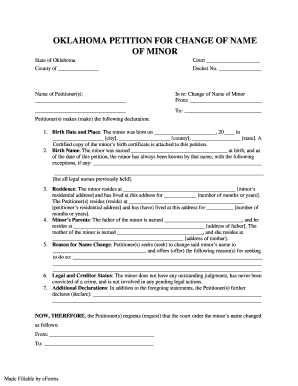
OKLAHOMA PETITION FOR CHANGE OF NAME
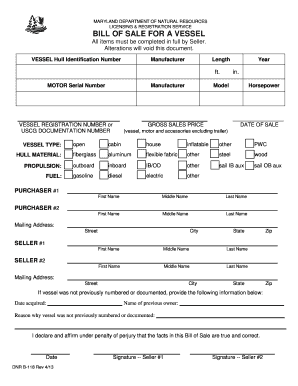
Maryland dnr bill sale

Sf1188
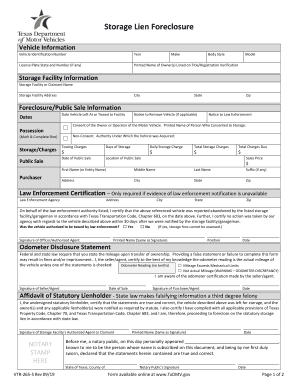
Texas s storage lien

Esb nc3 form
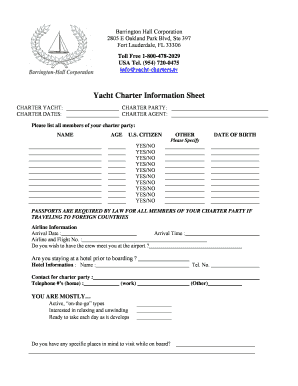
Below deck preference sheet template

Ps ch 5 net force worksheet
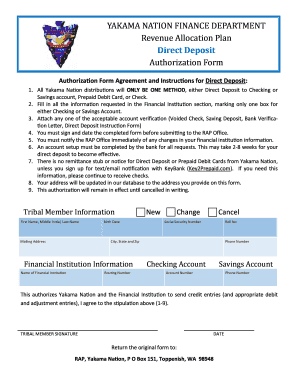
Yakama nation direct deposit
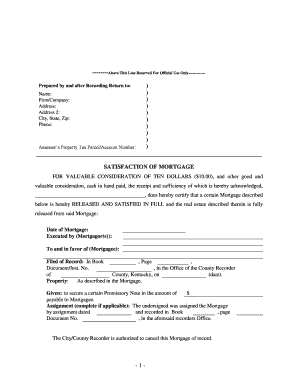
Kentucky release mortgage
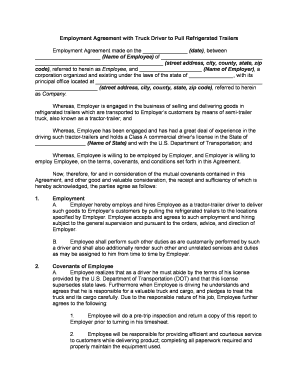
Employment driver form

Recording agreement contract
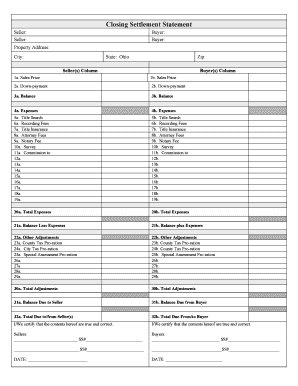
Closing statement form

Vfs consent form canada
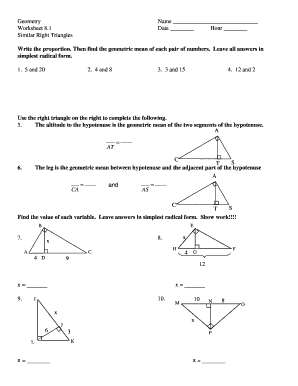
Worksheet 8 1 geometric mean
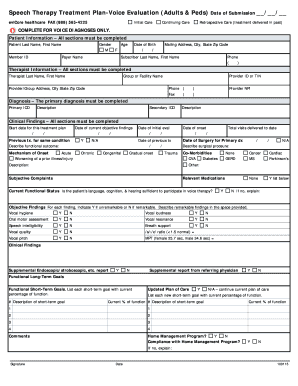
Speech therapy plan of care form

Ucanpass primerica
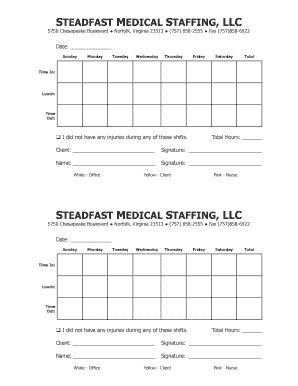
Steadfast medical staffing timesheet
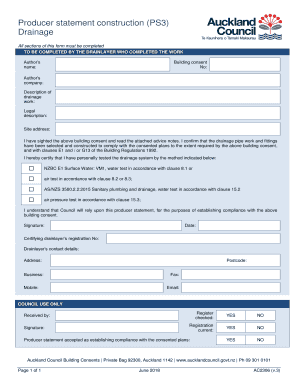
Drainage ps3
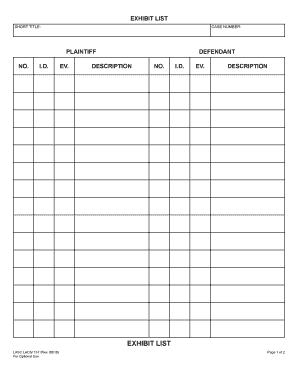
California exhibit list sample

Monthly Chore Chart Color. Free Printable Chore Charts
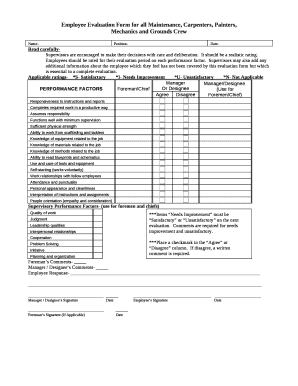
Maintenance evaluation form

Somq form

Lifetime guest pass form
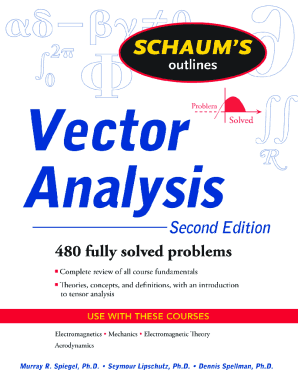
Vector analysis by schaum series solution manual pdf download

Assignment 12 slope from two points and tables answer key
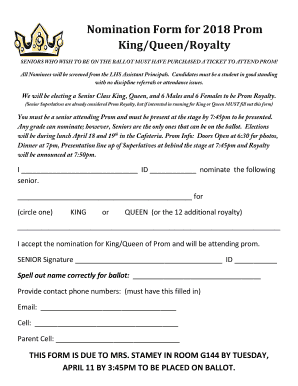
Nomination Form for King and Queen of Prom 2018.docx

Itd form 3628
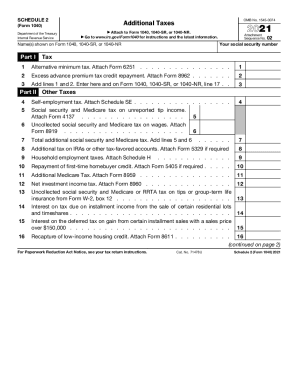
Schedule 2

How to apply Are you eligible? - Amgen Safety Net Foundation

Affidavit of student in good standing

Payflex Reimbursement Accounts Enrollment Form - Amazon S3
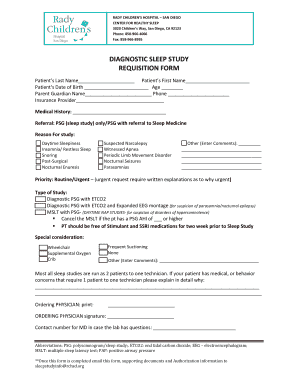
Diagnostic sleep study requisition form - Rady Children's Hospital-San ...

Vermont 202h
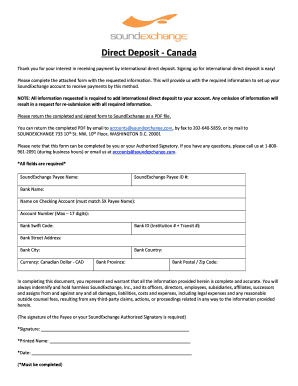
IACH Form - CAN (one page)
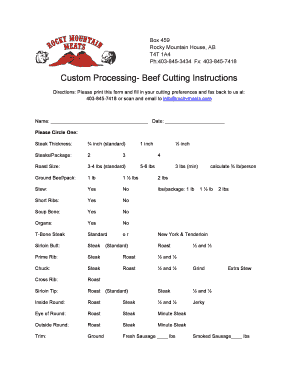
Beef cutting instruction sheet
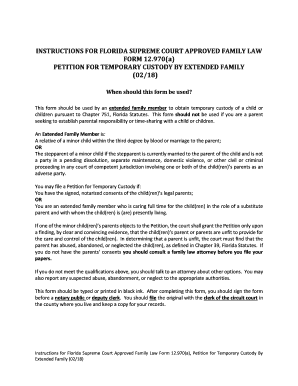
Florida custody family
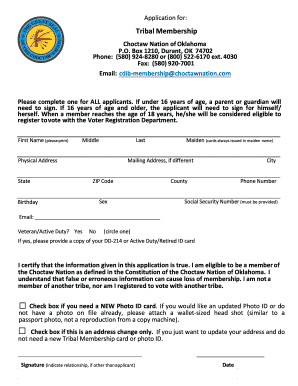
Choctaw nation applications
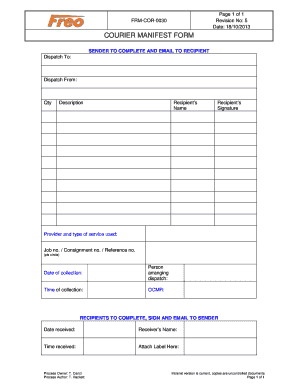
Courier Manifest Form FRM-COR-0030
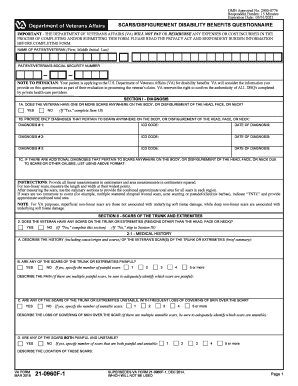
Va dbq for pseudofolliculitis barbae
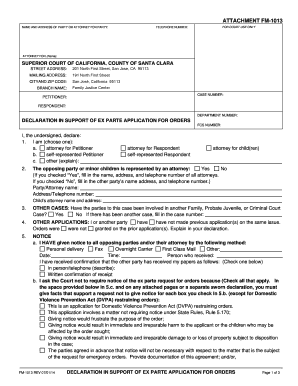
Fm 1013
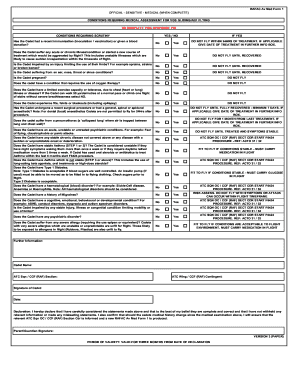
Av med form 1

Ireland health information quality authority
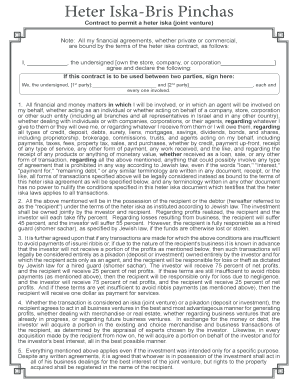
Heter iska bris pinchas

Social Anxiety Disorder Guide: Test, Symptoms, Causes and Treatment

Shirt sponsor template
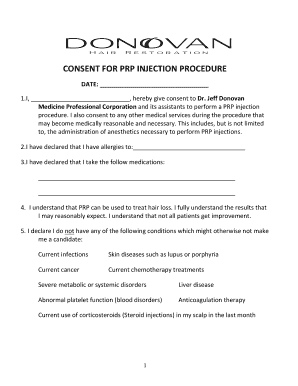
Prp consent form
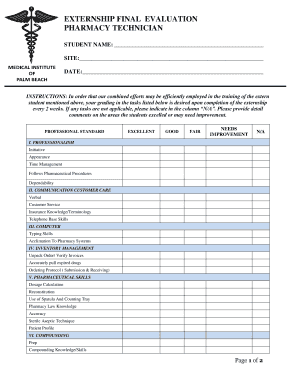
Pharmacy technician evaluation form

Addendum to 485 Plan of Care Face-to-Face Encounter ...
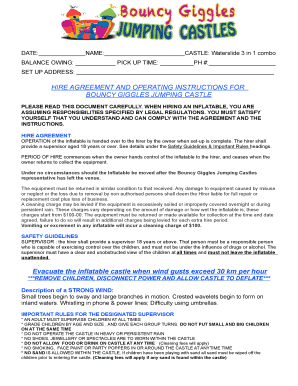
Bouncy castle hire agreement
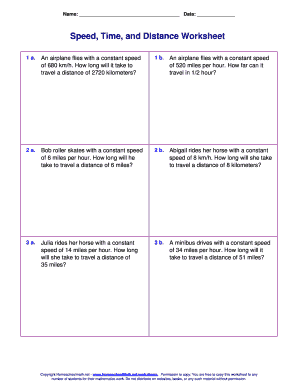
Speed time and distance worksheet
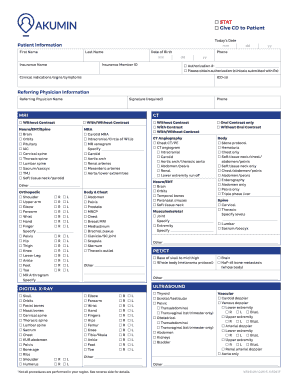
Providing Assistance With...Healthcare Solutions Insurance Group
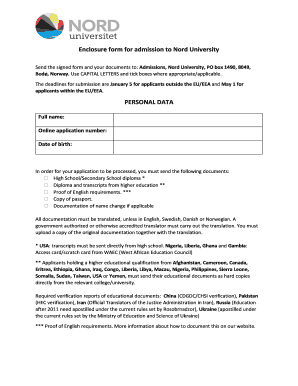
Nord university enclosure form

City of manhattan beach inspection schedule
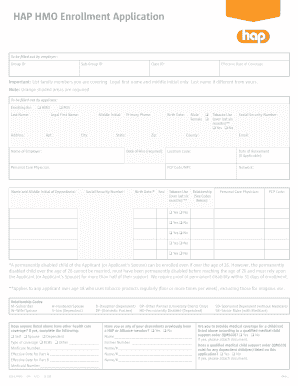
HAP HMO Enrollment Application
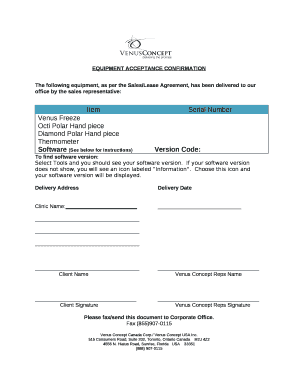
Equipment acceptance form
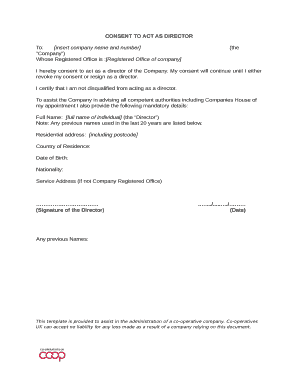
CONSENT TO ACT AS DIRECTOR
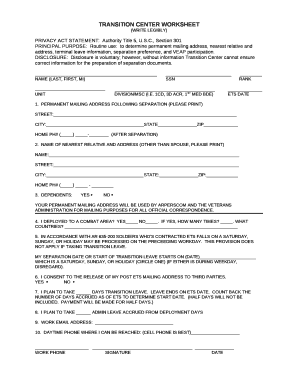
TRANSITION CENTER WORKSHEET
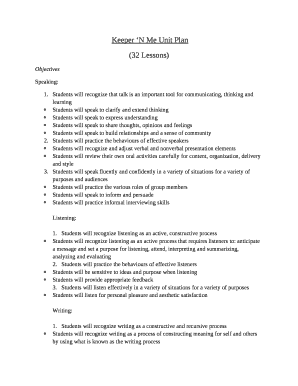
Keeper'n me pdf
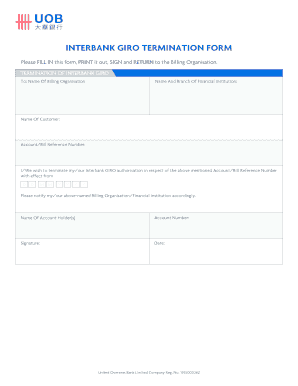
Uob giro
Notre Dame Catholic School
Confidential informant list
Proof of treatment letter

Common law vehicular judicial notice
FACILITY APPLICATION FORM (APD 2014-01)

Daily math review 4th grade pdf
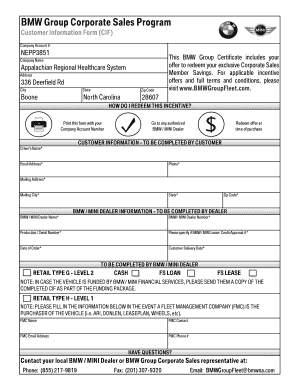
Bmw cif

Overhead crane permit qualification test
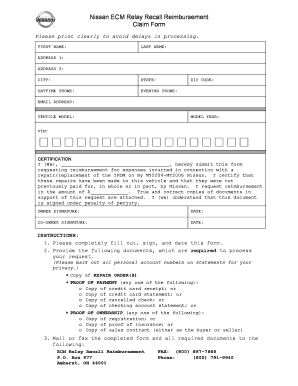
Nissan ecm relay recall reimbursement
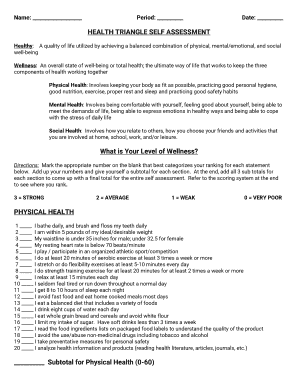
Health triangle self assessment

Gunandgame
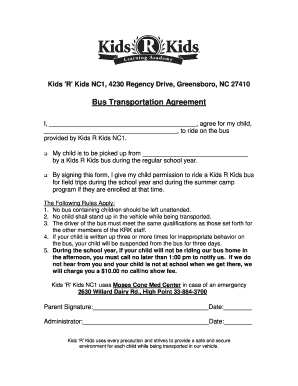
School bus transportation contract sample
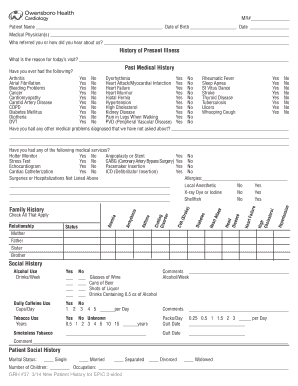
Social history template
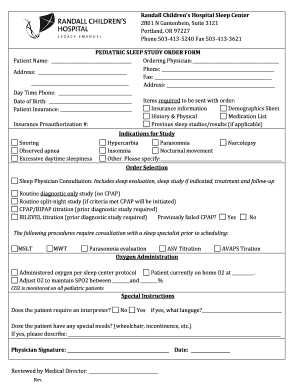
PEDIATRIC SLEEP STUDY ORDER FORM - Legacy Health
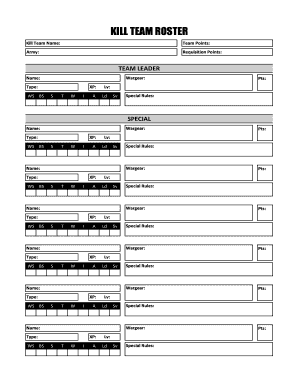
Kill team roster fillable
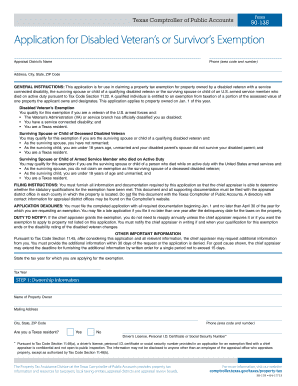
Form 50 135

Ptr818 pdf
Benefit from the DocHub online library of fillable PDF forms
Searching the PDF forms doesn't have to be a tedious and time-consuming process. With the DocHub online library, it has become easier to find the fillable PDF forms and modify them in your browser. The service allows you to adjust the document to your needs using powerful editing tools.
You can use online document editing features to modify almost any type of document with ease. You just need to find the template of your choice, open it in the editor, and use the toolbar to make the necessary corrections.
Follow this guide to get your document done with DocHub:
- Find the PDF template you need.
- Click the Get Form button to open the file in the editor.
- Use the toolbar to fill out and edit the document.
- Easily add and highlight text, insert images, checkmarks, and symbols.
- Drop new fillable fields, and rearrange or delete pages from your file.
- Save changes and download your record.
DocHub empowers everyone to streamline document editing, signing, and distribution, and form completion. Create an account and benefit from our well-organized PDF Forms library and comprehensive editor.